5 Professional 3ds Max Render Farm 2026
 Ryan Thompson
If you need to finish a 3ds Max project quickly and without errors, a fast and reliable render farm can save the day. Basically, a 3ds Max render farm is a network of powerful computers that process and produce 3D images and animations much faster than a normal PC.
In this guide, we review the best 3ds Max render farm options in 2026 and explain how to choose the right cloud rendering solution for your workflow.
>> Related: From Setup to Output: How to Render in 3ds Max
Part 1. Why a 3ds Max Render Farm Matters for 3D Artists in 2026
The Wise Guy report says the online render farm market is expected to grow from $ 2,810 million in 2025 to $8 billion by 2035. Bearing this hype, rendering in 3ds Max is becoming the center of attention for 3D artists in 2026. To further validate its hypes, the listed points highlight how much 3ds Max render farms matter and how they can benefit artists:
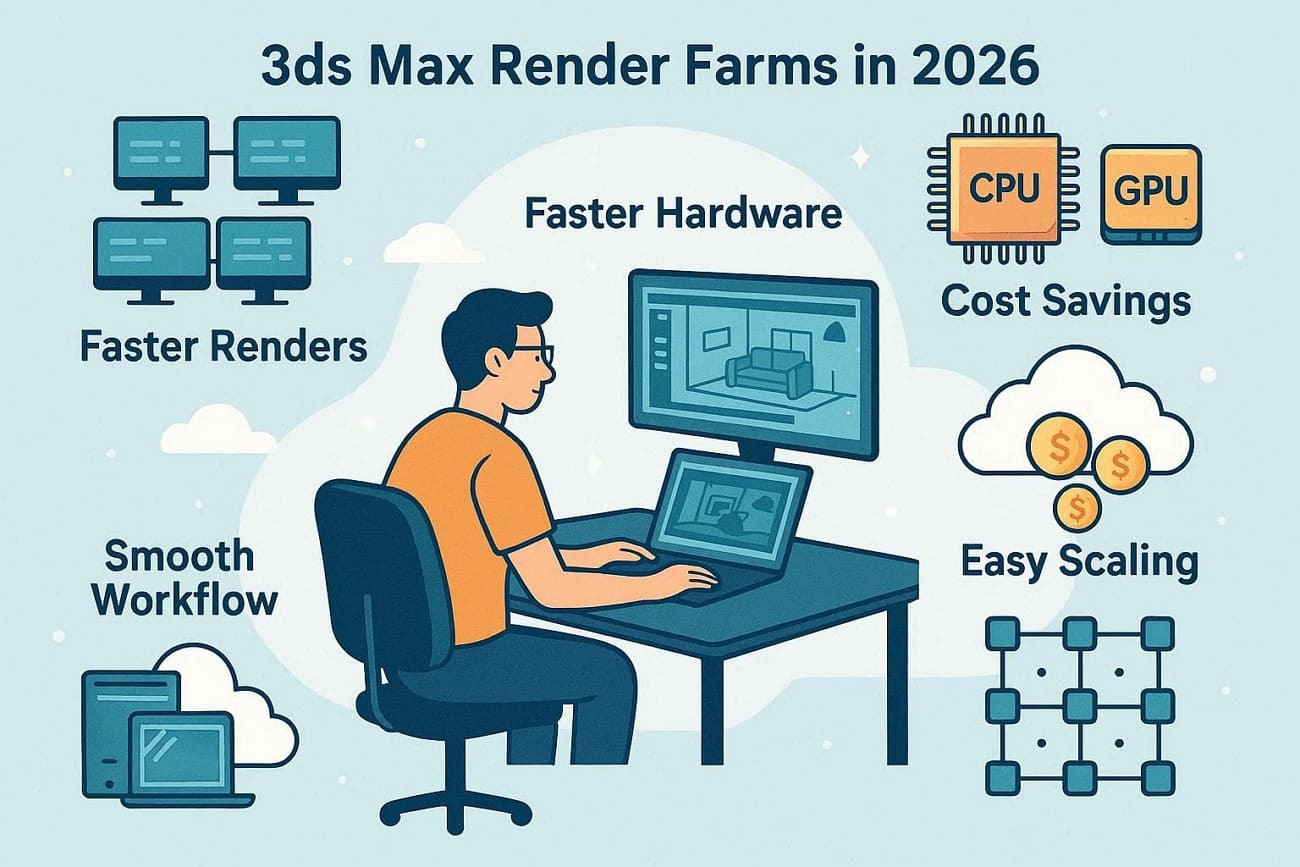
- Faster Renders: A render farm splits your 3ds Max frames across many computers and completes the job much faster than a single PC. As a result, this speed lets you test lights, material, and camera setups, and still meet the clients' or studio deadlines.
- Powerful Hardware: Cloud render farms give powerful CPUs and GPUs that freelancers or small studios cannot afford. Consequently, you can render heavy scenes with high detail and resolution without crashing your computer.
- Cost Savings: As for the cost, you pay only for the render time you use while avoiding the cost of buying multiple machines. Hence, this saves money on power, maintenance, upgrades, and IT work while getting top-level performance.
- Smooth Workflow: Rendering on farms frees your main PC to keep modeling, texturing, or compositing at the same time. Additionally, teams can share assets, render multiple shots, and maintain consistent results across the project.
- Easy Scaling: You can increase or reduce the number of nodes instantly when a big project arrives. Furthermore, a farm design handles crashes and hardware problems, so a single failure doesn’t ruin the entire job.
Part 2. Key Features to Consider When Choosing a 3ds Max Render Farm
According to real tests, a render engine for 3ds Max turns the days of rendering into hours. In addition, they provide access to powerful CPUs and GPUs for complex scenes without the need to buy expensive hardware. Therefore, choosing an ideal cloud render farm requires balancing speed, cost, and technical compatibility.
This will ensure that your scenes render correctly and on time. So, here are the key features to consider when choosing a 3ds Max render farm:
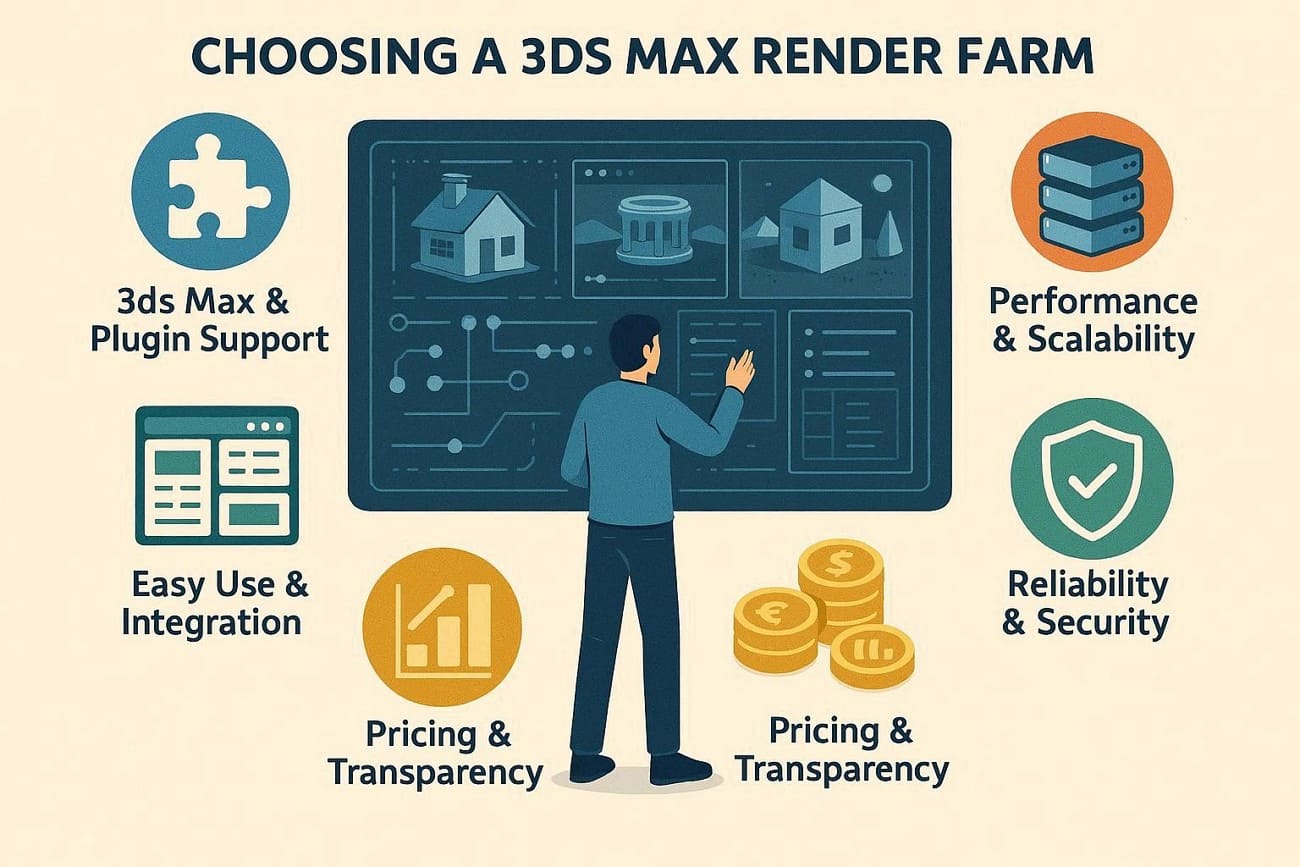
- 3ds Max & Plugin Support: Verify that the desired farm supports your 3ds Max version and render engine, such as V‑Ray, Corona, or Arnold. Additionally, check for plugins like Forest Pack, RailClone, and FumeFX to ensure scenes render correctly without errors.
- Performance & Scalability: Look for GPU/CPU power, core count, and RAM per node for your scenes. Moreover, ensure that the render farm can scale to many nodes for big projects and high-resolution frames.
- Easy Use & Integration: Choose a farm with a 3ds Max plugin to send jobs directly and automatically pack textures. Furthermore, a clear dashboard helps track frames, pause jobs, and quickly estimate costs.
- Pricing & Transparency: Check clear pricing models per nodes, GPU, or GHz hours, and use the cost calculator. Make sure there are some free trials, limits, and detailed billing to prevent surprise costs and keep the project profitable.
- Reliability & Security: Look for 24/7 support for 3ds Max and render engine issues. While verifying that, check uptime, automatic retries, and encrypted transfers, and clear file storage policies.
Part 3. 5 Best 3ds Max Render Farms 2026: Top 3 Picks for Speed and Quality
In early 2026, the top 3ds Max render farms use fast GPUs (RTX 4090) and powerful CPUs (Threadripper) to handle photorealistic archviz and animation. They stand out for speed, reliability, and easy plugin support for V-Ray, Corona, and Redshift. So, this section presents the 5 best 3ds Max farms to consider in 2026 for fast, reliable rendering:
1. Fox Renderfarm
Best For: Professional freelancers and large-scale studios working on high-end film, VFX, and architectural visualization projects.
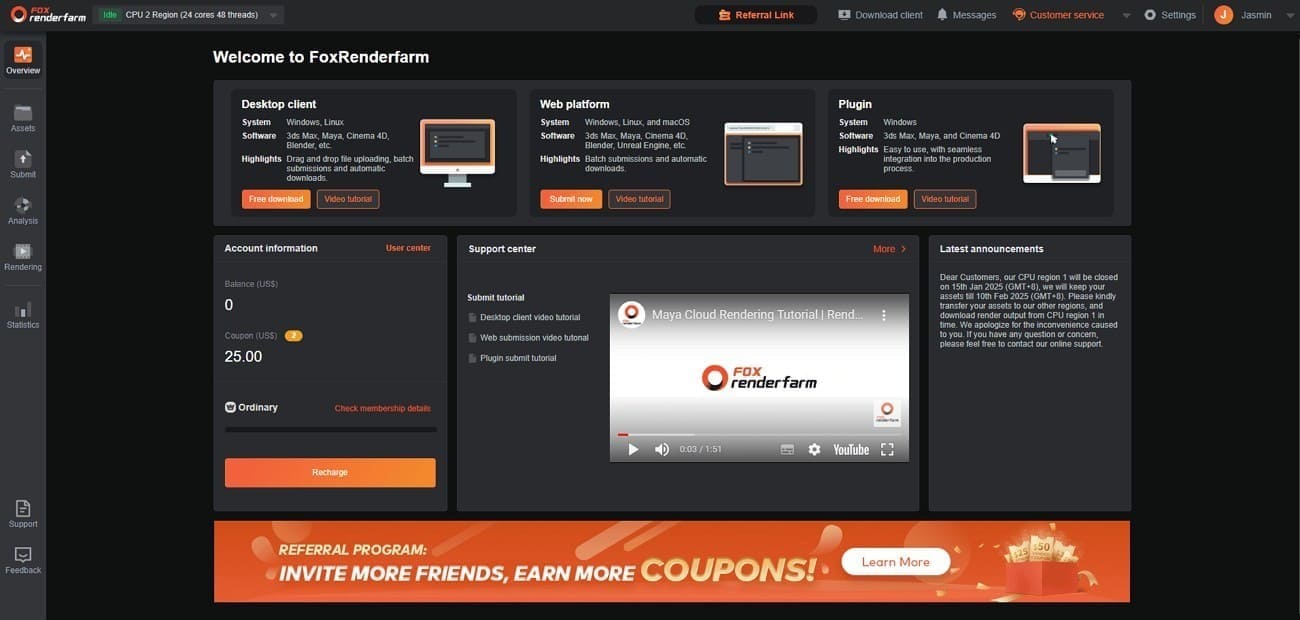
As the TPN-accredited cloud rendering service, Fox Renderfarm offers powerful CPU and GPU rendering for 3D animation, film, TV, and game design. Since 2011, this render farm has offered high-speed rendering and is a TPN-accredited vendor.
3ds Max & Plugin Support
- Software Versions and Render Engines: It supports 3ds Max 2024 and 2026, with support for V-Ray, Corona, Arnold, Redshift, and FStorm.
- Plugins: This farm features plugins such as Forest Pack, RailClone, FumeFX, Phoenix FD, TyFlow, and Anima.
Performance & Scalability
- Hardware Power: It provides access to over 30,000 nodes, with CPU nodes featuring up to 36 physical cores. On the contrary, GPU nodes utilize NVIDIA RTX 3090 and 4090 cards.
- Memory: Flexible RAM configurations ranging from 64GB to 256GB per node to handle heavy geometry and high-res textures.
- Throughput: Features up to 360Gbps storage throughput, eliminating I/O bottlenecks for large "Big Data" scenes.
- Parallel Rendering: Frames are distributed across many nodes, so large animations render simultaneously instead of sequentially.
- Scene Check System: Automatic analysis finds missing textures, plugins, or errors before rendering starts.
Easy Use & Integration
- Workflow: This 3ds Max render farm offers a desktop app for Windows/Linux that lets you upload all 3ds Max assets with a single click.
- Dashboard: Dashboard lets you track progress, preview frames live, and adjust tasks instantly.
- Plugin Submission: A 3ds Max plugin packages the scene and submits jobs directly from the software without manual archiving or setup.
Pricing & Transparency
- Pricing Models: Uses a tiered system based on “Core Hours” for CPU and “Node Hours” for GPU. CPU pricing starts at $0.051-$0.0306 per core hour, and GPU pricing starts at $1.8-$0.9 per node hour.
- Free Trial: Offers a $25 free credit for new users to test performance and estimate costs.
- Cost Calculator: Includes a built-in estimator that lets you enter your local render time to get a project-wide quote.
Reliability & Security
- Accreditation: TPN-accredited and ISO 27001 certified, ensuring top-level content security.
- Support: 24/7 support via chat, email, and Skype, with experts ready to fix render issues.
- Data Safety: Uses secure transfers and proprietary protocols to protect your intellectual property.
2. TurboRender
Best For: Freelance 3D artists and architectural visualizers who need a fast, straightforward browser-based workflow.
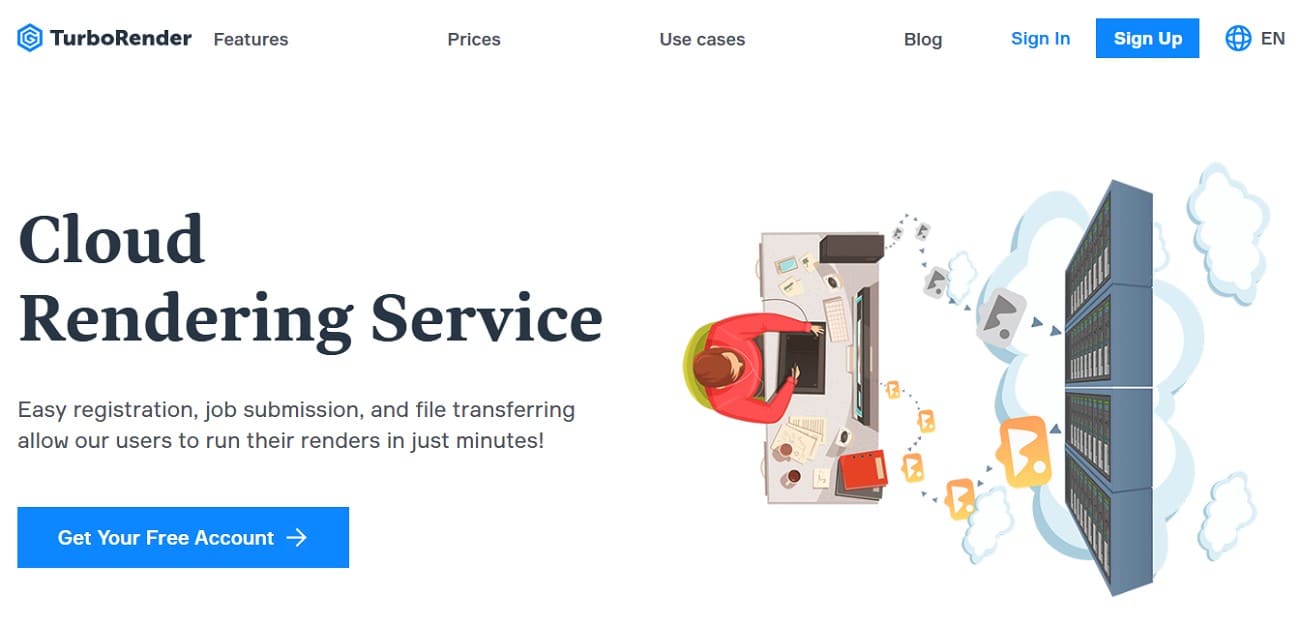
This is a browser-based, cloud rendering service that is one of the best rendering engines for 3ds Max. It is built for 3D artists to render large scenes without stressing their local PC. Additionally, TurboRender offers scalable CPU/GPU power and a secure online platform for rendering projects.
3ds Max & Plugin Support
- Software Versions and Render Engines: TurboRender supports many 3ds Max versions and major rendering engines, including V-Ray, Corona, Arnold, and Redshift.
- Plugins: Supports AfterBurn, AvizStudio Atiles Pro, Bercon Maps, Camera Resolution Mode Lite, CityTraffic, etc.
Performance & Scalability
- GPU Render Servers: 4x GPUs, Xeon CPUs (64-128GB RAM), Redshift, Octane, Eevee, Cycles.
- CPU Render Servers: Xeon Gold CPUs (24-64 cores, 64GB+ RAM) for 3ds Max, Maya, Blender, V-Ray, Arnold, and more.
- Capacity: Supports over 16,000 GHz total capacity for massive parallel rendering of animation frames.
Easy Use & Integration
- Workflow: Includes a 3ds Max plugin that preps scenes, zips files, and uploads via FTP.
- Dashboard: Browser-based platform lets you upload archives, manage tasks, replace assets, and track progress live.
Pricing & Transparency
- Pricing: Transparent GHz-hour or Node-hour model, CPU from $0.87/hr, GPU from $4.37/hr.
- Free Trials: This 3ds Max farm offers new users a $5 CPU-focused trial with no credit card required.
- Discounts: Offers progressive discounts; larger top-ups can save up to 30% on rates.
Reliability & Security
- Support: Provides 24/7 chat and email support, with 3D artist experts for Max-specific issues.
- Security: Requires an NDA for all users and secures data through encrypted server-to-server transfers.
3. 3S Cloud Render Farm
Best For: Freelancers and architectural studios who need "infinite" scalability for high-resolution 4K/8K still frames.
For rendering in 3ds Max, 3S Cloud Render Farm is another cloud-based, GPU/CPU rendering service you can consider. With seamless integration with popular software, it is designed for 3D artists to accelerate rendering times via a powerful, secure network.
3ds Max & Plugin Support
- Software Versions and Render Engines: Features multiple versions, mainly from 3ds Max 2016 through 2026. As for rendering engines, there is native support for V-Ray, Corona, Arnold, Redshift, and FStorm.
- 3ds Max Plugins: Forest Pack, MultiScatter, PhoenixFD, RailClone, RealFlow, SolidRocks, V-Ray Scatter.
Performance & Scalability
- Hardware Power: Being SaaS (Software-as-a-Service), it runs on AWS infrastructure, allowing hundreds of nodes to run simultaneously for a single job.
- CPU/GPU Specs: Uses Intel Xeon 8275CL (96 CPU-threads) and 8 x NVIDIA Tesla V100/ T4/ A100.
- Memory: Standard nodes offer 96GB-1TB per node, but they can provide high-memory instances up to 1TB for complex scenes or massive 32K renders.
Easy Use & Integration
- Workflow: Includes 3S Uploader and 3ds Max plugin to package and upload all scene assets.
- Dashboard: As one of the best render engines for 3ds Max, it has a modern web dashboard with live frame previews and adjustable node allocation during renders.
Pricing & Transparency
- Pricing Model: It uses a “Pay-as-you-go” system based on GHz-hours or Node-hours. CPU starts at $0.40/Hour - $6.40/Hour, and GPU ranges from $1.40/Hour - $7.80/Hour.
- Free Trial: New users get $5 trial credits as a “Sign-Up Gift” upon registration. Offers free low-res preview renders to check lighting and materials and estimate cost/time.
Reliability & Security
- Security: Uses AWS security with TLS and AES-256 encryption, plus NDA protection for all data.
- Support: Provides 24/7 technical support via chat, Skype, and email, with the help of scene analysis errors.
4. iRender
Best For: Studios and power users needing full control, custom plugins, or real-time workflows.
Being known as the professional GPU-accelerated cloud rendering service (IaaS), iRender is one of the ideal 3ds Max farms. As it provides high-performance remote workstations with powerful GPUs, it makes it an ideal choice for rendering, simulation, and AI/deep learning.
3ds Max & Plugin Support
- Software Versions: Supports all 3ds Max versions, letting you install any version you own on rented machines.
- Render Engines: Features Arnold GPU, V-Ray (RT), Redshift, Octane, Fstorm, Corona, Iray, etc.
- Plugins: Full plugin support, install Forest Pack, RailClone, Phoenix FD, or custom scripts remotely.
Performance & Scalability
- GPU Power: Specializes in multi-GPU setups, from single RTX 4090 to 8x RTX 4090 nodes.
- CPU & RAM: Nodes use AMD Threadripper Pro CPUs with 256 GB RAM and 2 TB NVMe SSDs.
Easy Use & Integration
- Workflow: Remote desktop setup; transfer files via the iRender GPU app and access high-end machines via RDP.
- Integration: No one-click submit button, but it eliminates compatibility errors by mirroring your local machine.
Pricing & Transparency
- Pricing Model: Fixed hourly rates per server type, where Single RTX 4090 costs $8.2/hour, and 8xRTX 4090, 24GB vRAM costs $52 Node/Hour.
- Discounts: The rental package (daily/weekly/monthly) of this 3ds Max render farm cuts the cost by 10-50%.
Reliability & Security
- Security: Tier 3 data center with private instances, encrypted transfers, and ISO 27001 compliance.
- Support: 24/7 live support, with technicians joining your session to fix crashes or driver issues.
5. Pixel Plow
Best For: Solo 3D artists and small studios seeking budget-friendly, hassle-free rendering.
Pixel Plow is a user-friendly cloud-based render farm for 3D animation and still images. Hence, with the support for the famous software, it's another ideal solution for rendering in 3ds Max, where the desktop app makes job submission and frame monitoring effortless.
3ds Max & Plugin Support
- Software Versions and Render Engines: Supports multiple 3ds Max versions and rendering engines, including V-Ray, Corona, and Arnold.
- 3ds Max Plugins: Afterburn, Anima, Bercon Maps, Cebas Thinking Particles, ColorCorrect, Domemaster3D, Dreamscape, Forest Pack, MultiScatter, etc.
Performance & Scalability
- Hardware: Massive CPU and GPU farm, with GPU nodes using NVIDIA RTX 2060 Super/30 series (6-8 GB VRAM).
- CPU Power: Has thousands of cores available, easily scaling to hundreds of nodes for one animation job. Automated Packaging:
- RAM: Nodes are equipped with 32-64 GB RAM; very heavy VFX or 8K scenes may need support checks.
Easy Use & Integration
- The “Agent”: This 3ds Max render farm uses the Desktop Agent, so you simply drag and drop a 3ds Max file or use their plugin.
- Automated Packaging: The Agent gathers all assets, zips them, and automatically manages uploads/downloads.
- Real-time Tracking: Monitor frame-by-frame progress in the Agent, with completed frames auto-downloaded locally.
Pricing & Transparency
- Pricing Model and Details: Uses usage-based pricing instead of a fixed machine-hour package. CPU is billed per GHZ-Hour ($0.0075to 6¢ ($0.060) and GPU per OctaneBench-hour ($0.0025 to 1.8¢ ($0.018)) with adjustable power levels for speed and cost.
- Billing: Charges are calculated to the nearest second of compute time.
- Trial: No fixed free credits, but the low-power tier is cheap for testing small frames with minimal risk.
Reliability & Security
- Support: 24/7 support with quick responses to failed frames, often refunding credits for farm errors.
- Security: Uses secure encryption and strict privacy protection with safe U.S. data centers.
Part 4. Compare the Top 3ds Max Render Farms in 2026: Speed, Price, and Features
If you want to know what the best render engine for 3ds Max is, adhere to the given comparison table:
|
Metrics |
Fox Renderfarm |
TurboRender |
3S Cloud Render Farm |
iRender |
Pixel Plow |
|
3ds Max Support |
Dedicated 3ds Max production pipeline |
Standard support |
Supported in a controlled environment |
User-installed Windows VM |
Supported via the Pixel Plow client |
|
Approx. Scale |
Massive distributed network 30,000+ nodes |
Small shared node pool |
Medium cloud cluster instances |
Single or a few rented workstations |
Distributed pool but variable availability |
|
Typical Pricing Style |
Core-hour pricing with volume discounts |
GHz-hour and GPU hourly |
Node-hour tiers |
Per machine hourly rental |
GHz-hour CPU and OctaneBench GPU billing |
|
Free Credits / Trial |
Generous new-user credit (~$25) |
Small welcome bonus |
$5 trial credit |
Occasional promotions |
No fixed credits, pay-as-you-go |
|
Speed For Big Animations |
Excellent parallel frame rendering |
Moderate animation performance |
Good but limited scaling per job |
Fast single frames but weak for long animations |
Good, but queue-dependent |
|
Plugin Handling |
Pre-validated 3ds Max production plugins |
Limited verified plugin list |
Approved plugin environment |
Manual installation required |
Depends on the selected configuration |
|
Best Use Case |
Large animation projects and studio pipelines |
Small freelance tasks |
Preview and cost-controlled rendering |
GPU look development and testing |
Budget-controlled rendering workflows |
For rendering in 3ds Max, if you are looking for the best render farm, Fox Renderfarm can meet your rendering needs. With robust software support, affordable pricing, and generous welcome credits, it suits freelancers, studios, and beginners who need fast, reliable cloud rendering.
FAQs about 3ds Max Render Farm
1. Why should I use a 3ds Max render farm instead of my local PC?
Render farms complete renders much faster, save time, and allow you to work on other tasks while rendering runs remotely.
2. Are 3ds Max cloud render farms cost-effective?
Yes, they use pay-per-use pricing, so you avoid buying expensive hardware and only pay for the rendering you need.
3. Is my data safe on a 3ds Max render farm?
Reputable render farms like Fox Renderfarm and iRender use secure servers, encryption, and NDAs to protect files and intellectual property.
Conclusion
To sum up, whether you are a freelancer or a solo 3D artist, you might be looking for the best 3ds Max render farm. If so, this article has explored the 5 best options with detailed insights into what makes them an ideal choice. However, if you prefer an affordable solution with fast cloud rendering, Fox Renderfarm is recommended.