Best Render Farm 2026: Top Cloud Rendering Services Compared
 Ryan Thompson
The world of 3D animation and VFX requires powerful tools for fast results. Many artists struggle with slow computers when rendering complex projects. That’s where the best render farm can make a huge difference to save hours or even days of work.
With multiple servers worldwide, these services handle heavy projects without crashing. Whether you create short films or architectural designs, choosing the right service matters. In this guide, you will explore what render farms are and which top services in 2026 provide the best performance.
Part 1. What is Render Farm?
A render farm is a large network of high-performance computers (render nodes) linked together. These distributed computing systems process complex 3D frames simultaneously across multiple high-performance nodes. Individual artists use these remote data centers to reduce rendering time significantly. On the other hand, a local computer can take several days to complete a single complex frame.
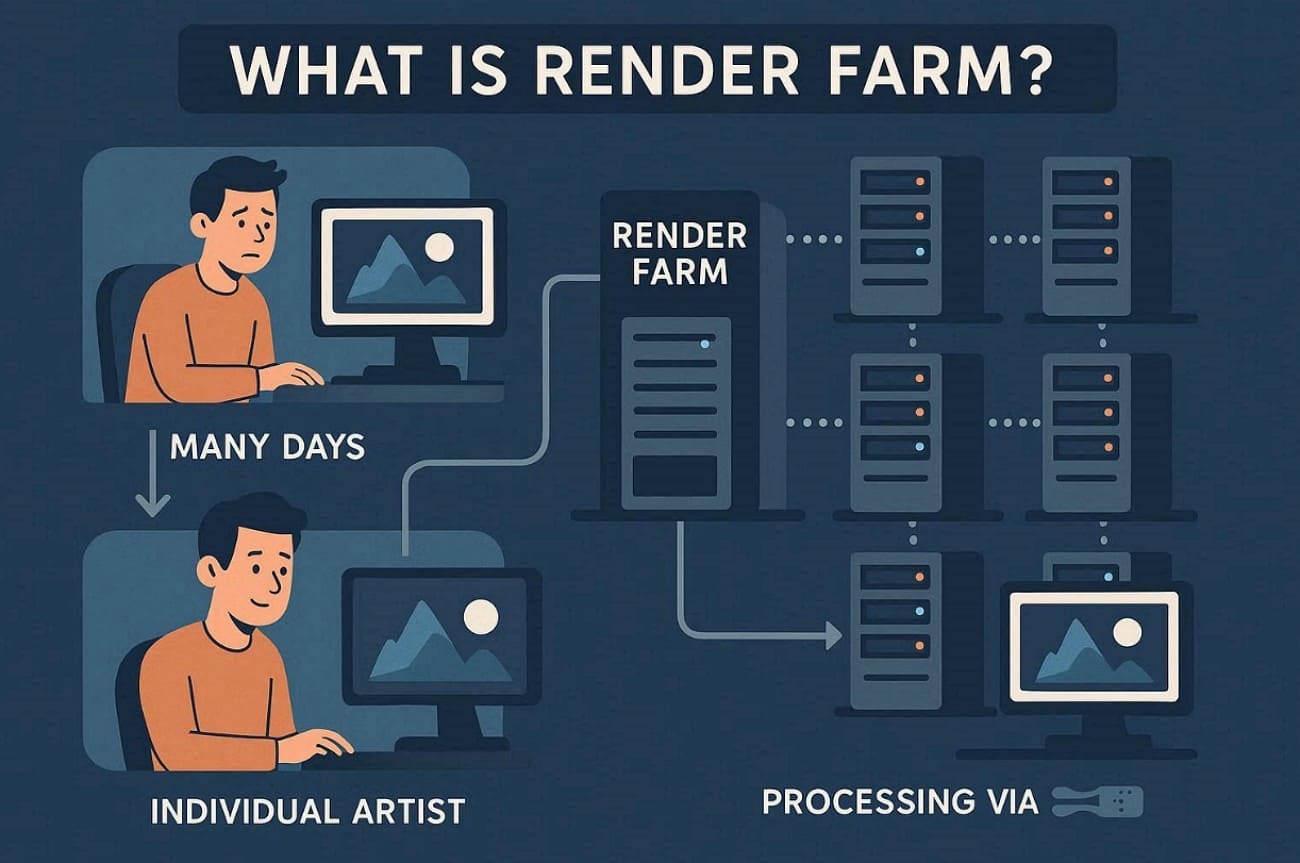
However, cloud render farms can reduce multi-day rendering workloads to just a few hours through parallel processing. If a project takes 10 days on one computer, 100 nodes can reduce it to 3 hours. Using cloud rendering service allows you to focus more on your creative design work.
When it's Suitable to Use a Render Farm
You should consider using a render farm service in these common situations worldwide:
- Animation Studios: Speed up complex 3D animation sequences and meet strict delivery timelines.
- VFX Production Houses: Handle heavy compositing and simulation tasks that demand robust cloud processing power.
- Game Developers: Render environment assets and cinematic cutscenes quickly.
- Architectural Firms: Create photorealistic interiors and exterior visualizations for clients.
- Advertising Agencies: Develop motion graphics and 3D promotional videos for large marketing campaigns.
Part 2. How Much Does a Render Farm Cost?
The render farm price varies depending on hardware type and project size. Different billing models suit freelancers and companies worldwide for efficient project completion. Below are the common pricing models offered by most cloud render farm providers:
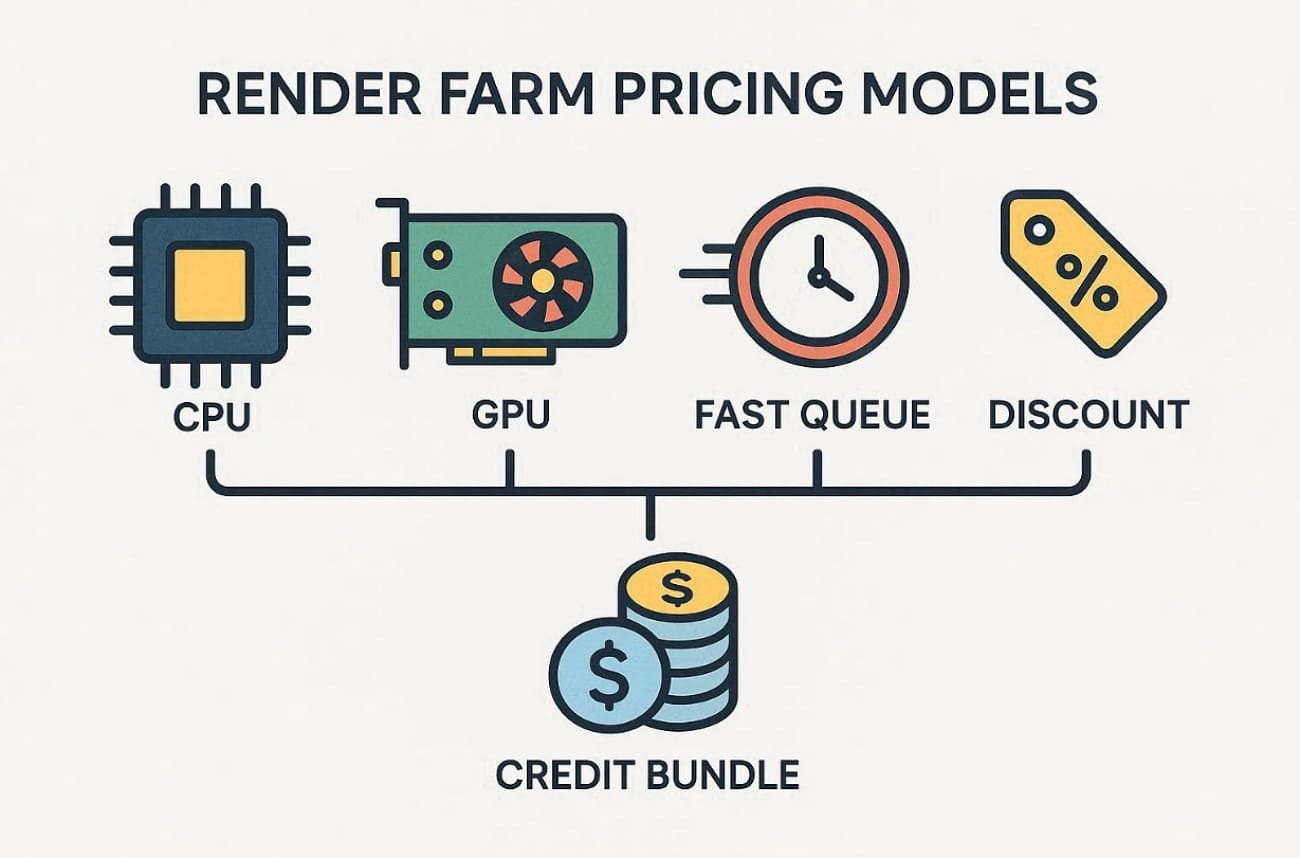
- CPU Pricing (per GHz-hour or Core-Hour): Charges are based on the total CPU power your project consumes.
- GPU Pricing (per OctaneBench Hour or Node-Hour): Cost depends on the GPU performance used during rendering.
- Priority-Based Pricing: Higher priority queues offer faster output and cost slightly more per hour.
- Volume Discounts: Larger credit purchases reduce the effective hourly rendering rate by up to 60%.
- Top-Up Tiers: Additional credit bundles allow consistent rendering without frequent payment interruptions.
As an example, Fox Renderfarm CPU rates range from 0.0306 to 0.051 USD per core every single hour. GPU nodes usually cost around 0.9 to 1.8 USD per node per hour globally. It even comes with a pay-as-you-go feature that means you only pay for the actual machine time used.
Part 3. What to Consider When Choosing a Render Farm?
Selecting the ideal cloud render farm requires a careful look at several technical and operational factors. So, this part explores key considerations to check before selecting any cloud render farm:
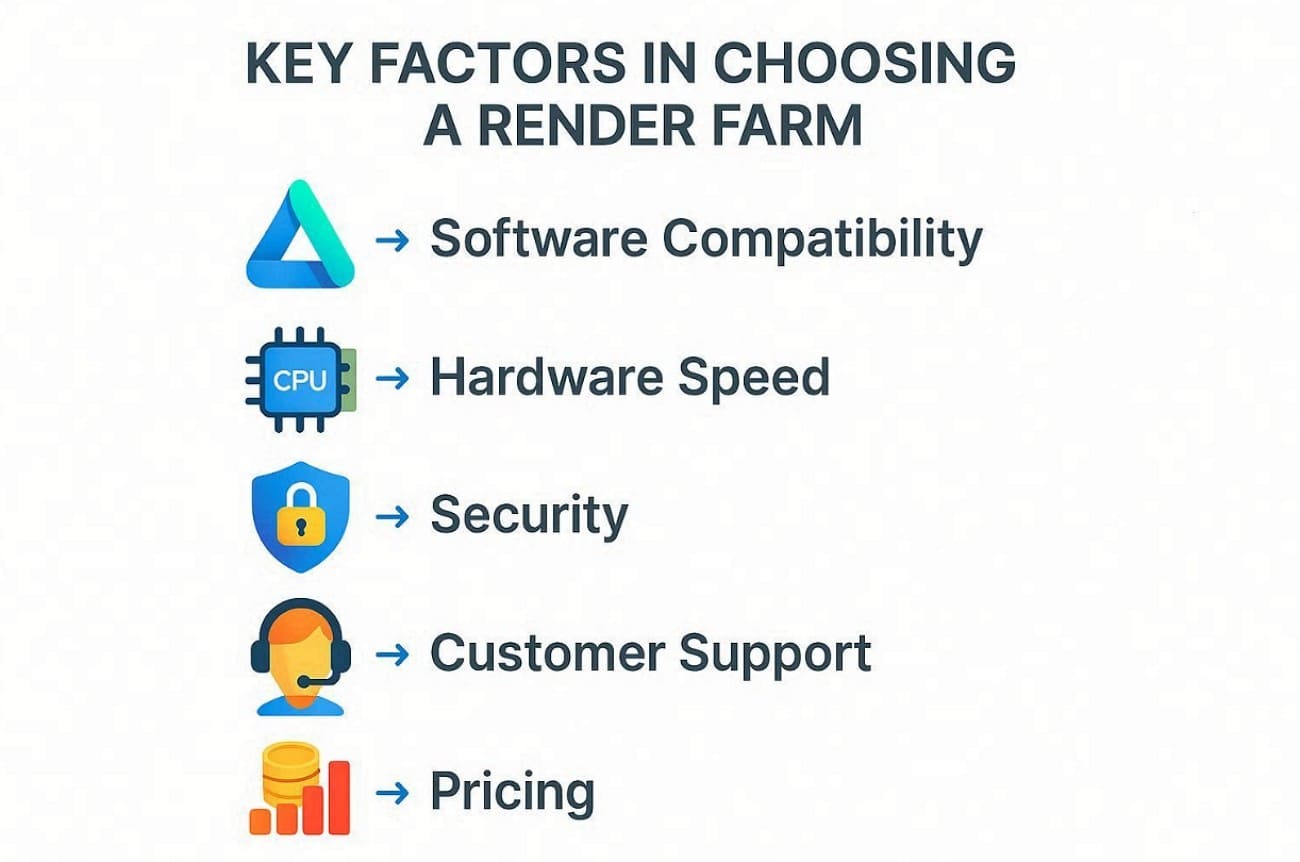
- Supported Software: Ensure compatibility with leading 3D applications such as Blender and 3ds Max. Plus, confirm plugin and version support for render engines like Arnold or Octane.
- Hardware Speed: The available CPU and GPU types directly determine how quickly your complex frames finish. Modern farms offer thousands of powerful nodes to handle even the largest animation workloads.
- Security Standards: It is critical to secure your creative intellectual property upon uploading your files to any remote server. Trusted services are highly encrypted and follow strict NDAs to ensure that data is kept fully private.
- Customer Support: Offers 24/7 live chat and email support with fast response times for issues. Test assistance quality with smaller jobs before committing to large production renders.
- Pricing Model: Study billing options like core‑hour or OBh‑based pricing systems. Moreover, check for transparent cost estimators, trial credits, and discounts for high‑volume credit purchases.
Part 4. Best Render Farm Services in 2026
The year 2026 brings several advanced platforms competing to deliver faster and more reliable rendering performance. So, this section provides a detailed analysis of the top 6 services currently leading the industry.
1. Fox Renderfarm
Best For: Large-scale movie productions and professional studios requiring high-security cloud rendering services.
Fox Renderfarm is a globally recognized render farm that provides massive computing power through its advanced desktop client and web panel. It helps artists offload complex frames quickly to meet tight international film delivery schedules.
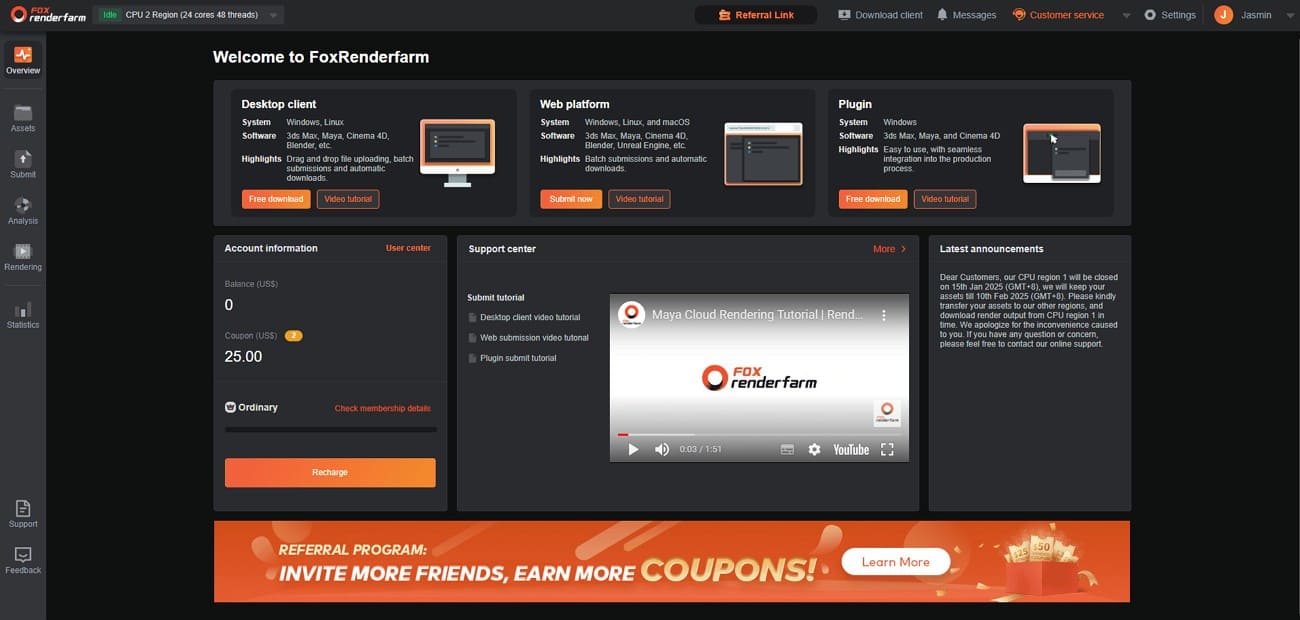
Supported Software
- DCCs: Maya, 3ds Max, Blender, Cinema 4D, Houdini, etc.
- Engines: V-Ray, Redshift, Arnold, Corona, Unreal Engine, etc.
- Version Support: Always updated to the latest versions (e.g., Blender 4.3+, Maya 2026).
This wide compatibility makes Fox Renderfarm suitable for mixed pipelines across animation and visualization.
Hardware Speed
- CPU Power: 30,000+ nodes; up to 36 physical cores per node.
- GPU Power: Massive regions featuring NVIDIA RTX 3090/4090 and specialized Tesla cards.
- Memory: Flexible RAM configurations from 64GB to 256GB per node.
These powerful configurations help reduce render times for complex frames and long sequences.
Security Standards
- Certifications: ISO 27001 certified and TPN (MPAA) accredited.
- Privacy: Secure file transfer (Aspera/Raysync), encryption, and available NDAs.
Such certifications make Fox Renderfarm a trusted option for confidential commercial and studio productions.
Customer Support
- Availability: 24/7 technical assistance via live chat, email, and Skype.
- Response Time: Average response under 15 minutes for project troubleshooting.
This responsive support reduces downtime when you face plugin issues, missing assets, or job errors.
Pricing and Trial
- Model: Pay-as-you-go billing starting at $0.0306 per core hour.
- Promotion: $25 free trial credit for all new registered accounts.
These flexible prices allow both freelancers and studios to control costs for ongoing projects.
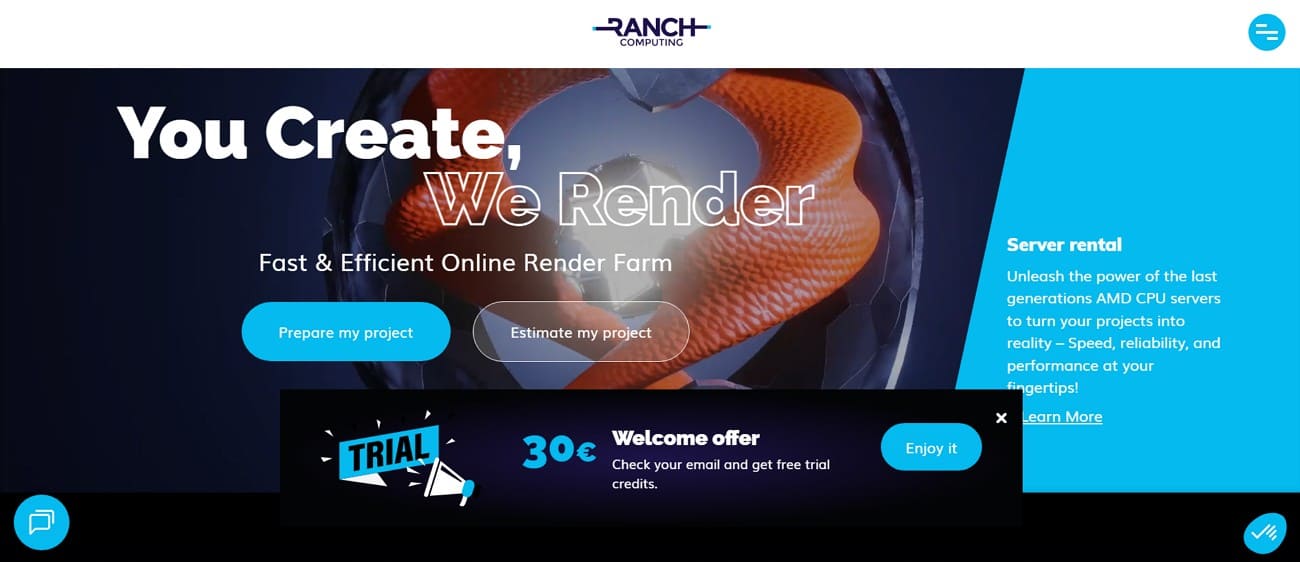
2. Ranch Computing
Best For: Freelancers and small studios seeking affordable render farm service options.
Ranch Computing offers reliable CPU and GPU rendering for independent artists worldwide. It provides automated tools that simplify job submission for smaller creative teams.
Supported Software
- DCCs: Support various programs, including Blender and Houdini.
- Engines: Provides a few famous engines, like Redshift and Corona.
Hardware Speed
- CPU Power: Multiple high-performance nodes allocated per job automatically.
- GPU Power: Optimized Redshift and GPU rendering configurations.
- Memory: Adequate RAM for most freelance and small studio projects.
Security Standards
- Certifications: TPN Goldshield certified for production security standards.
- Privacy: Automatic file deletion after 15 days, available NDAs.
Customer Support
- Availability: Comes with an email and even remote sessions by 3D experts.
- Response Time: Responsive assistance for job failures and troubleshooting.
Pricing and Trial
- Model: Prepaid credits with CPU/GPU pay-per-use billing rates.
- Promotion: €30 free trial credits plus up to 70% bonus credits.
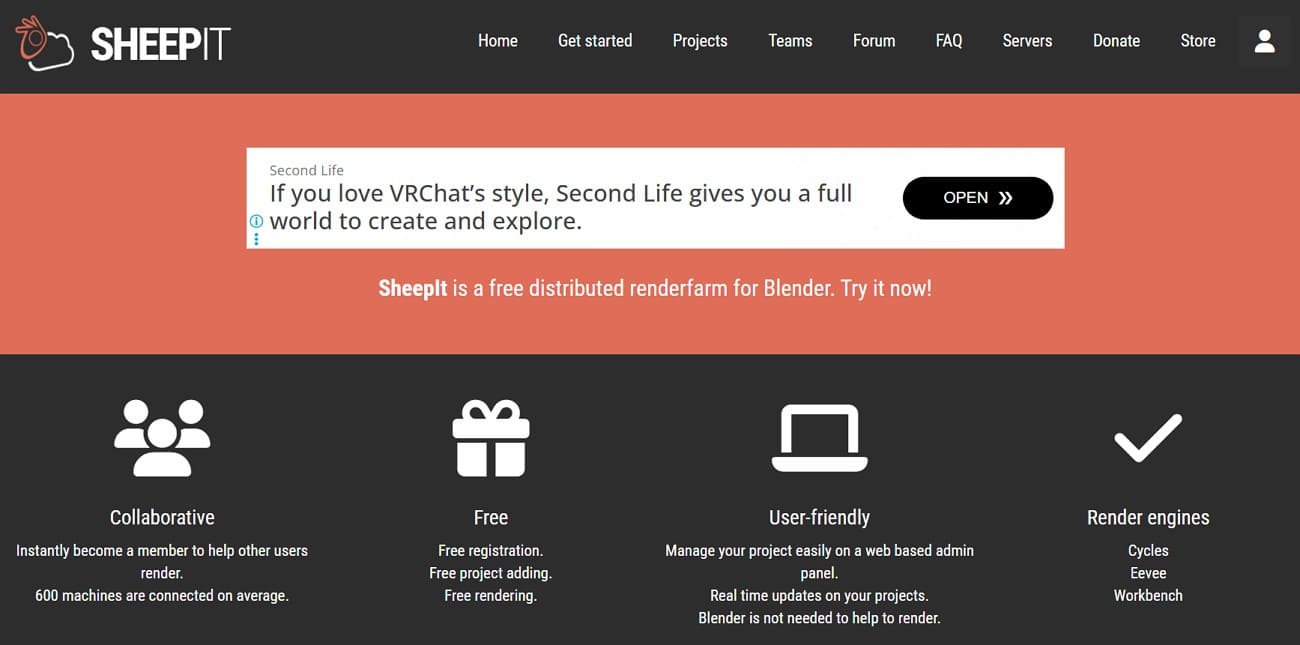
3. SheepIt Render Farm
Best For: Blender users, students, and indie teams needing a free cloud render farm option.
SheepIt Render Farm connects Blender artists worldwide through a unique peer-to-peer network. Users share computing power and render each other's projects collaboratively.
Supported Software
- Software: Blender only, fully compatible with new versions (e.g., Blender 5.0).
- File Type: Accepts .blend files for headless rendering across volunteer nodes.
Hardware Speed
- CPU Power: Hundreds of volunteer machines render frames simultaneously.
- GPU Power: Limited GPU support through community-contributed hardware.
- Memory: Varies based on individual volunteer machine specifications.
Security Standards
- Certifications: Community-based model without formal enterprise certifications.
- Privacy: Files processed temporarily on volunteer machines with short retention.
Customer Support
- Availability: Assistance is primarily available through a Discord server and dedicated forums.
Pricing and Trial
- Model: 100% free points system, with no monetary costs or subscriptions.
- Promotion: You earn points by helping others, then spend them to queue your own jobs.
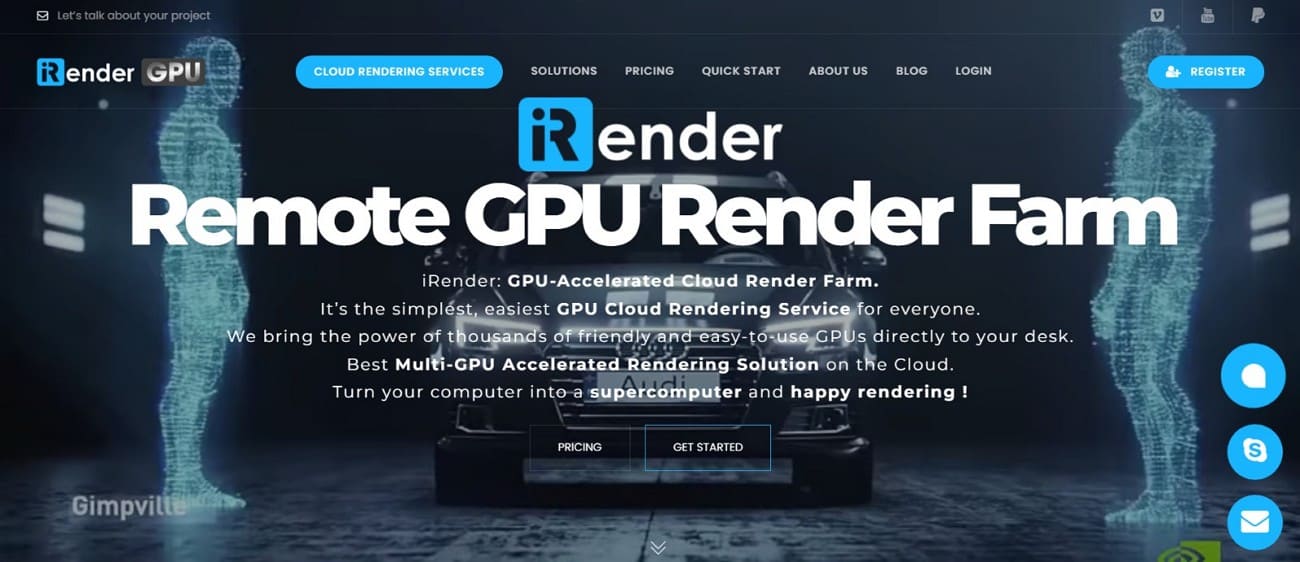
4. iRender
Best For: GPU-heavy artists needing full workstation control for rendering and simulations.
iRender provides powerful GPU render farm workstations with remote desktop access worldwide. Instead of queue-based submission, artists work directly on powerful servers like local workstations.
Supported Software
- Software: Supports most Windows-based 3D and visualization applications.
- Engines: Commonly used with tools like Octane and Arnold GPU.
Hardware Speed
- GPU Power: Offers workstations with 1-8 RTX 3090/4090 GPUs for maximum rendering power.
- CPU and Memory: AMD Threadripper processors paired with high-capacity RAM and NVMe SSD storage for optimized data throughput.
Security Standards
- Certifications: AWS S3 encryption for data storage and transfer security.
- Privacy: Layered security with access controls and available NDAs.
Customer Support
- Availability: Provides setup guides, documentation, and direct technical support channels.
- Resources: Tutorials and community examples help users configure optimal server environments.
Pricing and Trial
- Model: Hourly billing per server type with a credit-based iRenderPoints system.
- Promotion: Bonus credits on larger deposits plus promotional free trials.
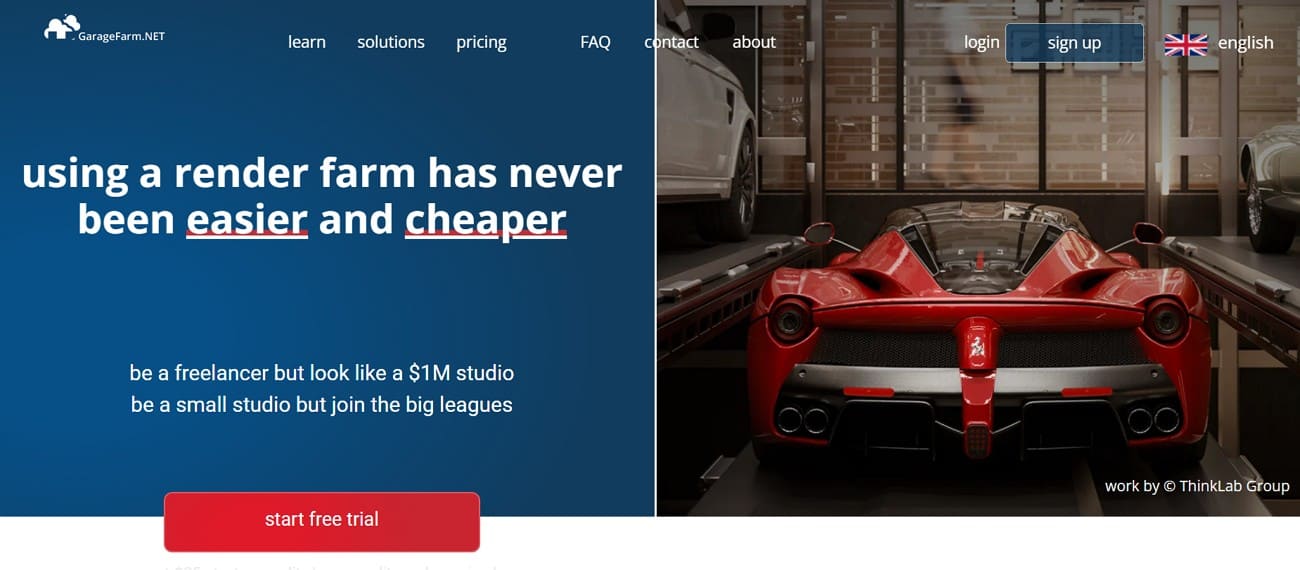
5. GarageFarm
Best For: Freelancers and mid-size teams wanting seamless render farm service integration.
Another platform that offers easy plugin integration directly within popular 3D applications worldwide is GarageFarm. By offering a "plug-and-play" experience, it automates the most tedious parts of the process.
Supported Software
- Software: Supports major DCC tools such as Blender and 3ds Max.
- Engines: Compatible with a few famous tools, like Corona and Eevee.
Hardware Speed
- CPU and GPU Power: Provides access to thousands of scalable CPU and GPU nodes.
- Memory: Scalable resources matching project complexity and deadline needs.
Security Standards
- Certifications: Operates under ISO-certified processes and manages data centers.
- Privacy: Controlled access with secure data handling and short-term storage.
Customer Support
- Availability: 24/7 chat and tickets staffed by experienced 3D technicians.
- Response Time: Fast assistance for plugin setup and scene optimization issues.
Pricing and Trial
- Model: Credit-based pay-per-use with priority tiers and hourly rates.
- Trial: New users receive $25 in free credits to test the render farm service features.
6. RebusFarm
Best For: Freelancers and archviz teams needing broad software compatibility and reliable service.
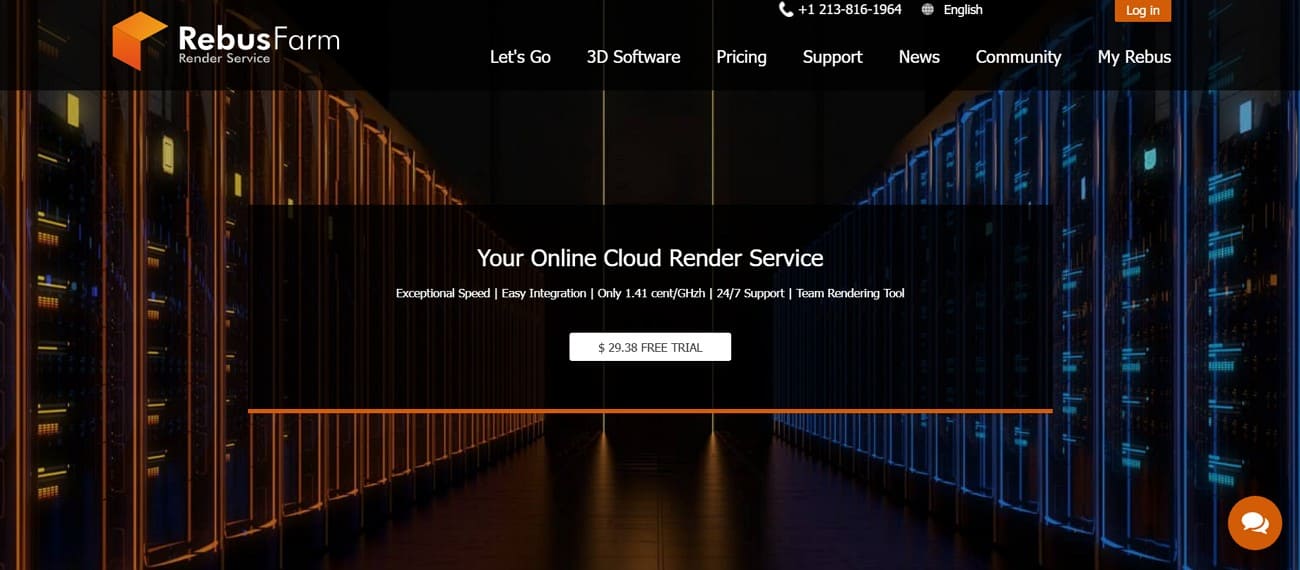
RebusFarm delivers consistent cloud render farm performance through automated DCC plugins worldwide. It streamlines scene preparation and job submission for diverse creative workflows efficiently.
Supported Software
- Software: Supports major 3D applications like 3ds Max and SketchUp.
- Engines: Compatible with major rendering engines, such as Cycles and Eevee.
Hardware Speed
- CPU and GPU Power: Operates large CPU and GPU clusters optimized for parallel frame rendering.
- Memory: Adequate resources distributed across numerous nodes simultaneously.
Security Standards
- Certifications: Adheres to data protection and security data management rules of GDPR.
- Privacy: Uses SSL encryption and controlled access to protect uploaded project files.
Customer Support
- Availability: Provides 24/7 assistance via chat, email, and phone support channels.
Pricing and Trial
- Model: Pay-per-use, credit-based pricing for both CPU and GPU rendering workloads.
- Promotion: 25 RenderPoints (~$29 USD) free trial for new accounts.
Part 5. 6 Best Render Farm Comparison
The following comparison highlights practical differences to help identify the best render farm:
|
Comparison Focus |
Fox Renderfarm |
Ranch Computing |
SheepIt |
iRender |
GarageFarm |
RebusFarm |
|
Overall Category |
Enterprise-grade cloud render farm |
Budget-friendly professional service |
Community-based platform |
Remote GPU workstation |
Plug-and-play cloud service |
Balanced professional service |
|
Target User Type |
Freelancers to large studios |
Freelancers and small studios |
Students and Blender users |
GPU-intensive creators |
Small to mid-size teams |
Archviz and freelancers |
|
Budget Friendliness |
High value for performance |
High |
Free |
Medium-Low |
Medium |
Medium |
|
Scalability Level |
Very high |
Moderate |
Variable |
High (single workstation scaling) |
High |
High |
|
Notable Limitation |
Higher cost for very small jobs |
Limited advanced engine options |
Not suitable for confidential projects |
No traditional render queue system |
Smaller engine support range |
Queue speed varies with priority |
Fox Renderfarm ranks as the most complete render farm solution among the compared platforms. It combines high scalability, strong security standards, wide software compatibility, and production-grade infrastructure. While other services suit specific niches, Fox Renderfarm performs consistently across categories, making it a reliable all-around choice for professional rendering projects.
Part 6. FAQs About Best Render Farm
1. Are render farms expensive to use?
Render farms are not always expensive because costs scale with project usage and speed requirements. For example, Fox Renderfarm charges about $0.03–$0.05 per core hour and offers flexible pay-as-you-go pricing.
2. Which render farm is fastest for animation?
For large-scale animations, Fox Renderfarm and RebusFarm are typically the fastest due to their massive node counts and automated distribution. They also excel at tight deadlines due to reliable speed and massive scalability.
3. Can render farms handle large frame-based rendering jobs?
Yes, this is exactly what cloud render farm services are built for. Most farms use a distributed rendering system that splits your animation into individual frames, sending each one to a different node.
Conclusion
In summary, finding the best render farm in 2026 depends on your unique project needs. You should pick a service that matches their software and total project budget. These 6 top cloud rendering platforms help you finish heavy 3D work much more quickly. Fox Renderfarm shines for big studio work, while SheepIt works great for free Blender projects. Therefore, you should test free trials to find your perfect match quickly.