Top 5 Render Farms for Animation for Studios and Freelancers
 Ryan Thompson
Animation projects often require thousands of frames, and rendering them on a single computer can take many days. For small studios and freelancers, this can slow down production and delay delivery. In such cases, a render farm for animation helps solve this problem by sharing rendering tasks across many machines, allowing artists to process scenes much faster and stay on schedule.
With cloud render farm, you do not need to invest in expensive hardware or maintain local render nodes. In this guide, we compare the top 5 render farms for animation to help studios and freelancers choose a cloud rendering service that fits their workflow, speed requirements, and budget.
Part 1. Why Animation Studios Are Switching to Cloud Render Farms
Using a cloud render farm for an animation studio provides professional tools that single computers cannot match. The following technical points explain why modern studios rely on these digital systems:
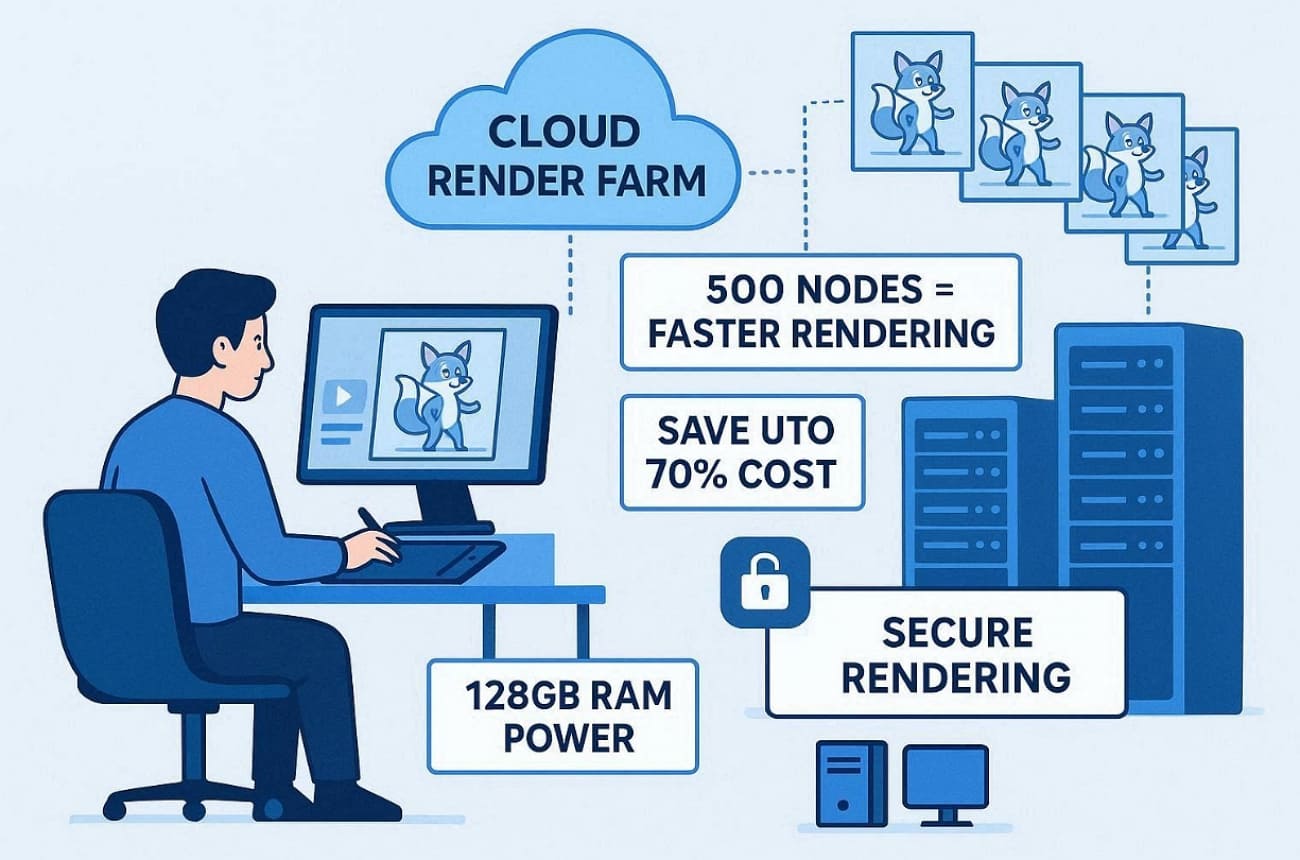
- Massive Speed: Renting 500 nodes allows you to finish a week of work in a few hours. This level of power ensures your animation project stays on its original production schedule.
- Low Cost: You can save up to 70% compared to buying your own server hardware. Paying only for the seconds you use keeps your monthly production budget very healthy.
- Extreme Memory: High-end nodes even offer 128GB of RAM to handle the most complex 3D character models. This prevents the common memory crashes that happen on standard home computers.
- Hardware Variety: Your own computer stays fast because the cloud handles all the heavy work. Besides, you can choose between CPU or GPU power depending on what your scene needs.
- Top Security: Leading farms use 256-bit encryption to keep your private movie files very safe. Your creative work stays safe from leaks while it moves through the internet.
Part 2. How to Choose the Best Render Farm for Your Animated Film
Finding the best render farm for Blender animation requires checking several technical details first. You should review these essential factors to ensure your chosen service performs very well:
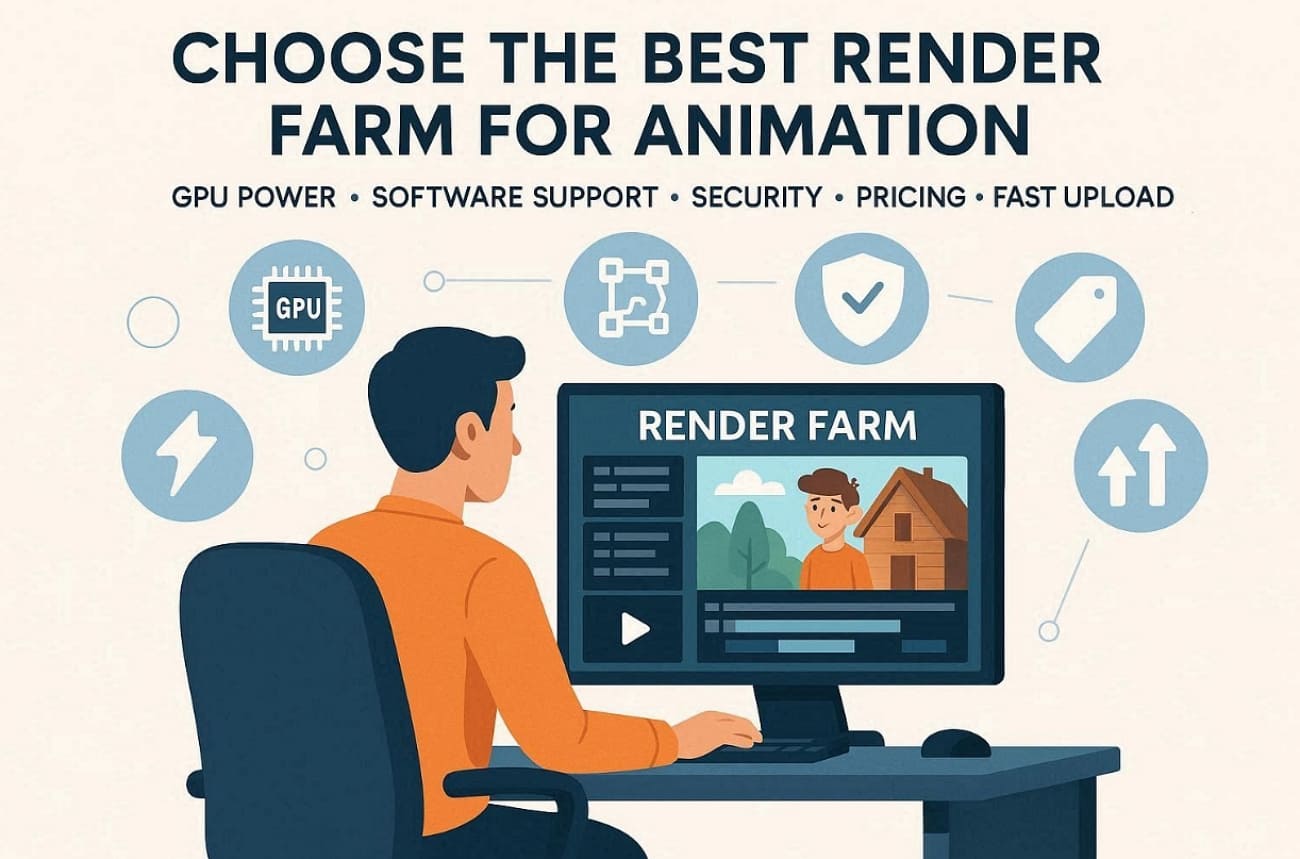
- Software Support: Check if the farm supports your specific animation software, like Blender and Cinema 4D. This ensures that your unique animation files will open and render perfectly.
- Hardware Power: You should also look for the latest NVIDIA cards to finish frames much faster. Powerful graphics cards are necessary for rendering complex 3D scenes with many lights.
- Security Standards: Verify that the service uses TPN accreditation to protect your private movie files. Your creative intellectual property must remain safe from any digital leaks or theft.
- Pricing Plans: Compare different costs to find a cheap option that fits your current budget. Many services offer a pay-as-you-go model for small animation projects.
- Upload Speed: Use a farm that offers fast tools to move your large data files. High-speed transfers are vital when you have many gigabytes of character textures.
Part 3. 5 Best Render Farms for Animation (2026 Review)
Selecting a high-end GPU render farm for animated films ensures your project reaches completion. So, this part covers the 5 top services available for your professional 3D animation needs:
1. Fox Renderfarm (The Professional Gold Standard)
Best For: Professional studios and freelance artists who need maximum security and massive rendering power.
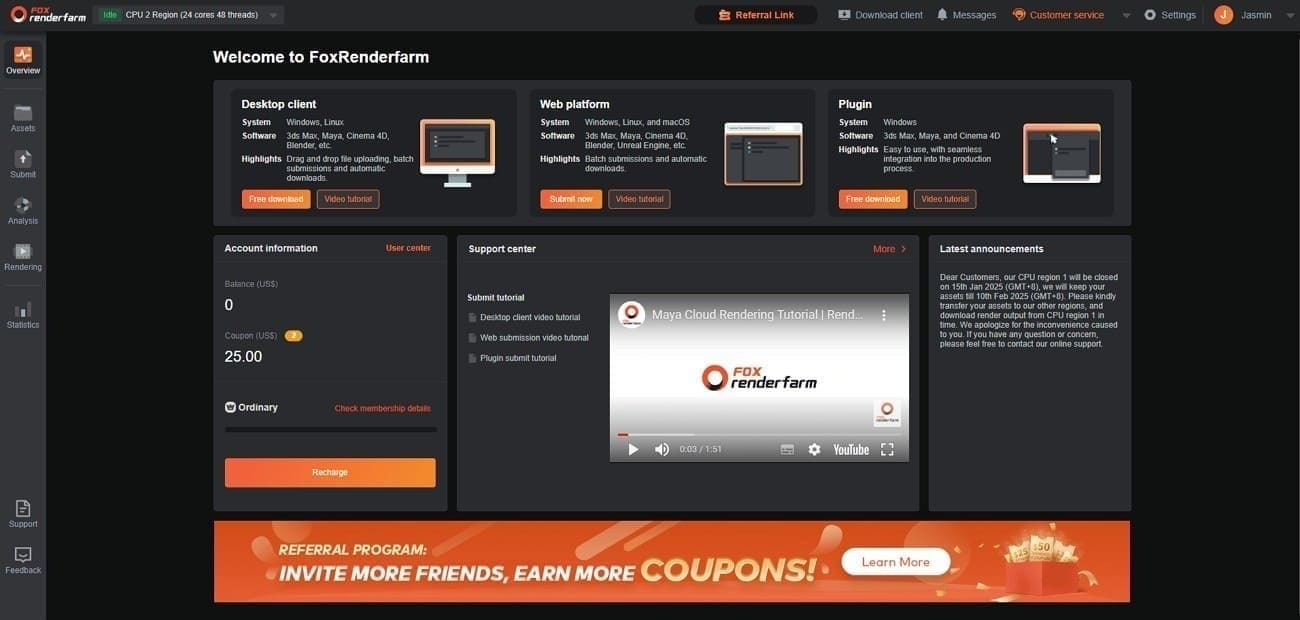
Fox Renderfarm is widely recognized as a top cloud render farm for animation studios. It offers a perfect balance between professional hardware and affordable prices for every creator. In addition, its secure infrastructure and scalable rendering nodes allow studios to process complex animation projects quickly and reliably.
GPU Nodes
- Enterprise Hardware: GPU nodes use powerful NVIDIA RTX series GPUs such as RTX 4090 and RTX 3090, paired with high-capacity system memory for complex animation workloads.
- Processing Speed: High-performance Intel Xeon and AMD EPYC processors handle demanding simulations, lighting calculations, and heavy scene data efficiently.
- CPU Options: Dedicated CPU rendering nodes with high core counts are available for engines that rely on traditional CPU rendering workflows.
- Scalable Infrastructure: Thousands of distributed nodes allow studios to scale rendering capacity instantly for large animation projects.
Plugin Support
- Broad Software Compatibility: The platform supports major 3D software such as Blender, Maya, 3ds Max, Cinema 4D, and Houdini.
- Add-on Ready: Popular plugins like Forest Pack, RailClone, X-Particles, and other production tools are supported in many pipelines.
- Custom Testing: Users can request compatibility testing or installation of specific third-party plugins for specialized workflows.
- Pipeline Integration: The system supports complex production pipelines with asset management and scene dependency handling.
Pricing Model
- Pay-As-You-Go: Fox Renderfarm offers usage-based pricing, so users only pay for the rendering resources they consume.
- Tier Discounts: Membership levels such as Ordinary, Silver, Gold, and Diamond provide different pricing benefits and discounts.
- Free Credits: New users receive free render credits to test projects and evaluate performance before committing to larger jobs.
- Flexible Billing: Pricing supports both small freelance projects and large studio workloads without long-term contracts.
Supported Engines
- Industry Leaders: Full support is available for almost all platforms, including Arnold and the high-end Octane render.
- Legacy Support: The platform still maintains older engines like Mental Ray for specific classic studio workflows.
- Production-Ready Rendering: Optimized environments ensure stable rendering for film, VFX, and high-resolution animation projects.
After testing, Fox Renderfarm even processes over 60,000,000 frames monthly across 100+ countries.
2. RenderStreet
Best For: Freelancers and small studios using Blender or Modo who need fast on-demand power and unlimited monthly rendering plans.
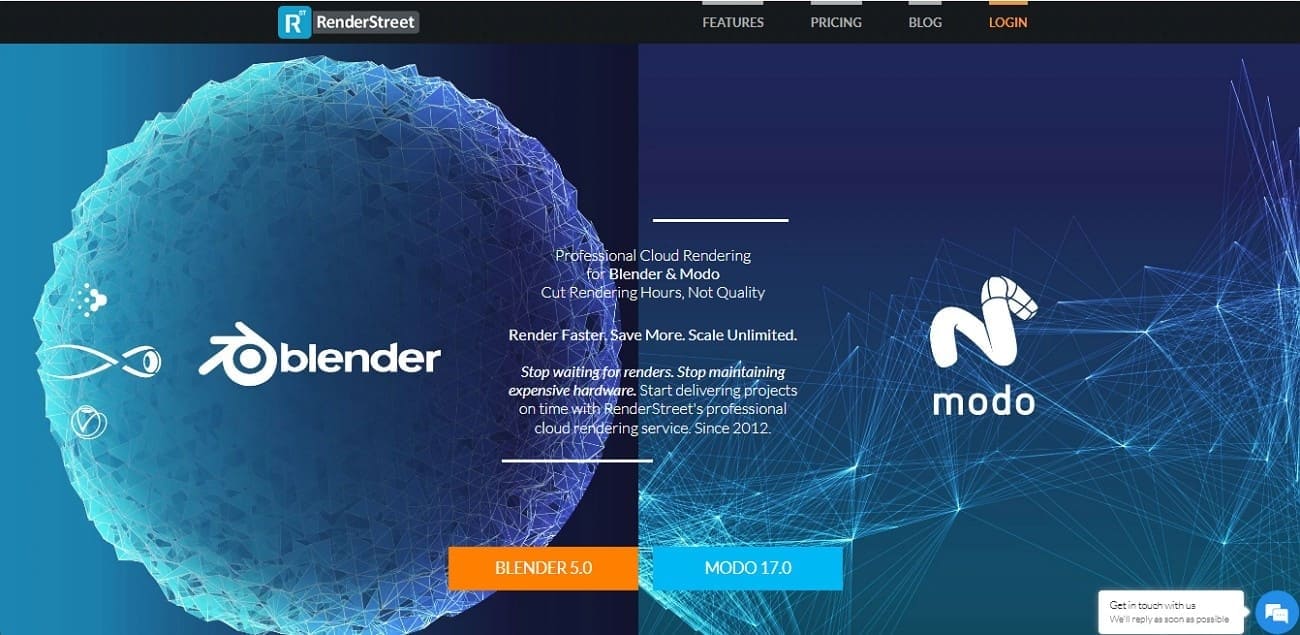
RenderStreet is a cloud-based render farm that specializes in Blender and Modo 3D rendering services. This platform serves as the best render farm for Blender animation for artists seeking an automated workflow.
GPU Nodes
- High-End Hardware: Uses NVIDIA L40 GPUs with large VRAM and high-thread Intel Xeon or AMD Ryzen CPUs.
- Extreme Speed: The RenderWheel system spreads projects across hundreds of servers to cut render times by 90%.
- Reliable Infrastructure: Provides 99.8% up time to ensure your architectural files remain private and secure.
Plugin Support
- Software Focus: Offers primary support for Blender 5.0 and Modo versions up to 17.0.
- Engine Optimization: Specifically tuned for Cycles, Eevee Next, and Modo’s native engine.
- Add-on Handling: The "RenderWheels" system manages scene dependencies and various Blender add-ons.
Pricing Model
- Unmetered Plan: Offers unlimited rendering for a flat monthly fee of $59.97.
- Affordable Trial: New users can access the "RenderStreet One" plan for a full day for just $1.
- Flexible Billing: Provides recurring options billed by the minute with no hidden fees.
Supported Engines
- Blender Specialized: Full support is available for Cycles, Eevee, and even the older Blender Internal.
- Modo Rendering: Users can utilize the native Modo renderer along with the advanced mPath engine.
- Versatile Options: Handles LuxRender files for artists who need specific light simulation results.
3. Super Renders Farm
Best For: Freelance animators and small VFX teams who need a "no-install" online workflow for complex scenes.
This service is a high-speed, cheap render farm for 3D animation for those who want to avoid local plugins. It allows you to upload, manage, and download your animation frames entirely through a secure web portal.
GPU Nodes
- Enterprise Hardware: GPU machines use NVIDIA RTX 4090 cards, each with 24 GB VRAM available.
- Network Speed: CISCO switches provide 20 Gb/s connections to storage, enabling fast texture streaming.
- Memory Capacity: CPU servers offer 96 GB up to 1 TB RAM, suitable for dense, high‑poly production scenes.
Plugin Support
- Extensive Library: Native support is available for over 250 plugins, including Forest Pack and TyFlow.
- 3ds Max Ecosystem: Works with popular tools like RailClone Pro and related production plugins.
- Custom Setup: Team can install additional software or plugins on request, accommodating specialized studio pipelines.
Pricing Model
- Credit System: One render credit equals exactly $1, and these credits never expire over time.
- Volume Savings: You can save up to 30% when purchasing larger bundles for long-form movies.
- Base Rate: Pricing starts from 0.004 USD per GHz‑hour, scaling to 0.016 for higher priority queues.
Supported Engines
- Engine Variety: Optimized rendering is available for multiple engines, including V-Ray and Octane Render.
- Multi-App Support: The farm handles files from all famous tools, like 3ds Max and even Houdini.
4. MyArchitectAI
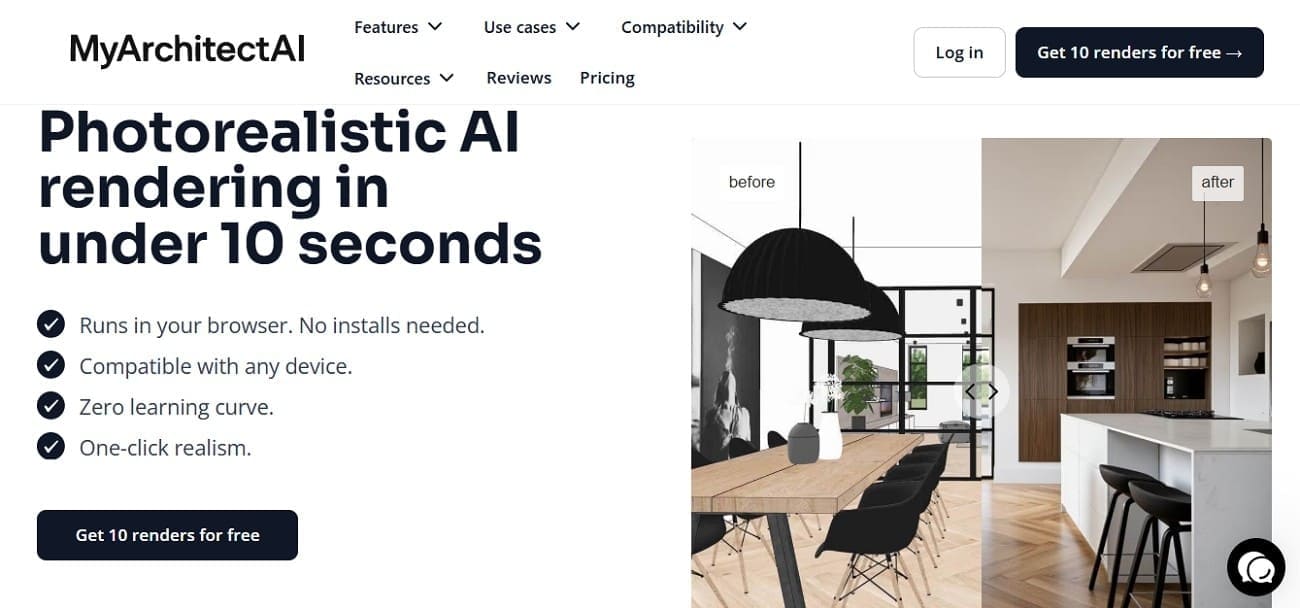
Best For: Architects needing to generate 10-second photorealistic animation concepts without using traditional 3D rendering software.
If you seek the best render farm for 3D animated short films and conceptual work, this AI-driven platform is ideal. It bypasses the long wait times of path-tracing by using generative neural networks for visuals.
GPU Nodes
- Cloud Infrastructure: The platform runs on high-end remote GPUs that process images in the cloud.
- Zero Hardware: You do not need a powerful local graphics card to generate 4K resolution results.
- Scalable Power: The system handles thousands of simultaneous requests without the need for a traditional queue.
Plugin Support
- Browser-Based: No installation is required as the tool works directly in any modern web browser.
- Direct Uploads: It is just possible to upload 3D models or 2D sketches with SketchUp and Rhino.
- Editing Toolkit: Has a native AI Enhancer to enhance the details and quality of the inputs.
Pricing Model
- Flat Rate: Subscriptions start at $29 per month for professional users needing fast and frequent renders.
- Free Version: A basic tier allows you to test the AI capabilities before committing to a plan.
- Annual Savings: The annual option will cost only $249, and this is ideal in busy studios.
Supported Engines
- Proprietary AI: It uses a custom AI Rendering Engine instead of standard tools like V-Ray or Corona.
- Style Library: The choice of predefined architectural styles and different cinematic light moods is more than 80.
5. SheepIt Render Farm
Best For: Students and hobbyists looking for a community-powered way to render Blender animations for free.
This is the cheapest and best render farm for Blender animation that is strictly dedicated to the Blender community. It relies on a global network of volunteers who share their idle computer power with others.
GPU Nodes
- Distributed Power: The farm consists of thousands of individual home computers connected via a peer-to-peer network.
- Hardware Variety: Nodes range from basic laptops to powerful gaming rigs with the latest NVIDIA RTX cards.
Plugin Support
- Blender Only: The service is exclusively built for Blender and does not support Maya or Cinema 4D.
- Built-in Tools: Most native Blender add-ons are supported, but third-party plugins require a special external license.
- Asset Packing: Users must pack all textures and caches into the .blend file before uploading to the network.
Pricing Model
- Truly Free: No fee/subscription is underhanded, and the service lives solely on voluntary contributions.
- Points Economy: You earn points by rendering for others and spend them to render your own projects.
- Priority Queue: Your project moves faster in the queue if you have a high balance of earned points.
Supported Engines
- Native Engines: Full support is provided for Blender's Cycles, Eevee Next, and the Workbench engine.
- Resolution Caps: The network supports animations up to 4K resolution but limits file sizes to around 2GB.
Part 4. Comparison Table: Find Your Animation Partner
Choosing a render farm for a 3D animated short film depends on your budget and needs. You can use the following detailed table to compare these top services and find your partner:
|
Feature |
Fox Renderfarm |
RenderStreet |
Super Renders Farm |
MyArchitectAI |
SheepIt |
|
Best For |
Professional studios, VFX pipelines |
Blender freelancers |
Plugin-heavy scenes |
AI concept visuals |
Free Blender rendering |
|
GPU Type |
RTX 4090 / RTX A6000 GPU nodes |
NVIDIA L40 / A10 |
RTX 4090 |
Cloud AI GPUs |
Volunteer RTX / mixed GPUs |
|
Starting Price |
Pay-as-you-go pricing |
$59.97/month |
$0.004/GHz-hr |
$29/month |
Free (points) |
|
Blender Support |
Full Cycles, Eevee, add-ons |
Native + addons |
Full plugin ecosystem |
Limited AI workflows |
Blender only |
|
Free Trial |
$25 free render credits |
$1/day trial |
Bundle discounts |
Limited free plan |
Completely free |
|
Security |
TPN-certified infrastructure |
AES-256 encryption |
NDA-ready workflows |
User IP ownership |
Community-based |
|
Upload Speed |
Raysync accelerated transfer |
RenderWheel automation |
20Gb/s Cisco network |
Browser uploads |
P2P transfer |
|
Priority Queue |
Tiered priority rendering |
On-demand rush |
Credit-based priority |
Subscription priority |
Points-based queue |
Among all platforms, Fox Renderfarm stands out as the most balanced solution for professional animation pipelines. Its combination of enterprise GPU nodes, TPN-certified security, Raysync uploads, and flexible pay-as-you-go pricing makes it the most reliable render farm for serious animation production.
Part 5. 5 Pro Tips to Optimize Your Animation Render Workflow
Even the best render farm for Blender animation works better with a clean file. Follow these expert steps to ensure your project renders efficiently and saves you money:
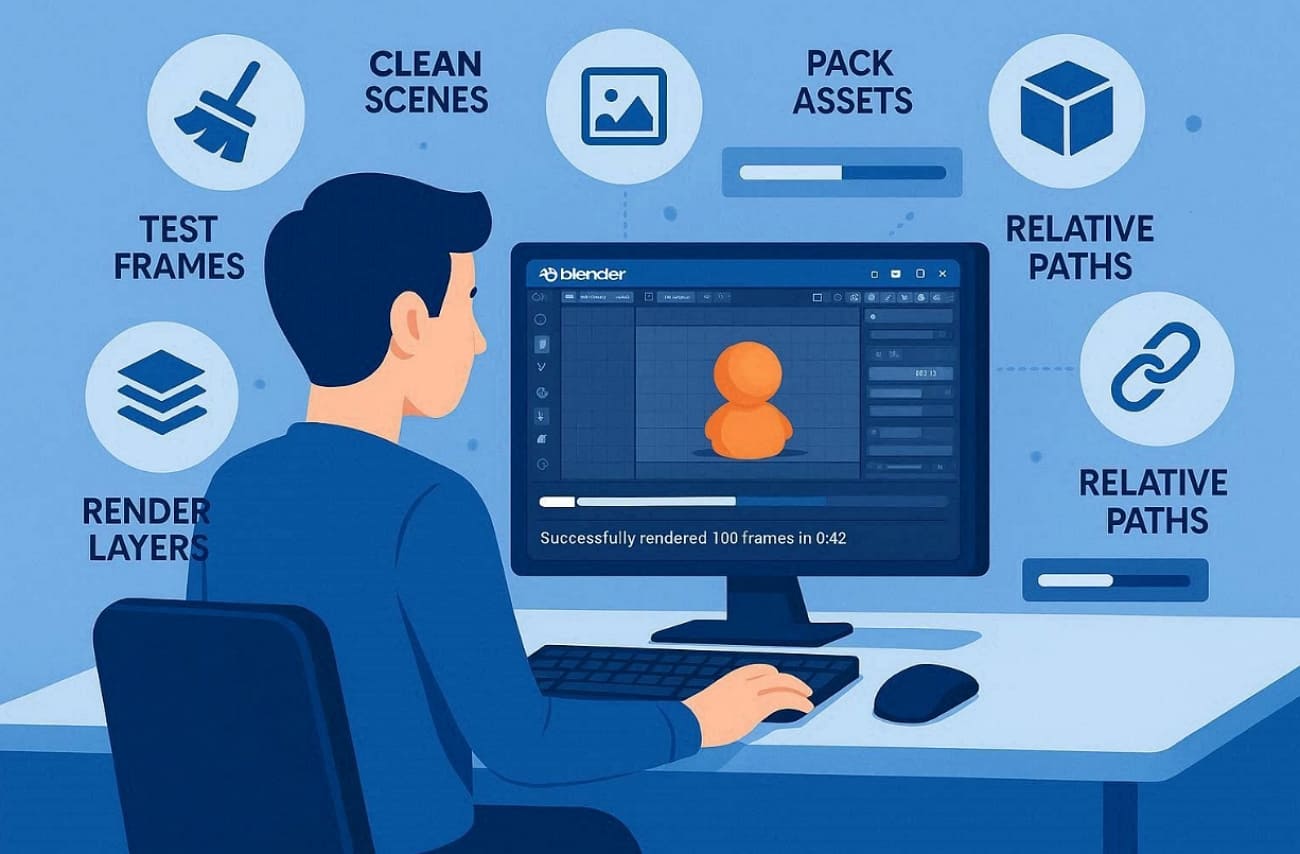
- Clean Scenes: Remove any unused objects and hidden geometry from your 3D animation file. This simple step reduces the total file size for much faster cloud uploading.
- Test Frames: Always render every 10th frame first to check for any visible shading errors. You can avoid wasting your expensive credits by identifying small mistakes very early.
- Asset Packing: Make sure to pack every external texture directly into your main project file. Missing files will cause the farm to render completely blank or black frames.
- Layer Splitting: Separate your foreground and background elements into different render layers for better control. This method allows you to fix small errors without rendering the entire scene again.
- Relative Paths: Set all your file paths to relative so the farm finds every texture. It prevents the common error of missing images when moving projects between computers.
FAQs about Render Farm for Animation
Q1. Do I need a massive internet upload speed for animation?
A constant and speedy internet connection is required to post your extremely large files. Also, a standard connection speed of 50 Mbps works perfectly for most projects. Today, modern farms use fast data compression to help you move large files quickly. Yet, slow internet might cause your project upload to take many hours or even days.
Q2. Can I monitor my animation frames in real-time?
Most professional services allow you to see your finished frames in a live dashboard. You can check every single image for errors while the servers are still rendering. Artists can even instantly see the estimated time and memory usage for every single frame. This allows you to pause or adjust your job without waiting for the finish.
Q3. What happens if my render flickers?
Flickering often happens when your light cache settings are not calculated for moving cameras. You should check your global illumination and use a specialized mode for your animation. Contact the technical support team to help you fix these common and annoying problems. In addition, most farms will automatically check your 3D scene before the actual rendering process starts.
Conclusion
In conclusion, choosing the right render farm for animation is key to meeting tight production deadlines. The cloud render platforms listed above each offer advantages for different animation workflows.
Among them, Fox Renderfarm stands out with reliable security, scalable infrastructure, and strong computing resources, making it a dependable render farm for animation rendering projects.