How to Create 3D Model from Photos? Detailed Guide!
2025-11-188 min read
In the past, creating 3D models required expensive equipment and specialized skills. Today, thanks to AI and photogrammetry technology, you can easily create 3D models from just a few photos. Whether you're a hobbyist, a designer, or a developer, turning photos into 3D models opens up a world of possibilities.
In this guide, we’ll walk you through what it means to create 3D models from photos, where you can use these 3D models, and how to do it step-by-step.
Part 1. What is 3D Model from Photos?
Creating a 3D model from photos refers to the process of taking 2D images of an object or scene and converting them into a 3D digital model. This process is often called photogrammetry, where software analyzes the images, identifies common points between them, and reconstructs a 3D object based on these points.
You can achieve this through specialized software that uses either photogrammetry techniques or AI algorithms. Then you will get a digital 3D model that can be used in various applications, from 3D printing to game development.
Part 2. Where to Use 3D Models Created from Photos?
You can use 3D models created from photos in a wide range of fields — from creative design to industrial applications. Here are some of the most common areas where these photo-based 3D models are widely applied:
1. Game Development and Animation
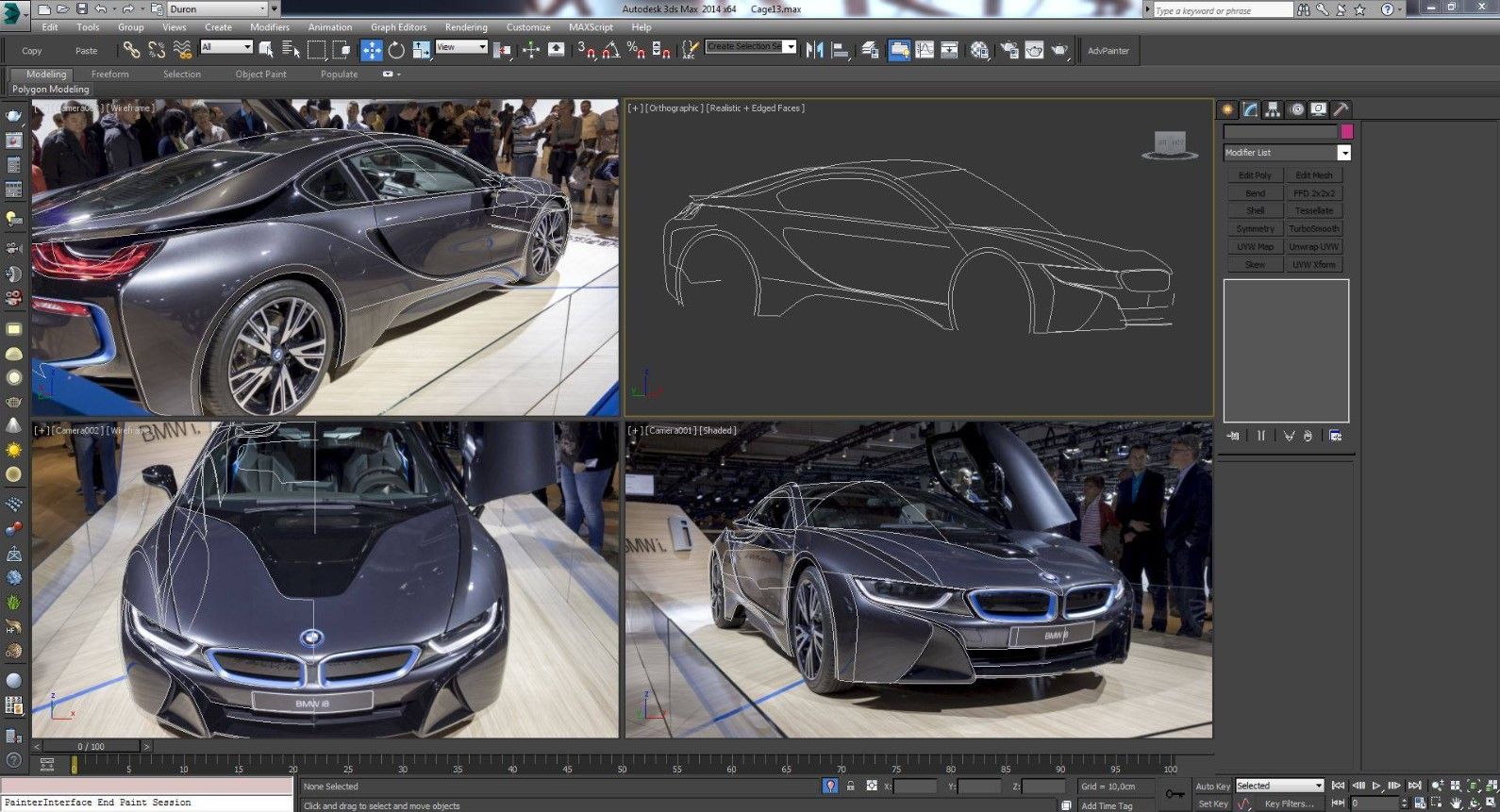
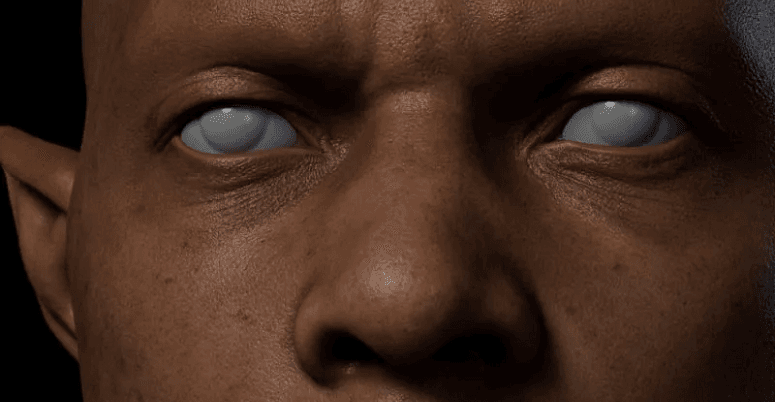
3D models created from photos help game designers and animators build realistic characters, objects, or environments quickly. By converting real-world photos into 3D assets, you can achieve lifelike textures and details without spending too much time on manual modeling.
Image Source: Coroflot
2. Virtual Reality (VR) and Augmented Reality (AR)
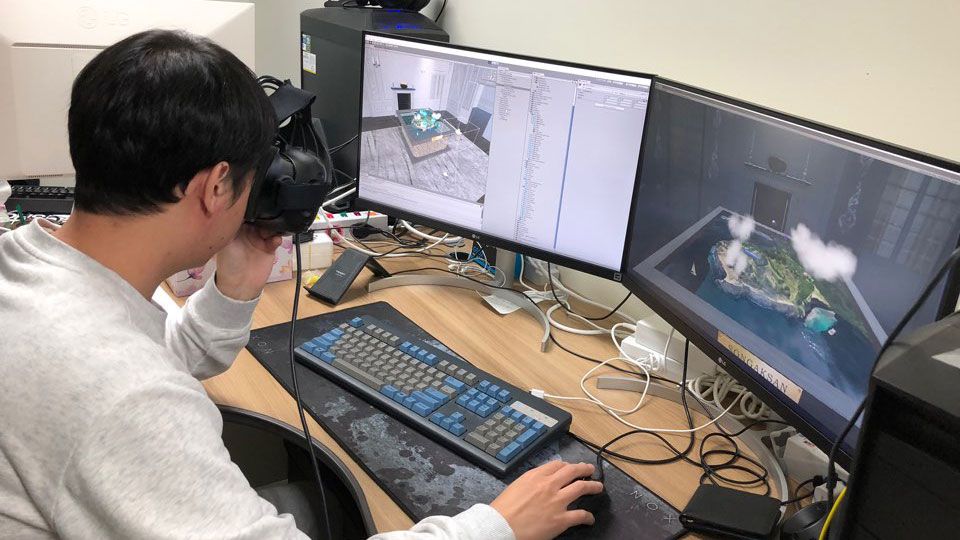
In VR and AR applications, accurate 3D models from photos can recreate real-world objects and spaces for immersive experiences. For example, you can turn a real room or product into a 3D model for virtual tours, interior previews, or AR product placement.
Image Source: Pix4D
3. E-Commerce and Product Visualization
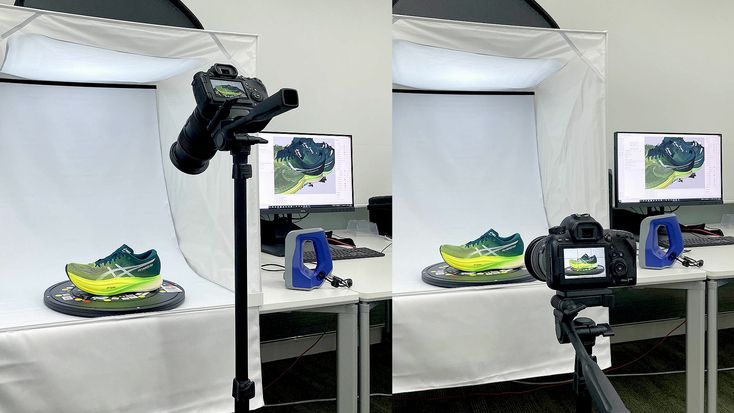
Online stores use 3D product models so customers can view items from every angle. These models, made from photos, help customers know about texture, size, and detail better before purchasing.
Image Source: Artec 3D
4. Architecture and Real Estate
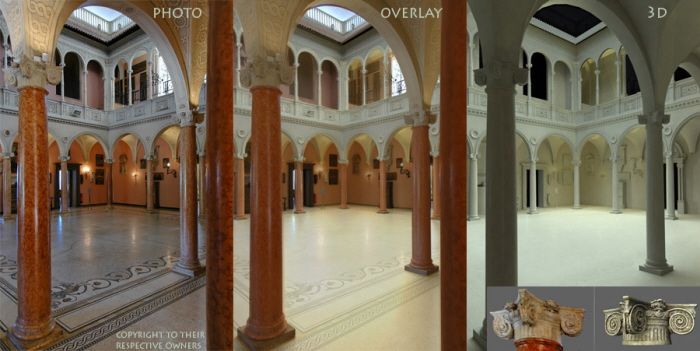
Architects and real estate agents use photo-based 3D models to visualize buildings, interiors, and landscapes. You can generate 3D models from property photos to create digital tours, design proposals, or renovation previews.
Image Source: Factum Foundation
5. Cultural Heritage and Archaeology
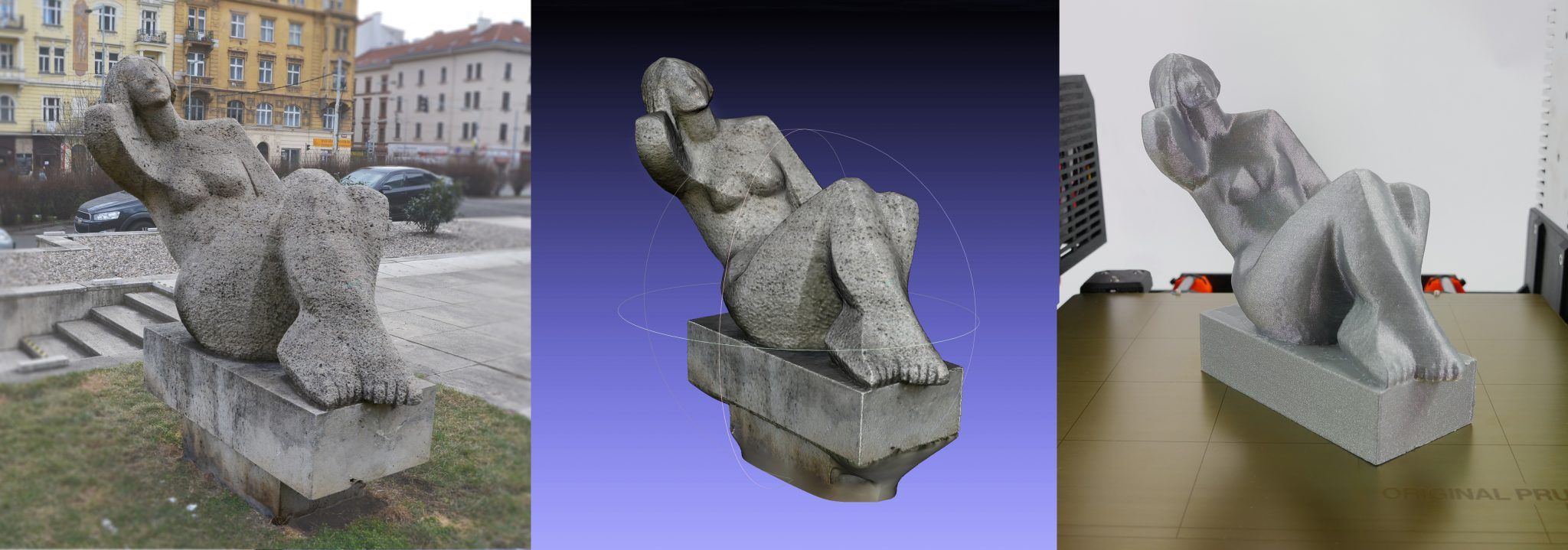
Museums and researchers use 3D reconstruction from photos to preserve artifacts or historical sites digitally. Even if an object is fragile or inaccessible, 3D photogrammetry allows detailed study and virtual exhibition.
Image Source: Prusa 3D
6. Medical and Forensic Applications
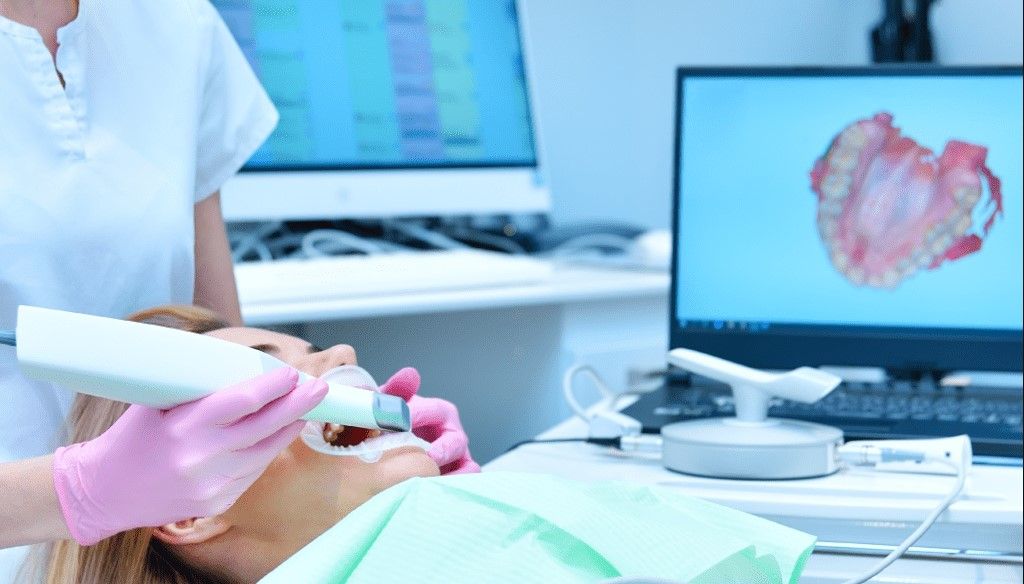
In medicine, photo-based 3D models assist in reconstructive surgery planning, while in forensics, they help recreate accident or crime scenes for analysis.
Image Source: TechNexion
7. Education and Research
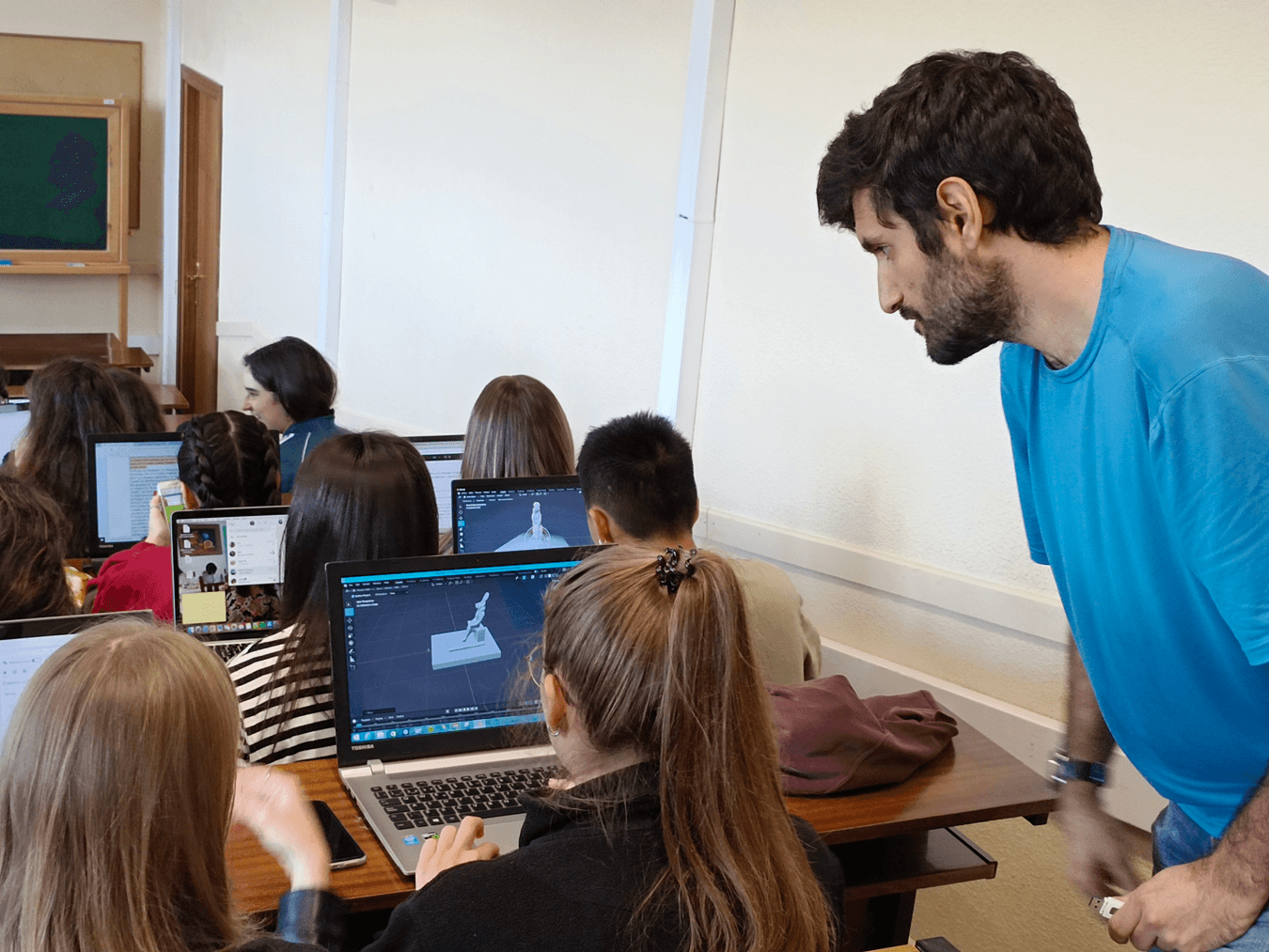
Teachers and researchers use 3D models to visualize scientific or historical subjects. Students can explore 3D versions of fossils, human organs, or architectural structures made from photos.
Image Source: Cambridge University Press & Assessment
8. Manufacturing and 3D Printing
3D models made from photos can serve as the foundation for prototypes or custom parts. After processing and refining, these models can be directly printed using a 3D printer.
Image Source: Max3D.pl
Part 3. What You Need to Turn a Picture into a 3D Model?
To create 3D models from photos, you need to prepare a few essential items and tools before starting. These help ensure your final model is accurate, detailed, and easy to edit later. Here’s what you need:
1. A Good Camera or Smartphone
Use a DSLR or mirrorless camera if possible. If using a smartphone, please ensure its camera function is working properly. The most important thing is that you need to take photos in consistent natural lighting, a uniformly cloudy day is perfect. Avoid exposure, reflections, glare, or blurry shots.
2. A Stabilizer or Tripod
To take clear, well-aligned photos, you can use a tripod or stabilizer. It ensures consistent camera angles and prevents motion blur.
3. 3D Reconstruction Software
You’ll need software to process the photos and convert pictures into a 3D model. We have tested the most popular 3D reconstruction software tools and here are our recommendations:
1) Agisoft Metashape: professional for use in industries like archaeology, architecture, and engineering.
2) RealityCapture: known for its speed and ability to process large datasets.
3) Meshroom: free and open-source with basic functionality for 3D model creation.
4) 3DF Zephyr: user-friendly and work with both photos and videos to create 3D models.
Part 4. How to Create 3D Models from Photos?
Once you've completed all preparations, we can now begin the photogrammetry process. Follow these simple steps to turn your photos into 3D models:
Step 1: Take Multiple Photos from Different Angles
Take multiple photos of your object from every possible angle, including top and bottom of the item. Move around it in a circle and keep the same distance and height. Ensure that at least 60-80% of the content of one photo is present in the next, and usually 30-60 photos are needed.
Step 2: Upload the Photos
Import the captured pictures into 3D reconstruction software. Follow your software's instructions to align the photos and detect common points. Usually, the photogrammetry software will generate a point cloud, build a mesh, and apply textures.
Depending on your hardware and the number of photos, the photogrammetry process may take a few minutes to an hour.
Step 3: Refine the Model
Once the model is complete, you can check whether there are any holes or rough edges. Most programs include basic editing tools to smooth surfaces or add textures.
Step 4: Export the Model
Export your finished 3D model in the desired format (such as OBJ, FBX, STL, or GLTF). You can also import it into Blender, Unity, Unreal Engine, or other 3D software for further editing.
If your computer struggles with complex scenes or high-resolution textures, you can use cloud rendering farm to handle rendering tasks online. After being tested by many 3D designers, FoxRenderFarm has proven to be one of the most reliable cloud rendering services worth trying. It processes your files much faster without overloading your device.
Part 5. Tips for Better 3D Models from Photos
For a better 3D model, we have some practical and easy-to-follow tips for you:
Keep the lighting consistent.
Take more photos than you think you need.
Avoid reflective or transparent surfaces.
Use a plain background.
Check focus before every shot.
Part 6. Alternative Method: AI Image-to-3D Tools
With the development of AI, some AI tools can now generate 3D models directly from a single image using deep learning algorithms. These AI Image-to-3D tools are perfect for those who find traditional photogrammetry inconvenient. However, keep in mind that AI-generated 3D models are not as precise — they’re more suitable for simple concept designs and quick previews.
Here are some popular AI model generator for your reference:
1. Meshy AI: converts 2D images or texts into 3D models quickly.
2. Tripo AI: generates 3D models from a single image directly in browser.
3. Luma AI: uses AI to create realistic 3D models and scenes from photos or videos.
4. 3D AI Studio: create and edit 3D models using AI-assisted tools.
1. How many photos do I need to make a picture a 3D model?
Typically, the higher the quality of the photos you take, the more accurate the resulting 3D model will be. The number of photos depends on the size and complexity of the object:
Small objects: 30–100 photos
Medium objects (furniture, vehicles): 100–300 photos
Large objects or scenes (buildings, landscapes): 300+ photos
2. Can I use my phone to take the photos for photogrammetry?
Yes! Smartphones with high-quality cameras can work well for photogrammetry, especially for small to medium objects.
3. Which is the best free photogrammetry software for beginners?
Meshroom is the most popular free and open-source option for beginners. It has a user-friendly interface and can generate 3D models from photos without cost.
4. Can AI Image-to-3D tools replace traditional photogrammetry?
AI Image-to-3D tools are improving rapidly, but they cannot fully replace traditional photogrammetry yet. AI can quickly generate 3D models from single images or concept art, but traditional photogrammetry creates more accurate and detailed 3D models from multiple real-world photos.
Conclusion
Creating 3D models from photos has never been easier. Whether you’re using traditional photogrammetry or trying out AI-powered tools, turning your images into 3D assets is now accessible to everyone. With just a camera and the suitable software, you can easily make a picture a 3D model for 3D printing, gaming, or just exploring your creativity.
If you're working on larger projects that require faster rendering or processing, FoxRenderFarm can help handle the rendering process efficiently. With a $25 free trial, you can find how wonderful it is!