Eevee vs Cycles: Which Blender Render Engine is Right for You?
The decision on what render engine to use in Blender can sometimes be difficult. Both Eevee and Cycles allow an artist to make beautiful scenes, and each works differently. Therefore, knowing their differences helps you save time and create better visuals.
In this guide, you will explore Eevee vs Cycles to help you understand their strengths and limits. Whether you need fast previews or realistic renders, understanding them helps you make smarter decisions.
Part 1. What is Eevee?
Eevee is basically Blender’s real-time render engine built for speed and interactivity. Evee uses rasterization like game engines, not physical ray tracing. Plus, the engine even supports physically-based rendering materials, the same as Cycles. This makes it easy to preview and work on scenes faster. Its design helps artists see changes instantly, which is great for animation and design work.
Key Features:
1. Advanced Lighting: Includes screen space reflections and even subsurface scattering effects.
2. Lightweight Design: Supports different hardware, including consumer computer laptops and advanced GPUs.
3. Volumetric Effects: Enables volumetric lighting and fog to be rendered to improve the effect on an atmospheric scene.
Advantages
- Enables quick testing of lighting setups without the long rendering times required.
- Encourages after processing such effects as depth of field and motion blur.
Limitations
- Not rendered as ray-traced, and so not as accurate as offline engines, such as Cycles.
- Less global illumination and caustics lower realism in intricate lighting systems.
Part 2. What is Cycles?
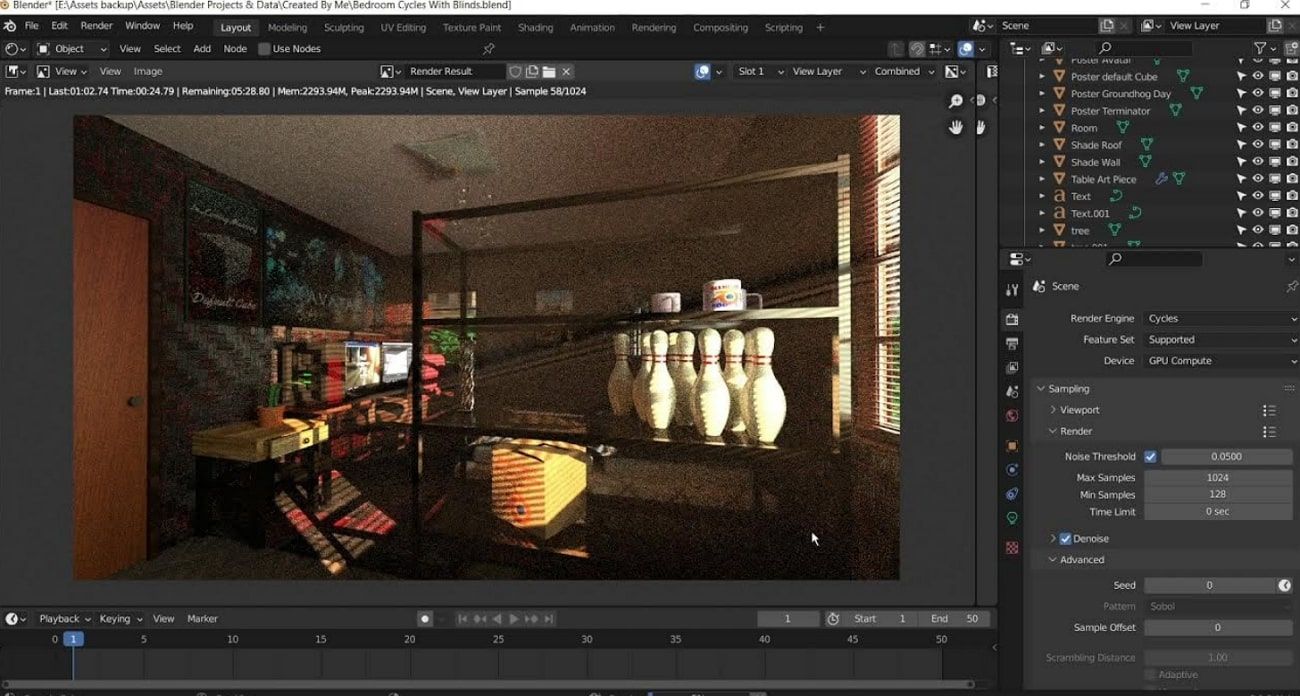
Cycles is Blender’s path tracing render engine, created for ultra-realistic 3D rendering work. Unlike Eevee, Cycles uses real light simulation, tracing rays around objects. This approach captures accurate reflections and advanced effects like subsurface scattering. Artists love Cycles for its photorealistic quality and ability to handle complex lighting easily. When comparing Cycles vs Eevee, Cycles supports both GPU and CPU rendering for flexibility.
Key Features:
1. Path Tracing: Models actual light behaviors to achieve precise and realistic outputs.
2. Shared Workflow: Uses similar shader nodes as Eevee, simplifying engine switching during production.
3. Vector Displacement: Generates complex surface details shaped beyond usual displacement limitations.
Advantages
- Handles complex lighting scenarios naturally, useful for VFX and animation in professional work.
- Frequent updates improve rendering speed and stability with new Blender versions.
Limitations
- Not ideal for stylized artwork or NPR projects requiring sharp outlines and simplified shading.
- Demands optimized lighting setups to manage noise and maintain clean rendering quality.
Part 3. Key Differences Between Eevee and Cycles
When comparing Blender Eevee vs Cycles, it's essential to understand how they differ. Thus, this comparison section shows how each engine performs under different creative requirements:
1. Rendering Technique
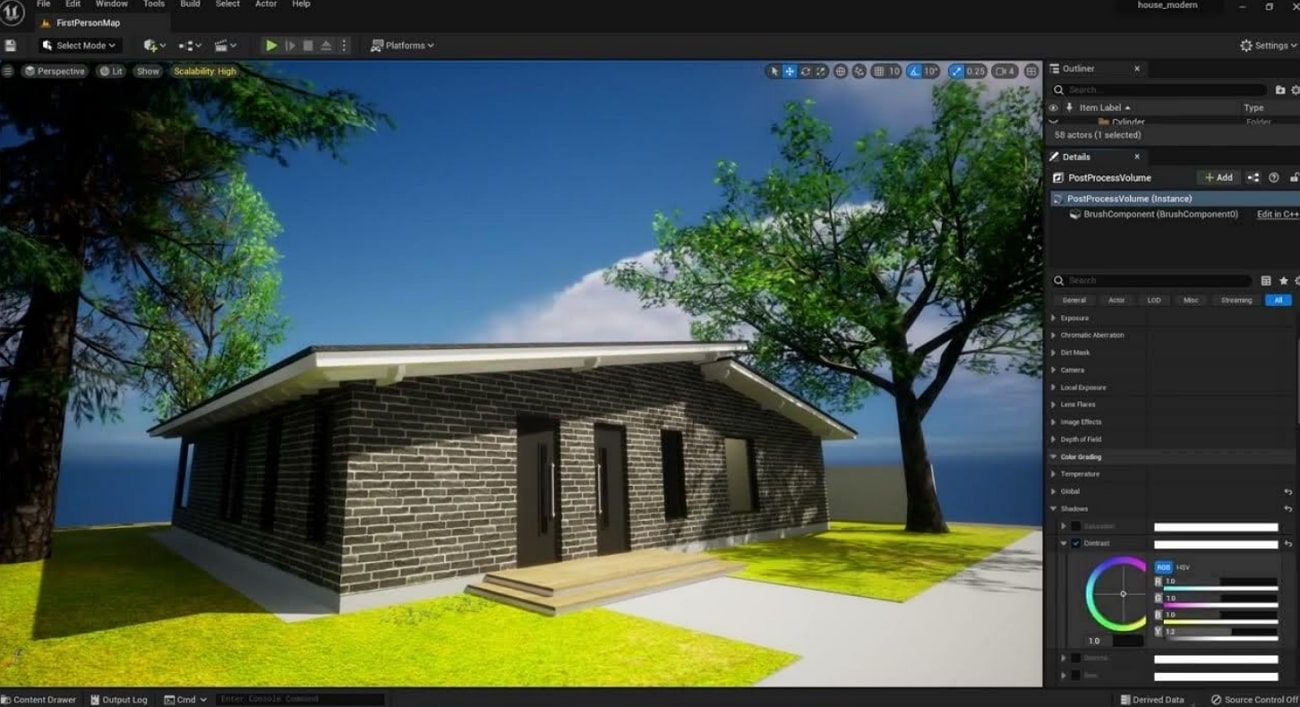
Eevee uses an instant rasterization technique similar to video game engines. It calculates lighting and shading using fast approximations like shadow maps and reflections. Therefore, this technique prioritizes speed, giving immediate feedback and fast animation previews. Yet, Eevee trades some realism for this speed, meaning complex lighting scenes may not look entirely natural with its technology.
Cycles, in contrast, uses a path-tracing technique that simulates absolute light paths. It traces rays from the camera and bounces off surfaces to model global illumination with detailed shadows accurately. This accurate method needs more computing power and longer render times, but results in photorealistic images. Hence, it excels where maximum realism is required, fitting professional VFX and architectural renders.
2. Visual Quality
Eevee produces visuals by approximating light and shading in real time using rasterization. This method prioritizes speed and fast feedback, perfect for quickly designing scenes or animations. Besides, effects like ambient occlusion and depth of field appear promising but are less precise than in Cycles. Stylish or cartoonish projects can look great instantly, but some realistic details and complex lighting are not fully captured.
Similarly, to give extremely realistic pictures, Cycles resorts to path tracing to replicate the play of light on surfaces. It handles subsurface scattering and transparency naturally to enhance skin and atmospheric effects. Plus, small surface details and textures look sharp and natural, supporting features like caustics and adaptive subdivision. So, it is considered one of the top render engines for Blender when visual fidelity matters most.
3. Rendering Time
The Eevee real-time renderer is an immediate feedback renderer based on rendering scenes at very high speeds. It can produce animation frames at speeds of 20–60+ frames per second, making it perfect for fast previews and rapid iteration. This fast speed is because of its rasterization technique, which involves simulations such as shadow maps rather than physical precision. However, this speed comes with some trade-offs in lighting accuracy and detail.
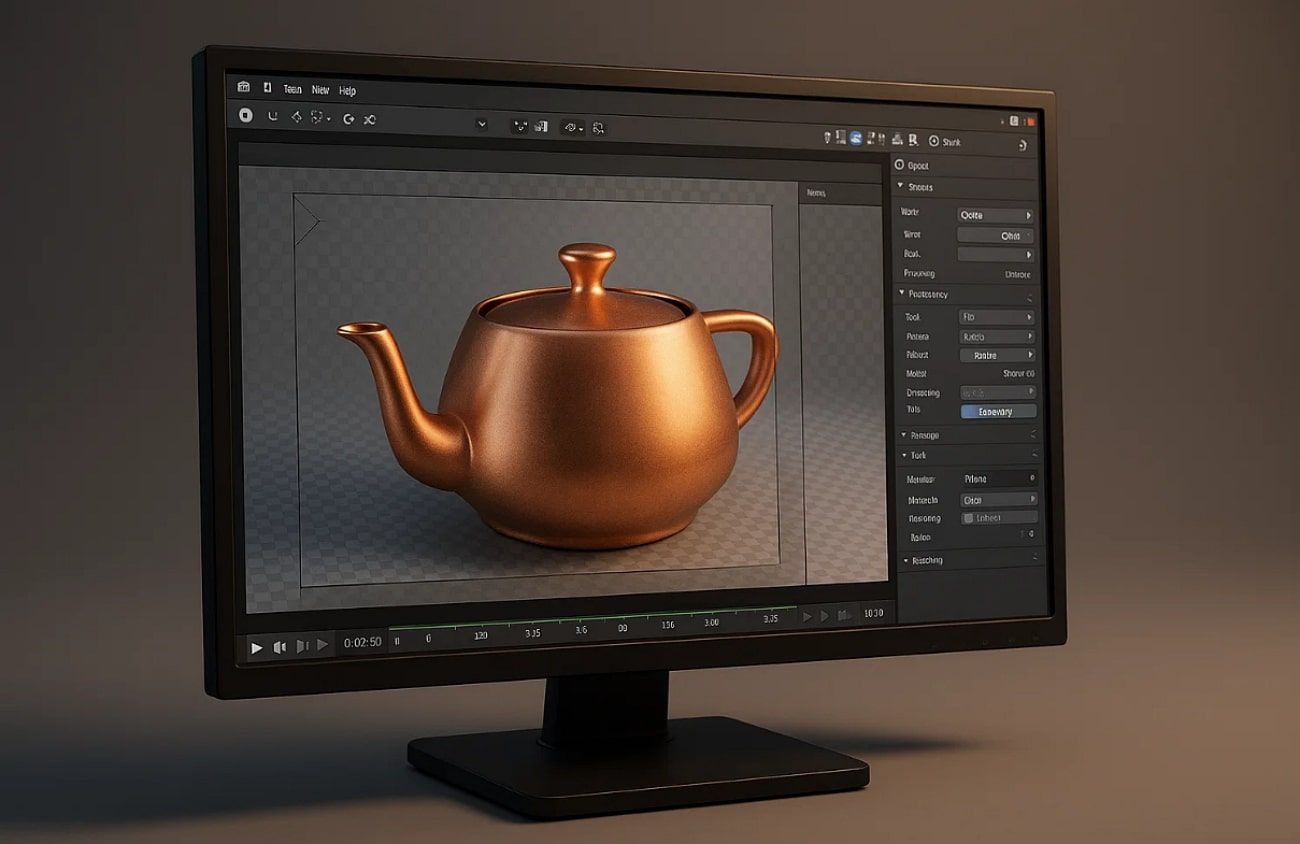
Apart, Cycles utilizes path tracing, a method that applies plausible light behavior by tracing rays across the scene. It is a physically-based technique that generates photorealistic lights and materials, but has much slower render times. Depending on the complexity of the scenes, a single frame may take hours or minutes. While exploring Eevee vs Cycles, Eevee has previews that are faster than the other engine.
4. Use Cases
Eevee is ideal for real-time previews, letting artists adjust lighting and materials instantly during work. It supports stylized projects and motion graphics needing breakneck rendering speed. Creators use it for web animations and tasks requiring bold visuals quickly. Plus, Eevee is also helpful for pre-visualization before switching to final rendering inside Cycles.
In addition to this, Cycles is good at creating photorealistic pictures with complex light and materials. It is recommended when used in final renders in VFX and product design. It's preferred when image quality is paramount and speed is less critical. Still, artists usually report that Cycles gives them professional-quality visuals, though rendering takes longer.
Part 4. Which Blender Render Engine Should You Choose?
When comparing Cycles vs Eevee, each excels in different workflows and visual needs. Below, you will explore a few key scenarios to help you decide which engine suits your work best:
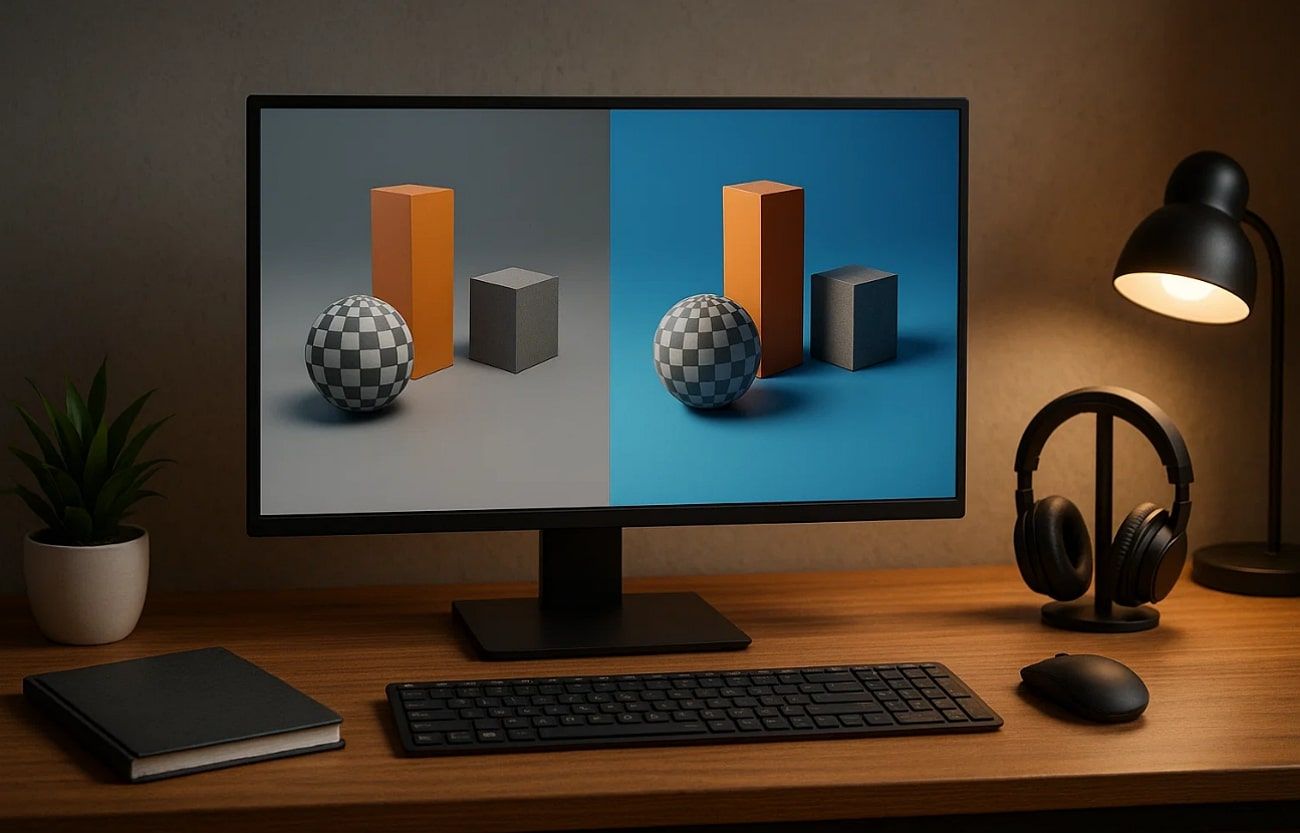
1. Speed Advantage: Eevee renders very fast, suitable for projects requiring quick changes and instant previews. It can produce animation frames at 20–60+ frames per second, ideal for instant feedback during design.
2. Hardware Needs: Eevee requires standard GPU capabilities and runs smoothly on common hardware. On the other hand, Cycles demand stronger GPUs or CPUs for complex, high-resolution renders and longer processing times.
3. Project Type: You can opt for Eevee for stylized visuals and animation previews with rapid prototyping. Cycles, whereas, is better for VFX and product renders requiring realism.
4. Quality Priority: Cycles focus on photorealistic results with physically accurate lighting. Plus, it takes longer but produces highly detailed and realistic images for final productions.
5. Feature Support: Apart from that, Cycles includes advanced effects like caustics, volumetrics, and subsurface scattering. In comparison, Eevee supports some effects but has limitations in physically accurate light transport.
In addition to this, professional VFX artists often note that Cycles handles complex lighting scenarios better than Eevee.
Part 5. Speed Up Blender Renders with Render Farm
In demanding projects, render speed can slow down your work, making time a big challenge. Therefore, using a cloud render farm is essential for speeding up workflows with large Blender projects.
For artists using render engines for Blender, Fox Renderfarm offers a fast and reliable cloud solution. Its service supports both CPU and GPU rendering, allowing flexible processing based on project requirements.

The service works on Windows, Mac, and Linux systems with 99.99% uptime to ensure reliability. Moreover, it automatically detects users’ IT environments to optimize cloud service matching for improved performance.
Besides, the service’s automatic detection matches your project with optimal cloud infrastructure to streamline the rendering process effortlessly. Its knowledgeable service team also offers 24/7 live support via multiple communication channels.
Key Features:
1. Massive Nodes: Fox Renderfarm offers thousands of render nodes instantly to accelerate massive projects. So, this helps complete large-scale 3D projects faster than typical desktop rendering speeds.
2. API Integration: The service also supports pipeline automation with a robust API for smooth integration into workflows. Thus, studios benefit from easier project management and automated rendering setups.
3. SSD Storage: It features massive SSD storage to prevent I/O bottlenecks and ensure smooth data flow. This supports heavy projects with large textures to ensure effortless and uninterrupted rendering.
4. Software Support: Even supports 9 different famous software, including Blender, Cinema 4D, and others. Such versatility benefits studios working across various software tools and pipelines.
5. TPN Accredited: Certified by Trusted Partner Network, proving to be in conformance with industry security standards. Such accreditation enhances confidence in clients about dealing with sensitive film and animation projects.
Conclusion
In conclusion, both Eevee vs Cycles offer unique benefits for different projects. Eevee excels in speed and stylized animations, while Cycles delivers photorealistic lighting and detailed visuals for professional work. Understanding their strengths helps artists choose the right engine based on project type, hardware, and quality needs.
For faster production and handling complex scenes, using a cloud solution like Fox Renderfarm is highly recommended.