


Limited Animation: Definition, Examples, and How to Create It
The world of animation keeps changing as creators search for faster, cheaper methods. Limited animation became a clever solution that balances creativity and cost in production. Many teams choose limited animation because it reduces workload while keeping scenes appealing.
This style supports artists managing short deadlines or working with very small budgets. Famous studios proved that strong ideas can shine even with fewer moving parts. Modern tools also make it easier for beginners to try simple animated projects. Thus, this guide explains limited animation meaning, advantages, workflow steps, and classic examples.
Part 1. What is Limited Animation?
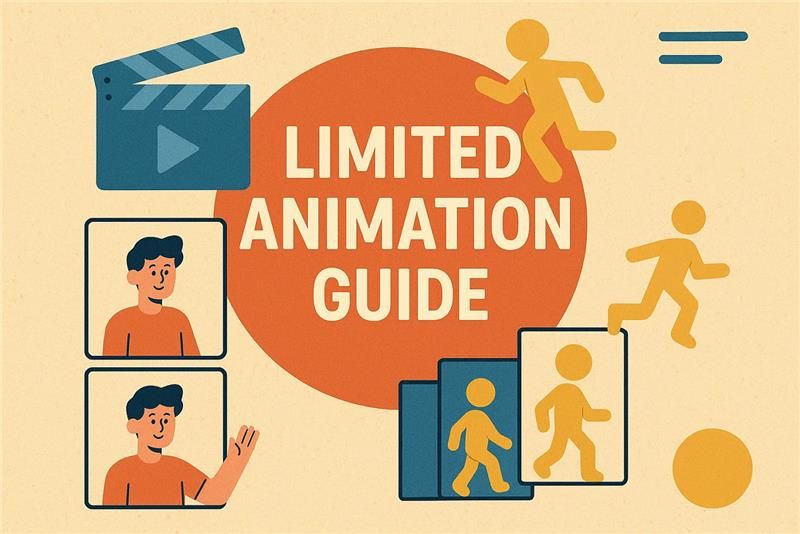
Limited animation is a technique that minimizes the number of drawings to save time and reduce production costs. It usually uses 8 to 12 drawings per second instead of the full 24 in full animation. Artists reuse character parts like mouths, eyes, or arms to show movement effectively. This approach creates motion by moving only necessary sections while keeping other parts still.
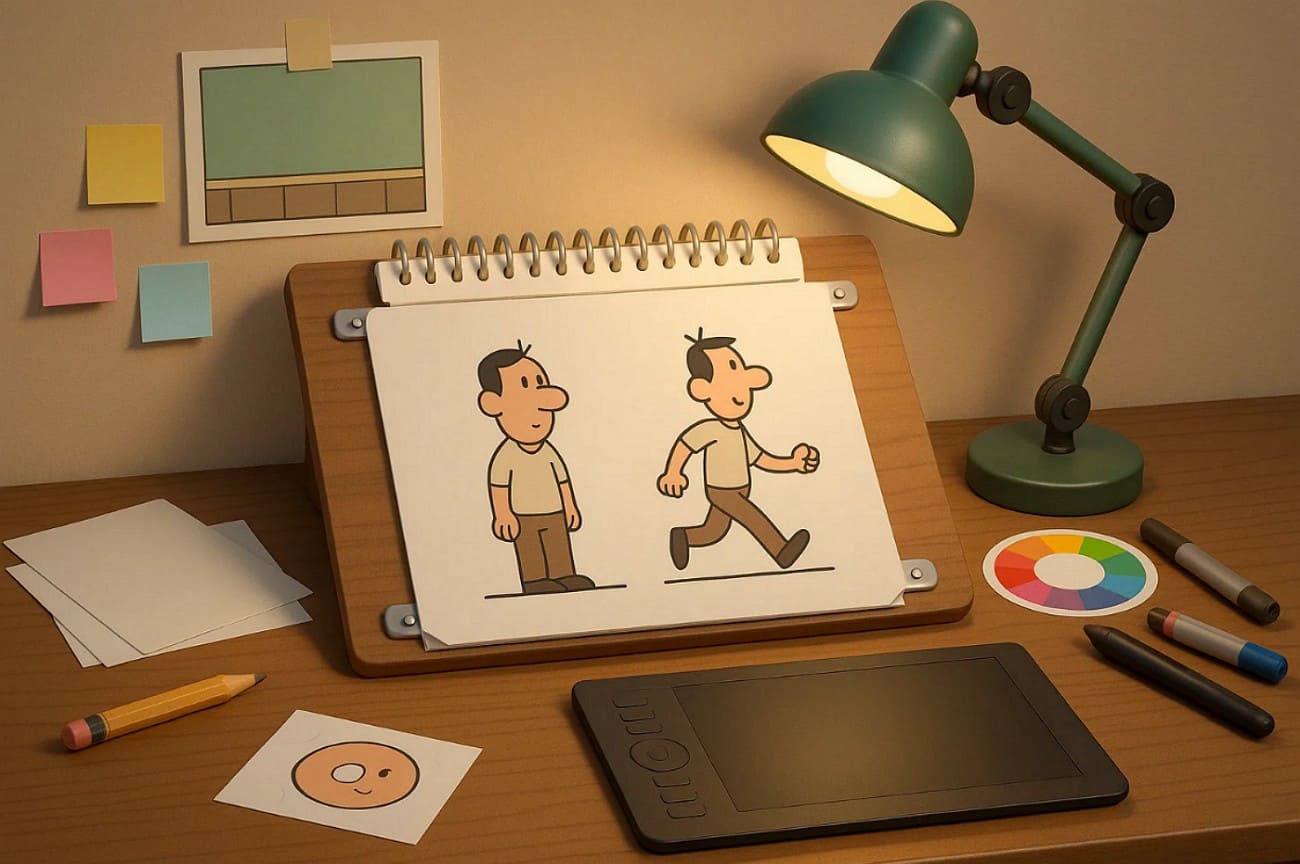
The method first appeared as labor-saving tricks such as mirrored drawings and motion cycles. During the 1940s and 1950s, studios like UPA, Hanna-Barbera, and Filmation refined the process. They introduced limited animation as a way to compete with Disney’s expensive, detailed features. It became ideal for low-budget television shows that required fast production schedules.
Key Features
1. Exaggerated Poses: Emotion is emphasized with dramatic keyframes, and in-between drawings are minimized.
2. Selective Motion: Only essential parts, like eyes or mouths, move to express action effectively.
3. Static Backgrounds: Backgrounds remain unchanged while only characters or objects show motion.
4. Sound Emphasis: Voice acting and effects enhance storytelling when motion is visually restricted.
5. Visual Symbols: Simple icons or repeating images replace detailed transitions for faster scene shifts.
Part 2. Limited Animation Pros and Cons
After exploring the limited animation definition, you might also see how this style changes workflow and visuals. So, this part will show you a few common pros and cons of limited animation:
Pros of Limited Animation
1. Using fewer drawings lowers overall production costs, making animation affordable for small teams.
2. Reduced frame counts help studios finish episodes quickly without lowering essential visual quality.
3. May appear stiff or rough because reduced frames limit motion fluidity and detailed expression.
4. Limited redrawing lets teams focus on the details of important scenes needing higher visual impact.
Cons of Limited Animation
1. Heavy reuse of assets may cause episodes to feel repetitive after several scenes.
2. Fewer frames can create choppy movement, making scenes appear less smooth overall.
3. Fast action can be difficult to animate convincingly using minimal keyframes and poses.
4. Subtle body acting becomes harder to express when movement options remain very restricted.
Part 3. What is the Difference Between Full Animation and Limited Animation?
Both full animation and limited animation in anime create movement, but their process and results differ greatly. Understanding these differences helps artists choose styles that match their time and goals. In this section, you will explore a comparison table between the two types of animation:
|
Aspect |
Full Animation |
Limited Animation |
|
Frame Rate |
Around 24 frames per second for smooth, lifelike motion |
Around 8–12 frames per second with slower, selective movement |
|
Drawings per Scene |
Each frame is drawn individually for detailed acting |
Fewer original frames are reused across multiple shots |
|
Motion Style |
Continuous, realistic movement and fluid transitions |
Stylized movement with held poses and selective part animation |
|
Visual Detail |
Great detail in backgrounds and character motion |
Simplified shapes and reusable parts for faster workflow |
|
Focus Area |
Expressive body language and visual storytelling |
Dialogue, sound, and design carry emotional depth |
|
Production Time |
Requires larger teams and longer schedules to complete |
Faster to produce with fewer resources and smaller teams |
|
Cost Level |
Expensive due to labor and detailed frame creation |
Cost-effective for long-form or lower-budget projects |
|
Common Use |
Feature films, detailed short films, or high-end projects |
TV animation, web series, and explainer video content |
Part 4. Best Software for Limited Animation
To apply limited animation techniques effectively, choosing the right animation software is very important. Thus, the following section provides you with the 5 best software that help artists manage reused parts and stylized visual storytelling:
1. Toon Boom Harmony
It is ideal for limited animation with its advanced cut‑out design tools. Toon Boom Harmony supports layered character rigs controlled by peg systems for puppet-style flexible motion. Artists can combine rigged sequences with frame-by-frame shots in one workflow smoothly. Node-based compositing integrates lighting and 2D or 3D effects for visually rich results. Plus, native rigging tools and deformers simplify complex character control and animation cycles.

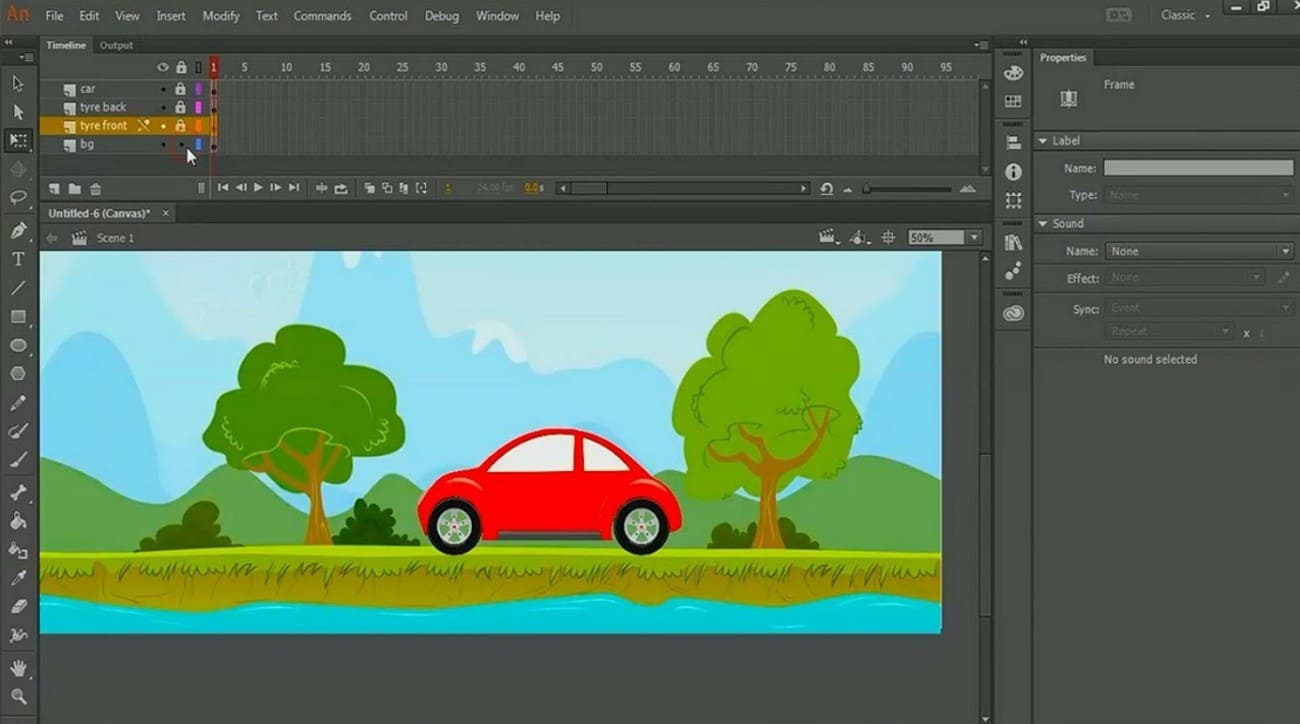
2. Adobe Animate
This is also perfect for limited animation examples using reusable symbols and tweening. Its Asset Warp tools let you deform single bitmap or vector parts to create motion easily. Moreover, MovieClips and nested timelines help loop blinks or mouth cycles effectively in projects. The Camera tool also adds dynamic pans and zooms, enriching scenes without complex character moves.
3. Blender
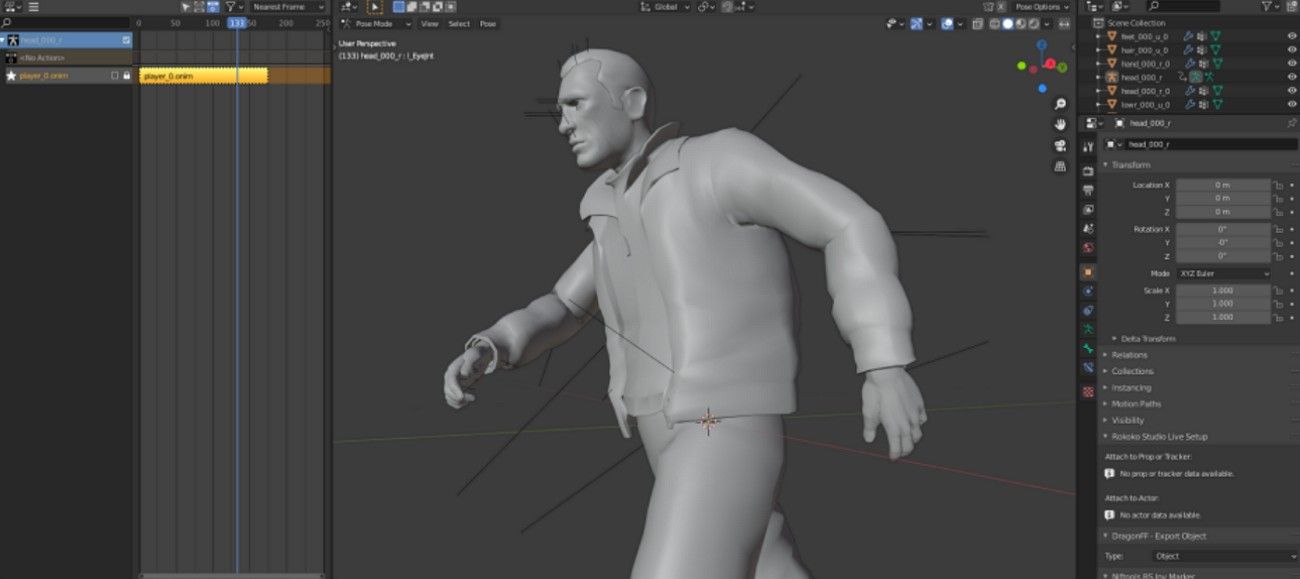
Blender offers a free, powerful solution for limited animation using its Grease Pencil tools. The 2D animation template sets up a canvas and a camera for easy frame control. Plus, its COA Tools add-on supports cut-out rigs with bones and sprite management. Grease Pencil also allows combining 2D and 3D elements for unique stylized animation styles. This system is suited for creating limited animation with creative visual effects.
If you're working with more complex scenes in Blender, especially when mixing 2D and 3D Grease Pencil elements, you can speed up your final rendering by using a cloud rendering service like FoxRenderFarm. It handles heavy frames for you and helps you preview results faster, which is useful when testing limited animation timing.
4. Synfig Studio
It also supports limited animation techniques using tweening and vector art. Synfig Studio automates motion and scaling between keyframes while reducing manual drawings. Moreover, parameter linking lets animators build puppet rigs with synchronized, controllable movements. Its layer system supports complex character puppets and reusable assets for series projects. Plus, Synfig is free and open source, which makes it accessible without any sort of fees.

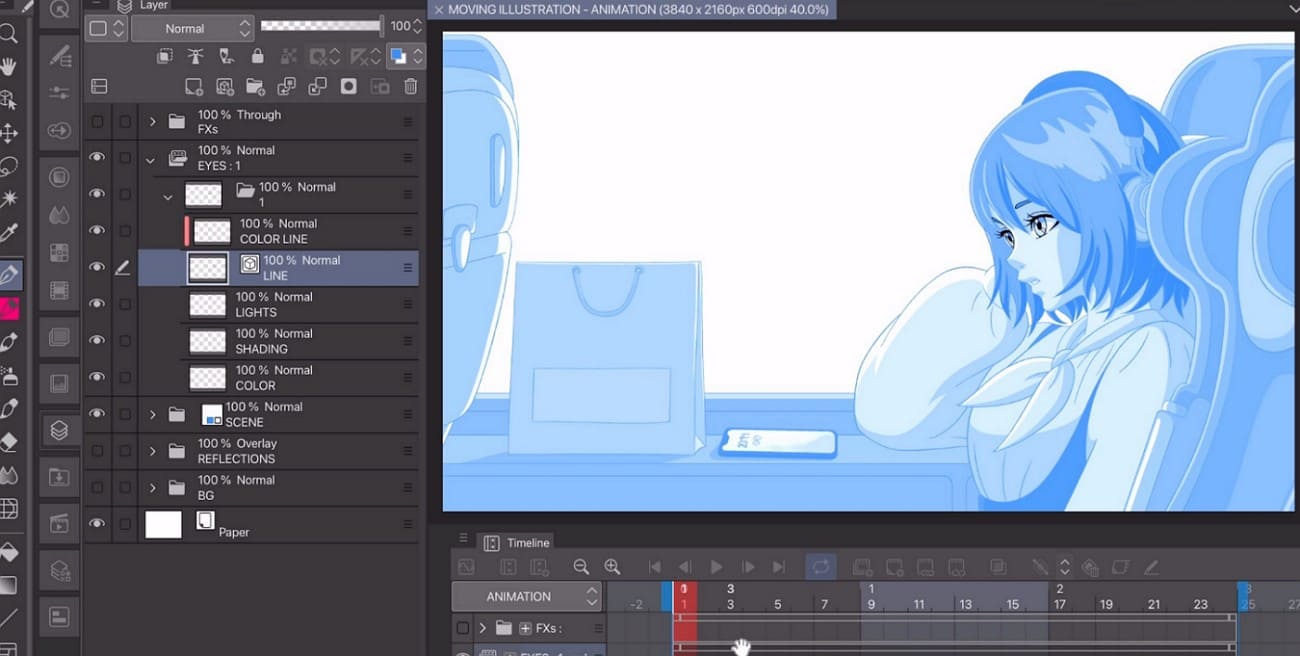
5. Clip Studio Paint
Clip Studio Paint supports limited animation examples by combining powerful drawing and animation tools. While using, Vector Layers and Correction tools let you adjust lines and shapes without redrawing frames. Besides, 3D character models and perspective rulers help plan consistent poses and camera angles faster. In addition, asset reuse features include panel frames and a vast brush and material library.
Part 5. How to Create Limited Animation?
Creating limited animation involves careful planning and efficient movement choices. Following these steps helps achieve smooth storytelling while avoiding the full animation’s heavier workload:
1. Define Scope: Decide animation length and write a simple script with essential motions highlighted.
2. Storyboard Choices: Create a rough storyboard and label shots with full, minimal, or no movement.
3. Frame Timing: Set a low frame rate, such as 12 fps, or animate on twos for fewer drawings.
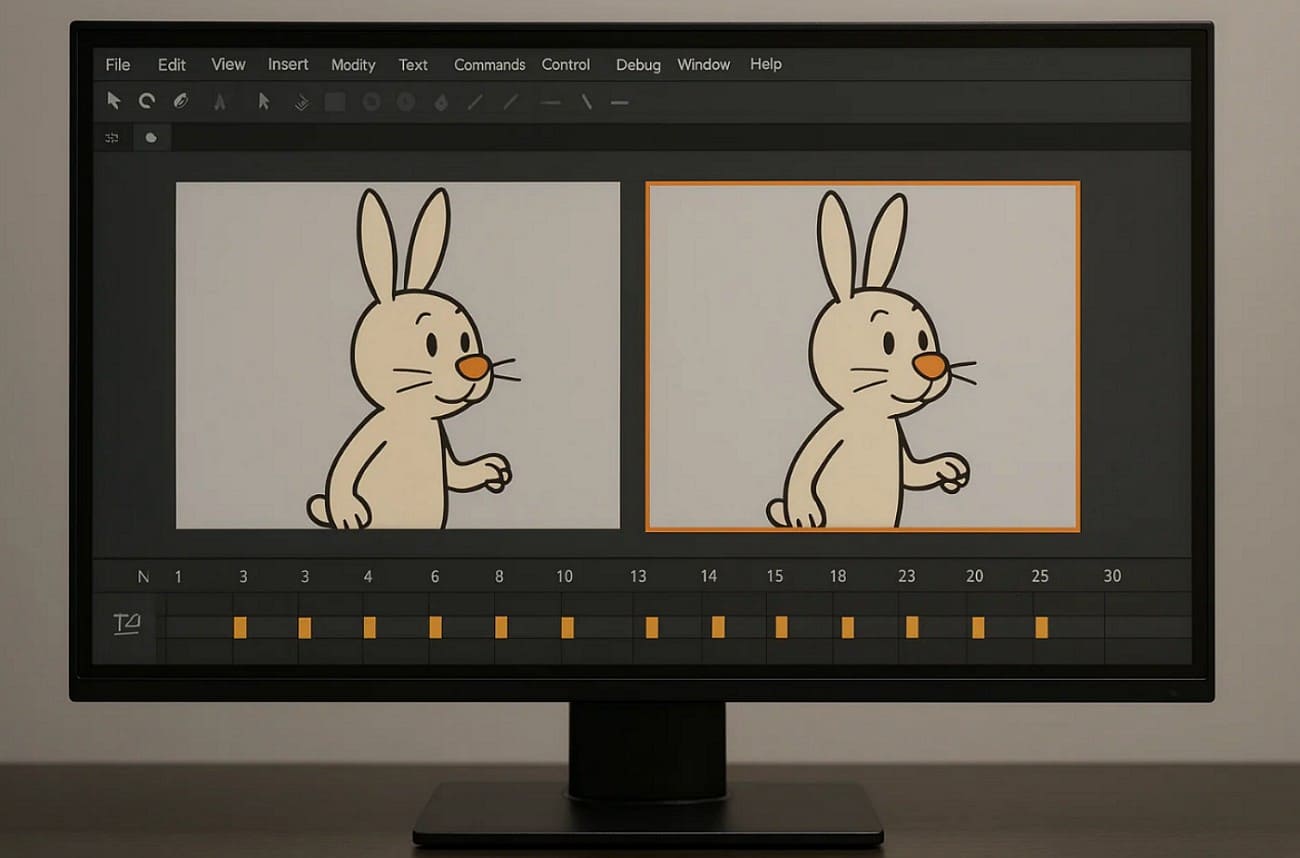
4. Build Rigs: Establish a hierarchy for rigged characters using controls to rotate parts simply.
5. Key Poses: Block only important poses like gestures, reactions, and story-driven actions.
6. In-Betweens Cycles: Add only necessary breakdowns, skipping redundant frames between key positions.
>> Related: What is Inbetweening in Animation?

7. Body Holds: Keep most of the body still while animating only essential, small gestures such as the mouth.
Part 6. Famous Examples of Limited Animation
Many classic and modern shows use limited animation techniques to save time and costs. Studying these famous examples helps understand how style and motion are balanced:
1. Crusader Rabbit
Crusader Rabbit was the first animated series created specifically for television in 1950. It used limited animation techniques with minimal character movement and repeated storyboard-style frames. Much of the animation reused previous scenes and recaps to stretch the budget. Tight production allowed the series to air widely despite financial limits. This technique influenced many future TV animations focused on efficiency.
2. Dragon Ball Z
It is a famous Japanese anime in which Goku defends Earth from threats. The series uses limited animation to meet weekly production schedules and control costs. Dialogue shots animate only mouths over static bodies to save time and resources. In addition, power-ups use visual effects and sound to add intensity without full animation.
3. The Peanuts Movie
The Peanuts Movie uses a stylized ‘on twos’ approach, but it is not traditional limited animation because the film is fully produced in CGI. This means holding each pose for two frames to create choppy, stylized motion. The film mixes 3D CGI with hand-drawn motion lines and smear frame effects.
Moreover, Blue Sky Studios created special facial rigs to slide expressions instead of morphing normally. Animators also painted 2D motion trails and “ghost limbs” over 3D models for effect.
Part 7. FAQs About Limited Animation
Q1. Why does anime use limited animation?
Anime uses limited animation to meet tight weekly production schedules and reduce overall costs. This technique allows studios to focus on key action and dialogue while saving drawings. Plus, it allows more focus on story and stylized visuals rather than full motion in every frame.
Q2. What are the 4 types of animation?
The four types of animation are traditional, 2D digital, 3D/CGI, and stop-motion techniques. Traditional animation is hand-drawn frame by frame, giving organic and expressive motion without digital tools. All the other animations use software or physical objects to create movement.
Q3. Who pioneered limited animation?
Limited animation was pioneered as a conscious style by studios and innovative animators. Early experiments by Émile Cohl and silent-era artists used minimal movement due to technical limits, not as a stylistic form of limited animation. United Productions of America (UPA) is credited with popularizing limited animation in the 1940s–1950s.
Conclusion
To conclude, limited animation remains a smart solution for creating engaging content with fewer resources. It focuses on essential movement by reusing assets like mouths and arms in scenes. This technique saves time and cost while allowing creative storytelling through sound and style.
For projects with limited animation, Fox Renderfarm provides efficient cloud-based rendering services. This render farm ensures smooth, fast rendering for all animation workflows and budgets.




