Blender
 Cinema 4D
 Arnold
 3ds Max
 Houdini
 V-Ray
V-Ray Maya
Maya Unreal Engine
 Nuke
Nuke5 Best Render Farms for Advertising Services
 Ryan Thompson
Advertising studios face extreme pressure to deliver quality visuals under tight deadlines. Traditional workstations struggle with complex product animations and photorealistic lighting for commercials. At this point, a render farm for advertising provides scalable cloud computing power, allowing teams to render multiple versions of campaigns.
From TV commercials to online product visualization, cloud rendering can help studios meet client expectations without sacrificing quality. Thus, this guide reveals cloud render platforms engineered specifically for advertising needs.
Part 1. Unique Rendering Challenges in Advertising Production
Modern production demands require a reliable cloud render farm for ad agencies. The following technical hurdles define the specific complexities of commercial rendering workflows:
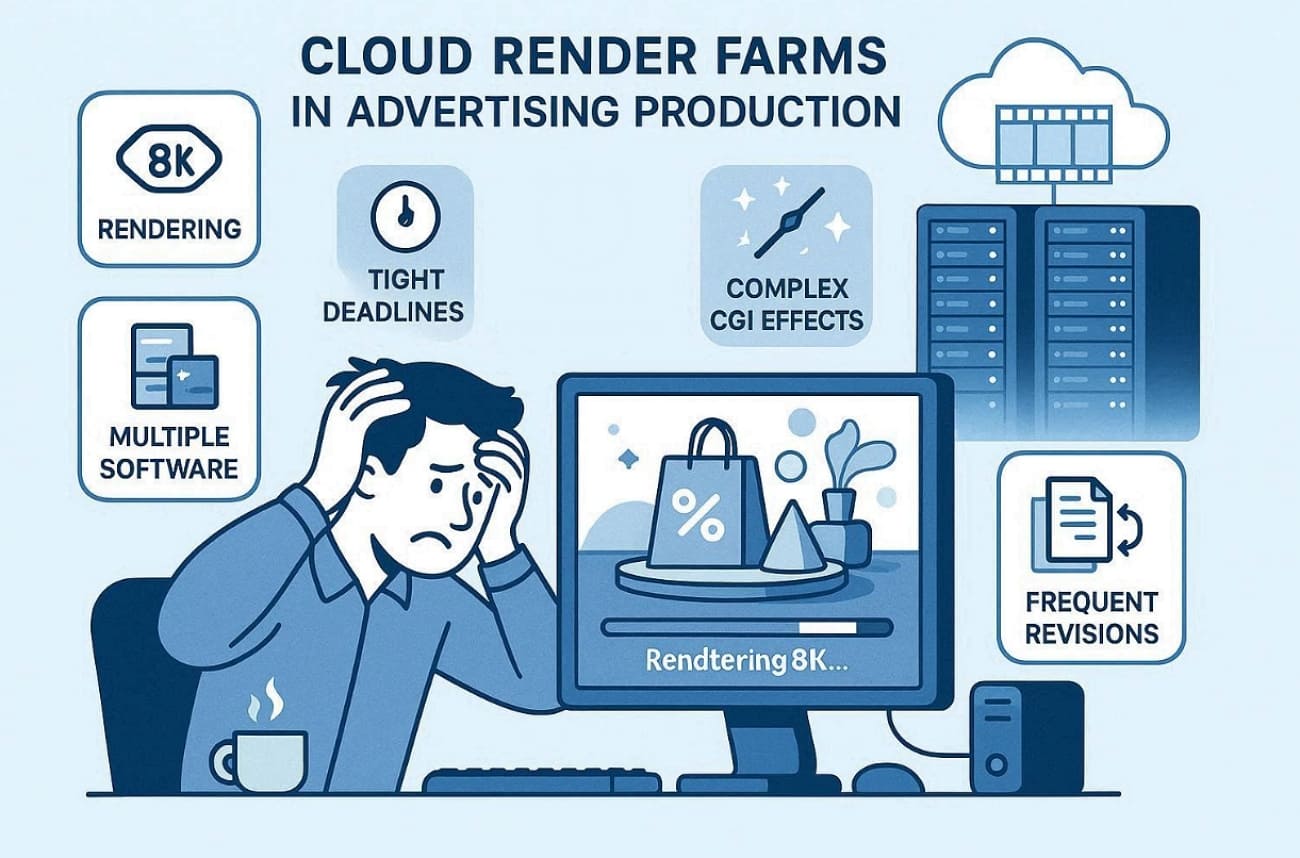
- Extreme Resolution: Broadcast standards in 2026 frequently demand 8K clarity for large digital billboard displays. Processing these massive frame sizes requires incredible computational power and specialized server hardware.
- Tight Deadlines: Advertising campaigns require a rapid turnaround to meet client release schedules consistently. Delays in rendering can cause issues eventually and affect overall project delivery timelines.
- Complex Effects: Visual effects like CGI and dynamic lighting challenge traditional systems. Besides, these effects demand distributed processing power to maintain rendering speed without quality loss.
- Diverse Software: Agencies use multiple software programs like Blender and Cinema 4D. Compatibility across these platforms is essential for seamless rendering without workflow interruptions.
- Frequent Revisions: Advertising clients often request multiple iterative adjustments during production. Each change requires re-rendering, which becomes slow and expensive on local hardware.
Part 2. How Render Farms Help Advertising Studios Work Faster
A render farm for TV commercials accelerates production by distributing complex tasks across multiple nodes. So, these specific capabilities solve advertising's unique speed-to-market crisis completely:
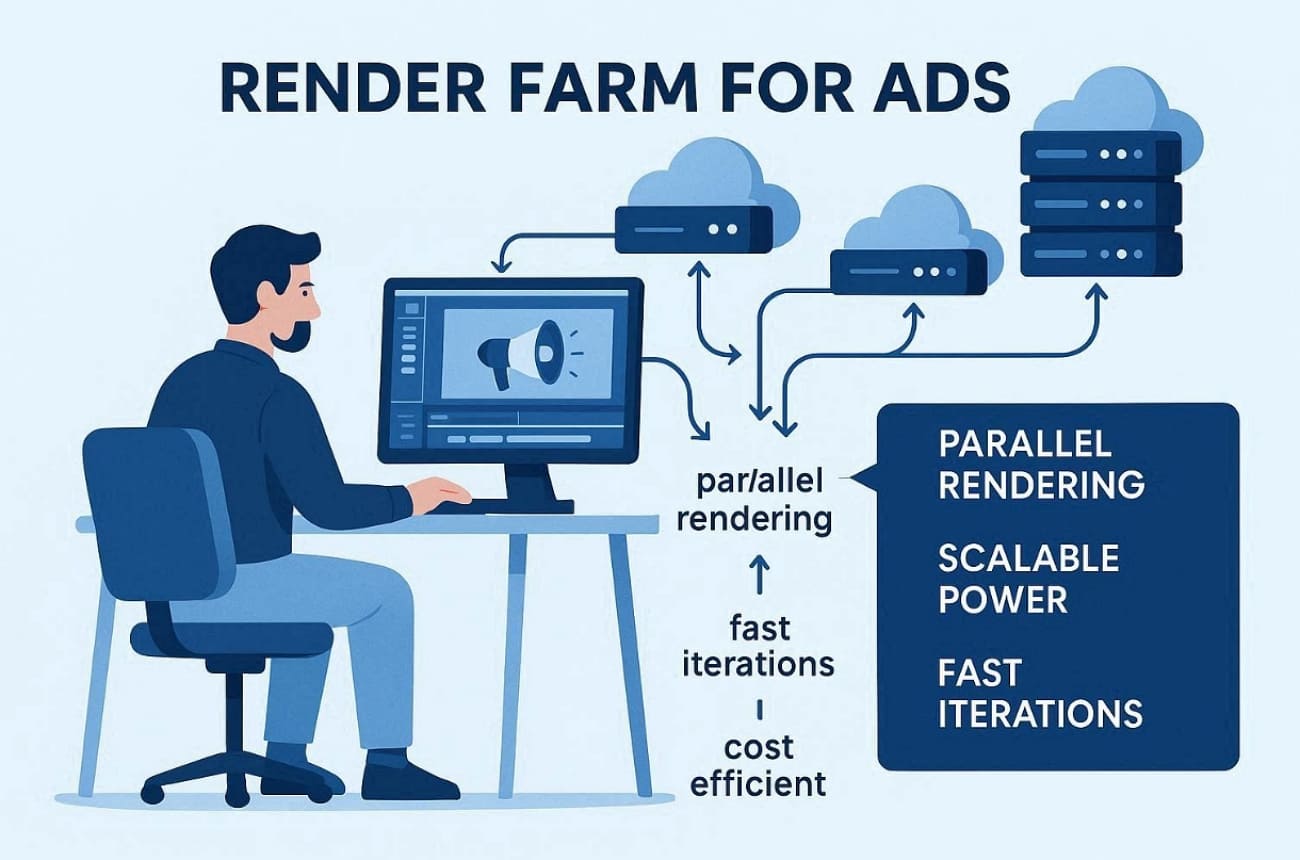
- Parallel Rendering: Multiple commercial frames are processed at once across numerous servers. This ensures quality animations complete faster than on traditional workstations.
- Scalable Power: Ad agencies can instantly add extra nodes during peak production periods. Scaling resources prevents delays for complex product visualization and CGI commercials.
- Hardware Flexibility: Cloud farms provide both CPU and GPU options tailored for advertising projects. Thus, choosing the right hardware speeds up the rendering of intricate visual effects.
- Cost Efficiency: Pay-as-you-go billing avoids large investments in permanent hardware upgrades. So, ad agencies only spend on active rendering hours to maximize budget efficiency.
- Fast Iterations: Studios can render multiple ad versions quickly for client approval rounds. Rapid iteration enables frequent creative adjustments without delaying production schedules.
Part 3. 5 Best Render Farms for Advertising
Render farm for product visualization, advertising demands vary significantly by workload volume and budget constraints. Yet, these top platforms deliver proven advertising performance across diverse commercial needs:
1. Fox Renderfarm
Best For: Ad agencies launching multi-variant product campaigns and TVCs under an hour client deadline.
Fox Renderfarm provides a robust render farm for CGI commercials requiring immense processing power. The service equips advertising teams with scalable CPU/GPU clusters that render 50+ product variants simultaneously. Alongside, its Maya and Cinema 4D desktop clients enable one-click submissions from artist workstations directly. The web platform's step-by-step workflow gets the first ad rendered live within 10 minutes.
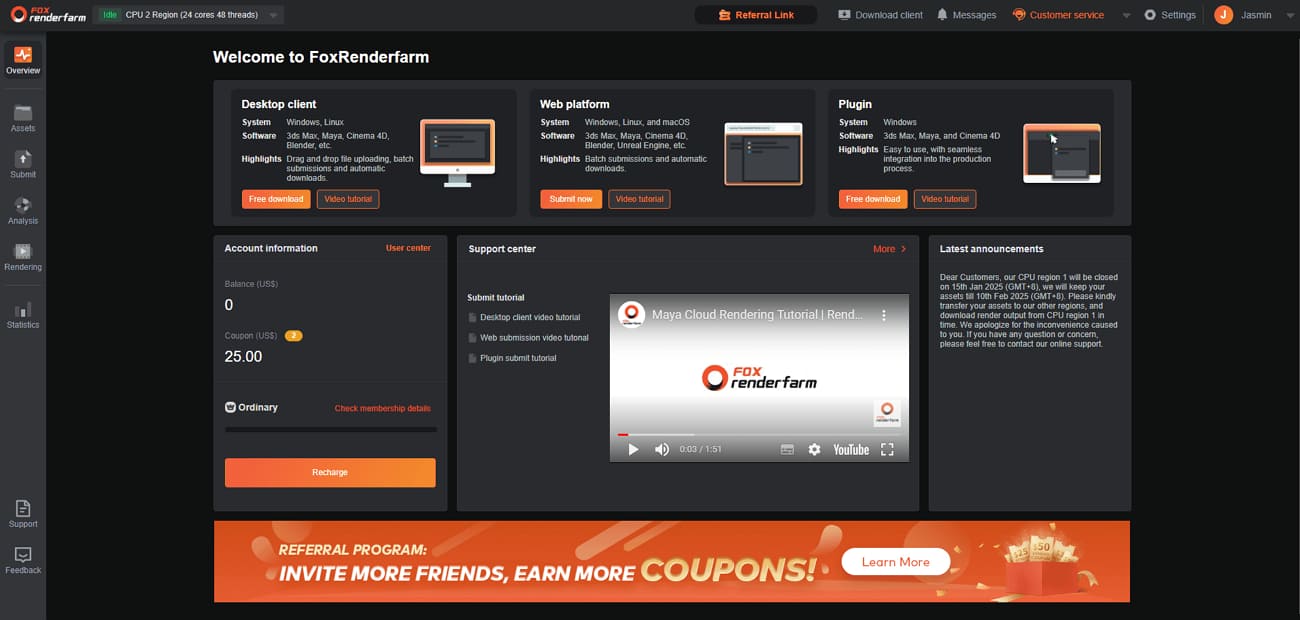
Moreover, Raysync transfers complete multi-gigabyte campaign archives overnight for global team access. Besides, the platform supports diverse post-production tools like Nuke and Katana for advertising workflows. Agencies can spin up thousands of machines to handle multiple campaign versions simultaneously. Moreover, CGKatha Studios used Fox Renderfarm for Impact Mints 3D product launch animation.
Key Features
- Native support for anima helps studios render realistic crowds for stadium commercials.
- Rush jobs bypass queues to meet same-day pitch deadlines across global agencies.
- Official compatibility with Maya and Houdini ensures your complex ad rigs work.
- Instantly increase node counts to meet urgent global product launch deadlines.
- Prevents crashes and ensures high uptime during intense ad scenes rendering periods.
Pros & Cons
|
Pros |
Cons |
|
Handles complex 3D ads and animations efficiently |
Missing asset errors require re-uploads |
|
24/7 support during pitch crunches |
Rush jobs require manual priority requests |
Pricing Model
- Pay-as-you-go billing ensures you only pay for the active rendering seconds used.
- CPU nodes start around USD 0.051 per core-hour; GPU nodes about USD 1.80 per hour.
- Tiered memberships (Silver, Gold, Platinum, Diamond) reduce unit costs for higher usage.
- New users receive USD 25 free credits to test the render farm for the commercials workflow.
2. SheepIt
Best For: Independent Blender artists seeking a free community-based overflow solution for advertising assets.
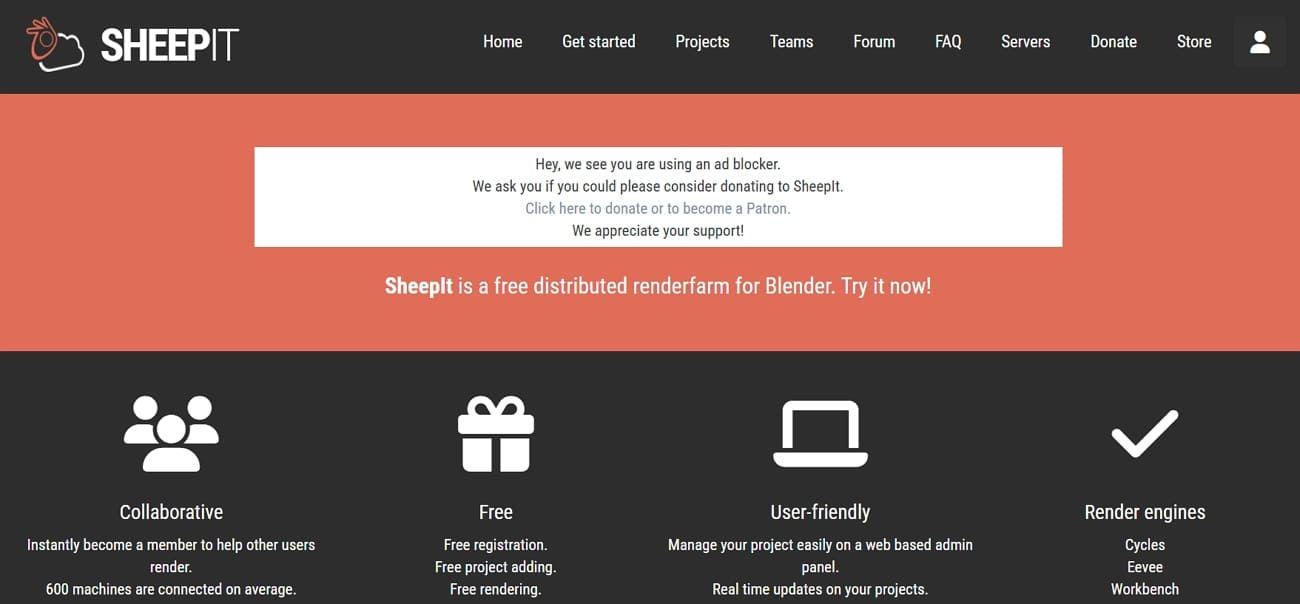
SheepIt distributes Blender jobs across 600 volunteer machines for parallel frame processing instantly. Users earn render credits by contributing idle PC power to community projects globally. The platform supports Cycles, Eevee, and Workbench engines exclusively for Blender workflows. Its project queue is based on earned points rather than cash payments directly. A render farm for advertising enables free overflow rendering during campaign concept phases.
Key Features
- Volunteer machines provide mixed NVIDIA GPU and CPU power unpredictably.
- Real-time rendering support allows for rapid output of stylized motion graphics and social ads.
- Projects automatically divide across available volunteer machines for parallel processing.
Pros & Cons
|
Pros |
Cons |
|
Fast parallel rendering for Blender |
Distributed data lacks professional security NDAs |
|
Simple setup with no complex plugins |
Project file size limited to 2 GB |
Pricing Model
- SheepIt is entirely free; rendering costs are paid with contributed render points.
- Users earn points by rendering frames for others and spend points to render their projects.
3. Super Render Farm
Best For: Small advertising teams seeking affordable CPU and GPU cloud power for product spots.
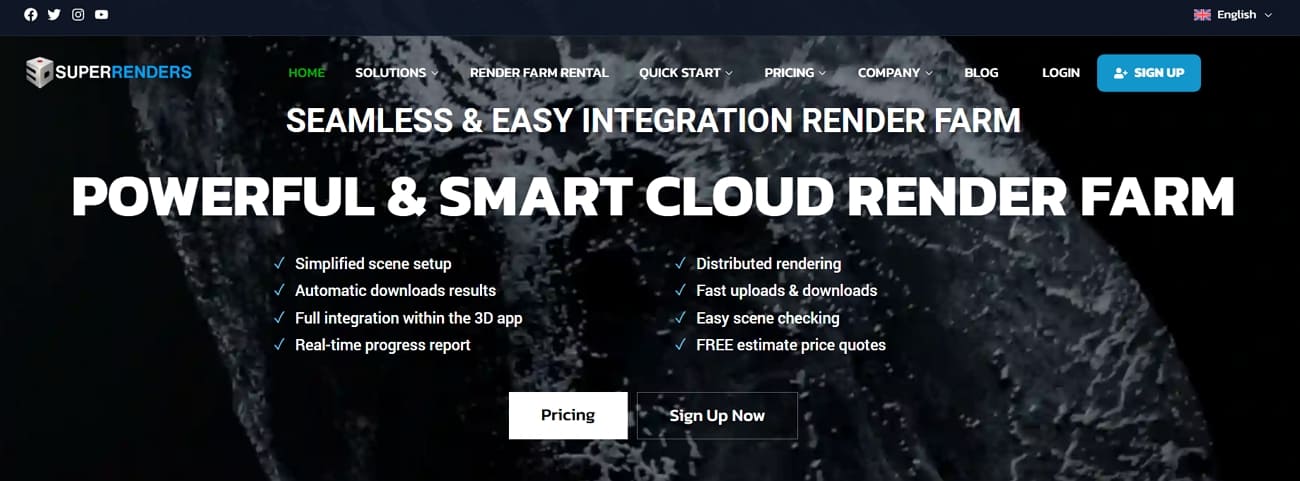
This cloud render farm for ad agencies supports over 200 and 50 plugins for effortless ad rendering. In addition to this, users access both CPU and GPU machines to handle heavy 3D product spots and explainer videos. Agencies can even link Dropbox or Google Drive to move massive commercial scene files easily. Dashboard monitoring continues while agencies handle client revisions simultaneously.
Key Features
- Smart scheduling balances resources for fair and consistent ad rendering.
- Powerful hardware handles heavy particle simulations and intricate lighting for CGI ads.
- The integrated tool automatically gathers every texture to prevent missing asset errors.
Pros & Cons
|
Pros |
Cons |
|
Supports most major advertising DCC tools |
Lacks advanced Cinema 4D-specific automation features |
|
Easy web-based job submission process |
Manual scene preparation is often required first |
Pricing Model
- Charges via pay-as-you-go credits, as 1 credit equals USD 1 consumed during job runtime.
- Base price ranges from USD 0.004 to 0.016 per GHz‑hour depending on priority selection.
- Volume discounts up to 40% available for bulk credit purchases of 5k–10k credits.
4. GarageFarm
Best For: Agencies producing 3D commercials and product films needing plugin automation and support.
This professional render farm for TV commercials integrates plugins directly with tools like Blender and 3ds Max pipelines. Automated scene packaging checks textures, caches, and plugins before sending advertising projects. Also, high-performance CPU and GPU nodes render complex billboard animations and commercial scenes. In addition, the system even handled the high-end character/ad rendering for the notable TNT kangaroo commercial.
Key Features
- Product visualization renders complete 4x faster than agency workstation benchmarks.
- Priority job scheduling accelerates rendering queues for urgent advertising deadlines.
- Easily re-queue different ad variants to test various lighting and color setups.
Pros & Cons
|
Pros |
Cons |
|
Dedicated real human support available 24/7 |
Significant upload times for very large ad projects |
|
Consistent quality for professional schedules |
Costs can rise quickly for long campaigns |
Pricing Model
- Low-priority GPU rendering starts around 0.0025–0.004 USD per OBh, depending on the selected GPU node.
- CPU rendering pricing follows similar GHz-hour tiers optimized for animation and product advertising scenes.
- Priority levels include Low, Medium, and High for controlling advertising rendering speeds.
5. Pixel Plow
Best For: Freelancers and small studios needing granular budget control for diverse 3D commercial projects.
This versatile render farm for CGI commercials supports diverse engines like Arnold and Maxwell. Agencies use the dedicated agent app to automate background frame downloads for faster reviews. Moreover, the system scans every rendered ad frame for errors before starting the encrypted transfer. In addition, dynamic estimation tools provide a live ETA based on finished advertising project frame samples.
Key Features
- Render only hero shots 1-10 for pitches, saving costs on unused frames.
- Compatibility with Terragen and Modo facilitates unique environmental renders for outdoor ads.
- Legacy ad workflows maintain continuity without expensive software migrations.
Pros & Cons
|
Pros |
Cons |
|
Smart budgeting prevents overspend |
Users must manually monitor complex project settings |
|
Frames download automatically upon completion |
Highest speed tiers significantly increase total project costs |
Pricing Model
- CPU rendering costs approximately 0.0075–0.060 USD per GHz-hour, depending on rendering power.
- GPU rendering ranges around 0.0025–0.018 per OctaneBench-hour for advertising rendering workloads.
- Users can adjust the power slider during rendering to manage costs and speed.
Part 4. 5 Advertising Use Cases for Cloud Render Farms
Modern agencies frequently utilize a specialized AI render farm for advertising in 2026 today. The following scenarios demonstrate how distributed cloud power transforms typical commercial production workflows:
- Product Launches: High-end 3D product animations require massive computer power for photorealistic material simulations. Cloud clusters allow studios to meet global launch dates with perfect visual quality.
- Holiday Campaigns: Seasonal promotions often demand hundreds of localized video versions for various global markets. Parallel rendering ensures every regional ad variant finishes simultaneously before the air date.
- Interactive Billboards: Massive digital displays require extreme 8K resolutions that local hardware cannot process efficiently. Scalable nodes handle these heavy frame sizes to ensure smooth playback on set.
- Social Teasers: Marketing teams generate vertical video content rapidly to maintain high social media engagement. Cloud platforms provide the speed needed for daily content updates across multiple channels.
- Style Frames: Art directors render multiple aesthetic options quickly to win competitive agency project pitches. Fast iteration helps creative teams finalize the visual direction without wasting production time.
FAQs about Render Farms for Advertising
Q1. How does cloud rendering protect unreleased product designs?
Top services use encrypted data tunnels and secure data centers to protect sensitive assets. As an example, Fox Renderfarm provides TPN-certified security protocols that meet Hollywood studio protection standards. These measures ensure your confidential advertising content remains safe during the entire process.
Q2. Is it possible to render VR content for ads?
Cloud platforms offer the massive GPU power needed to generate immersive 360-degree advertising experiences. Processing dual-eye resolution frames requires specialized server hardware for smooth visual output quality. Agencies use these systems to deliver interactive brand content for the latest headset technology.
Q3. Do farms support legacy software for older campaigns?
Many providers maintain older versions of popular 3D software to support long-term brand asset updates. This compatibility allows agencies to re-render previous commercials without needing to rebuild entire scenes. So, studios can maintain visual consistency for recurring seasonal ads using these online rendering solutions.
Conclusion
To sum up, a professional render farm for advertising allows agencies to deliver quality cinematic campaigns. Studios can easily manage tight deadlines while ensuring every pixel reaches broadcast standards. By utilizing distributed cloud nodes, creative teams focus more on storytelling than processing.
Among the available solutions, Fox Renderfarm stands out with strong security standards, and broad software support, making it a practical render farm for advertising studios handling demanding commercial projects..


 Ryan Thompson