Blender
 Cinema 4D
 Arnold
 3ds Max
 Houdini
 V-Ray
V-Ray Maya
Maya Unreal Engine
 Nuke
NukeZBrush Tutorials: How to Build Facial Muscles and Facial Features with ZBrush?(1)

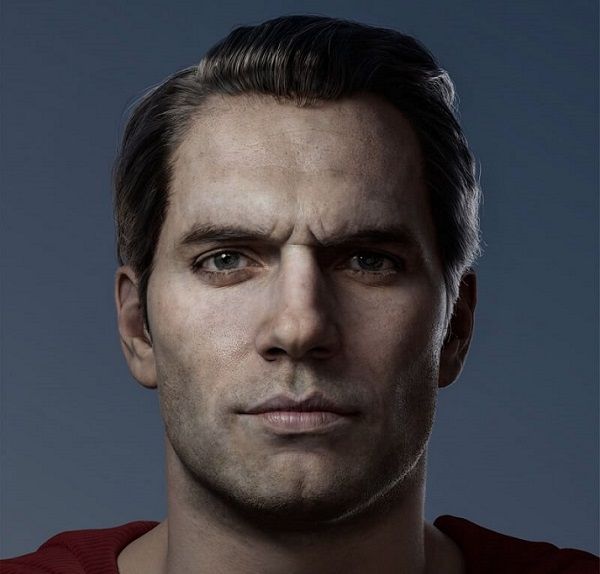
Fox Renderfarm, the best ZBrush render farm in the CG industry, will share with you the ZBrush tutorial on how to use ZBrush to build facial muscles and facial features. If you want to make the sculpted characters real and believable, then the bones are the most important part. Improving knowledge of planning is a very important skill. Muscles, bones, and cartilage are the basic parts of the head. The tutorial we are sharing this time is how to use ZBrush to build facial muscles, ears, and eyes, and this is also part one of the shares, part two please click here.
- Create ears
Next is to create the ears. Almost all of the ears are made of cartilage, which can be made using some basic brushes in ZBrush. Click the B button to open the brush selection menu, select the IMM BParts brush, continue to click the M button, and select ears in the pop-up menu.
Click to move the side of the head and stop at the position of the ear. In this stage, ZBrush will mask the entire head in order to move, rotate, or measure the proportions of the ears, as if it were a brand new sub-tool, without worrying about the head.
After placing the ears, use the moving brush to adjust the main shape of the scalp, and update the mesh through DynaMesh (Ctrl-drag outside the mesh) to merge the ears onto the head model.
- Location

Next, you need to smooth the synthesized area and sculpt the bones of the ears. In order to make the sculpting effect closer to the accurate reference image, some corrections are needed.
Ear carving is not difficult if you are familiar with deconstruction and deconstruction. Another easy way is to use reference pictures or look for a mirror to observe the deconstruction of your ears. What needs attention is the proportion and position of the ears.