


Best Houdini Render Farm Services for 2026 Cloud Rendering
 Ryan Thompson
Creating complex 3D visual effects often puts a heavy load on your computer. Large scene files, heavy caches, and fluid simulations often cause laptops and PCs to slow down or overheat. This makes it hard to finish your projects before the important deadline arrives soon. You need a way to finish your work faster without buying expensive new gear.
That’s why the Houdini render farm has become the go-to solution for artists who need faster rendering without upgrading hardware. These cloud rendering services use many powerful computers to process your work in minutes. So, this guide will help you pick the right Houdini render farm for your creative needs.

Part 1. What is Important for a Houdini Render Farm?
Picking the right service is vital for your high-quality rendering in Houdini. Recently, The Business Research Company has shown that the industry value is jumping from $2.19 billion in 2025 to $2.74 billion in 2026. This trend proves that remote servers are becoming the standard for modern 3D work.
Therefore, you must check several technical details before you spend your money. These factors are the most critical things to consider for your projects:
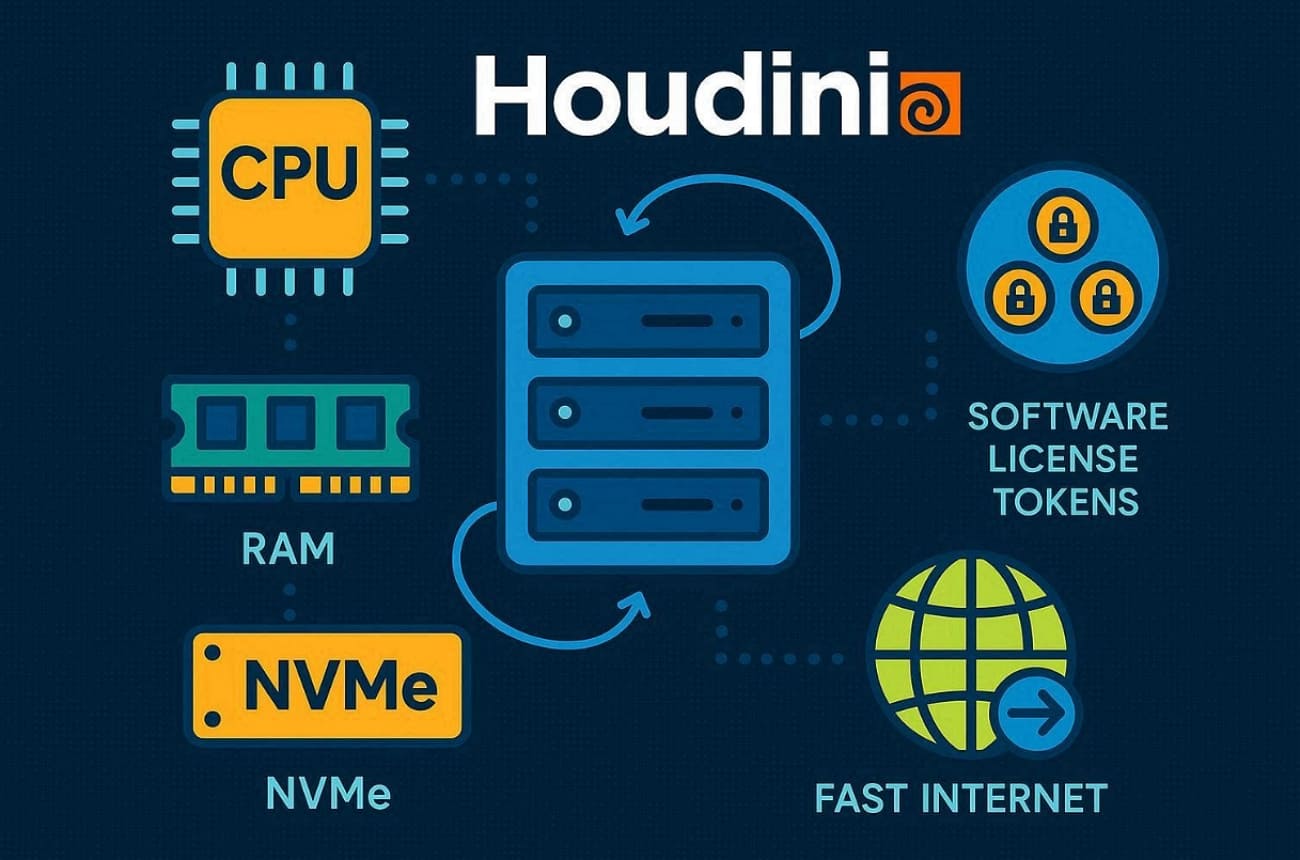
- Core Hardware: Multi-core CPUs are critical for handling Houdini’s demanding simulations and procedural workflows smoothly. High clock speeds also help the software process complex nodes much faster than before.
- Memory Power: High RAM capacity is necessary to prevent crashes when working with large Pyro or particle simulations. Large memory capacity allows your project to run smoothly on every cloud node used.
- Fast Storage: Quick NVMe drives are necessary to read and write your massive cache files. Moreover, high throughput ensures that data moves quickly between the storage and the processors.
- Network Speed: Fast upload speeds are especially important when transferring large cache files and production assets to the cloud. Low latency is required for a stable connection during the entire rendering process.
- License Tools: Proper Houdini Engine tokens are needed to run your jobs on multiple machines. Modern farms offer these licenses so you can scale your work without extra costs.
Part 2. Best Houdini Render Farms in 2026
Choosing the right service means matching your projects with the best render engine for Houdini. The following 5 industry leaders provide the most reliable cloud solutions for your work:
1. Fox Renderfarm
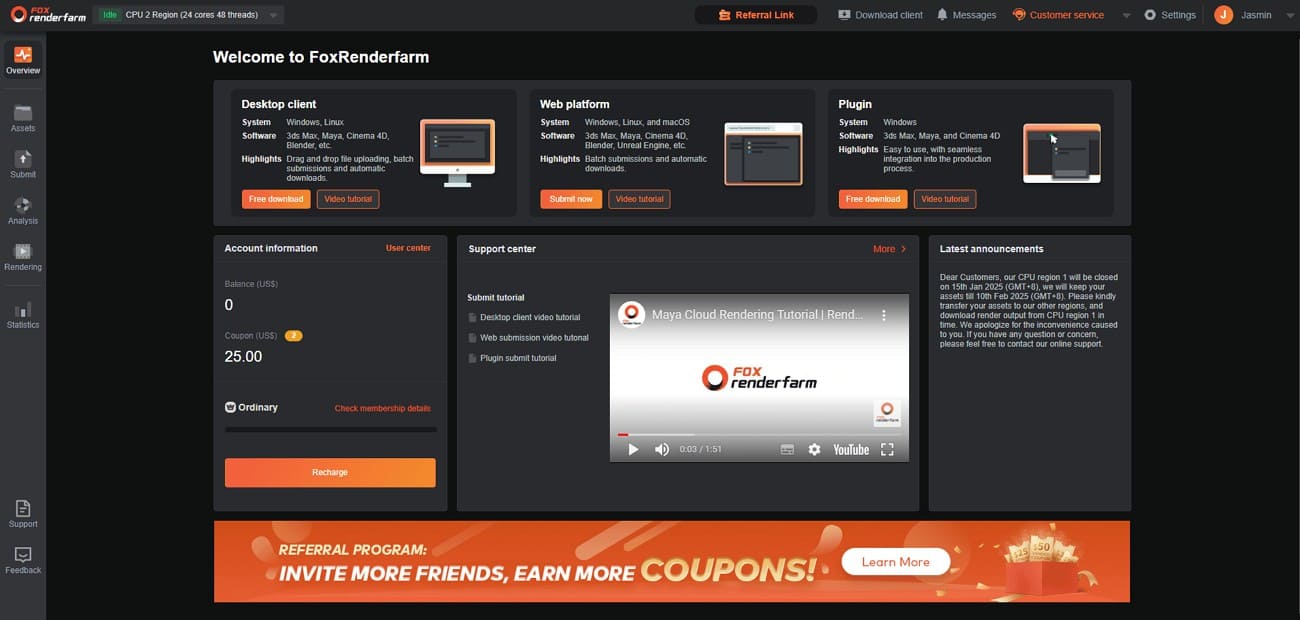
Fox Renderfarm is a leading Houdini render farm for professional visual effects and high-end film production. This service provides massive computing power through an easy-to-use desktop client and web portal. It is one of the most reliable Houdini farms available for artists in 2026. You can also get a $25 free trial to test your complex scene files.
Core Hardware
- CPU Nodes: Features thousands of render nodes with 20, 24, or 36 physical cores utilizing Intel Xeon processors.
- GPU Nodes: Equipped with high-end NVIDIA hardware, including RTX 3090 and RTX 4090.
Memory Power
- RAM Capacity: Offers flexible configurations with 64GB, 128GB, or 256GB of RAM per node.
- Simulation Processing: High memory capacity is specifically optimized for heavy Houdini particles and fluid simulations.
- Stability: Large RAM buffers prevent crashes during the calculation of complex VDB and .bgeo cache files.
Fast Storage
- Drive Tech: Utilizes a massive, extremely fast SSD storage system to manage production data.
- Efficiency: Designed to eliminate I/O bottlenecks when opening or saving massive 3D project files.
- Reliability: Features bank-grade data security and professional hardware firewalls for project assets.
Network Speed
- Transmission: Uses Raysync technology to provide transmission speeds up to 100x faster than traditional FTP.
- Stability: Features a proprietary UDP-based protocol that eliminates latency and packet loss issues during large transfers.
- Real-time Sync: Supports portable real-time file uploading to ensure Gigabyte caches are ready for rendering immediately.
License Tools
- Integration: Automatically detects the user's local IT space to match the cloud infrastructure.
- Houdini Support: Fully supports Houdini Engine and all major render engines like Redshift and Arnold.
2. iRender
iRender delivers powerful GPU server rentals that serve as the best render engine for Houdini projects. Artists also gain flexible access to high-end hardware without complex farm management.
Core Hardware
- GPU Selection: Offers a wide range of multi-GPU servers equipped with 1 or up to 8x NVIDIA RTX 4090 cards.
- CPU Power: Nodes are powered by AMD Ryzen Threadripper Pro 3955WX or 5975WX processors for fast scene loading.
Memory Power
- Standard RAM: Standard 256 GB RAM across most server configurations supports heavy scenes.
- Large Datasets: The high memory capacity ensures that Houdini can process heavy geometry textures without bottlenecking.
Fast Storage
- Drive Speed: Each node includes a 2 TB NVMe SSD for rapid cache and texture access.
- I/O Performance: Local drives sustain high I/O demands during extended render sequences.
Network Speed
- Upload Tools: GPUhub sync and dedicated bandwidth enable fast project file transfers.
- Bandwidth: High-speed data center connections allow for the simultaneous management of multiple machines.
License Tools
- BYOL Model: Operates on a "Bring Your Own License" basis for most software.
- Maxon Partnership: As an official partner, they provide some bundled license options for Redshift and Cinema 4D on specific packages.
3. Drop & Render
Drop & Render is a specialized Houdini render farm designed for artists who want a highly integrated, automated workflow. By focusing on a "render and forget" philosophy, it simplifies the process of rendering in Houdini through its own dedicated in-app tools.

Core Hardware
- CPU Performance: Uses high-core AMD EPYC processors across its render infrastructure.
- GPU Support: Equipped with modern NVIDIA RTX-class GPUs for GPU-based rendering tasks.
Memory Power
- RAM Capacity: All render nodes include a minimum of 128GB RAM by default.
- Scene Handling: This memory level supports complex Houdini simulations and large scene files reliably.
Fast Storage
- Storage Type: Relies on high-performance SSD-based systems for cache and output handling.
- Data Flow: Fast storage allows smooth reading and writing of simulation caches and final frames.
Network Speed
- Asset Sync: Uploads assets once and only syncs changes during updates.
- Transfer Stability: Background syncing and smart skipping reduce transfer time for large projects.
License Tools
- Houdini Integration: Official SideFX partner with a dedicated Houdini render node system.
- Engine Support: Supports common engines like Redshift and Arnold, where applicable.
4. GarageFarm
GarageFarm offers a dependable Houdini render farm option with flexible node configurations. Artists appreciate its broad software compatibility and straightforward job submission process.
Core Hardware
- CPU Nodes: Provides CPU nodes up to 176 virtual cores for intensive workloads.
- GPU Capacity: It serves up to 8× Tesla P100 or 10× GTX 1080 Ti cards reliably.
Memory Power
- Flexible RAM: RAM ranges from 64 GB to 256 GB, depending on selected node groups.
- Scene Stability: This memory headroom helps manage dense geometry and simulation data without frequent slowdowns.
Fast Storage
- Local NVMe Drives: Each server includes fast NVMe SSD storage for caches and project files.
- Consistent I/O: Local storage minimizes read-write delays during long rendering sessions and simulation playback.
Network Speed
- Data Transfer Tools: Includes native file synchronization utilities designed to speed up uploads and downloads.
- Bandwidth Availability: Data center connections support stable remote desktop usage and parallel server management.
License Tools
- All-Inclusive: Supports an extensive DCC list, including Houdini with multiple render engines.
- In-App Plugin: Offers a native plugin that integrates directly into the Houdini interface.
5. Ranch Computing
Ranch Computing delivers solid performance as a trusted Houdini render farm option worldwide. Users value its clear hardware guarantees and precise version control features.
Core Hardware
- CPU Farm: The platform scales up to 96 nodes with priority-based server allocation.
- GPU Capacity: These options include RTX 2080 Ti baseline and RTX 4090/5090 for high-end rendering.
Memory Power
- Tiered RAM Options: All CPU servers guarantee a minimum of 128 GB RAM, with 256 GB tiers available.
- VRAM Excellence: GPU nodes maintain 11 GB+ VRAM minimum with 24-32 GB options.
Fast Storage
- Strip Rendering: SSD-backed infrastructure supports multi-server strip rendering efficiently.
- Data Persistence: RANCH cache nodes handle bgeo, vdb, and abc files smoothly during production.
Network Speed
- RANCHSync: The RANCHsync tool enables continuous archive uploads and frame downloads.
- Smart Archiving: High-bandwidth data center links support up to 96 concurrent node operations.
License Tools
- Automated Validation: RANCHecker plugin validates render settings and gathers textures automatically.
- Broad Support: Fully supports tools, like Mantra and Karma, with the farm automatically loading the correct license version to match your local setup.
Part 3. How to Render Houdini Projects on a Houdini Render Farm
Choosing the best render engine for Houdini requires a professional workflow to succeed. Following these essential steps will ensure your project runs smoothly on modern Houdini farms:
1. Prepare the Houdini Project
Organize all your assets under a single project root using the $JOB variable. Set frame range, camera, and resolution on your ROP or LOP network first. Always render a few test frames locally first to confirm that lighting and simulation caches are working correctly.

2. Make the Houdini Project farm-safe
Convert absolute paths to relative $JOB/textures or $JOB/geo references everywhere. Moreover, cache heavy simulations like Pyro or Vellum to disk before final render submission. Point ROPs to baked cache files instead of live simulation nodes.
3. Submit Project to Render Farm
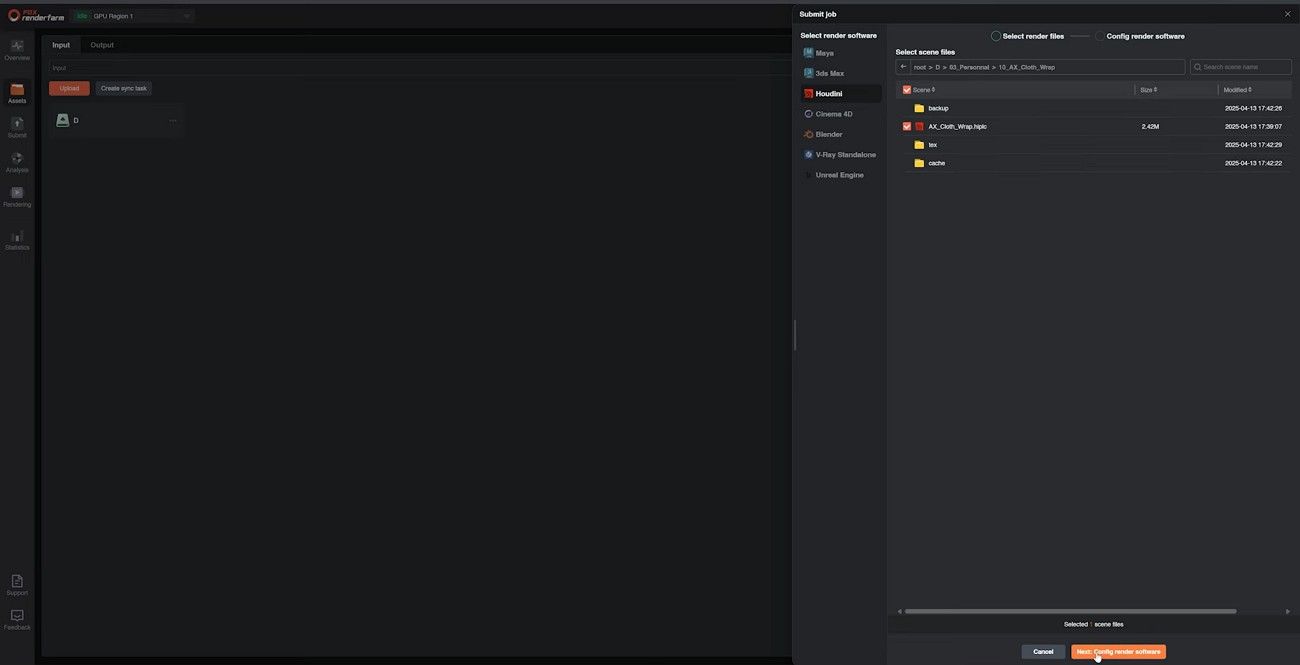
Use Fox Renderfarm's desktop client or plugin for one-click scene submission directly. Select Houdini version and a renderer like Karma or Redshift during job setup. This streamlined system sends your package to the cloud rendering servers for immediate processing.
4. One-Click Style Submission
Many Houdini render farms, including Fox Renderfarm, provide one-click submission tools that instantly sync your Houdini project to the cloud. This feature analyzes the technical scene data and handles all manual file packing. It represents the fastest way to move your creative work to many nodes.
5. Monitor and Retrieve Frames
Check the progress of your active render jobs using the online web dashboard. You can re-queue any failed frames without needing to re-upload the entire project. Download the finished image sequence to your local drive once the job is completed.

Part 4. FAQs About Houdini Render Farm
1. Is cloud rendering safe for Houdini client work?
Cloud rendering protects your Houdini client’s work with enterprise-grade encryption standards. Moreover, professional Houdini farms always use automatic file deletion and strict NDA policies. You can even securely render commercial assets while keeping your data private through professional agreements.
2. Which Houdini render farm is good for overnight jobs?
All major Houdini render farms like Fox Renderfarm handle overnight jobs reliably. They maintain 24/7 operations with high node availability for continuous rendering. So, you should choose based on your budget and software support with their queue system.
3. Is Houdini cloud rendering faster than local rendering?
Cloud services use parallel processing to render hundreds of frames at the same time. A single workstation takes hours while a farm finishes the job in several minutes. This massive scale allows you to meet tight deadlines without waiting on local hardware.
Conclusion
For heavy Houdini scenes, large caches, and long animation sequences, cloud rendering can significantly reduce render times compared to local machines. Choosing the right Houdini render farm depends on your project scale, budget, and workflow needs.
By understanding hardware specs, pricing models, and software support, you can select a render farm that fits your production requirements and helps you deliver projects on schedule.




