


How Pixilation Animation Works: Tips, Techniques, and Examples
The world of animation is full of creative ways to bring pictures alive. Many people know about stop motion or digital animation, but few explore its real-life version. This unique form, called pixilation animation, uses human actors as living puppets in every frame. It mixes photography and movement in a magical way.
Beginners tend to be amazed by the fact that simple tools can produce a wondrous effect. In addition, pixilation animation can be practiced by anybody at home, with patience and creativity. Therefore, this article will assist you in realizing the pixilation definition and how you can begin to create your own pixilation.

Part 1. What Is Pixilation Animation?
Pixilation animation, a form of stop motion animation, is the one that employs real-life individuals, rather than models. It is the process of taking pictures, one frame after another, of actors who are slightly moving their positions. When these photos play quickly in sequence, the subjects appear to move in unusual ways. The motions often look funny or surprising because they ignore normal physical movement.

This method also gives a handmade charm and playful energy to every scene. According to the pixilation definition, it transforms human performers into lively animation frames. Unlike traditional stop motion using puppets or clay figures, it blends actions with imaginative storytelling to produce visual effects.
Key Features
1. Low Frame‑rate: Often uses around 12 frames per second for stylistic impact.
2. Jerky Motion: Produces jumpy movement that looks intentionally unnatural or cartoonish.
3. Precise Posing: Requires accurate, small pose adjustments between captured frames for realism.
4. Lighting Control: Need steady and constant light to avoid flickering during playback.
5. Time Intensive: Demands patience since tiny motions take many photos to complete.
Difference Between Pixilation Animation and Stop Motion
Pixilation and stop motion have the same principle of frame-by-frame animation. However, they vary in what they bring to life and the manner in which the technique is used to create the ultimate appearance. So, understanding these contrasts from the table helps you choose the right approach for a creative idea:
|
Aspect |
Pixilation |
Stop Motion |
|
Category Relation |
A specific form of stop motion |
A broad animation category |
|
Main Subjects |
Live human actors posed frame by frame |
Models, puppets, clay figures, or objects |
|
Movement Method |
Actors change poses slightly for each frame |
Animator adjusts the model between frames |
|
Visual Style |
Surreal actions like sliding, teleporting, or floating |
Crafted miniature look, smooth or choppy, depending on setup |
|
Environment |
Real surroundings captured directly |
Built sets or controlled miniature environments |
|
Motion Feel |
Jerky, dreamlike movement resembling cartoon behavior |
Can appear smooth, controlled, or handcrafted |
|
Required Control |
Actors must hold still while posing |
An animator manipulates objects with precision |
|
Typical Uses |
Short films, ads, music videos, experimental clips |
Feature films, TV shows, commercials, long-form stories |
Part 2. Historical Development of Pixilation Techniques
The history of pixilation animation can be found in the early experiments of film in the 20th century. The following developments influenced the way artists and filmmakers still apply the method today:
1. Early Experiments: Filmmakers like Segundo de Chomón used stop-frame tricks with actors and objects. These early films created magical visual effects, inspiring future development of pixilation animation.
2. Term Coining: Canadian Grant Munro coined “pixilation” while working with Norman McLaren. Their 1952 film Neighbours highlighted pixilation’s power beyond novelty, making it artistic and political.
3. Educational Growth: In the 1960s–70s, pixilation became popular in schools. Its minimal equipment requirement made it ideal for teaching frame-by-frame animation basics.
4. Mainstream Use: The 1980s saw pixilation used widely in music videos and advertising. Plus, its playful style brought wider public attention to the technique.
5. Digital Era: Today, pixilation blends traditional photography with computer edits. This technique remains vital in both analog and digital visual storytelling.
Part 3. Application of Pixilation
It is used in many creative areas where real movement becomes playful animated action. Below are a few key applications where pixilation works for visual projects:
1. Film and Narrative Shorts
Pixilation stop motion is used in experimental films to explore unique themes. Independent films and student shorts benefit from its simple frame-by-frame technique. Student filmmakers prefer this method because it is cheap and easy to practice. Besides, its frame-based flow helps storytellers show ideas clearly through simple but striking visual choices.
>> Related: Top 10 Stop Motion Animation Films Recommended
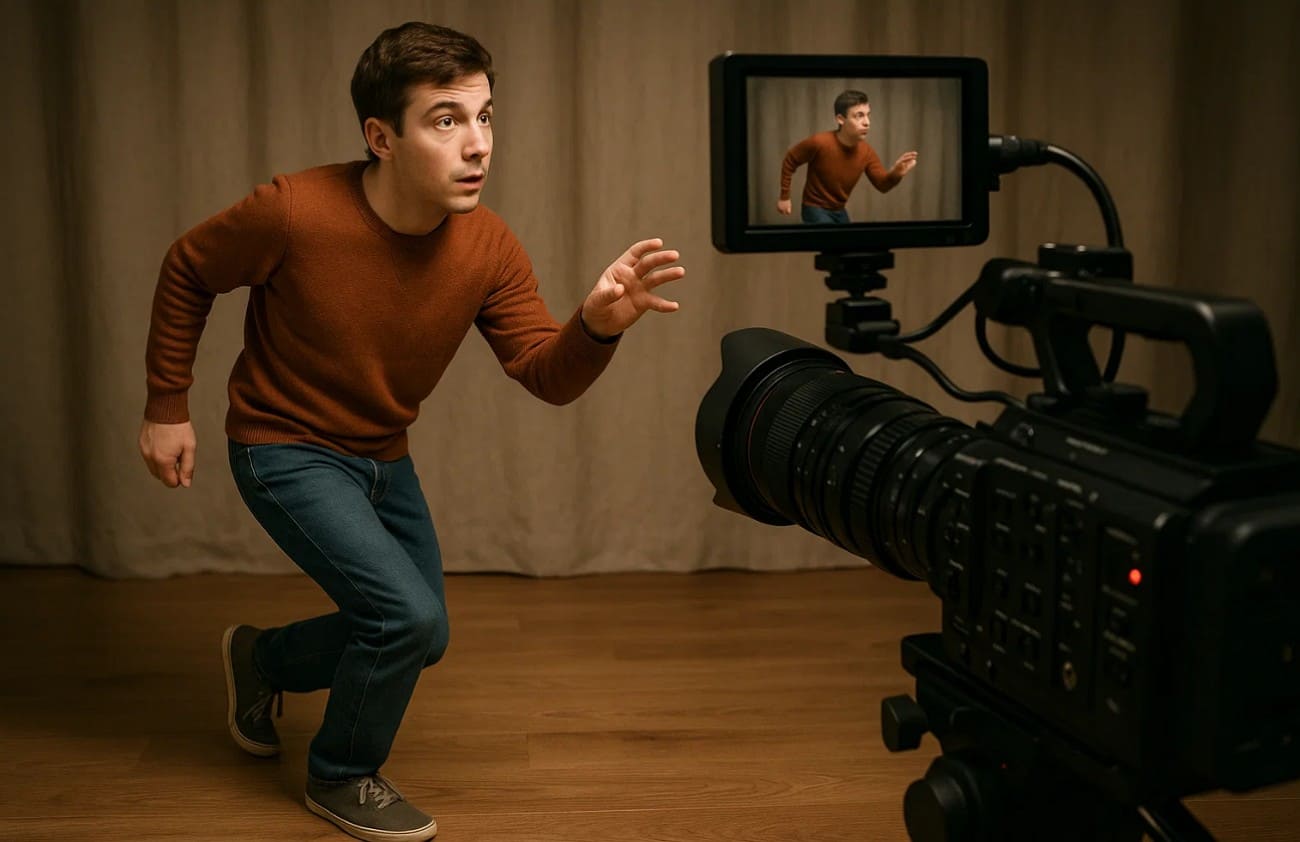
2. Music Videos
It is also used in music videos for rhythmic visual effects. Actors’ movements are carefully timed to match beats and create jumpy sequences that catch viewers' attention. Plus, iconic videos like Peter Gabriel’s “Sledgehammer” show how this technique enhances artistic recognition.
3. Education and Workshops
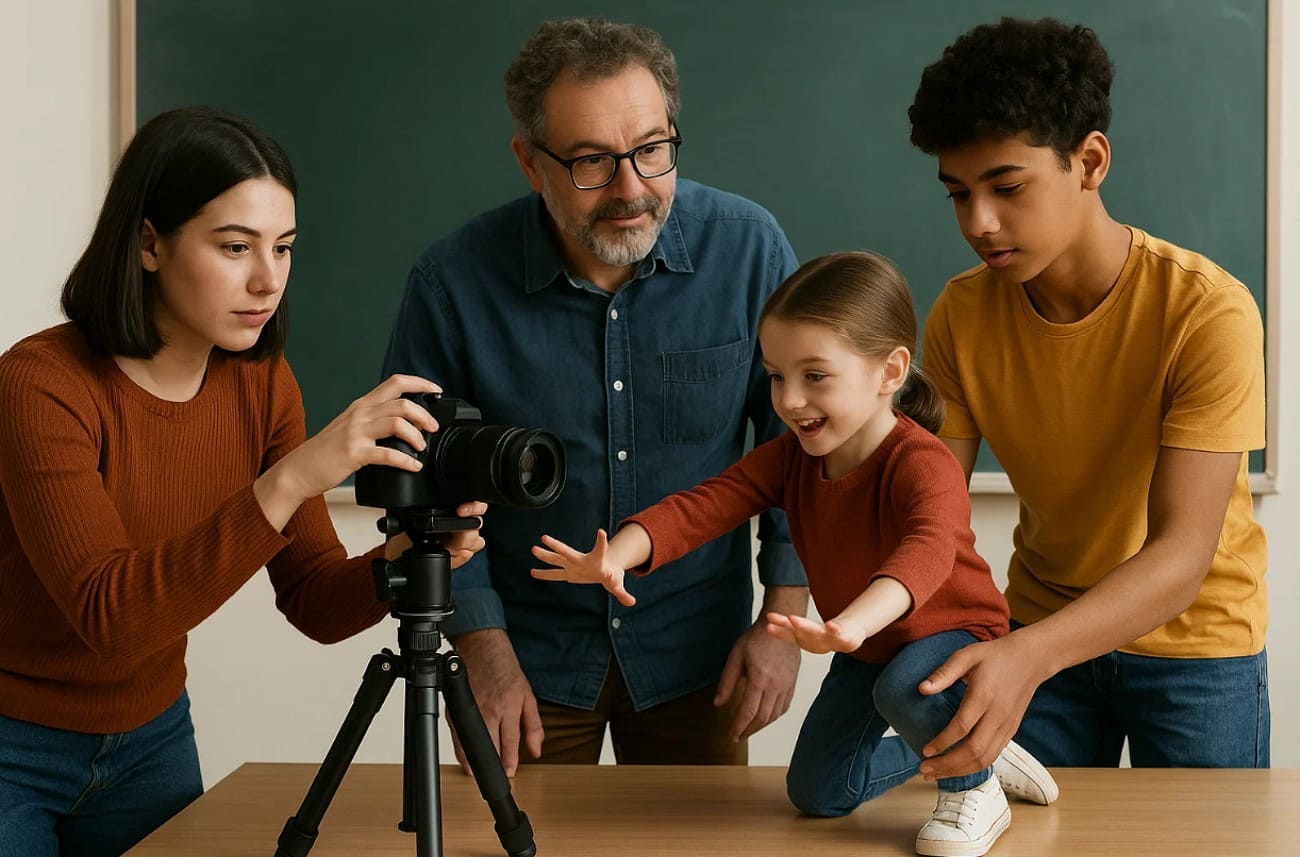
Pixilation stop motion animation workshops are popular in schools and libraries to teach animation basics. Students learn teamwork and storytelling by planning poses and shooting frame by frame. These workshops also help develop skills in an interactive space using simple equipment and real actors.
4. Advertising and Branding
Brands also use pixilation in advertising to create playful, surprising product displays. The pixilation definition shows how real people move frame by frame, attracting attention. This blend of live action and impossible motion helps build strong emotional connections in marketing campaigns. In addition, audiences remember such creative ads easily.
5. Social Media and Digital Art
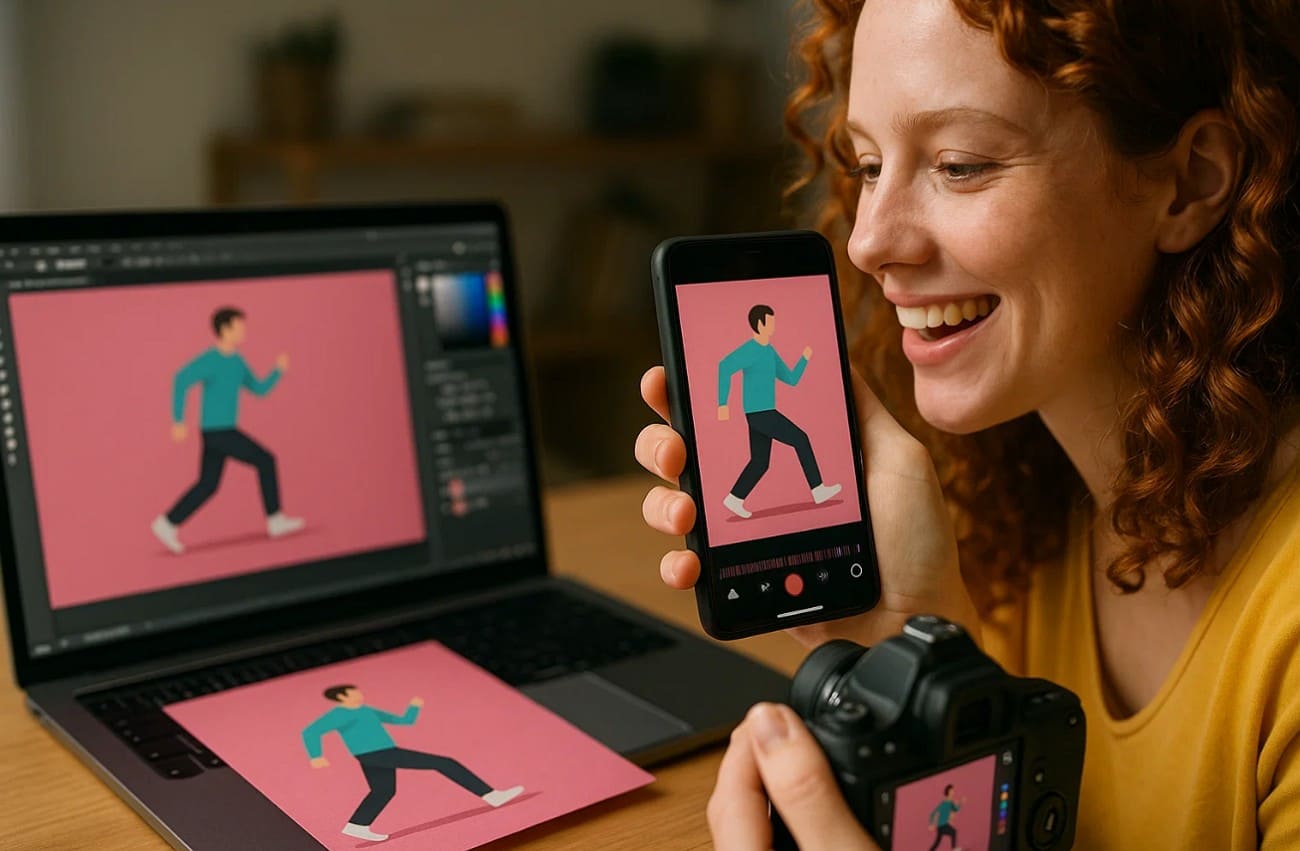
It is also famous on social media for creating short and shareable videos. Content creators use simple cameras and editing tools to produce vibrant clips. Many digital artists also mimic pixilation's jerky style in 2D and 3D software. This fusion of traditional and digital makes fascinating motion visuals.
Part 4. How Does Pixilation Animation Work?
Pixilation animation works by capturing single photos of actors who shift between frames. This section explains planned movement that looks playful and different from normal human motion:
1. Core Concept: This animation uses live actors posed frame by frame, freezing between shots for control. Moreover, this stops natural motion for designed, stylized sequences that defy physical laws.
2. Pose Control: Actors freeze in place before adjusting their next tiny planned pose. This steady posing method also helps keep movement stable and prevents distracting visuals.
3. Frame Rate: Lower frame rates increase choppy movement that gives scenes a playful, handmade effect. On the other hand, higher frame rates create smoother actions while keeping the stylized animated feel.
4. Movement Planning: Careful planning predicts how each small action contributes to the full animated result. Besides, planned movement paths reduce errors and help maintain matching positions across frames.
5. Visual Effects: Design gaps between poses to allow actions like sliding or floating beyond normal physics. Additionally, these planned effects give scenes a magical tone that fits experimental or stories.
Part 5. How to Create Pixilation Animation?
Creating pixilation animation becomes easier when you understand the flow behind each stage. This section shows how pixilation stop motion turns human adjustments into animation:
1. Idea Planning: The simple concept helps keep the animation clear and manageable for every beginner. Clear goals guide each capture frame and reduce confusion during the shooting process.
2. Story Outline: A short outline shows the main poses and supports smooth timing across the sequence. These planned visuals help actors understand movements and maintain a steady rhythm throughout filming.
3. Scene Choice: Sometimes, a tidy background disturbance prevents sudden changes that disturb the illusion of controlled movement. A stable setting also supports consistent images that align smoothly during playback.
4. Camera Settings: Manual focus ensures each picture remains sharply fixed during repeated scene captures. In addition, manual exposure keeps lighting balanced across frames and protects scenes from visible flicker.

5. Light Control: Even lighting avoids disturbing shadows that break the smooth appearance within the final motion. Moreover, steady brightness supports clear shapes and keeps actor poses looking clean between frames.
6. Position Marking: A small marker layout makes a guide for the actor to maintain correct placement during tiny movements. These simple reminders help reduce drifting and support consistent visuals across captured images.
7. Motions Practice: Slow practice helps actors learn the steady posing required for a clean animated result. Rehearsed movements also build confidence and reduce mistakes while capturing many small frame changes.
Part 6. Classic Examples of Pixilation Animation
Pixilation animation has been used in many memorable works that shaped its playful style. Below are classic examples that help beginners understand how artists use real actors to create magical motion.
1. Neighbours (1952) – Norman McLaren
Neighbours showcases McLaren's inventive use of pixilation to animate actors creatively onscreen. Each frame captures controlled poses that build a clear message about rising conflict. Moreover, simple sets and handmade sound add to its homemade look and strengthen its clear visual message. Its influence connects early creative experiments with later works that expanded this technique.
2. A Chairy Tale (1957) – Norman McLaren & Claude Jutra
A Chairy Tale (1957) presents a playful struggle between man and chair using pixilation animation techniques. The film creates lively actions using pixilation animation with simple poses and movement. Its directors shaped clear chair behavior by adjusting strings and keeping the camera work steady. This short also bridges early experimental methods with later animation practices and influences.
3. Sledgehammer (1986) – Peter Gabriel Music Video
Sledgehammer is a 1986 music video by Peter Gabriel in which he sings with surrealistic animation effects. It is an amalgamation of claymation, live-action, and pixilation stop motion to offer visual tricks. Gabriel endured long shoots for frame-by-frame scenes, creating moving clouds and dancing objects. The video became highly influential, winning multiple awards and inspiring future animation projects.
4. Road to Nowhere (1985) – Talking Heads Music Video
A 1985 Road to Nowhere music video by Talking Heads showcases creative pixilation animation. David Byrne and Stephen R.jhonson directed a video blending surreal visuals with storytelling. Band members act out human life stages while objects rotate around them. Clever stop-motion effects highlight time, change, and progress.
5. The Wizard of Speed and Time (1979 Short / 1989 Feature) – Mike Jittlov
Mike Jittlov’s The Wizard of Speed and Time uses pixilation stop motion animation to create magical effects. Released first as a short in 1979, it shows him racing at superhuman speed. The 1989 feature film expands the story into Hollywood filmmaking challenges. It highlights inventive effects and independent creative storytelling.
Conclusion
To sum up, this guide helps simply explain pixilation animation for new creative learners today. You can discover how small poses create surprising movement using easy tools at home. These ideas encourage beginners to practice patient planning and build stronger visual storytelling skills.
Besides that, for smoother rendering of complex pixilation projects, we recommend you using a render farm like Fox RenderFarm, which offers reliable online rendering services. Its fast cloud solutions help creators focus on imagination while ensuring quality results.




