Best Maya Render Farms in 2026 – Detailed Comparison
 Ryan Thompson
Rendering high-resolution animations or VFX projects in Autodesk Maya can push even powerful workstations to their limits. A Maya render farm distributes rendering tasks across powerful remote machines, dramatically reducing render times and improving workflow efficiency.
However, not all cloud rendering services deliver the same level of speed, stability, or cost efficiency. In this guide, we compare the best Maya render farms in 2026, analyzing performance, pricing models, and key features to help you choose the right solution.
Part 1. Why Use a Maya Render Farm? Benefits and Challenges Explained
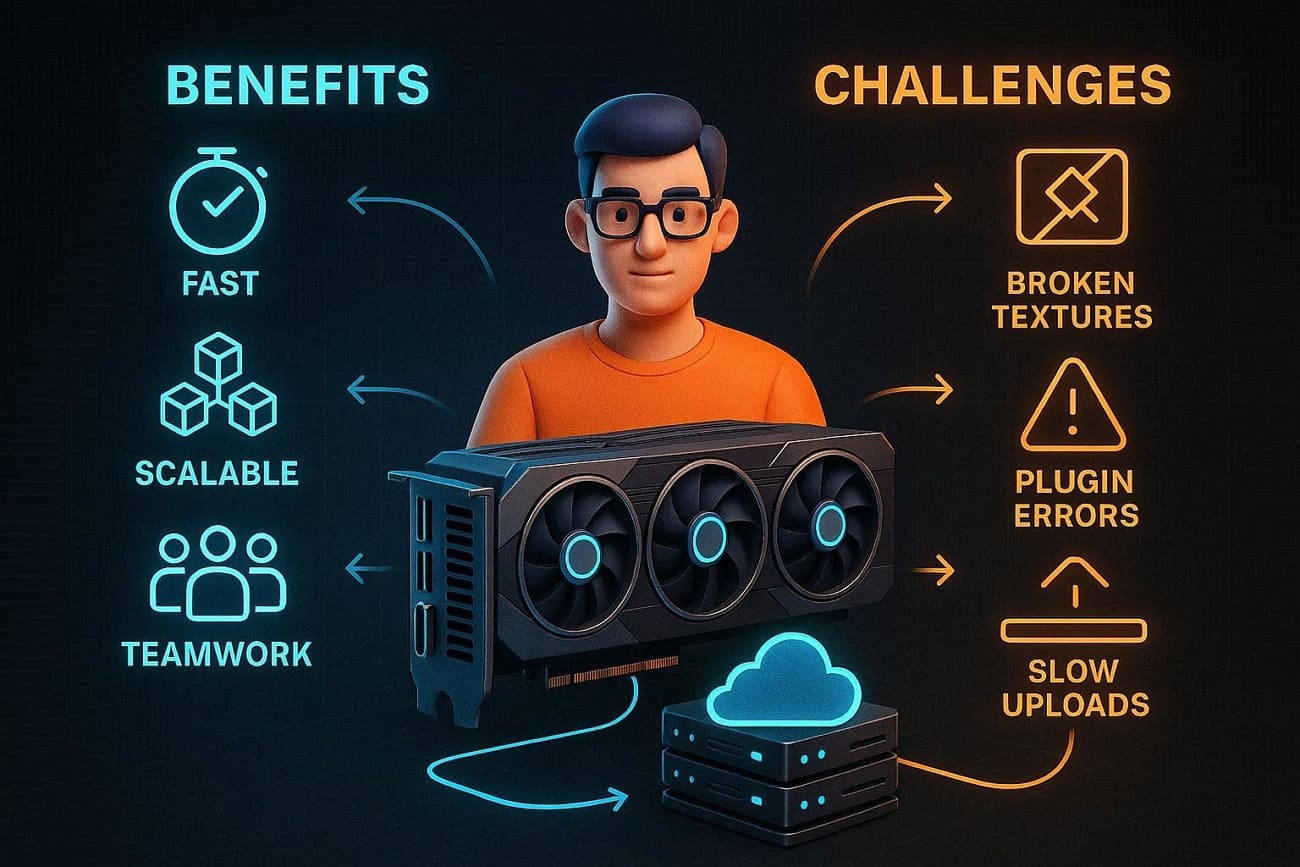
Using the best render engine for Maya in 2026 can make or break deadlines, but cloud rendering comes with trade-offs as well.
Benefits
- Farms render frames in hours, letting you meet tight deadlines efficiently.
- Complex Maya scenes work smoothly using extra CPU, GPU, and VRAM.
- Pay only for extra power, avoiding hardware, maintenance, and infrastructure costs.
- Increase or decrease nodes per project for optimal resource usage.
- Teams share farms, track jobs, and work remotely anytime online.
Challenges
- Moving projects remotely can break textures, caches, or simulation references.
- Mismatched Maya, renderer, or plugin versions may cause errors or visual issues.
- Large scenes with textures and caches make uploads slow and tedious.
- Per-node or per-minute billing can quickly accumulate during long renders.
- Fixing mistakes requires re-uploading, re-queuing, and tedious monitoring tasks.
Part 2. Key Features to Look for in a Maya Render Farm
In 2026, Precedence Research says that the U.S. 3D rendering market was $1.17B in 2024 and may reach $7.14B by 2034, growing at 19.8% annually. Hence, choosing a Maya farm requires matching your local pipeline to prevent shader or simulation errors. Here is the breakdown of the key features you need to prioritize:
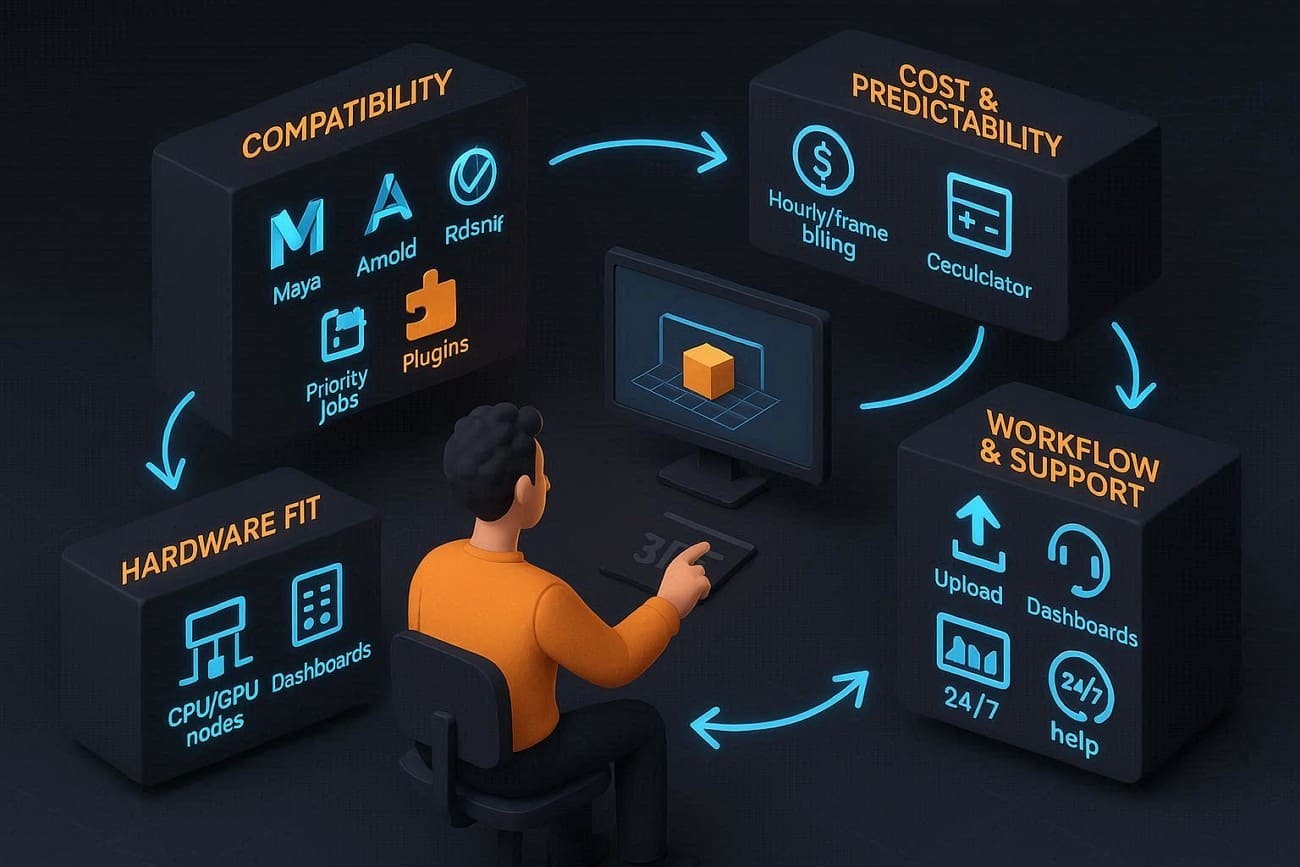
- Compatibility: Check that the farm supports your Maya version and renderers like Arnold, V-Ray, Redshift, or RenderMan. If your scene uses special features or plugins, such as XGen or Bifrost, confirm that the farm supports them.
- Hardware Fit (CPU vs GPU): Use CPU farms for CPU renderers like Arnold CPU. Use GPU farms for GPU renderers like Redshift. Additionally, ask how many nodes you can use, and if urgent jobs can get priority.
- Cost and Predictability: Know how billing works: per hour, per frame, or subscription. Then, pick a model that suits your project and use a farm with test credits or a cost calculator to estimate the price.
- Workflow and Support: Look for easy submission tools or Maya integration to enable fast uploads. In addition, pick a farm dashboard to track jobs and change settings, while offering 24/7 support and clear Maya guides.
- Security and Data Handling: Verify that file transfers are encrypted and that data deletion policies are clear. Always ask if an NDA is possible and who can access your files, as rendering should happen in a safe, separate environment.
Part 3. Top Maya Render Farms for 2026 - Detailed Insights
Radarrender says that the global 3D rendering market was worth about $5.37 billion in 2025. Now, it's expected to reach $6.45 billion in 2026 and grow to around $26.65 billion by 2034. So, if you want to pick the best Maya render farm, here is the list of 5 recommended options in 2026 till now:
1. Fox Renderfarm
Best For: Large-scale animation studios and VFX houses that require massive, Hollywood-grade node capacity and 24/7 technical support for tight deadlines.
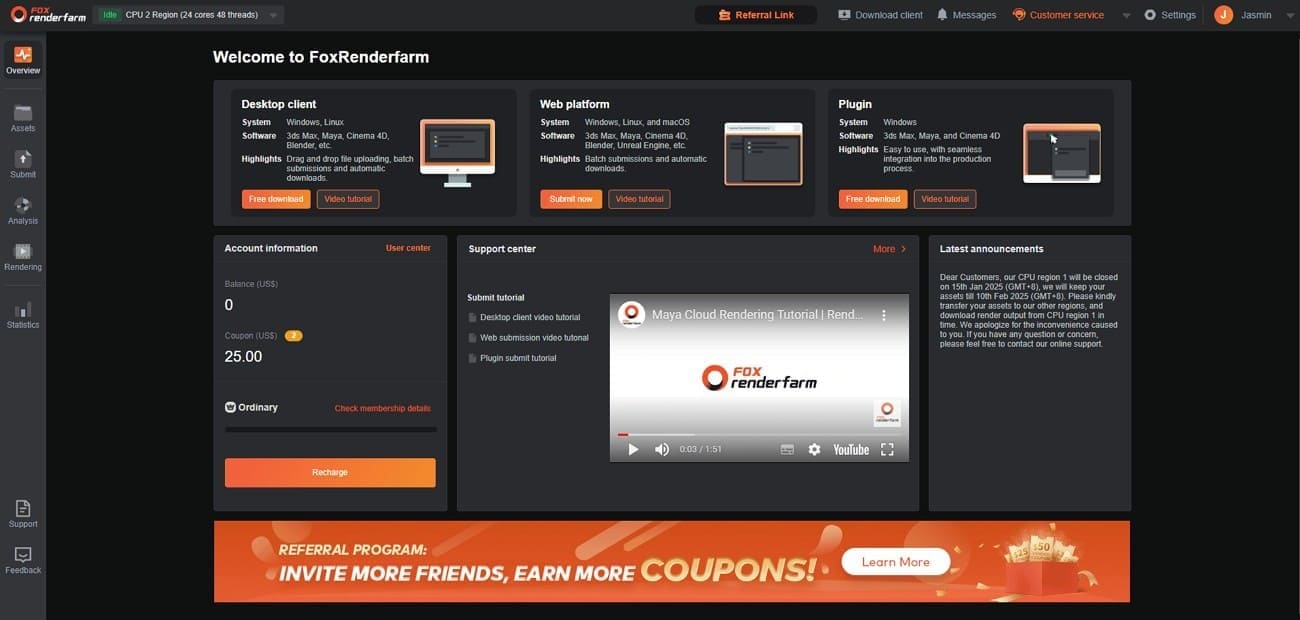
Fox Renderfarm is a cloud rendering service for CG work, offering CPU and GPU rendering. Founded in 2011, it provides 24/7 secure, high-speed support for software like Maya, Blender, and Cinema 4D. Additionally, the platform stands out for its TPN Gold Shield security certification and its proprietary Raysync transmission technology.
Compatibility
- Version Support: Fully supports Maya 2018-2026+ with matching service packs installed on the farm to avoid version mismatch errors during rendering.
- Renderers: Native integration for Arnold, V-Ray, Redshift, and RenderMan with compatible renderer builds configured on render nodes.
- Special Features: Robust support for XGen, Bifrost, and Miarmy, including proper handling of simulation caches and procedural assets.
- OS Support: Cross-platform support for Windows, Linux, and macOS pipelines, allowing Mac-based Maya projects to be submitted while rendering runs on Linux/Windows farm nodes without compatibility issues.
Hardware Fit (CPU vs GPU)
- Massive Scale: Provides access to over 30,000+ physical servers distributed across data centers for large rendering workloads.
- Nodes Specs: CPU with up to 128 threads and 64–128GB+ RAM, plus NVIDIA RTX 4090/5090 GPU clusters optimized for heavy scenes.
- Priority: This Maya farm offers “High Priority” lanes for urgent jobs and “Diamond” tier access for guaranteed immediate start without long queue delays.
Cost and Predictability
- Tiered Pricing: Uses a “Membership” model, prices drop as you recharge more credits. CPU $0.0306/core-hour, GPU ~$0.90/node-hour.
- Estimation Tools: Includes a Maya-specific cost estimator on the website.
- Free Trial: New users receive a $25 credit to run test frames and verify cost accuracy.
Workflow and Support
- Submission Tools: Offers the Raytool plugin and a desktop client that integrates directly into Maya for automated asset gathering and one-click uploads.
- Transmission: Uses Raysync technology, which is up to 100x faster than traditional FTP, crucial for large
Maya project folders.
- 99.99% Uptime: Known for its extremely high reliability and “immediate render” availability with virtually no queue times for standard jobs.
- 24/7 Technical Support: Real-time help via WhatsApp, Skype, and Live Chat with an average response time of under 15 minutes.
Security and Data Handling
- TPN-Accredited: A member of the Trusted Partner Network (owned by the MPA), ensuring it meets Hollywood’s strict security requirements.
- ISO 27001 Certified: Follows international standards for information security management.
- NDA Available: An NDA is available to protect customers’ rights and confidential information.
2. Ranch Computing
Best For: Professional VFX studios, architectural visualization firms, and freelance 3D artists.
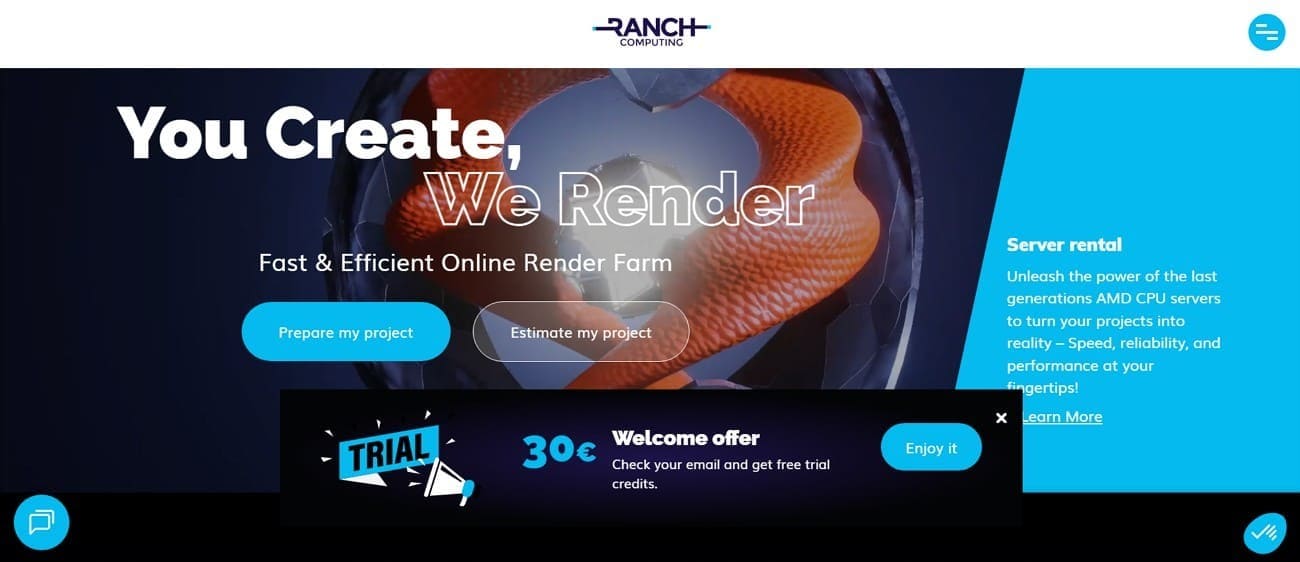
Ranch Computing is another French Maya render farm service based in Paris that has specialized in CPU and GPU cloud rendering since 2006. It speeds up rendering for Blender, Maya, and 3ds Max using secure, affordable servers available anytime.
Compatibility
- Versions: Full support for Maya 2022 through Maya 2026.
- Renderers: Native support for Arnold (MtoA 5.5.x), V-Ray 7, Redshift, and RenderMan 27.
- Complex Plugins: Extensive support for Bifrost (including 2.15 rigid bodies), XGen, Yeti, Golaem, Phoenix FD, and MayaUSD.
- OS Compatibility: Fully supports both Windows and macOS project files.
- Scene Prep: Uses RANCHecker, a dedicated Maya plugin that automatically gathers all external files (caches, textures, HDRIs) into a single. vua archive to prevent missing-asset errors.
Hardware Fit (CPU vs GPU)
- CPU Farm: Powered by AMD EPYC (Turin/Bergamo) nodes, offering up to 480 GB of RAM per node for memory-heavy scenes.
- GPU Farm: Equipped with RTX 5090 and 4090 cards. They boast a total GPU power exceeding 5 million CUDA cores.
- Stability: Their AWS-backed high-availability system keeps uploads and project dashboards running with almost no downtime.
- Priority Tiers & Estimates Cost:
- Low: Best for non-urgent tasks (limited node count).
- Medium/High: Grants access to up to 64 (CPU Farm), 80 nodes (GPU Farm) simultaneously for rapid delivery.
Cost and Predictability
Pricing is based on two units: GHz.h (for CPU) and OB.h (OctaneBench hours for GPU).
- Free Trial: New users typically get a €30 credit to test their scenes.
- Price per OctaneBench·h: Ranges from €0.005 to €0.010, based on priority level.
- Price per GHz·h: From €0.011 to €0.016.
- Volume Discounts: “Refill” bonuses can reach up to 70% for large prepayments (e.g., buying €20,000 in credits).
- Academic: 50% discount for students.
Workflow and Support
- RANCHSync: A desktop utility that manages the high-speed transfer of your project files and automatically downloads finished frames to your local drive while the rest are still rendering.
- Dashboard: A real-time web dashboard lets you monitor frame progress, preview rendered images, and adjust priorities on the fly.
- Technical Support Availability: Support is available via Email, Skype/ Chat session, Phone, and Live Chat during European business hours, with emergency monitoring for high-priority jobs.
Security and Data Handling
- TPN Gold Shield: Certified by the Trusted Partner Network (the gold standard for Hollywood-level content security).
- Data Locality: Servers are located in their own secure premises in France.
- Confidentiality: Automatic project deletion 5 days after completion and encrypted HTTPS transfers.
3. Super Renders Farm
Best For: Solo artists and studios seeking a highly affordable, browser-based cloud solution with massive GPU power.
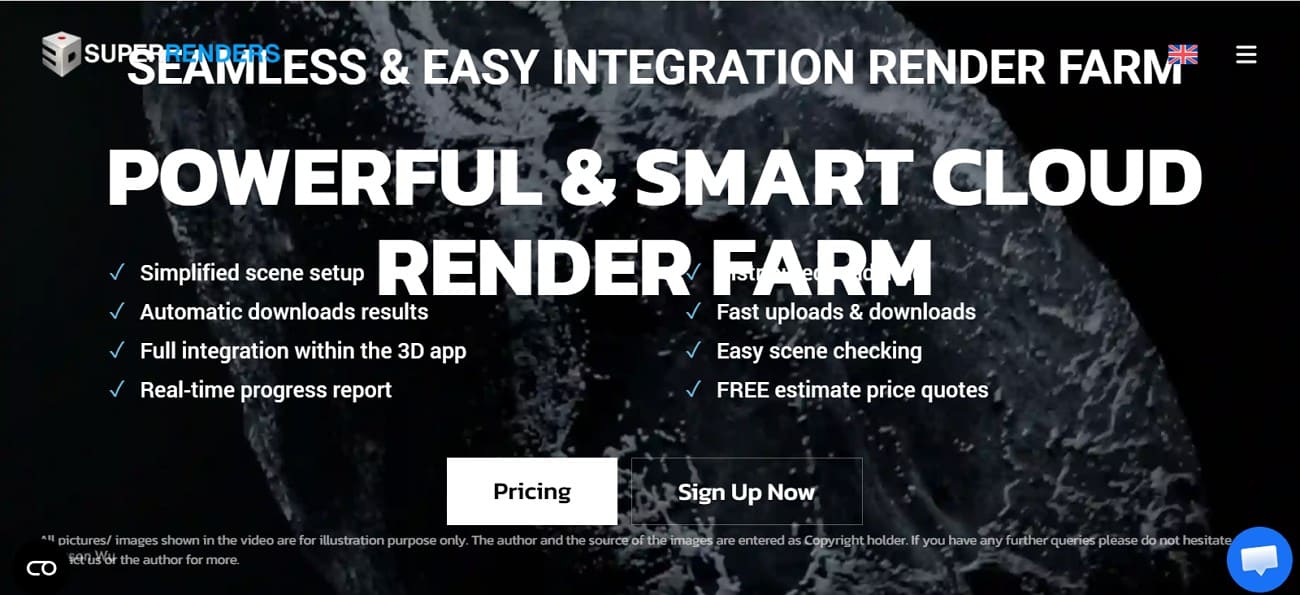
Renowned as the best render engine for Maya, Super Renders Farm is based in California and founded in 2017. It helps 3D artists, studios, and VFX designers finish animation and image projects faster.
Compatibility
- Maya Versions: Support for legacy versions through the most recent 2026 releases.
- Render Engines: Native integration for Arnold, V-Ray, Redshift, and RenderMan.
- Plugins: Offers AXYZ Anima 5.1.1, Golaem 7.11, mGear 3.4, Ornatrix 2.4.2, Craft Director Studio 19.1, etc.
- Unique Feature: For specialized pipelines, they offer Custom Plugin Installations on request for large-scale projects.
Hardware Fit (CPU vs GPU)
- CPU Rendering: Powered by Dual Intel Xeon E5-2699 V4 processors (up to 44 cores per node) with up to 96GB RAM.
- GPU Rendering: Equipped with NVIDIA RTX 4090 and 3090 cards.
Cost and Predictability
- Pricing Model:
- CPU: ~$0.004/GHz-hour ($2/Server/Hour).
- GPU: ~$0.003/OctaneBench-hour ($3.80/Card/Hour for RTX 4090s).
- Predictability Tools: They provide a Smart Cost Calculator and offer $25 in free trial credits for new users to run test frames, ensuring you aren't surprised by the final bill.
- Discounts: A volume-based credit system offers up to 40% off for larger deposits.
Workflow and Support
- Submission: You can submit jobs via a browser-based dashboard (no installation required) or through their Maya submission plugin for one-click uploads.
- Support: 24/7 live human support via chat, email, and phone is critical for 2026's fast-paced production cycles.
Security and Data Handling
- Encryption: All data transfers use encrypted protocols.
- Data Isolation: Rendering occurs in safe, separate environments to prevent data leakage between users.
- Confidentiality: They offer clear NDA (Non-Disclosure Agreement) options and a strict policy that automatically deletes files after the job is completed.
4. TurboRender
Best For: Professionals and studios that need an automated setup for complex Maya scenes.
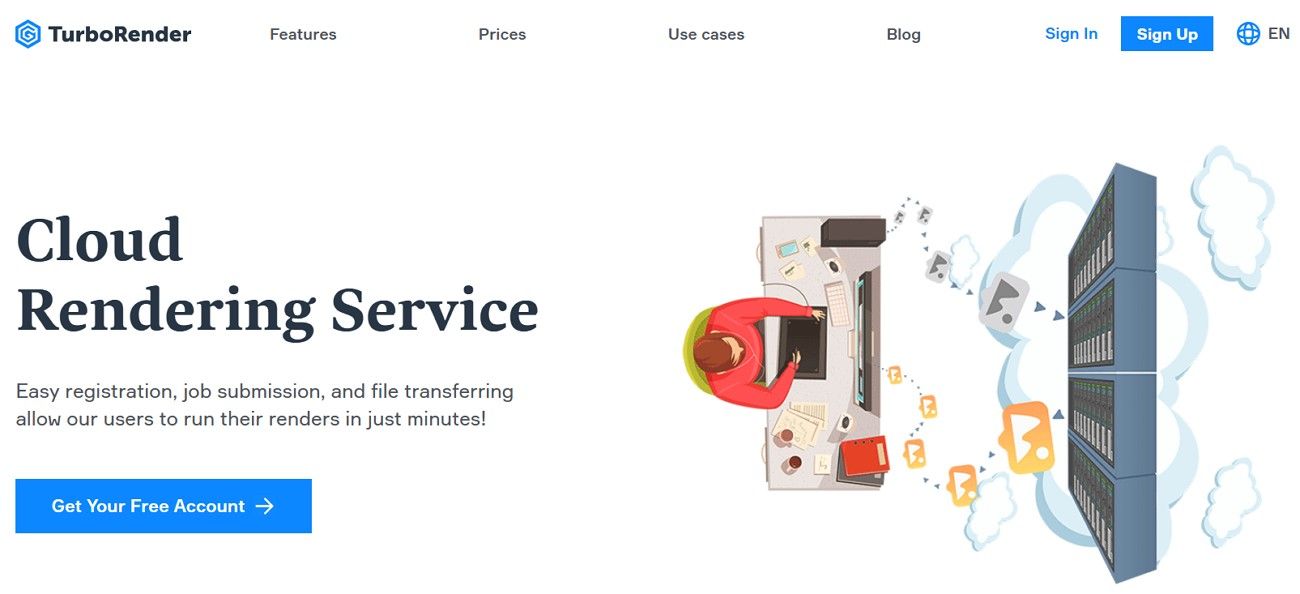
TurboRender is a fast and secure online Maya render farm service for 3D artists. It lets users upload, analyze, and render projects in the cloud, handling both animations and still images. Moreover, TurboRender offers simple drag-and-drop uploads, automatic project analysis, and remote rendering.
Compatibility
- Engines: Deep integration for Maya 2026 and earlier. Supports Arnold, V-Ray, Redshift, Mental Ray, and Mantra.
- Plugins: Native support for the most common 2026 toolsets, including Bifrost, XGen, MayaUSD, and Golaem.
Hardware Fit (CPU vs GPU)
- GPU Power: Offers servers with 4x GPU setups (up to 2616 OctaneBench score).
- CPU Power: Featuring Xeon Gold 6448Y (up to 64 cores per node), specifically tuned for Arnold CPU's heavy ray-tracing calculations.
Cost and Predictability
- Pricing Model: Uses “Render-Hours” (RH). CPU rendering starts at $0.87/hr, while GPU rendering ranges from $4.37 to $8.74/hr.
- Estimation: Includes a built-in cost calculator accessible after registration.
Workflow and Support
- Interface: Features a modern, drag-and-drop web dashboard for submission and real-time progress tracking.
- Support: Provides 24/7 technical support via chat and WhatsApp, which is essential for 2026's fast-paced production cycles.
Security and Data Handling
- Encryption: Uses SSL and AES-256 for all file transfers and storage.
- Legal: Offers standard NDAs for all plans to ensure commercial projects remain confidential.
5. MaxCloudON
Best For: Studios and power users who need full administrative control or a dedicated private cloud to run custom pipelines, scripts, and non-standard plugins.
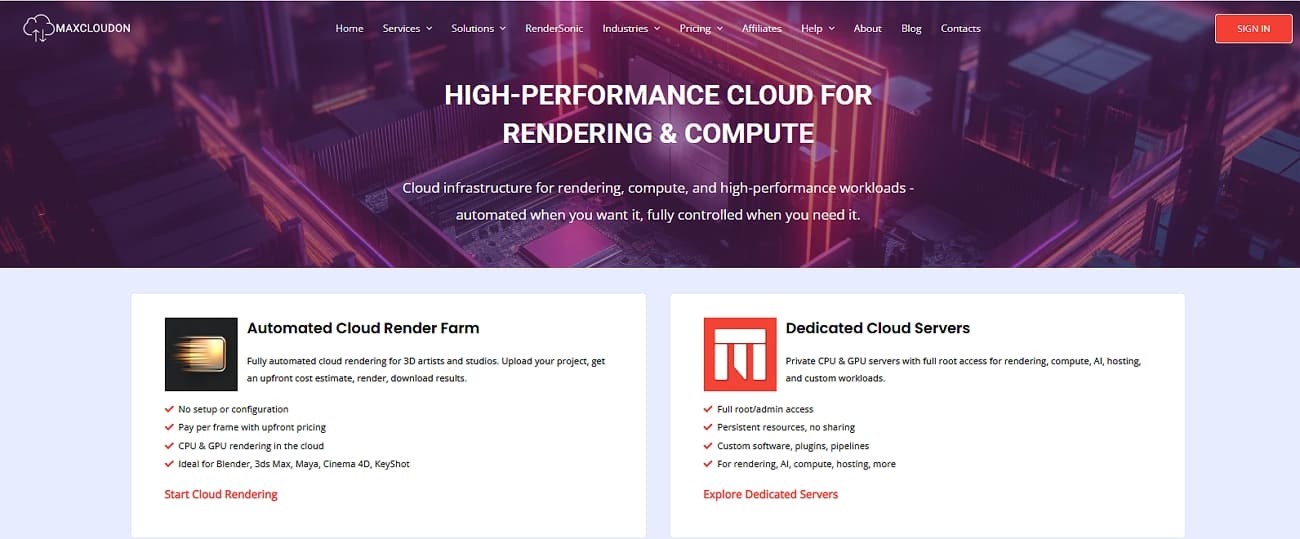
MaxCloudOn is another best render engine for Maya, an IaaS provider offering high-performance dedicated CPU and GPU servers for tasks like 3D rendering. It provides flexible, no-contract access to unshared computing power, ideal for professionals.
Compatibility
- Engines: Supports all major Maya 2026 engines, including Arnold, V-Ray, Redshift, and RenderMan.
- Pipeline Freedom: Since they provide a remote desktop/root access environment, you can install any specific version of Maya or niche plugins (like Phoenix FD or custom Python tools).
Hardware Fit (CPU vs GPU)
- GPU Power: Features NVIDIA RTX 4090 and A6000 nodes.
- CPU Power: Offers AMD EPYC and Intel Xeon configurations with up to 240GB RAM.
Cost and Predictability
- Billing: Uses a fixed-rate subscription model (Daily, Weekly, or Monthly) rather than per-frame billing.
- Trial: They offer a 48-hour free trial for CPU servers to test your pipeline before committing.
Workflow and Support
- Interface: You use the RenderSonic app for automated jobs, or connect via VPN/Remote Desktop for manual control.
- Support: Provides 24/7 real human support (no bots), highly rated for complex network and license configurations.
Security and Data Handling
- Privacy: As servers are dedicated and unshared, your data is physically isolated from other users during rendering.
- Encryption: Features certificate-based VPN encryption for all remote connections.
Part 4. Choosing the Right Maya Render Farm for Your Needs
If you want to choose the best Maya render farm, here is a quick comparison of all farms:
|
Factors |
Fox Renderfarm |
Ranch Computing |
Super Renders Farm |
|
Speed |
Very High (large scalable nodes) |
High (queue-dependent) |
Variable |
|
Free Credits |
Yes |
Yes |
Limited trial |
|
Maya & Plugins |
Wide built-in support |
Wide support |
Maya submission plugin support |
|
UI Ease |
Very Easy |
Easy |
Easy |
|
Pricing Transparency |
High |
Medium–High |
Medium |
|
Support Level |
24/7 real human technical support |
Responsive email/ticket support |
Ticket/chat/email support with tutorials |
|
Factors |
TurboRender |
MaxCloudON |
|
Speed |
Variable |
User-controlled |
|
Free Credits |
Occasional promo credits |
Usually, there is no free tier |
|
Maya & Plugins |
Maya + common engines/plugins |
User-installed software |
|
UI Ease |
Easy (job wizard) |
Advanced users |
|
Pricing Transparency |
Medium – clear hourly examples |
Medium – per-hour VM pricing |
|
Support Level |
Ticket/chat support suitable for commercial work |
Email/ticket plus onboarding help |
Among all compared platforms, Fox Renderfarm stands out as the most complete Maya render farm.
It combines scalable rendering capacity, built-in Maya compatibility, transparent pricing, and true 24/7 human technical support.
Part 5. FAQs About Maya Render Farm
1. Which Maya versions do most render farms support?
Most render farms support multiple recent Maya versions, but you should always confirm your exact version and renderer compatibility before uploading a project.
2. How much does a Maya render farm typically cost?
Maya render farm pricing usually follows pay-as-you-go models, with lower rates or discounts available for larger or longer projects.
3. Is a cloud Maya render farm safe for client projects?
Reputable render farms protect client files using encrypted transfers, controlled access permissions, and clear data protection policies.
Conclusion
In 2026, choosing the best Maya render farm comes down to performance stability, pricing transparency, and support for your preferred render engines. A reliable cloud rendering provider such as Fox Renderfarm can significantly reduce render times while eliminating the need for constant hardware upgrades.