7 Best Render Farms for Film Production and VFX Pipelines
 Ryan Thompson
Film production and VFX pipelines often involve large scenes, high-resolution plates, and complex lighting setups that can quickly exceed the limits of a single workstation. A professional render farm for film production helps studios handle these workloads by distributing rendering tasks across powerful cloud infrastructure.
From large-scale productions to effects-heavy sequences, cloud rendering plays a key role in accelerating VFX workflows and meeting tight deadlines. In this guide, we compare the 7 best render farms for film production and VFX pipelines to help you choose the right solution.

Part 1. How Does a Render Farm Work for Movies?
Modern movie pipelines now utilize a powerful AI-assisted render farm for the film 2026 setup. You should understand these technical stages to manage your cinematic project timeline effectively:
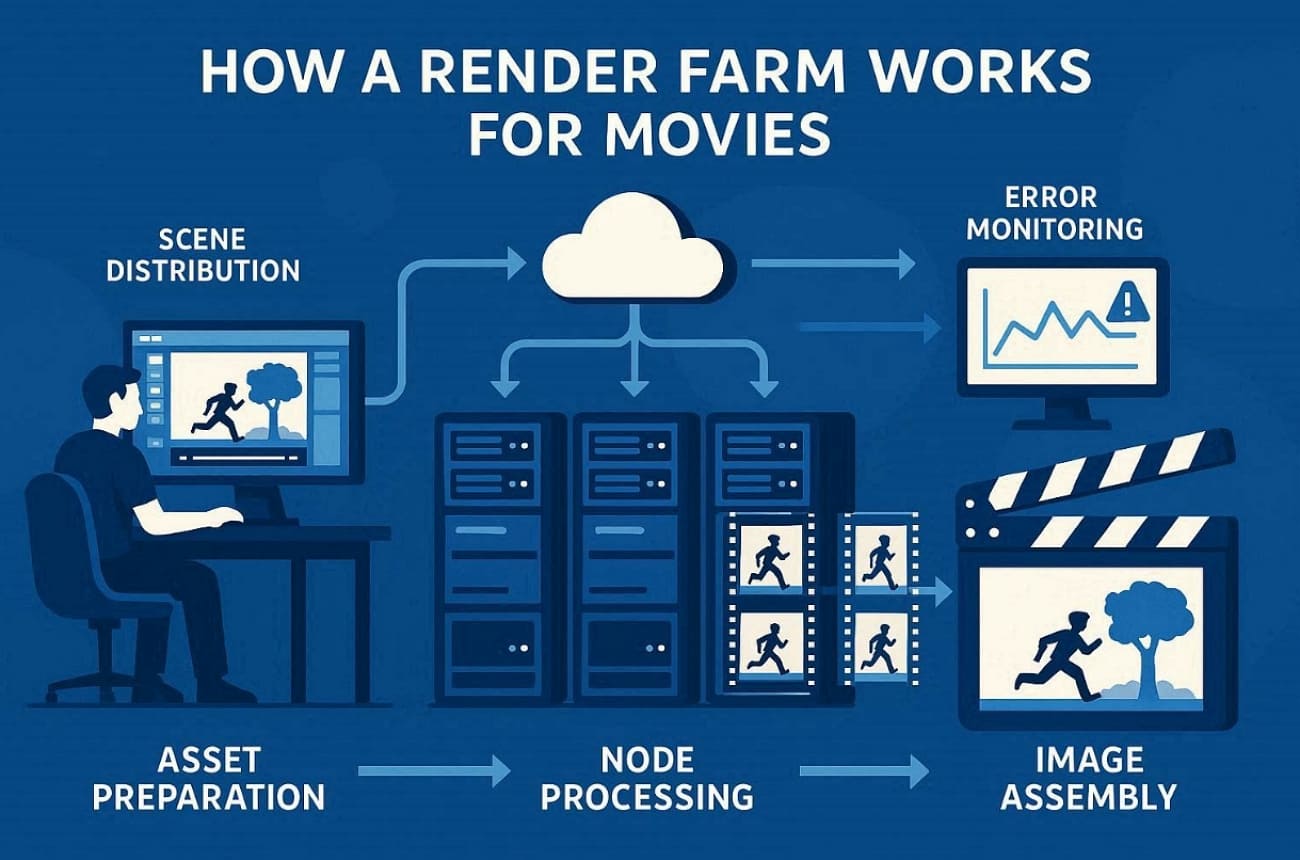
- Asset Preparation: All high-resolution 3D models must be linked to their textures before uploading. This ensures that the remote server nodes can find every single visual element.
- Scene Distribution: The management software divides your long movie sequences into several individual frame ranges. Each available machine then receives a specific set of frames to process simultaneously.
- Node Processing: Thousands of high-performance processors calculate the light and shadow for every frame. These powerful systems work together to finish your heavy tasks in record time.
- Image Assembly: The farm collects finished frames and organizes them into a final sequence automatically. This digital system ensures that your layers remain perfectly aligned for the compositor.
- Error Monitoring: Automated logs track the progress of every machine to find potential rendering failures. This smart technology allows artists to fix broken frames without wasting their budget.
Part 2. Render Farm vs Local Rendering in Film Production
Choosing between local hardware and a render farm for short film production changes everything. This comparison table highlights the main differences between these two common movie workflows:
|
Aspect |
Local Rendering |
Render Farm Rendering |
|
Speed |
Limited by the power, GPU, and CPU cores of a single workstation. |
Frames are distributed across multiple nodes and processed much faster. |
|
Scalability |
Expanding capacity requires purchasing and installing new hardware. |
Rendering capacity can scale quickly by adding more nodes. |
|
Cost |
Requires upfront investment, plus maintenance and hardware upgrades. |
Pay-as-you-go pricing avoids large infrastructure investments. |
|
Reliability |
Hardware crashes or overheating can stop the rendering process. |
Multiple nodes provide redundancy and reduce the risk of interruptions. |
|
Collaboration |
Mostly limited to machines within the same local network. |
Teams can manage and submit render jobs remotely from different locations. |
|
Turnaround |
Suitable for previews, tests, or smaller rendering tasks. |
Designed for large projects such as films, VFX, and final production shots. |
|
Energy |
Workstations consume significant electricity during long renders. |
Dedicated data centers handle rendering workloads more efficiently. |
Many modern productions rely on cloud infrastructure to process massive visual effects workloads. Several well-known animated films used the cloud rendering services to accelerate their production pipelines:
1. Ne Zha (2019)
The animated blockbuster Ne Zha used the cloud rendering service of Fox Renderfarm during production. This platform helped process complex fire simulations, particle effects, and high-resolution animation frames.
2. White Snake (2019)
The animated fantasy film White Snake also used Fox Renderfarm’s cloud rendering services for demanding animation scenes. Its rendering system helped process detailed hair simulations and stylized lighting across thousands of frames.
Part 3. Top Factors for Selecting the Best Render Farm for Film Production
Selecting the ideal cloud render farm for films involves balancing technical compatibility and budget. You must analyze these specific industry requirements to avoid costly delays during final production:
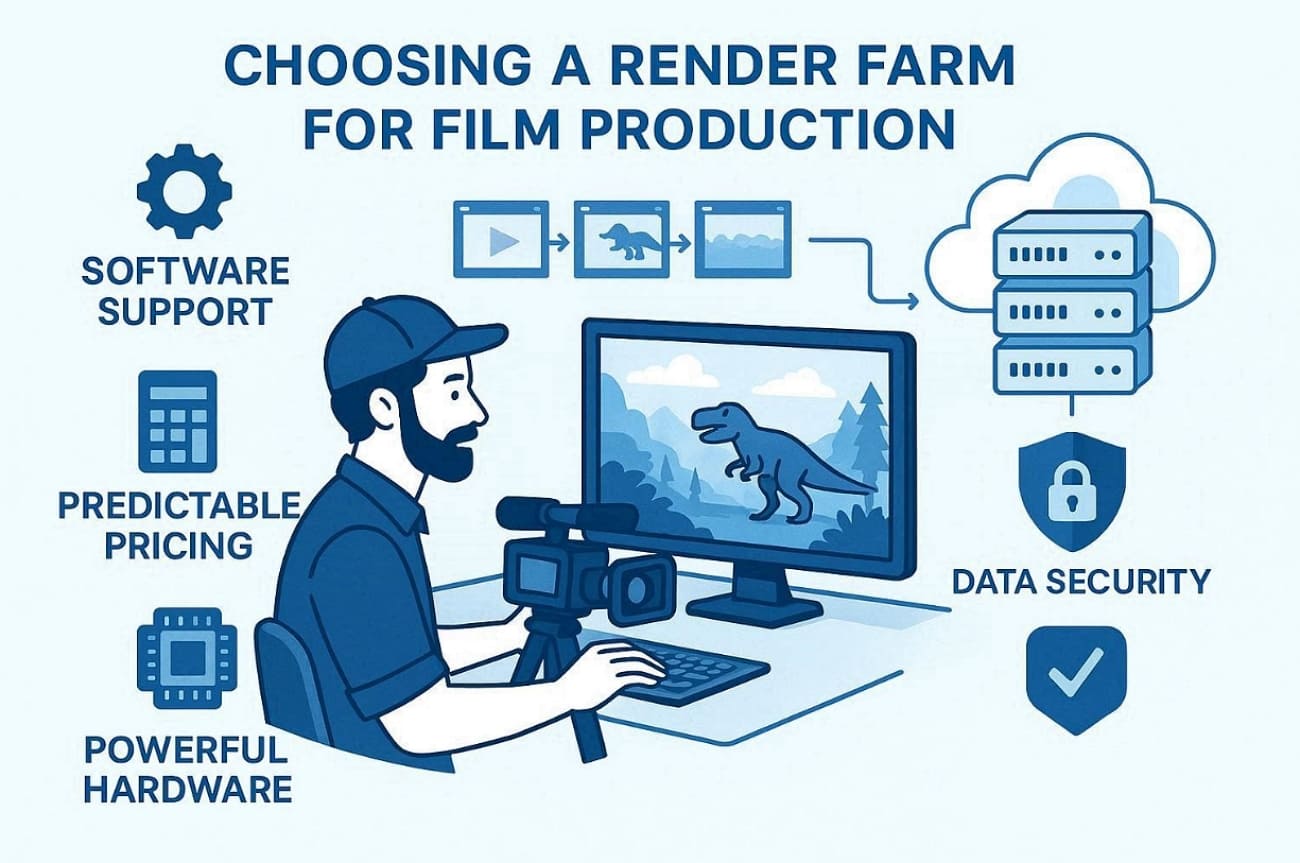
- Software Support: The farm must natively support your exact DCC version and your specific renderer. This prevents rendering errors caused by mismatched software builds in your movie pipeline.
- Plugin Management: Verify that the service handles complex hair, particles, and simulation caches for film. It ensures that every intricate visual effect appears correctly in your final sequence.
- Predictable Pricing: Compare the costs per machine hour to manage your production budget with precision. Avoid hidden fees for data storage or downloading your finished high-resolution frames.
- Data Security: Feature films require encrypted transfers and TPN-certified security protocols for file safety. This protects your unique digital assets from unknown access throughout the process.
- Hardware Profile: Match your renderer to high-core CPUs or modern GPUs with large memory. Such a specific choice prevents system crashes when processing dense scenes or high textures.
Part 4. Top 7 Render Farm Services for Film Production
Finding the best online render farm for animation studios requires comparing technical specs and security certifications. So, the following breakdown explores the top 7 services currently leading the film production market:
1. Fox Renderfarm
Best For: Studios needing Hollywood-level security and massive hardware scaling for complex visual effect sequences.
Fox Renderfarm provides a Blender render farm for animation studios requiring extreme processing power. Its thousands of high-performance nodes allow studios to render feature-length sequences within tight deadlines. Besides, the dual CPU and GPU nodes handle heavy character hair and complex lighting simulations. Alongside that, massive SSD storage removes I/O lag to prevent frame drops when reading huge 8K texture files for movies.
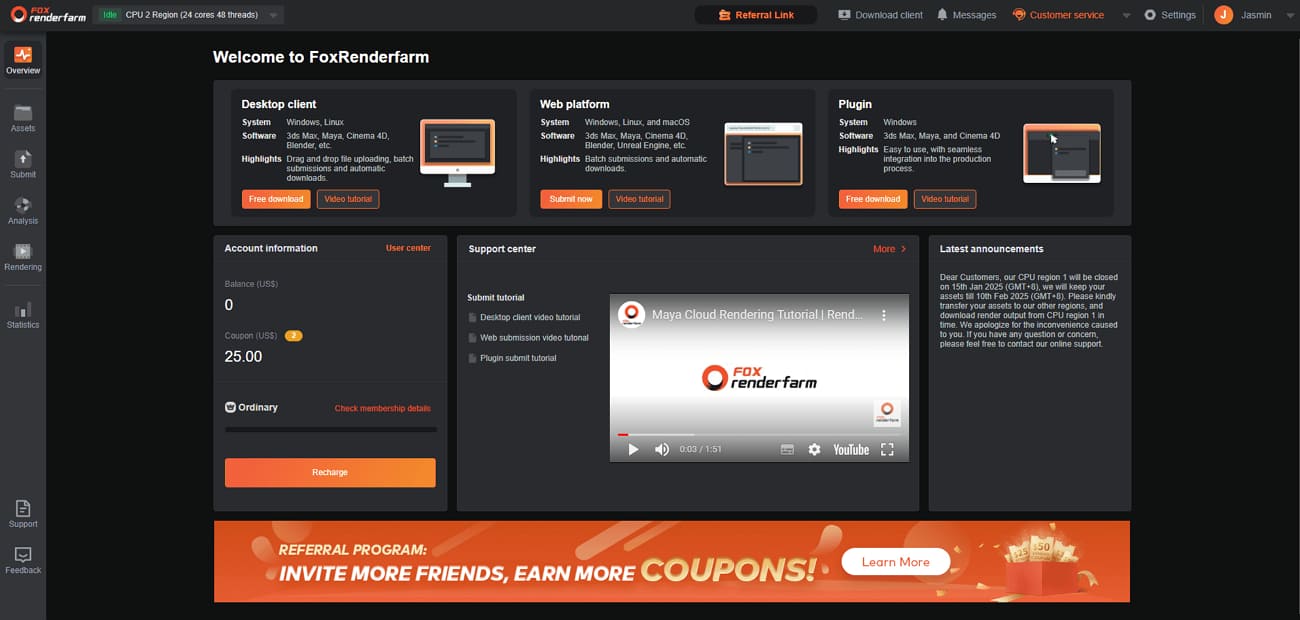
The cloud rendering service’s Raysync technology quickly moves multi-gigabyte scene files and massive simulation caches from the set to the farm. While rendering, automated IT detection matches your local pipeline settings to prevent any expensive rendering errors.
Plus, Fox Renderfarm’s extensive plugin compatibility keeps particles and volumetric effects intact, avoiding broken looks on final frames. The animated fantasy film “White Snake” also used Fox Renderfarm’s cloud rendering services for demanding animation scenes.
Key Features
- API hooks let TDs trigger renders from existing tools, reducing repetitive manual submission work.
- Support for major DCC tools, like Blender, prevents re-exporting scenes, preserving complex rigs and animation setups.
- Keep your Windows and Linux pipelines synced to avoid any technical format errors.
- ISO27001 and TPN standards reassure stakeholders that unreleased storylines and assets remain confidential.
- Its 99.99% availability prevents downtime during crunch weeks, keeping editorial and comp deliveries on schedule.
Pros and Cons
|
Pros |
Cons |
|
Large scale for heavy workloads |
Bandwidth constraints affect very large simulation caches |
|
Fast 24/7 technical support |
Large EXR files may take longer to upload |
Pricing Model
- Pay-as-you-go billing ensures you only spend money on the shots you actually need.
- Get 25$ in free credit to test your complex film scene settings.
- Large volume discounts help big animation studios reduce the cost of feature-length movies.
2. RebusFarm
Best For: Freelancers and mid-sized studios needing plugin-based workflows for fast CG rendering deadlines.
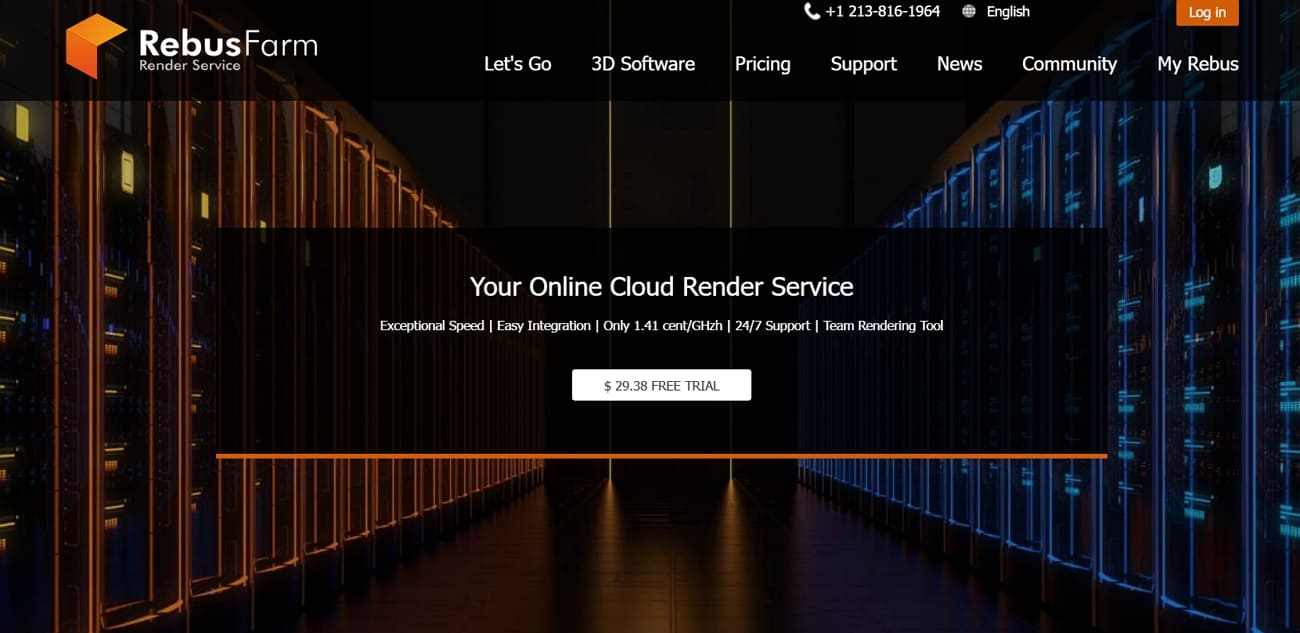
This service delivers plugin-based integration that lets artists submit jobs directly from 3ds Max or Cinema 4D. RebusFarm’s high-end Threadripper CPUs handle complex physics simulations and heavy character geometry for films. Besides, its Asset Collection’s automated tools gather every texture to explain how a render farm works for movies. Moreover, the centralized web control center monitors render progress, helping teams manage thousands of movie frames.
Key Features
- The Farminizer plugin works inside your software to simplify the movie workflow.
- Powerful NVIDIA GPUs accelerate Redshift renders for real-time lighting and material previews.
- Sustainable data centers support studio sustainability goals during extended production schedules.
Pros and Cons
|
Pros |
Cons |
|
Deep integration with most DCC tools |
Upload speeds depend on the distance to the German server |
|
Second-accurate billing saves production money |
Security certifications are not listed on the homepage |
Pricing Model
- Pay-per-render-time billing charges only for the actual rendering seconds used during projects.
- Online calculator estimates job costs before submission, helping studios plan rendering budgets.
- New users receive about $29 in free trial credit to test rendering performance.
- Special student discounts are available to support the next generation of filmmakers.
3. iRender
Best For: Studios needing full remote control over powerful multi-GPU nodes for custom cinematic pipelines.
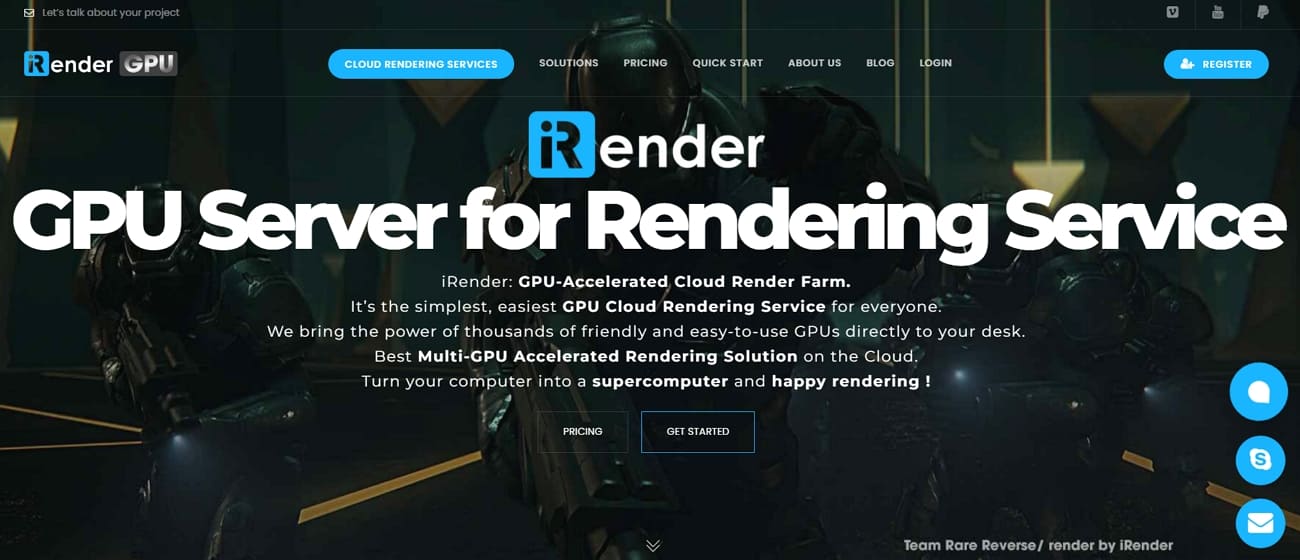
Choosing iRender provides a dedicated cloud workstation experience that bridges the gap between render farm vs local rendering for film production. Unlike traditional "submit-and-wait" systems, this IaaS platform gives you full remote desktop access to high-end GPU nodes. Its massive 256GB system RAM prevents crashes during the rendering of dense movie environments. Moreover, iRender can boot hundreds of private servers simultaneously to meet your final delivery deadline.
Key Features
- Such processors accelerate physics simulations and heavy geometry calculations used in film scenes.
- Configurations offer 2 to 8 GPUs, allowing studios to scale rendering for complex scenes.
- Dedicated servers ensure that your unreleased movie data is completely isolated.
Pros and Cons
|
Pros |
Cons |
|
Full software environment control |
Requires careful server shutdown management |
|
Persistent workspaces for sessions |
Beginners may find the workflow complex |
Pricing Model
- Hourly rates range from $8 to $52, depending on node power.
- Minute-based billing ensures you only pay for the time the machine runs.
- Significant discounts are available for weekly or monthly fixed server rentals.
- New users receive a 100% bonus on their first credit charge.
4. GarageFarm
Best For: Independent creators and mid-sized animation teams requiring an affordable and fully automated cloud system.
GarageFarm operates as a cheap render farm for indie filmmakers needing massive scalability. The system provides 20,000 CPU cores and 2 million CUDA cores for scalable film rendering. Furthermore, its high-end nodes feature Blackwell GPUs to handle the most demanding film texture requirements. In addition, simplified software allows artists to submit movie jobs without any advanced IT expertise.
Key Features
- Nodes with 256GB RAM prevent system crashes during dense 8K movie renders.
- Utilize Blackwell and L40S cards for rendering photorealistic film lighting and shadows.
- Continuous monitoring ensures your rendering job remains active until every frame finishes.
Pros and Cons
|
Pros |
Cons |
|
Secure ISO-certified infrastructure |
Large caches take longer to transfer |
|
Responsive 24/7 technical support |
Detailed plugin list requires verification |
Pricing Model
- Pay-as-you-go pricing eliminates hardware investments and long-term infrastructure commitments.
- CPU rendering costs about $0.024 per GHz for distributed rendering workloads.
- GPU rendering billing uses OBh units, costing roughly $0.004 for compute usage.
5. Ranch Computing
Best For: Professional studios requiring ultra-fast CPU and GPU rendering within a secure European infrastructure.
The Ranch Computing service offers a specialized render farm for film production with 2 decades of experience. Besides, its RANCHecker plugin identifies scene errors before you upload your movie files for processing. Furthermore, powerful AMD CPU servers handle the most complex fluid and fire simulations for cinema. The RANCHSync application automatically downloads finished frames to your local workstation in real time.
Key Features
- Last-generation AMD processors deliver massive power for high-resolution movie frame calculations.
- Official compatibility with Houdini and Maya ensures your complex rigs work perfectly.
- Data encryption and secure payments protect your studio assets throughout the entire workflow.
Pros and Cons
|
Pros |
Cons |
|
Guided and user-friendly workflow |
Upload speeds depend on the EU distance |
|
Auto-downloading of finished frames |
Specific plugin lists require manual check |
Pricing Model
- Register via email to receive €30 in free credits for initial testing.
- Purchase credits to spend on either CPU or GPU rendering time for projects.
- Use RANCHecker to get accurate cost estimates before committing to a full render.
6. RenderStreet
Best For: Blender and Modo artists needing predictable monthly costs for high-volume animation project deliveries.
RenderStreet is a specialized render farm for short film production using the Cycles engine. Their RenderWheels system reallocates hardware nodes automatically to finish movie jobs much faster. Along with that, its direct .blend rendering maintains artist workflows without retraining or reconfiguration. Moreover, automatic routing sends your Blender projects to NVIDIA L40S GPU servers for speed.
Key Features
- Compatible jobs move to high VRAM servers to handle dense film textures.
- Full support for Modo projects provides a reliable solution for specialized animation.
- Dedicated queues ensure critical short film deliverables meet aggressive delivery schedules.
Pros and Cons
|
Pros |
Cons |
|
Intelligent job scheduling system |
Limited support for Maya or Houdini |
|
Unlimited monthly pricing options |
Not ideal for multi-DCC studio pipelines |
Pricing Model
- The Monthly RenderStreet One plan offers unlimited rendering for consistent workloads across many projects.
- Pay-per-hour options allow for maximum scaling when your film deadlines are tight.
- A $1 Day Trial lets you test the subscription model before committing to the monthly unlimited plan.
7. Drop & Render
Best For: Cinema 4D studios needing automated GPU rendering workflows with integrated plugins and collaboration features.
This specialized cloud render farm for films provides deep integration with Cinema 4D to reduce manual setup time in busy studios. Its automatic 300+ project checks catch missing textures or incorrect frame ranges before you waste credits. Moreover, GPU-optimized nodes accelerate Redshift and Octane frames to help directors preview complex lighting faster. On the other hand, tile rendering splits large marketing stills across machines, then stitches the image automatically.
Key Features
- Split massive 8K film stills across multiple nodes to meet tight editorial deadlines.
- Intelligent asset caching speeds up large film project uploads by skipping existing data.
- Submit your 3D projects directly from Cinema 4D, Houdini, or the Blender interface.
Pros and Cons
|
Pros |
Cons |
|
Automated pre-render project checks |
Limited optimization outside Cinema 4D pipelines |
|
Smart assets and cache management |
Queue delays are possible during peak demand |
Pricing Model
- Pay-as-you-go billing charges are rendered based on actual server usage.
- Different priority levels, like Sapphire and Diamond, influence how quickly your movie frames rendering process.
- Base pricing begins around €0.005 per hour, depending on the selected node configuration.
FAQs about Render Farm for Film Production
Q1. How does a cloud render farm protect my unreleased movie files from leaks?
Top cloud rendering services use encrypted transfers and TPN-certified security protocols to keep data safe. These strict digital standards prevent any unknown access to your unique cinematic project assets. The physical data centers are monitored constantly to ensure your production remains confidential.
Q2. Is it possible to use custom scripts within a cloud rendering pipeline workflow?
Many professional services allow you to upload specific Python scripts for your cinematic projects. These automated tools help manage complex lighting passes and organize final output file layers. So, Fox Renderfarm provides dedicated technical support to help integrate your unique pipeline scripts.
Q3. What happens if a single frame fails during the long rendering process tonight?
Smart monitoring systems detect failures and restart the specific frame on a different node. This automated technology prevents a small error from delaying your entire movie delivery schedule. You will only pay for the successful frames to manage your production budget.
Conclusion
To summarize, selecting a professional render farm for film production is vital for modern movie success. Cloud rendering provides the massive scaling needed for complex 8K visual effect sequences. Yet, the right service ensures your project meets its strict delivery deadline without any delay.
For teams working on demanding visual effects projects, Fox Renderfarm offers a reliable option to manage rendering at scale.