 Blender
 Cinema 4D
 Arnold
 3ds Max
 Houdini
 V-Ray
V-Ray Maya
Maya Unreal Engine
 Nuke
Nuke8 Best Render Farms for Product Visualization in 2026
 Ryan Thompson
Product visualization has a different rhythm from film or architectural rendering. Many jobs are not thousands of frames long, but the quality bar is high. When local workstations start rendering slowly, a render farm can be helpful.
If you need a render farm for product visualization, choose one that fits your software, render engine, deadline, and review workflow. This guide compares the best render farms for product visualization and explains which type of cloud rendering service fits common product rendering workflows.
What Should a Product Visualization Render Farm Do Well?
A render farm for product visualization should support more than raw compute power. Before choosing a service, check these points:
Software and Render Engine Support
Confirm support for your current DCC and renderer, such as Blender, Cinema 4D, Maya, 3ds Max, V-Ray, Redshift, Arnold, Octane, or Corona.
Material and Texture Handling
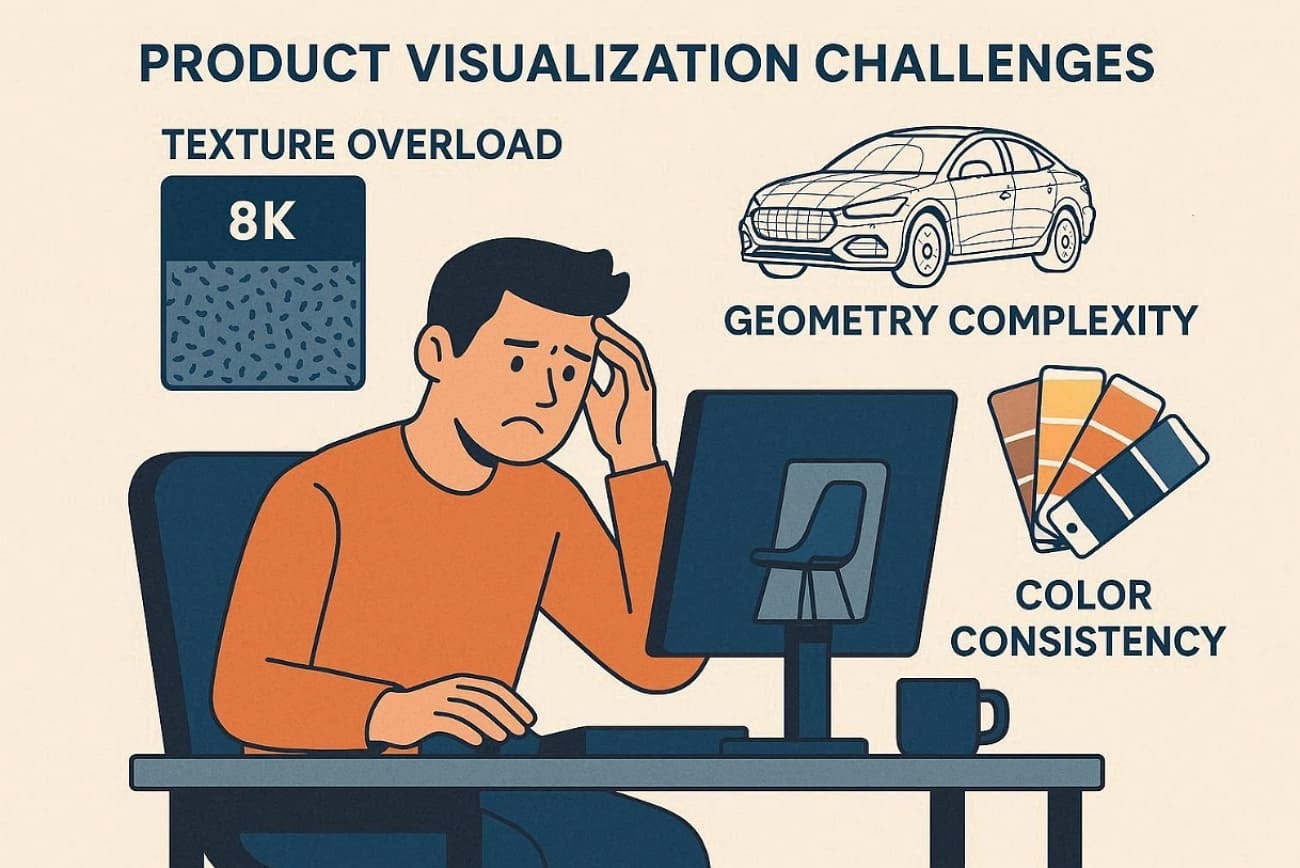
Product scenes often depend on labels, decals, displacement, glass, metal, plastics, fabric, and packaging artwork.
Still-image and Animation Workflows
Some farms are better for long frame ranges, while others are convenient for single hero images and short turntables.
Revision Speed
Product work often changes late. A cloud workflow should make re-rendering a revised camera angle or material variant straightforward.
Cost Visibility
Product visualization teams need to estimate cost before rendering multiple SKUs, colorways, or language-specific package versions.
Support Quality
When a plugin, cache, or texture path breaks, responsive support can matter more than a slightly lower per-frame price.
Quick Comparison: Top Render Farms for Product Visualization
|
Render farm |
Best fit for product visualization | What to check before choosing |
|
Fox Renderfarm |
Teams that need a broad cloud rendering workflow for product stills, animations, and deadline-heavy commercial visuals |
Confirm current software, plugin, and renderer support for your exact scene |
|
RebusFarm |
Artists who want an established render farm with wide DCC and renderer coverage |
Check cost estimates carefully for high-sample stills and many product variants |
| GarageFarm.NET |
Freelancers and small studios that want support-driven rendering help |
Confirm upload workflow and project compatibility for your renderer version |
| Ranch Computing |
Studios with demanding CPU/GPU rendering jobs and high-quality final outputs |
Verify current app support, pricing model, and queue options |
| iRender |
Users who prefer remote GPU server access and want direct control over the render environment |
Best when you are comfortable managing the remote machine workflow yourself |
| Drop & Render |
Cinema 4D and Redshift/Octane-style workflows where artist convenience matters |
Confirm current software scope if your pipeline is outside its core strengths |
| SuperRenders Farm |
Budget-conscious teams comparing online render farm options |
Check current support, documentation, and job setup requirements before production use |
| GridMarkets |
Specialized users working in supported production pipelines, especially simulation-heavy workflows |
Confirm whether the service matches your product visualization toolchain |
1. Fox Renderfarm
Best For: Studios rendering large SKU batches and marketing campaigns requiring scalable cloud rendering infrastructure.
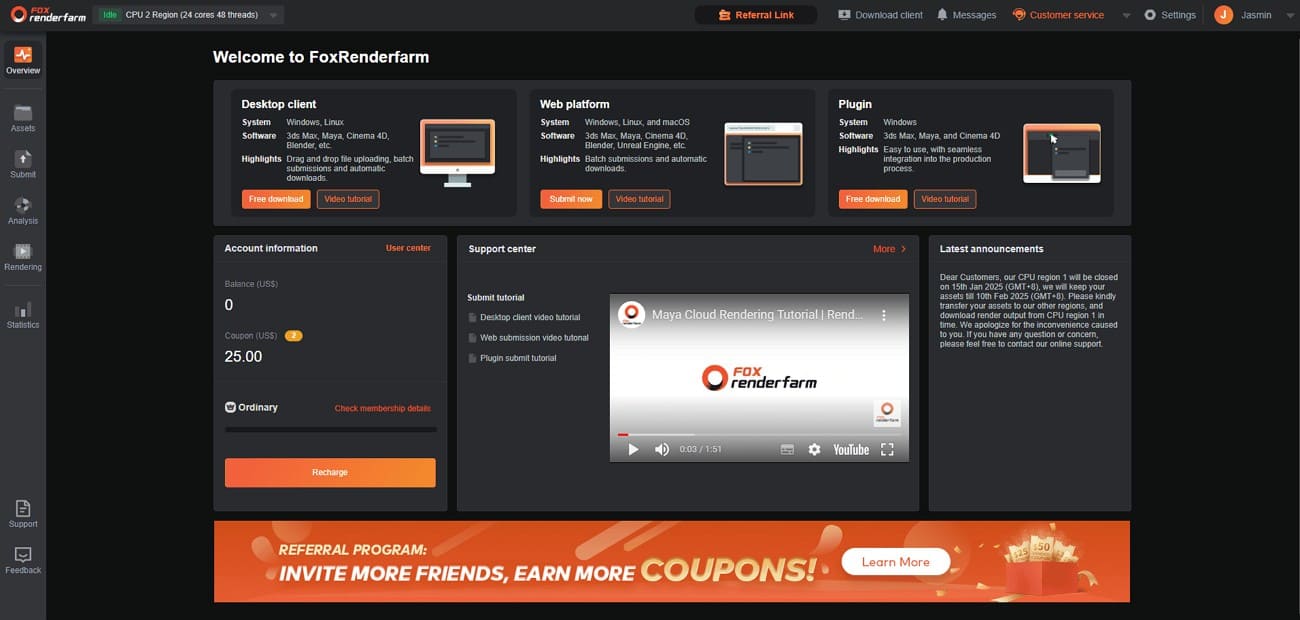
Fox Renderfarm is a practical render farm for product visualization teams that need extra render power without changing their usual 3D workflow. Product scenes can become heavy quickly, especially with glossy packaging, glass, metal, fabric, high-resolution labels, HDRI lighting, and repeated client revisions.
Its cloud rendering workflow supports mainstream 3D software, renderers, and plugins, making it useful for hero stills, turntable animations, packaging variations, ecommerce image sets, and product launch visuals. Artists can submit jobs through the desktop client, web platform, or supported plugins, while batch submission and automatic download help manage multiple colorways, camera angles, or animation frames more efficiently.
For teams working under tight deadlines, Fox Renderfarm also helps with cost planning and production control. The cost estimator can be used to test representative frames before sending a full job, which is useful when one approved scene expands into many SKUs or product variants. Its technical support and security-focused cloud workflow also make it suitable for commercial projects involving unreleased products, packaging artwork, or campaign assets.
Key Features
- Official compatibility with Forest Pack and RailClone ensures dense geometry renders perfectly.
- RenderMan support allows Pixar’s engine to handle cinematic perfume bottle caustics and glass refractions efficiently.
- TPN-accredited data centers protect project assets using encrypted storage and network security.
- Supports multiple production tools, including Blender, Maya, Cinema4D, 3ds Max, and Unreal Engine.
- Utilize integrated ultra-fast transmission technology, such as Raysync, to move massive asset libraries to the cloud.
Pros & Cons
|
Pros |
Cons |
|
CPU+GPU for all render engines |
Queue priority varies by membership |
|
Massive software compatibility |
Occasional jobs favor simpler farms |
Pricing Model
- CPU rendering costs 0.051 USD per core-hour at the Ordinary membership tier.
- GPU nodes are priced 0.9 to 1.8 USD per node-hour based on configuration.
- New accounts receive free $25 credits to test realistic product visualization scenes.
2. iRender
Best For: Teams needing high-performance remote GPU workstations for interactive look-dev and complex material adjustments.
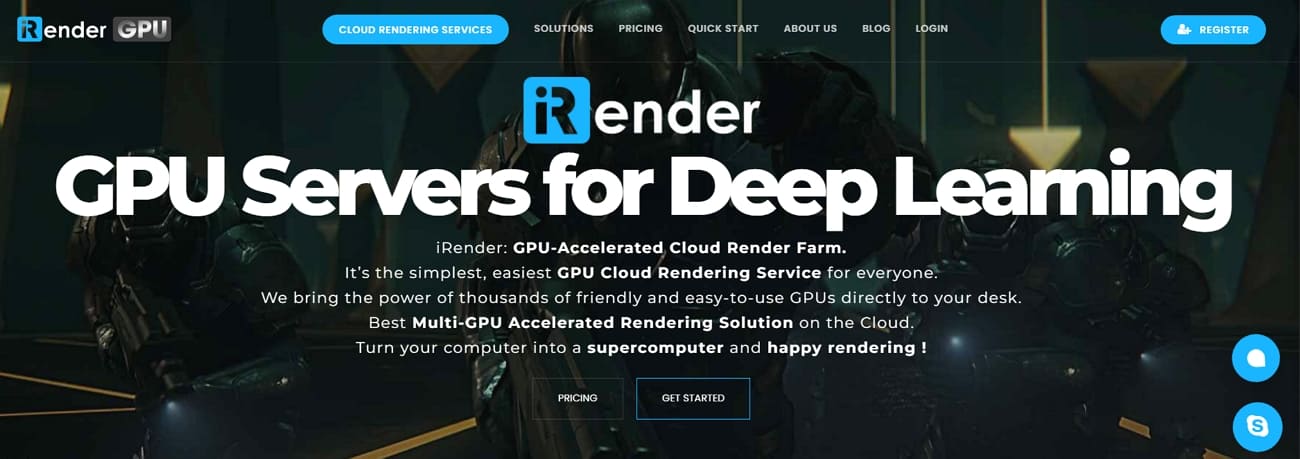
It provides powerful remote desktop access to dedicated servers with multiple graphics cards. Users install their own specialized 3D software and custom plugins for maximum pipeline control. Plus, this render farm for product visualization supports up to 8 RTX 4090 GPUs per node. In addition, iRender’s physical hardware resources are never shared to ensure 100% performance for your product shots. Its green data centers, powered by Solar Energy, support sustainable rendering infrastructure.
Key Features
- Access officially supported Cinema 4D and Redshift configurations for high-end luxury product renders.
- Benefit from Tier III data centers with high-speed connections up to 10 Gb/s.
- Connect multiple server nodes to achieve incredible parallel processing for long product animations.
Pros & Cons
|
Pros |
Cons |
|
Full GPU performance without sharing |
Higher technical overhead for manual OS management |
|
Large discounts for daily or weekly rental commitments |
No automatic scene checking for missing textures |
Pricing Model
- On-demand GPU rental for a single RTX 4090 starts at 8.2 USD.
- Dual RTX 4090 server configurations cost approximately 15 USD per active hour.
- Four RTX 4090 nodes are priced at 30 USD for high-speed product visualization tasks.
- Daily and weekly rental options provide discounts of between 8% and 12%.
3. Ranch Computing
Best For: Professional agencies needing an automated, high-speed workflow for complex packaging and luxury jewelry renders.
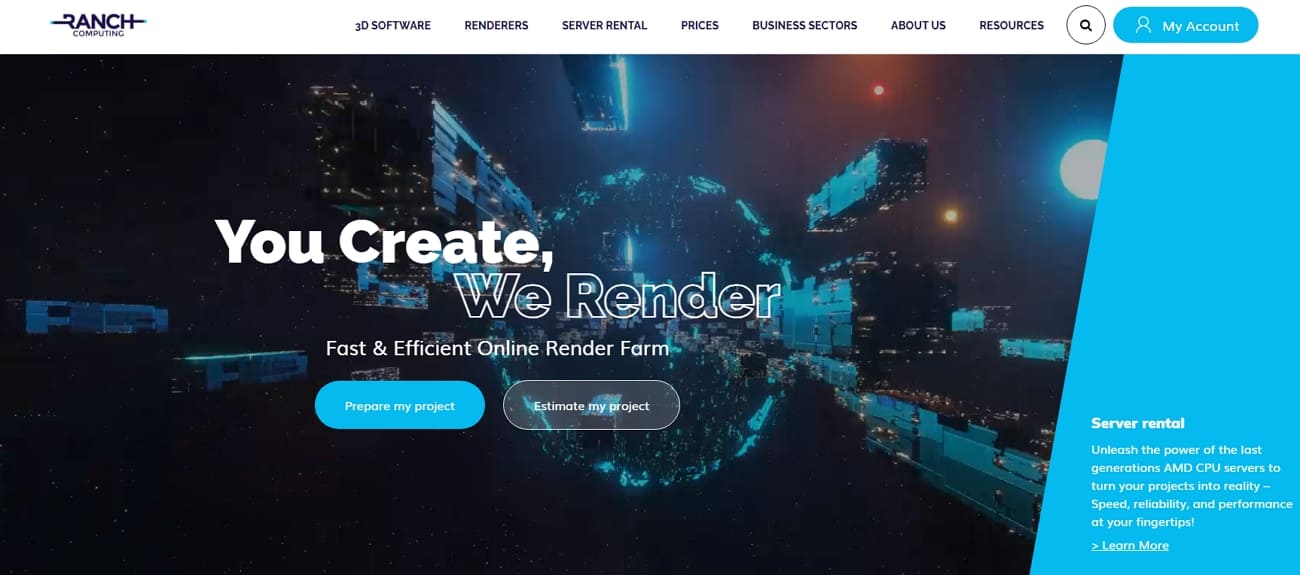
This cloud render farm for product rendering utilizes the RANCHecker plugin to validate scenes. The system automatically allocates multiple server nodes to handle high-resolution product still images. Alongside that, artists benefit from specialized CPU and GPU farms tailored to specific render engine requirements. Its modern AMD EPYC and NVIDIA RTX 5090 hardware provide massive memory for 8K textures. Moreover, the integrated RANCHSync tool manages all file transfers and frame synchronization.
Key Features
- Modern GPU nodes feature 32 GB VRAM for rendering complex displacement maps flawlessly.
- Avoid the technical complexity of remote desktops with a simplified upload system.
- Native compatibility for Houdini, Cinema 4D, and all major product render engines.
Pros & Cons
|
Pros |
Cons |
|
High total capacity with 2 million available GPU cores |
Hardware pool includes some older GPU generations, like the 2080 Ti |
|
Automated asset checking reduces the risk of failed renders |
Priority credit systems require initial learning for new studio users |
Pricing Model
- A credit-based system requires purchasing rendering credit packs without subscriptions.
- GPU rendering costs 0.005 to 0.010 EUR per OctaneBench-hour by priority.
- New users receive 30 EUR free credits to test product visualization scenes.
4. Super Renders Farm
Best For: Budget-conscious studios requiring a Redshift render farm product rendering solution for marketing catalogs.
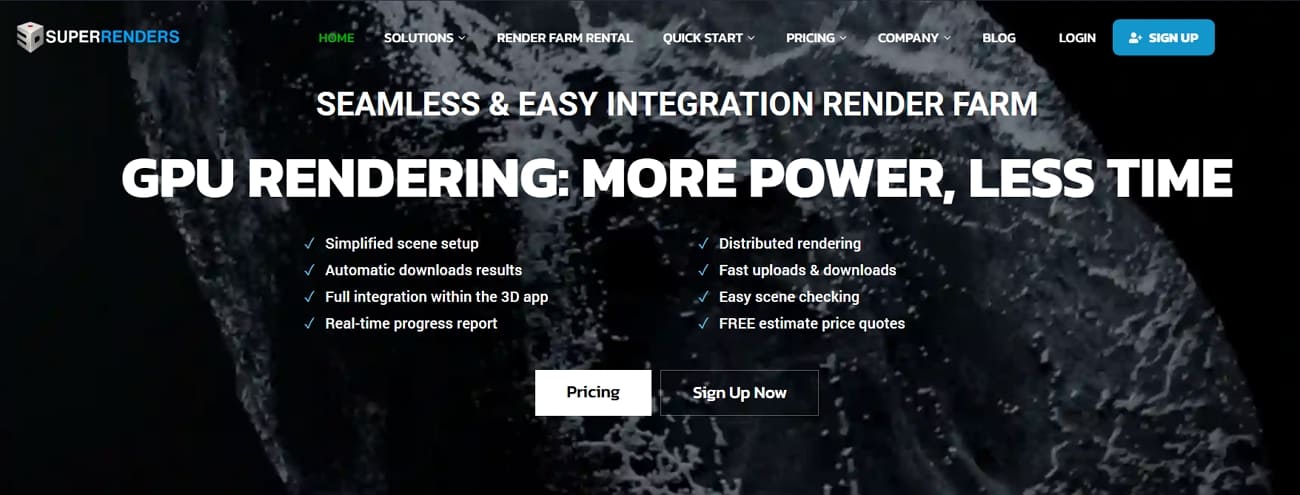
Super Renders Farm supports tools, like 3ds Max and Cinema 4D, that provide a managed workflow for product visualization projects. Artists utilize RTX 5090 GPU nodes featuring 32GB of VRAM for complex textures. Along with that, the platform supports over 250 software and renders combinations for diverse workflows. Plus, its integrated desktop applications simplify the upload process by automatically collecting all necessary project assets.
Key Features
- 3000+ servers process catalog variants simultaneously without capacity constraints.
- Upload project files directly through the integrated Dropbox and Google Drive cloud storage.
- High-speed internet infrastructure ensures rapid data transfer for large multi-gigabyte asset libraries.
Pros & Cons
|
Pros |
Cons |
|
Xeon + RTX 5090 hardware prevents VRAM-related render failures |
Priority tiers can increase the cost for urgent jobs |
|
Managed workflow reduces manual server allocation stress |
Custom pipelines or rare plugins may require additional support |
Pricing Model
- Super Renders Farm uses a credit-based, pay-per-use system with no subscriptions required.
- CPU rendering rates range from $0.004 to $0.016 per GHz-hour, depending on priority.
- GPU pricing starts at $0.003 per OctaneBench-hour plus GPU-hour component costs.
- New accounts receive 25 USD in free credits to test their scenes.
5. RebusFarm
Best For: Artists needing a seamless Blender render farm product visualization experience via an integrated plugin.
RebusFarm integrates Farminizer plugins that allow users to submit product scenes directly from their 3D application. Besides, this automated system packages all textures and assets to ensure error-free cloud rendering results. CPU and GPU rendering support covers almost all famous tools, including Redshift and Cycles, for effortless product visualization. In addition, its centralized web dashboard offers real-time monitoring and frame previews for every active project.
Key Features
- Dedicated support for MaxScript and Python automation improves efficiency for complex product pipelines.
- Access high-speed Xeon processors to handle the most demanding lighting and shadow calculations.
- Data remains protected using industry-standard SSL encryption during the entire file upload process.
Pros & Cons
|
Pros |
Cons |
|
Simple automated asset collection and upload |
Custom pipelines may require manual verification |
|
Non-expiring credits for future launch cycles |
Limited visibility on older node specifications |
Pricing Model
- CPU rendering starts around 0.014 USD per GHz-hour, often lower effectively.
- GPU rendering begins near 0.0053 USD per OctaneBench-hour for supported engines.
- Free 25 RenderPoints trial lets you measure cost on real product scenes.
6. TurboRender
Best For: Smaller studios needing a simple web-based workflow and flat-rate pricing for e-commerce assets.
This cloud render farm for product rendering provides an OS-agnostic, browser-based submission interface. TurboRender's texture fidelity focuses on preserving realistic material colors and fine surface micro-details. Alongside that, the platform supports parallel processing to handle multiple product color variants at once. Plus, automated notifications alert the team immediately when high-resolution product animations are finished rendering.
Key Features
- Advanced Houdini supports complex procedural product geometry and liquid simulation rendering.
- Native compatibility with mainstream engines, such as Arnold and Cycles, ensures high-quality visual results.
- Direct cloud storage upload, like Google Drive, bypasses traditional FTP configuration complexity.
Pros & Cons
|
Pros |
Cons |
|
Parallel rendering speeds up product shot production |
VRAM and hardware specs are not fully advertised |
|
Supports collaboration across multiple platforms |
Large scenes may also require testing for performance |
Pricing Model
- Pricing follows a transparent flat-rate model per hour or per GPU minute.
- CPU rendering is priced around 0.87 USD per render-hour for production.
- GPU rendering starts near 0.03 USD per GPU-minute for Octane workflows.
- New users receive 4 free render-hours to test product visualization scenes.
7. Drop & Render
Best For: Cinema 4D studios rendering product variations and high-res stills via streamlined plugins.
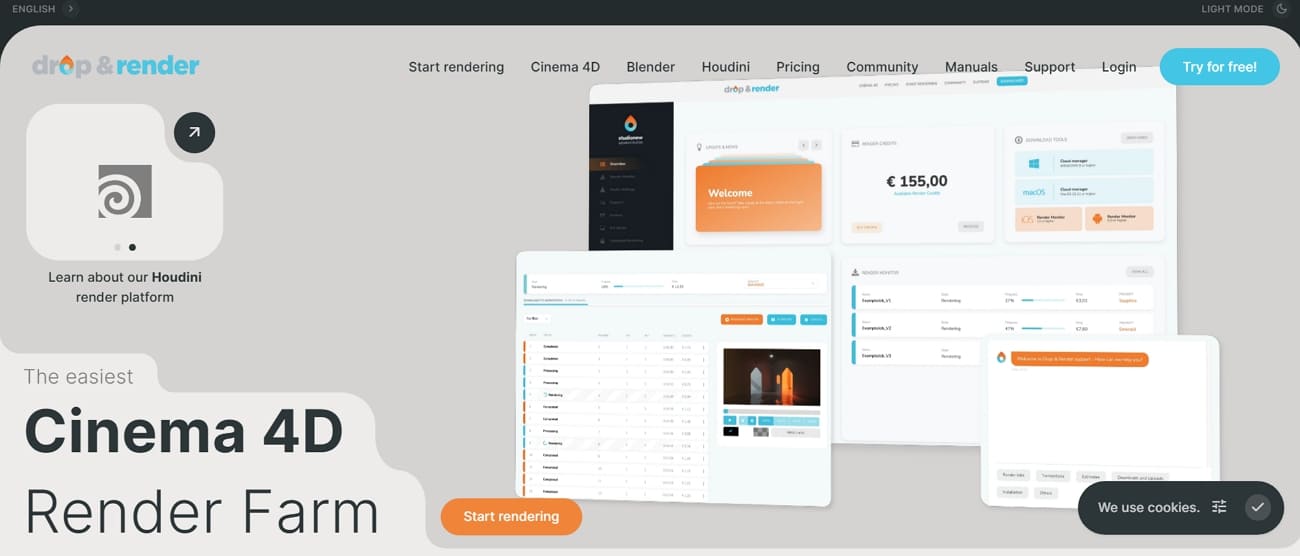
It also offers one-click Cinema 4D project submission through dedicated plugin integration. The service fully supports the C4D Take System for multiple product variations. While rendering, it also auto-checks 150+ project issues, including missing textures and unsupported settings. This render farm for product visualization even offers custom frame lists, letting rendering selected frames be done efficiently.
Key Features
- Access modern RTX GPUs that provide the memory needed for complex 8K textures.
- The advanced and dedicated cloud farm maintains every version of Cinema 4D from R17 to 2026.
- Hash-based file comparison avoids re-uploading identical textures to save significant project time.
Pros & Cons
|
Pros |
Cons |
|
Deepest Cinema 4D and Redshift integration available |
Limited features for artists not using C4D or Blender |
|
Excellent for high-resolution stills via parallel tile rendering |
Lacks full remote desktop control for custom pipelines |
Pricing Model
- Uses a credit-based system with three distinct priority levels available.
- Quartz Priority offers the best value for solo artists with flexible deadlines.
- The Sapphire tier provides a balanced speed boost for professional studio production teams.
- Emerald Priority allocates nodes instantly for projects with critical delivery requirements.
8. GarageFarm
Best For: Studios seeking a flexible, plug-and-play solution for HD product stills and long animations.
GarageFarm utilizes the renderBeamer app to automate asset collection and relink missing textures. This Redshift render farm product rendering service supports both high-performance CPU and GPU nodes. Along with that, it collects and relinks all project assets automatically before submission. The system even performs native error checking to prevent failed product renders. Native support for mainstream engines ensures consistent visual fidelity across all product marketing assets.
Key Features
- Compatible with niche software like LightWave, Modo, Rhino, and even Terragen environments.
- Distribute multiple camera angles across hundreds of nodes to save production time.
- Your project files remain protected in a secure environment during the render via ISO 27001 certification.
Pros & Cons
|
Pros |
Cons |
|
No minimum fees make it perfect for quick product previews |
Managed farm system lacks full remote desktop access |
|
Supports a massive range of 3D software |
Queue wait times vary significantly depending on the chosen priority level |
Pricing Model
- GPU low priority costs 0.004 USD per OctaneBench-hour for supported GPU workflows.
- CPU rendering ranges from 0.024 to 0.072 USD per GHz-hour by priority level.
- High-priority GPU reaches 0.012 USD per OBh for urgent product deadlines.
- Node-hour rates fall between 0.66 and 3.16 USD with maximum discounts applied.
Which Render Farm Is Best for Your Product Visualization Workflow?
The best render farm depends on the type of product content you need to deliver.
For ecommerce stills, prioritize predictable pricing, fast turnaround for single images, and easy handling of many SKU variations.
For product animations, look at frame-range management, queue visibility, and whether the farm can handle consistent lighting and materials across all frames.
For advertising visuals, support quality becomes more important. A missed texture, wrong color profile, or unexpected plugin issue can hold up an entire campaign.
For design reviews, flexibility matters most. If the client changes the finish from matte black to brushed metal, you need a workflow that makes re-rendering practical instead of painful.
For a mixed studio pipeline, Fox Renderfarm is a strong candidate because it can support product stills, animations, and wider cloud rendering needs in one workflow. If your team uses a highly specific remote-machine setup, iRender may be worth comparing. If your main concern is artist support during setup, GarageFarm.NET is also worth testing.
FAQs about Render Farms for Product Visualization
Q1. Is it possible to preview my product lighting before committing to full rendering?
Most platforms allow you to render a single low-resolution test frame for quick verification. This step helps identify potential material errors or lighting glitches without spending many credits. Previewing ensures that the final quality output meets your specific brand aesthetic requirements perfectly.
Q2. What happens if a specific frame fails during a long animation render?
The management system automatically detects failure and reassigns the frame to another. Yet, studios only pay for successful compute time rather than wasting credits on failed nodes. This automated recovery process ensures that your final product animation remains perfectly consistent.
Q3. Are render farms compatible with custom-built shaders for high-end luxury products?
Most cloud services support standard OSL shaders and common third-party plugin material libraries. Still, you must include all custom shader dependencies within your project folder before uploading. Thus, cloud rendering services like Fox Renderfarm provide the extensive technical support needed to configure unique custom shader setups.
Conclusion
Product visualization often requires high-resolution images, realistic materials, and multiple variations of the same product. These tasks can quickly become time-consuming without the right computing resources. A render farm helps streamline this process by handling large batches of renders efficiently and reducing production time.
Among the available options, Fox Renderfarm stands out with its scalable cloud resources, strong software compatibility, and ability to process multiple product renders reliably, making it a practical render farm for product visualization workflows.

 Ryan Thompson