


Cel Shading Tutorial: Key Techniques & Applications for Artists
The demand for stylized digital art keeps growing as more people explore creative tools. Artists now experiment with visual methods that mix realism and stylized effects. This technique, known as cel shading, helps turn 3D models into clean visuals. The style creates a friendly look that fits animations and simple illustrations well. Thus, this guide explains the basics, methods, and software that support this effect.
Part 1. What is Cel Shading?
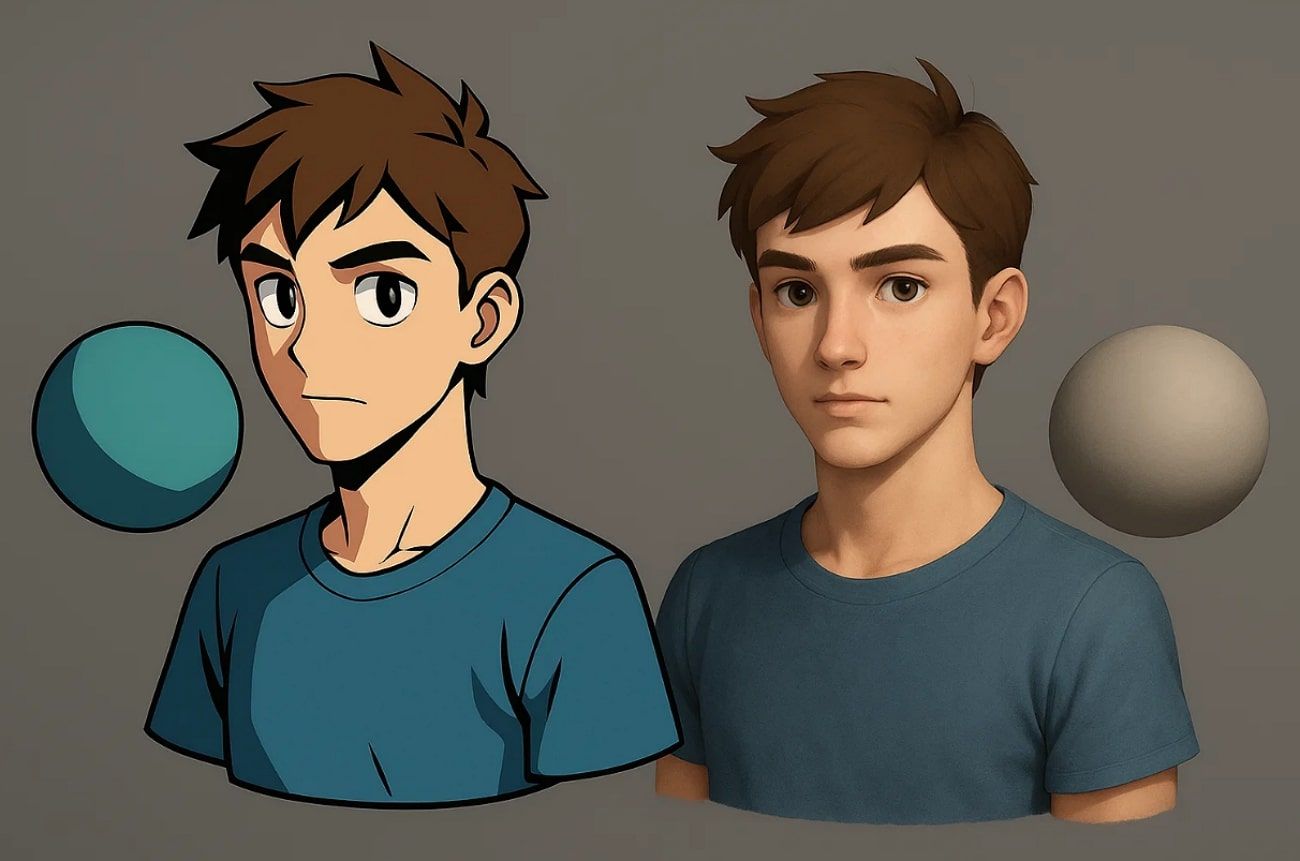
Cel shading or toon shading is a method of representing 3D models as flat. It mimics traditional illustrative animation by using flat colors and sharp edges. Instead of smooth gradients, toon shading divides light and shadow into solid blocks. This technique shows shadows as clear blocks of color. In this way, it is, in fact, devoted to stylized images, instead of luminous light and textures.
Part 2. A Brief History of Cel Shading
The process has its origins in traditional animation using hand-painted celluloid sheets. To recapture this flat look, in the 1990s, digital artists started using 3D models that appeared cel-shaded. Cel shading gained widespread recognition in video games with Sega’s Jet Set Radio in 2000, which helped popularize the style across the industry.
Besides, this style was promoted by The Legend of Zelda: The Wind Waker later. Cel shading is presently common in both games and animation, with a unique appearance.
Part 3. 4 Key Techniques of Cel Shading
Cel shading is an innovative rendering style that provides 3D models with a cartoonish appearance. Understanding these methods from the given points helps create visually appealing cell-shaded art consistently:
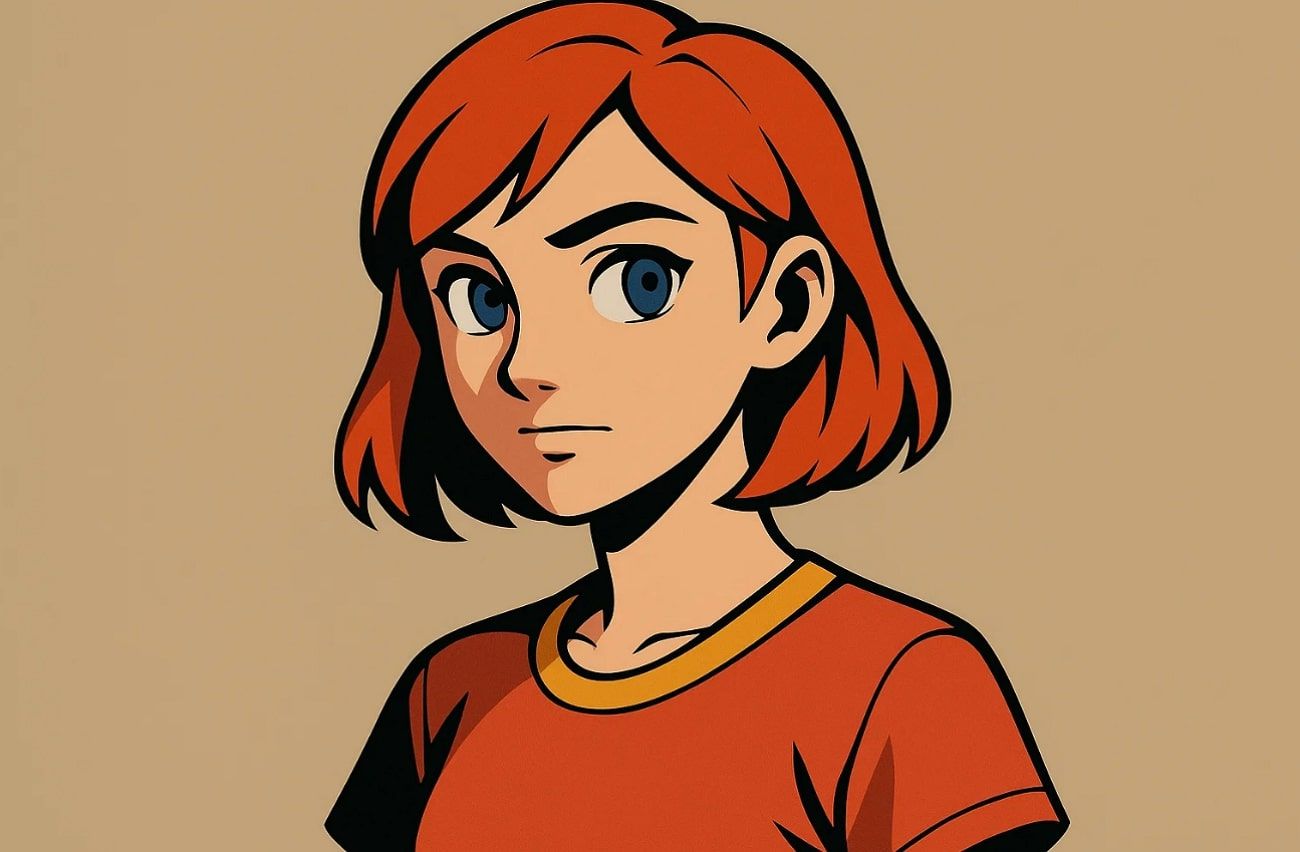
1. Bold Outlines: Strong black lines frame objects and characters clearly in this art. These bold outlines make shapes stand out well from backgrounds and add a comic feel.
2. Flat Colors: The process also uses solid, even colors without blending or smooth gradients. This keeps the style simple and emphasizes the shaded effect clearly.
3. Light and Shadow: Light areas and dark shadows appear as distinct, solid blocks of color. As a result, it enhances depth while keeping shaded visuals visually sharp and simple.
4. Depth and Textures: Limited textures maintain the cartoon effect without overcomplicating the model’s design. Moreover, depth cues like shading layers make the main objects appear 3D naturally.
Part 4. 6 Professional Software for Cel Shading
Creating cel-shaded art requires the right software to achieve clean and stylized visuals effortlessly. So, this section introduces 6 professional software options for creating beautiful art:
1. Blender
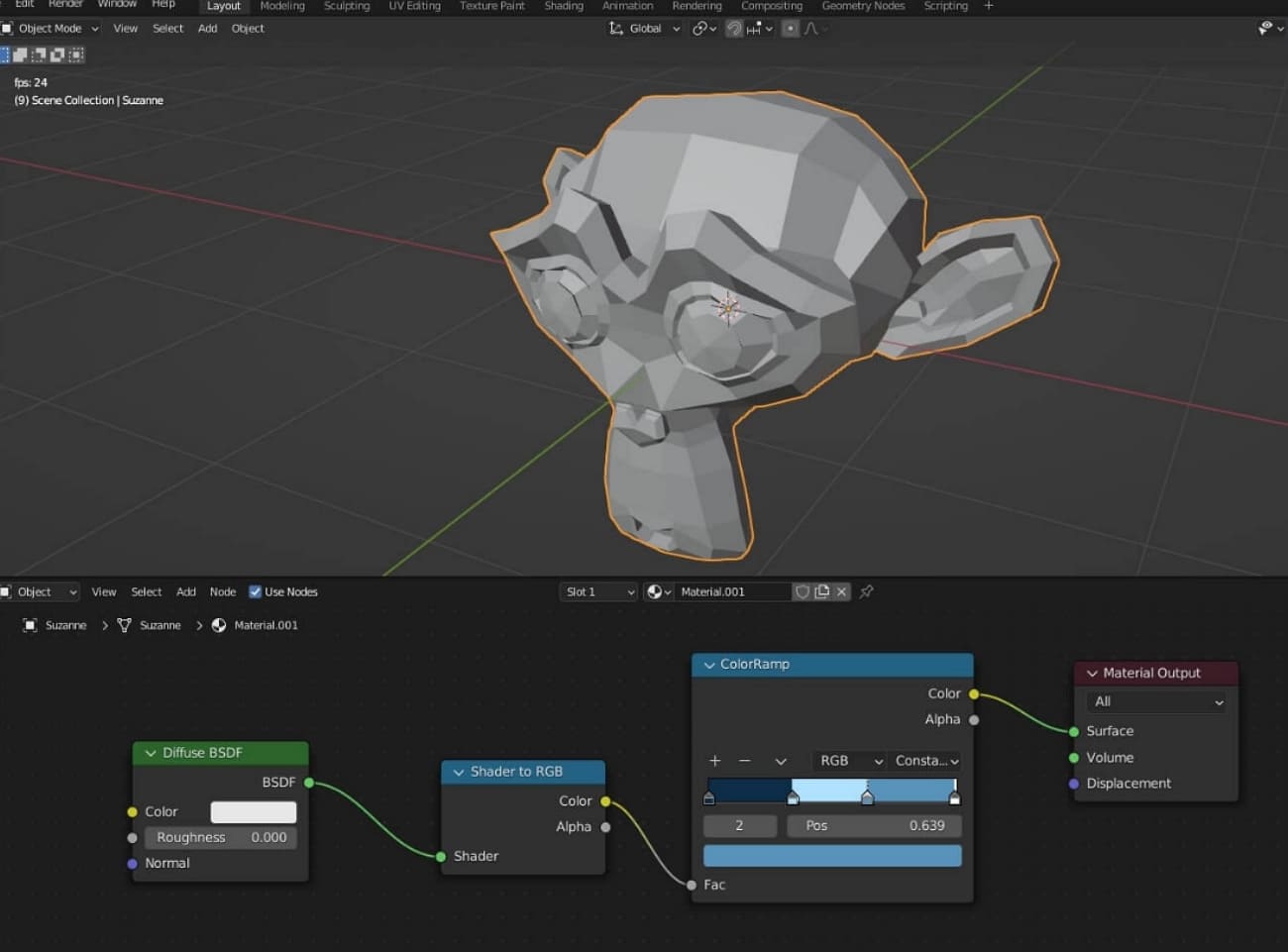
Blender provides powerful and dedicated tools for creating cel-shaded games and stylized 3D art. The Shader Editor allows custom toon shaders using nodes like Shader to RGB. Plus, its Toon BSDF gives control over diffuse and glossy materials for cartoon-like lighting. Nevertheless, features like the Solidify Modifier and Grease Pencil help draw bold outlines on 2D or 3D models.
2. Unity
Unity also offers strong features for cel shading in games and animation. It includes the Unity Toon Shader package, which works with many rendering systems. Furthermore, Shader Graph lets you build cel shading visually without needing coding skills. The platform’s native Outline Shaders create black cartoon edges to add a comic style.
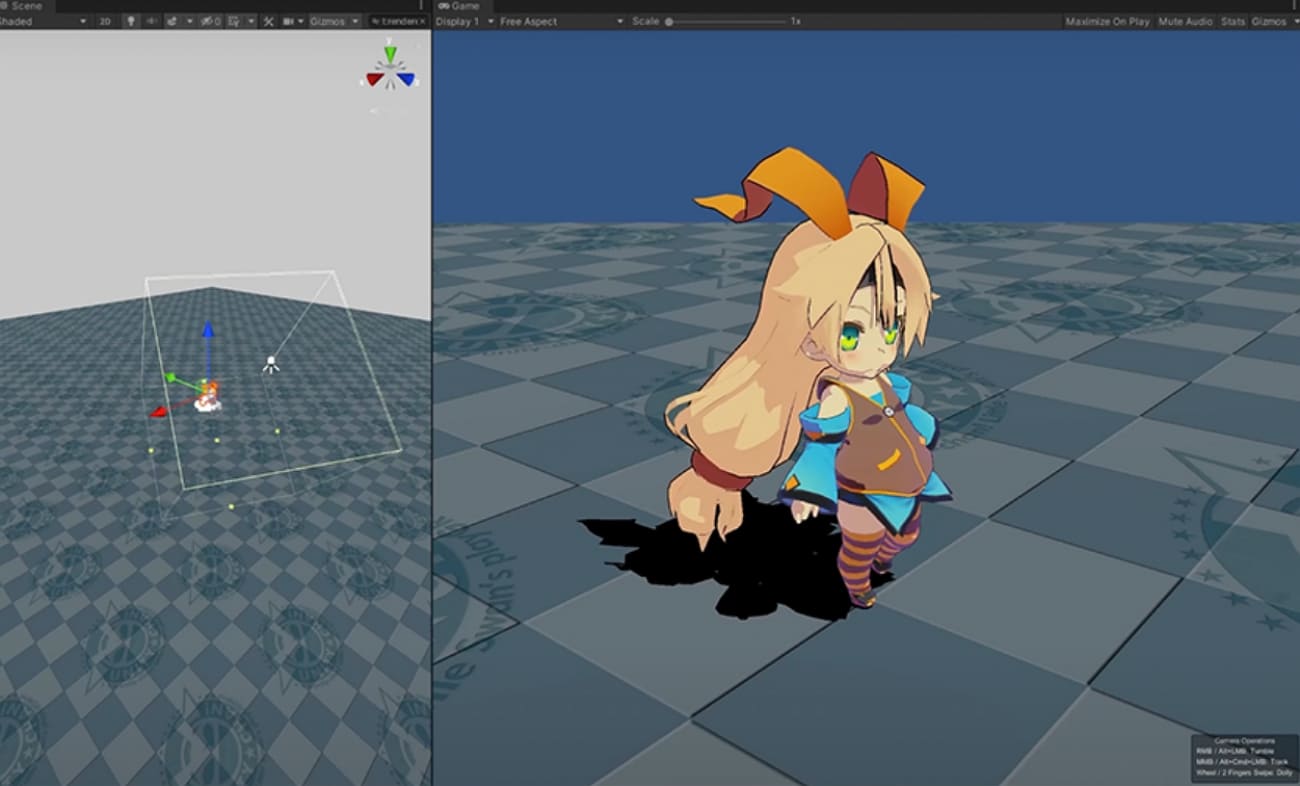
3. Unreal Engine
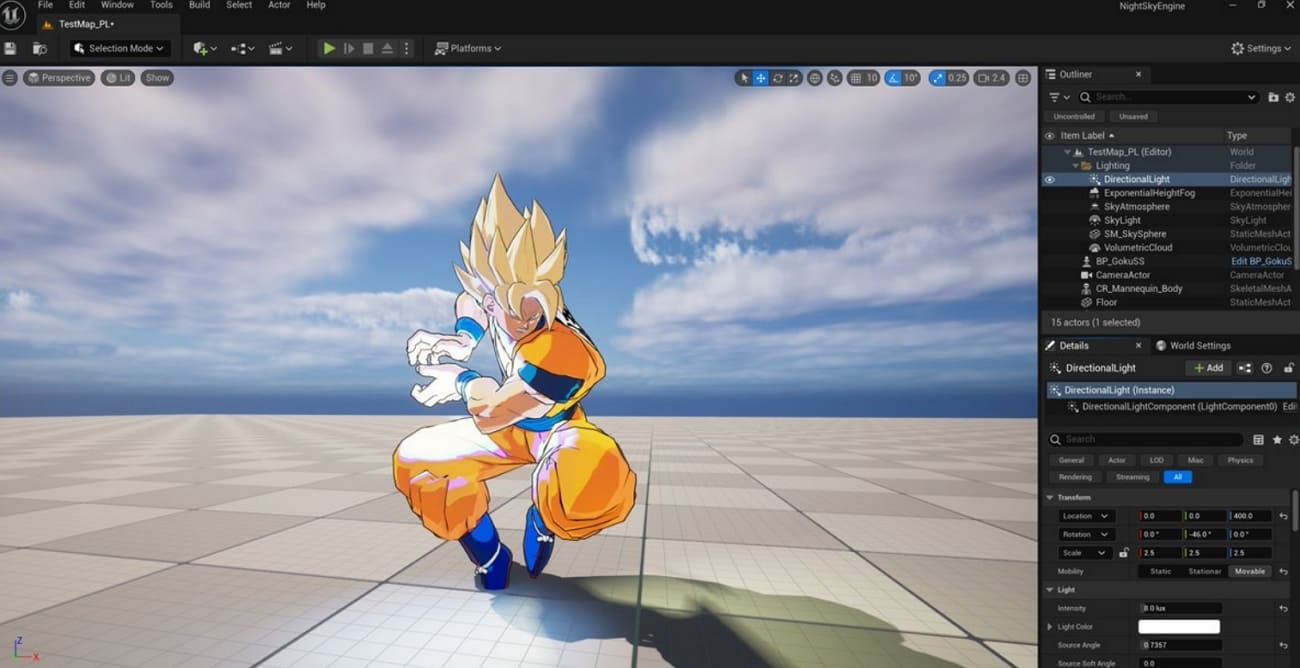
Unreal Engine’s Material Editor and Blueprint nodes allow you to create custom cel shading effects, including sharp lighting bands and rim lights. Plus, post-processing materials apply cel shading to full scenes or objects, with precise control using depth buffers. Unreal even supports multi-light setups and instant shadow bands to make it ideal for toon shading art creation.
>> Related: Unreal Engine vs Unity: Which Game Engine Reigns Supreme?
4. Cinema 4D
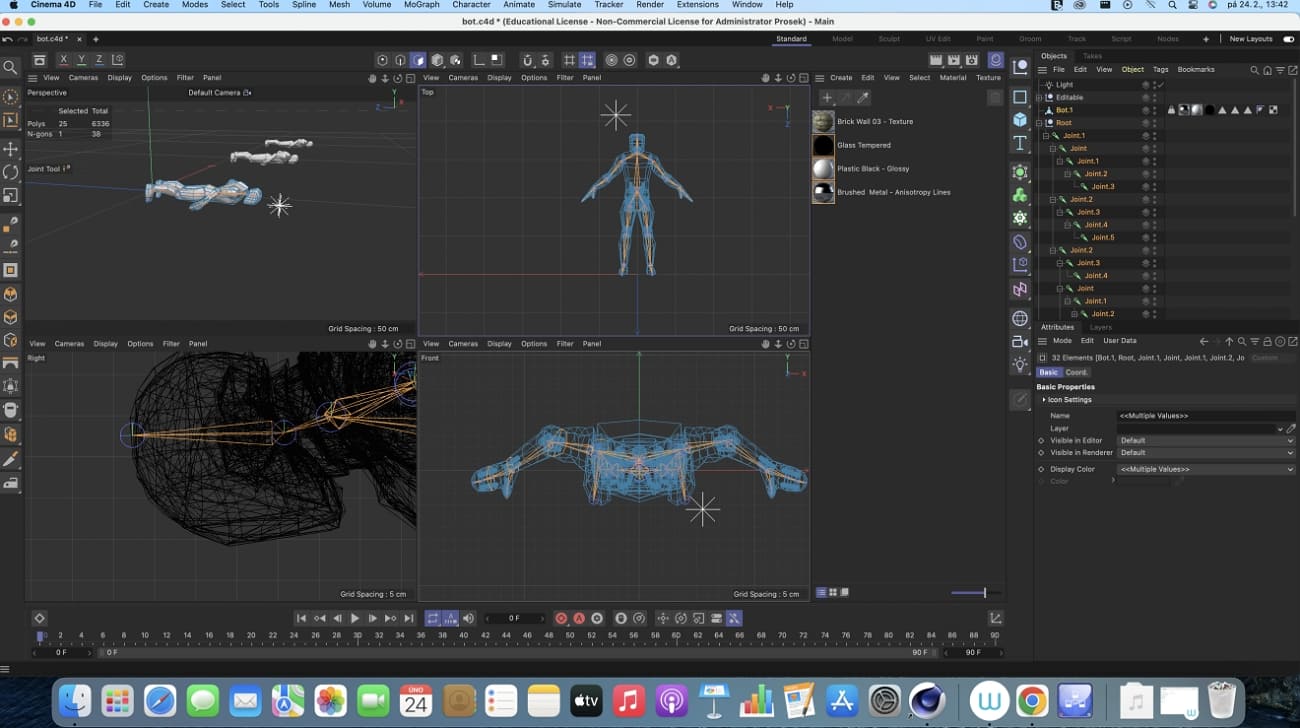
Cinema 4D's powerful Sketch & Toon module offers customizable line rendering and flat color band options. This module lets artists easily add lines and cartoon-style shading to 3D scenes. It also supports different styles per object or full scenes. Custom color bands and shadow steps allow manga-like cel shading effects. Besides, integration with other Cinema 4D tools, like particles and procedural shaders, increases creativity.
5. Autodesk Maya
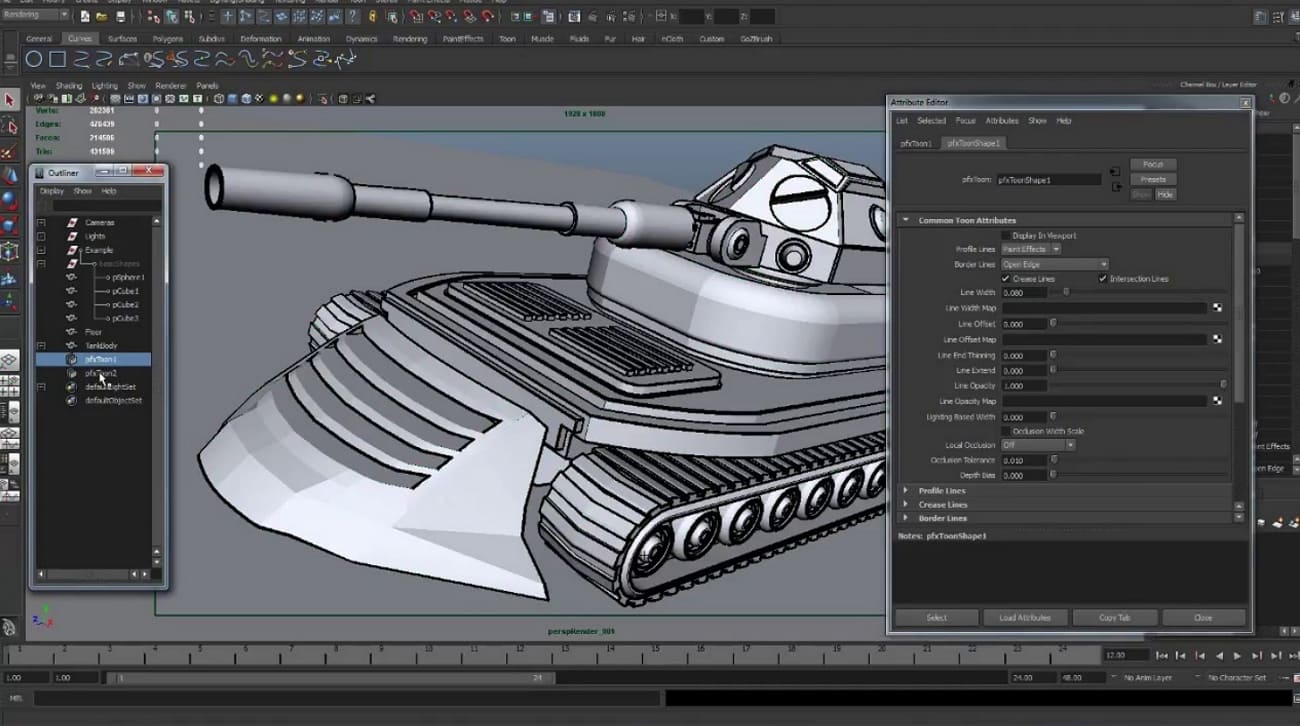
Autodesk Maya is another top software for creating cel-shaded games and animations. It has advanced toon shader modules that allow precise control over color bands and shadow levels. Furthermore, the Arnold Toon Shader adds line color and rim lighting for detailed effects. Plus, Maya’s Viewport 2.0 gives fast previews with customizable shading and outlines.
>> Related: Arnold/V-Ray/Octane/Conora/RedShift, Which Is The Best 3D Renderer?
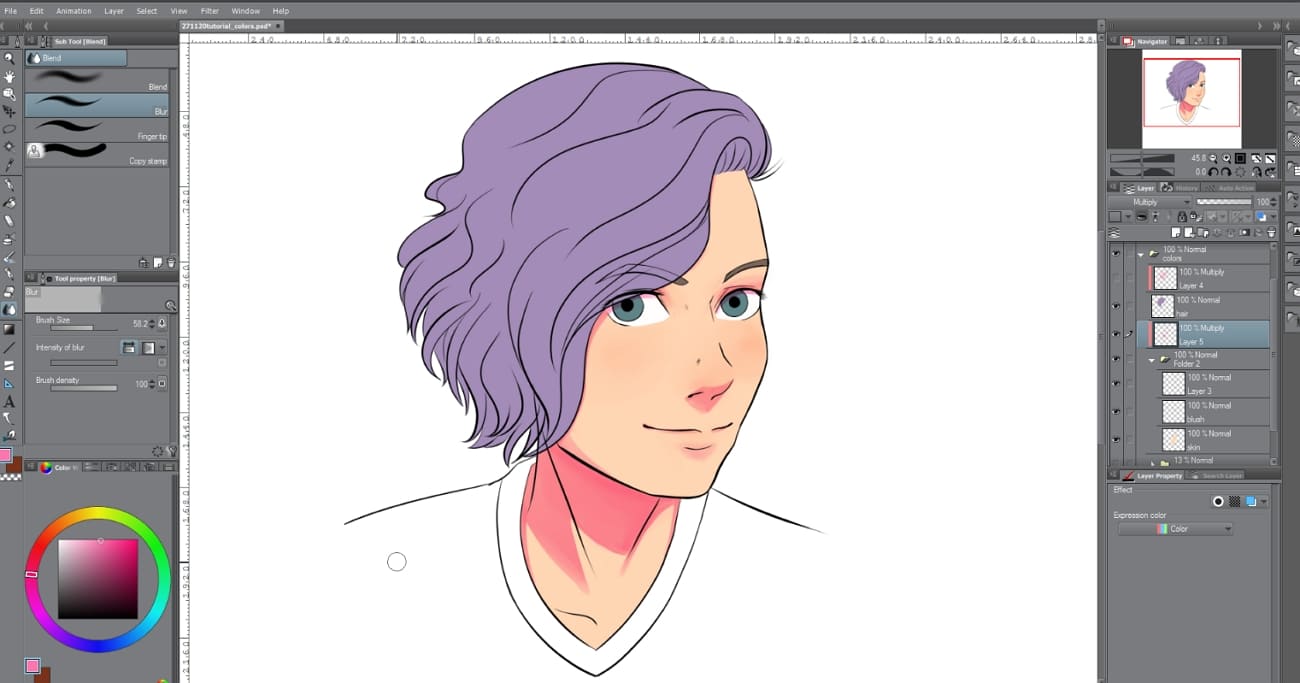
6. Clip Studio Paint
Clip Studio Paint layer system supports easy base coloring and highlights with masked layers for quick edits. Tools like the Fill Tool and Magic Wand speed up flat color blocking, while Shading Assist automatically adds shadow shapes. Along with that, the pen and brush options provide firm line control. Besides, blending modes like Multiply or Overlay add subtle shadow and highlight variations effectively.
Part 5. How to Create a Cel-Shading Effect?
When you want to create a toon shading effect, it requires precise steps to control shadows and outlines. Thus, following these methods ensures clean and stylized visuals in your projects:
1. Line Setup: Start with clean line art or simple 3D models for toon shading accuracy. Accurate outlines define shapes clearly and guide consistent shadows and highlights across surfaces.
2. Base Colors: Fill each section with flat and solid colors before applying any toon shading effects. Flat base colors simplify the model and provide a foundation for clean shadows.
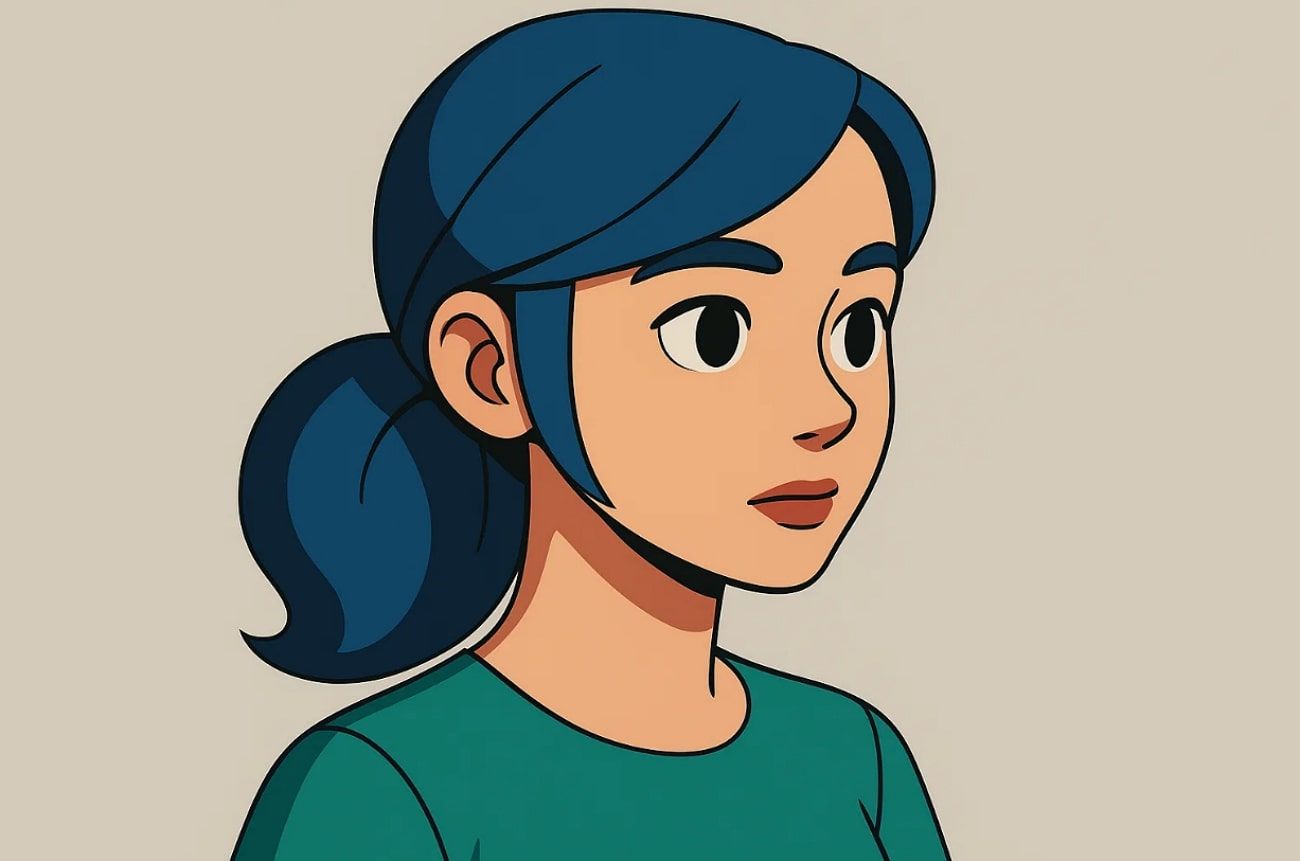
3. Light Direction: Determine a primary light source to guide where shadows and highlights appear. Correct lighting ensures that it looks consistent and visually balanced across surfaces.
4. Highlight Placement: Add highlights with lighter colors following the chosen light source direction carefully. This enhances depth and makes the toon shading appear more dynamic and realistic overall.
5. Sharp Tools: Use stiff brushes or selection tools to keep shadows and highlights crisp. Maintaining sharp edges preserves the stylized, cartoon-like appearance properly.
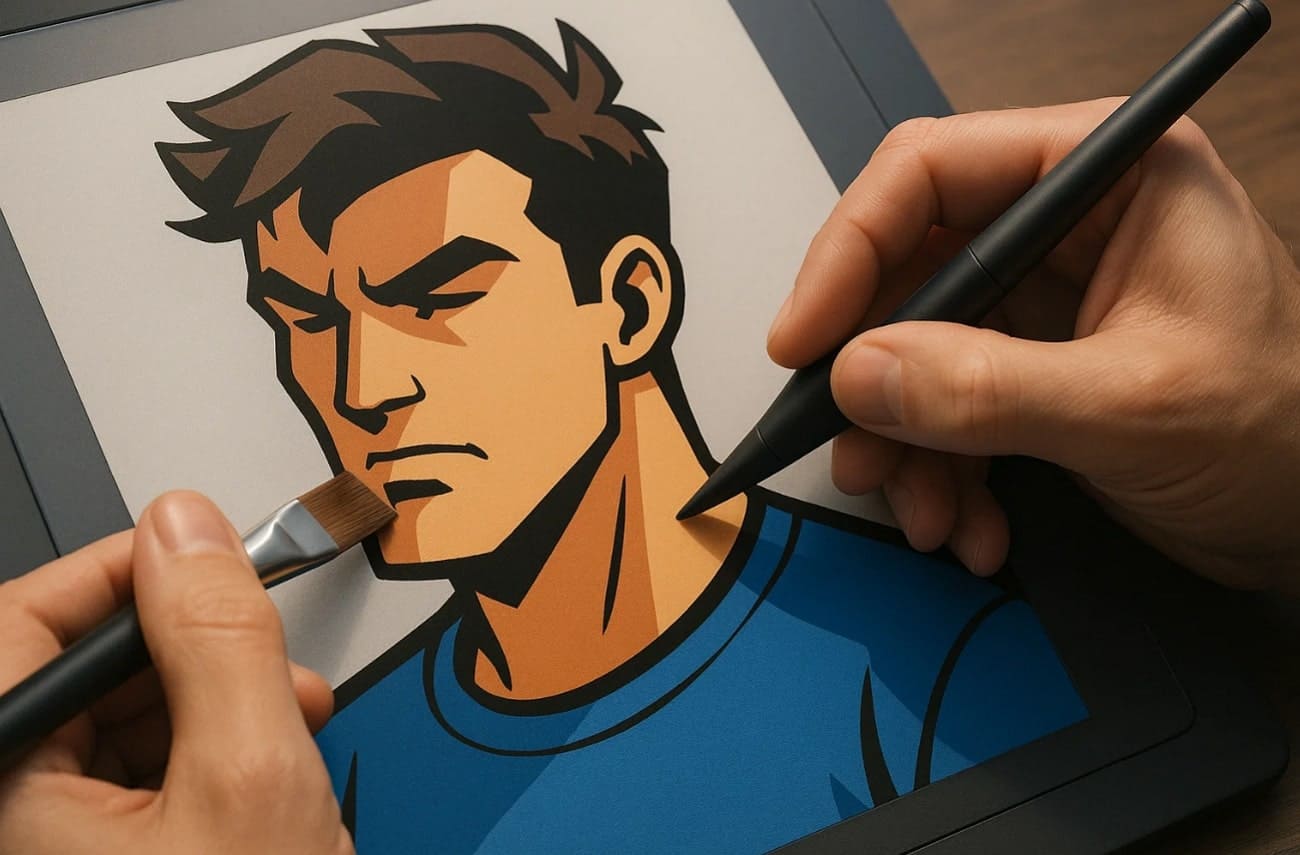
6. Shader Nodes: In 3D software, apply shader nodes or specialized toon shaders for color bands. Discrete color bands and outlines strengthen the effect and make the toon shading visually striking.
7. Final Tweaks: Adjust contrast and opacity to add subtle effects to finalize the toon shading. It can sharpen highlights and shadows to polish the artwork.
Part 6. Advantages and Disadvantages of Cel Shading
While it simplifies rendering and saves time, it also brings specific challenges in lighting and detail. So, this section covers both the pros and cons of cel-shaded art:
Advantages of Cel Shading
1. It requires fewer resources compared to realistic 3D rendering techniques overall.
2. Flat colors and transparent shadows simplify and stabilize the process of frame animation.
3. This style does not age quickly and keeps game visuals fresh longer.
4. Cel shading allows mixing 2D and 3D elements effortlessly in games.
Disadvantages of Cel Shading
1. It lowers realism in the lighting and lessens the natural appearance of objects in intricate scenes.
2. Using flat colors can make environments look simple or less visually detailed overall.
3. Bold outlines may even clash with textures and create visual imbalance in cel-shaded games.
4. The process is not compatible with projects that demand photorealistic or very detailed visuals.
Part 7. Common Mistakes in Cel Shading
Many beginners make mistakes when creating toon shading, affecting the final visual quality. Below, you will find a few common errors to improve art and produce cleaner results:
1. Color Bands: Using too few or too many color bands can disrupt the tonal shading balance.
2. Light Direction: Inconsistent lighting across objects significantly weakens the realism of toon shading.
3. Outline Variation: Unvarying outlines also make objects appear flat and reduce depth in the scene.
4. Shader Misuse: Apart from that, applying one shader to every material limits the variety of styles in the art.
5. Flat Shadows: Many times, shadows that are too simple or uniform even make scenes look visually boring.
Part 8. Differences Between Cel Shading and Traditional Rendering
Cel shading and traditional rendering differ significantly in style and technique. So, the following part shows a key comparison between both of these processes:
|
Feature |
Cel Shading |
Traditional Rendering |
|
Shading Style |
Uses flat colors with sharp edges |
Uses smooth gradients and blends |
|
Lighting |
Simplified, with solid light blocks |
Complex, with realistic lighting |
|
Texture Detail |
Limited texture for a cartoon look |
High texture detail and realism |
|
Outline |
Bold black outlines are common |
Usually, no outlines |
|
Visual Effect |
Stylized, comic, or anime-like |
Realistic, life-like images |
|
Rendering Speed |
Faster due to fewer details |
Slower, needs more computation |
|
Use Cases |
Games, cartoons, stylized art |
Films, simulations, photo-realism |
|
Overall Style Impact |
Simplified and graphic |
Detailed and natural |
Part 9. Applications of Cel Shading
This shading is very common in many areas of creativity as a way of effecting a stylized appearance. So, this part will show you a few key applications of cel-shading that give projects a unique visual identity:
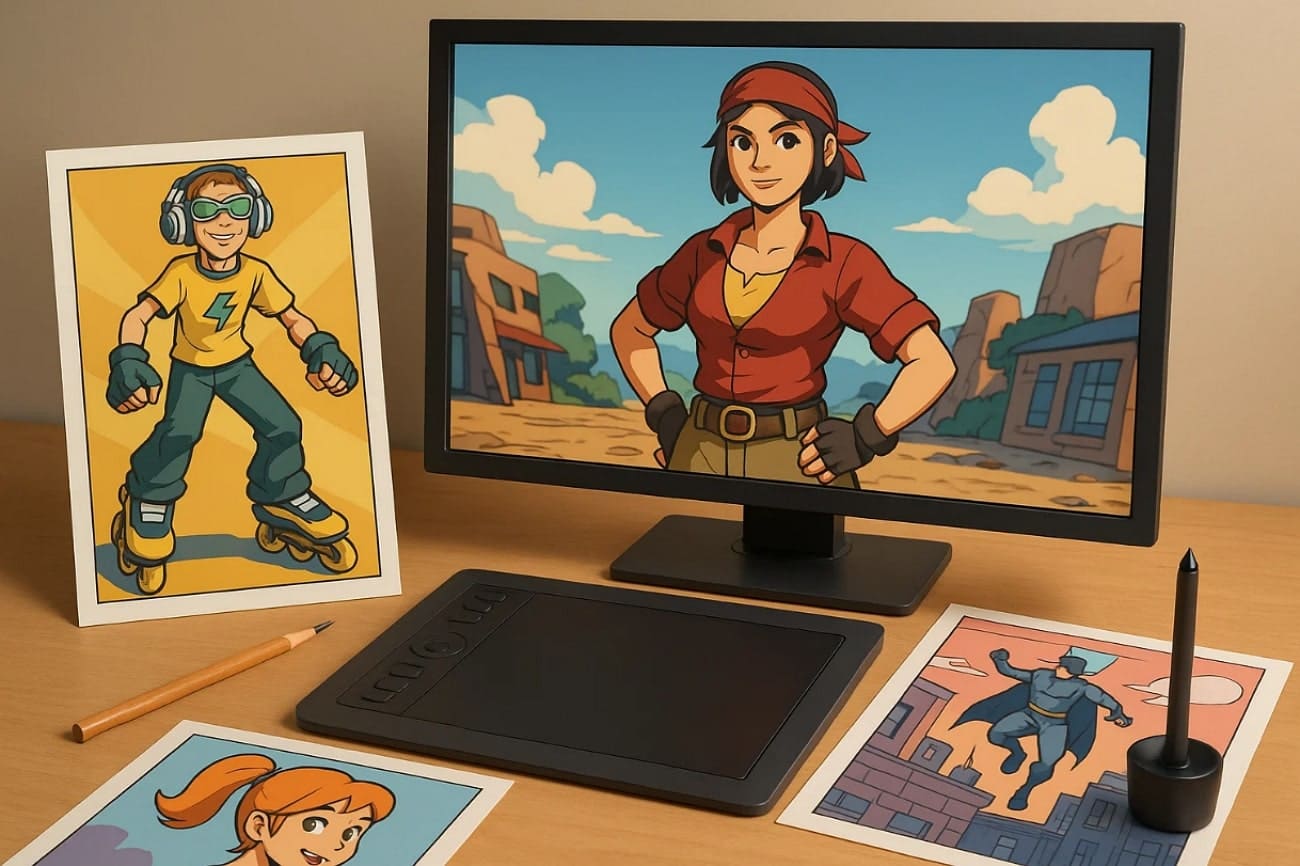
1. Video Games: Cel-shaded games are based on the use of flat colors and lines that produce cartoonish objects. This form of making games unique and visually appealing in terms of artistic identity.
2. Animation Films: Simplified and colorful character designs in animated movies are done through cel shading. It enables movie makers to merge both the 2D and 3D features whilst preserving the artistic integrity.
3. Comics: The process also enhances comic illustrations by adding transparent shadows and solid color regions. It emphasizes shapes and actions to make panels visually striking and easy to follow.
4. Illustrations: Artists apply cel shading to digital illustrations for stylized and colorful effects. Flat colors and crisp outlines give drawings a professional and modern appearance.
5. Webtoons: Cel shading is used to create bright panels in online comics by Webtoon creators. It simplifies color application while keeping the artwork visually appealing on digital screens.
Part 10. Tips for Beginners to Cel Shading
Getting started with cel shading can feel tricky, but simple tips make it easier for beginners. So, these guidelines help achieve clean, cell-shaded art with less effort:
1. Study References: Observe cartoons and anime to understand lighting and shading styles.
2. Use Layers: Separate base colors and highlights into separate layers to facilitate editing.
3. Light Direction: Always define a clear light source to maintain consistency in the shaded effects.
4. Experiment Tools: Try different selection tools and shader nodes for unique results.
5. Practice Outlines: In addition, focus on clean and bold lines to emphasize shapes in your art.
Conclusion
To conclude, cel shading is an alternative method of 3D models that brightens up and is stylized. It simplifies shadows and highlights while emphasizing bold outlines for clear visuals. By understanding techniques and common mistakes, you can create polished results effortlessly. Apart from that, for faster rendering and professional-quality output, consider using Fox Renderfarm for cel shading projects.




