Best Blender Render Farm in 2026: Detailed Comparison
 Ryan Thompson
Although creating 3D projects in Blender is exciting, Blender rendering can take hours once scenes become complex, and local hardware often becomes a bottleneck. That’s when a Blender render farm comes into play. It lets you render projects faster using powerful cloud servers designed for 3D workflows.
For freelancers, studios, and beginners alike, the real challenge is choosing the right service. Different services vary widely in speed, pricing, software support, and workflow compatibility. In this guide, we explain what matters when choosing a Blender render farm and compare 5 well-known services based on real test.
Part 1. What to Consider When Choosing a Blender Render Farm?
Choosing the right Blender render server depends on compatibility and security. You should understand these essential aspects before investing your time and project resources. Below are a few essential points that help you decide which Blender farm fits your needs:
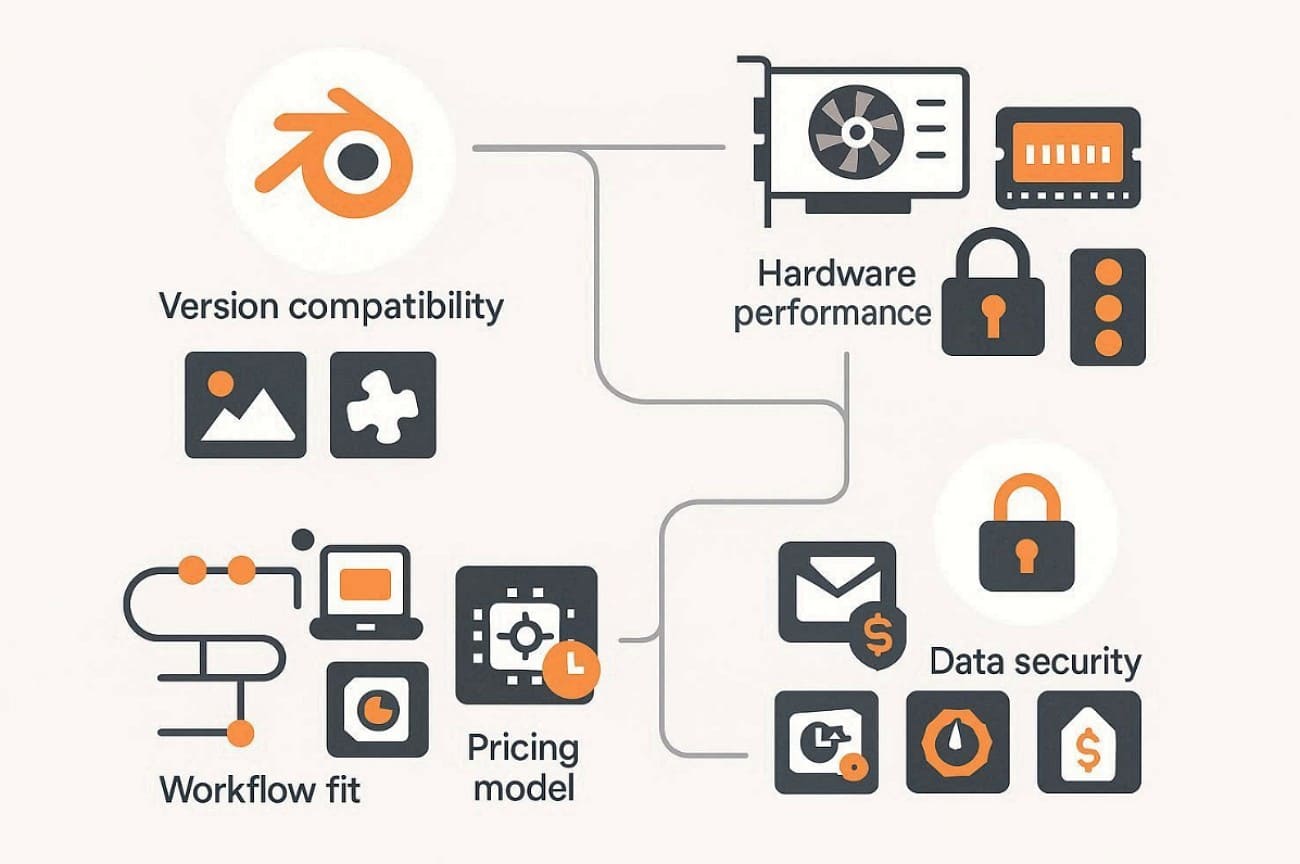
- Version Compatibility: Ensure the service supports your Blender version, engines, and necessary add‑ons fully. Moreover, check that textures and libraries load correctly without missing dependencies during rendering.
- Hardware Performance: Look at GPU type, RAM capacity, and node scalability before choosing any farm. Benchmark results help estimate render speed and accuracy for projects like yours.
- Data Security: Choose farms with encryption, NDA compliance, and private node availability for confidentiality. Verify storage duration limits and deletion policies before uploading commercial Blender projects.
- Workflow Fit: Make sure their render process complements your pipeline and operational preferences fully. Look for flexibility in modifying active projects and monitoring each frame’s progress.
- Pricing Model: Understand how farms charge per GPU‑hour, core‑hour, or usage credits carefully. Review priority levels and sample frame tests to predict overall project cost.
Part 2. Top 5 Blender Render Farms Compared
When selecting a service, understanding features and speed is crucial for success. So, the following 5 render farms excel at Blender cloud rendering, offering reliable performance and flexible options:
1. Fox Renderfarm
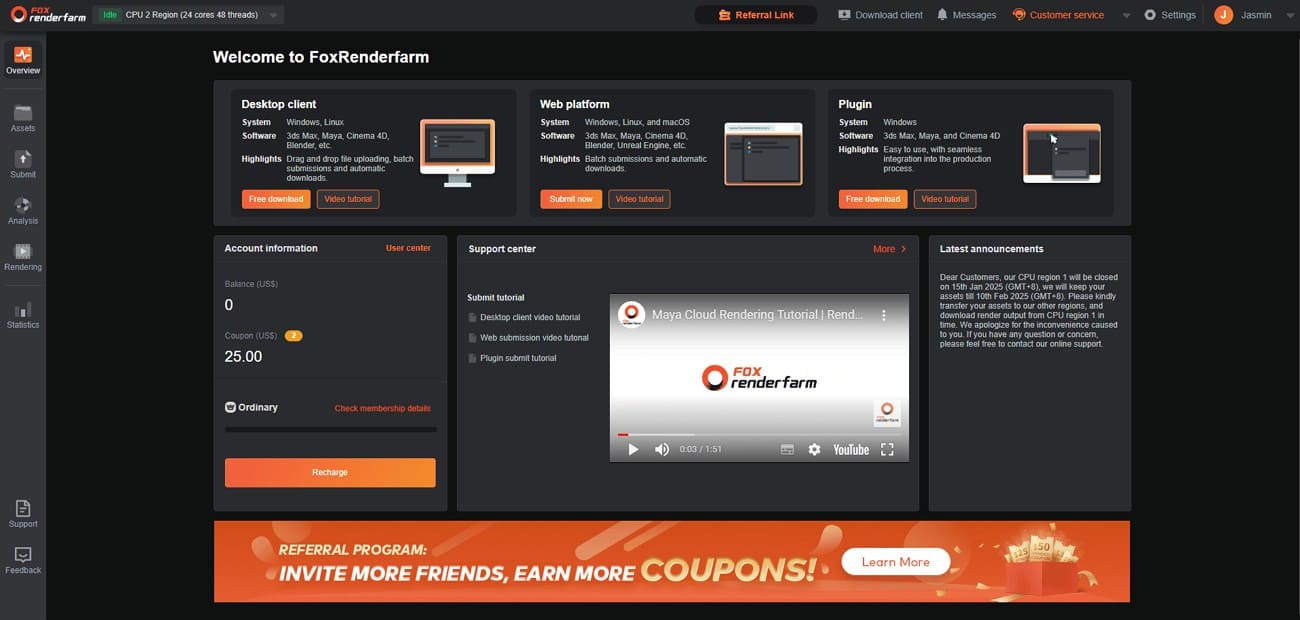
Fox Renderfarm is a well‑known Blender 3D render farm used by many artists and studios worldwide. It integrates highly powerful cloud technology and simple tools to render 3D projects faster and more reliably.
Why Recommend
- Multi-Software: Supports Maya, Houdini, and other major DCC tools alongside Blender.
- Strong Performance: Uses advanced GPU and CPU nodes to speed up heavy Cycles rendering tasks.
- Smart Detection: Automatically identifies your space and matches suitable cloud resources for rendering.
- Fast Transfer: Integrates Raysync technology, allowing quick project uploads and downloads during active rendering sessions.
- Massive Storage: Provides speedy SSD storage that removes I/O bottlenecks for faster project rendering.
- Security Workflow: ISO 27001 certified, TPN-accredited, and NDA available to protect your project files and confidential content.
Compatibility: Fully supports the latest Blender versions, Cycles, and Eevee engines, plus essential plugins on Windows, Mac, and Linux
>> Related: Eevee vs Cycles: Which Blender Render Engine is Right for You?
Billing Methods: Uses a transparent pay‑as‑you‑go credit system with free test frames for estimates, and provides an online cost estimator.
Access (App/Plugin/Online)
- Web Interface: Lets users upload, configure, submit, and monitor Blender projects directly through browsers.
- Desktop Client: Supports drag‑and‑drop uploads, automatic downloads, and seamless updates for stable rendering.
- Plugin Integration: Provides DCC plugins for major tools, while Blender users mainly use client access.
Pros
- Offers clear tutorials and a simple four‑step process for smooth rendering tasks.
- Supports multiple submission methods with detailed job tracking and per‑frame status updates.
- Provides free trial credits and competitive volume‑based pricing advantages.
Con
- Platform design feels more professional, which may challenge complete Blender beginners.
2. RebusFarm
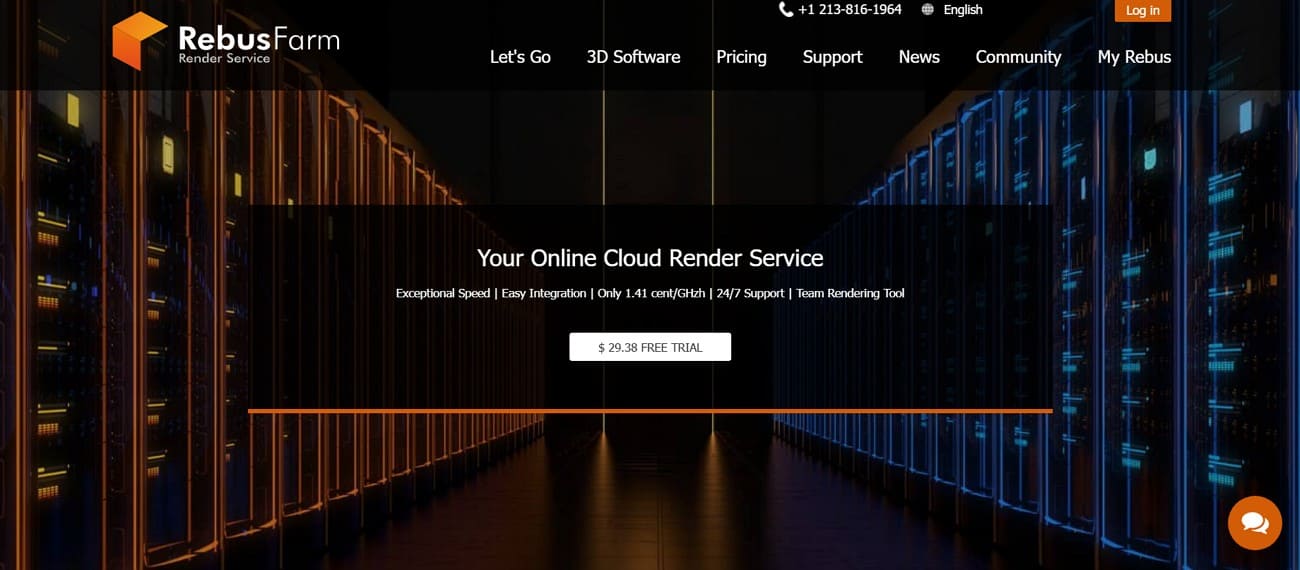
RebusFarm is another reliable render farm that Blender users trust for professional‑grade cloud rendering efficiency. It simplifies complex workflows with native automation and seamless Blender integration.
Why Recommend
- Direct Integration: Integrates directly into Blender through the Farminizer plugin for easy job submission.
- Scene Automation: Automatically checks scenes, repaths assets, and prevents missing textures during rendering.
- Free Credits: Provides free RenderPoints for testing renders and estimating costs before full projects.
- Strong Performance: Uses high-performance CPU and GPU nodes suitable for heavy Blender and mixed pipelines.
- Multi‑App Support: Works effortlessly across Blender, 3ds Max, and other digital content creation tools.
Compatibility: Supports Blender versions 2.79b to the latest with full Cycles and Eevee support.
Billing Methods: Uses a RenderPoints credit system with free trials, clear rates, and volume discounts.
Access (App/Plugin/Online)
- Farminizer Plugin: Allows one-click job submission directly from Blender using existing render settings.
- Desktop Tools: RebusDrop handles fast transfers and automatically downloads completed frames locally.
- Web Control: Online ControlCenter enables monitoring, priority control, previews, and resubmission.
Pros
- Tight Blender integration with render settings preserved inside the native interface.
- Automatic upload and frame download ensure smooth asset handling during cloud rendering.
- Reliable processing speed from high‑performance nodes designed for professional 3D production needs.
Cons
- Requires upfront RenderPoints purchase, which may feel restrictive for small projects.
- Final costs become clearer after test frames, creating a short learning curve.
- No 24/7 support.
3. GarageFarm
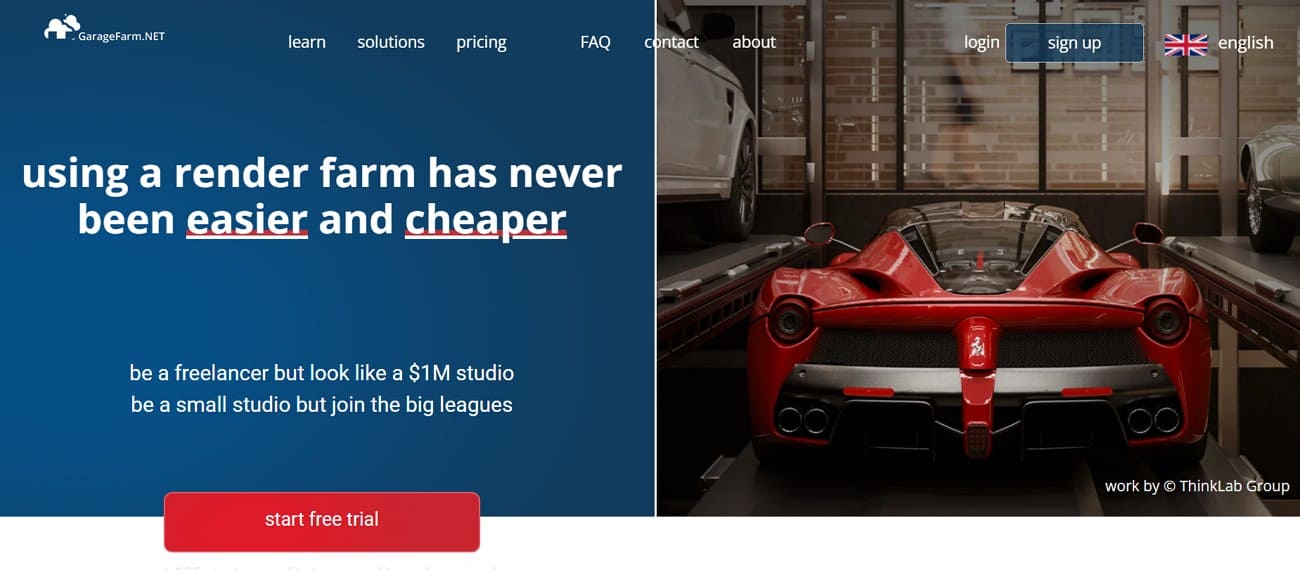
GarageFarm is another platform that serves as an excellent render farm for Blender with easy integration. Alongside that, it offers fast rendering and scalable CPU and GPU resources.
Why Recommend
- Direct Integration: Connects with Blender through the renderBeamer plugin, allowing seamless project submissions.
- Support: Offers 24/7 human support, onboarding guidance, and responsive help for smooth rendering experiences.
- Free Credits: New users receive $25 worth of starting credits and access to a cost calculator.
- High Scalability: Supports thousands of GPU and CPU nodes for quick rendering of large animations.
- Flexible Pricing: Provides volume discounts and various priority levels to suit different project requirements.
Compatibility: Supports Blender with Cycles and multiple engines, including Redshift, LuxCore, and ProRender.
Billing Methods: Uses pay‑as‑you‑go pricing based on CPU/GPU usage and chosen render priority levels.
Access (App/Plugin/Online)
- Blender Plugin: RenderBeamer add-on submits Blender scenes directly using existing render settings.
- Web Manager: Browser dashboard controls jobs, priorities, progress, and overall rendering costs.
- Direct Upload: Advanced users can upload blend files directly through the web interface.
Pros
- Strong Blender integration through a robust plugin and detailed workflow documentation for every step.
- Transparent pricing system with test credits, hourly cost calculator, and generous volume discounts.
- Efficient scalability with thousands of high‑performance nodes suitable for large productions or tight deadlines.
Cons
- Pricing structure seems complex initially due to multiple machine and priority tier options.
- Requires keeping the renderBeamer app active during rendering, unlike fully in‑DCC render workflows.
4. SheepIt
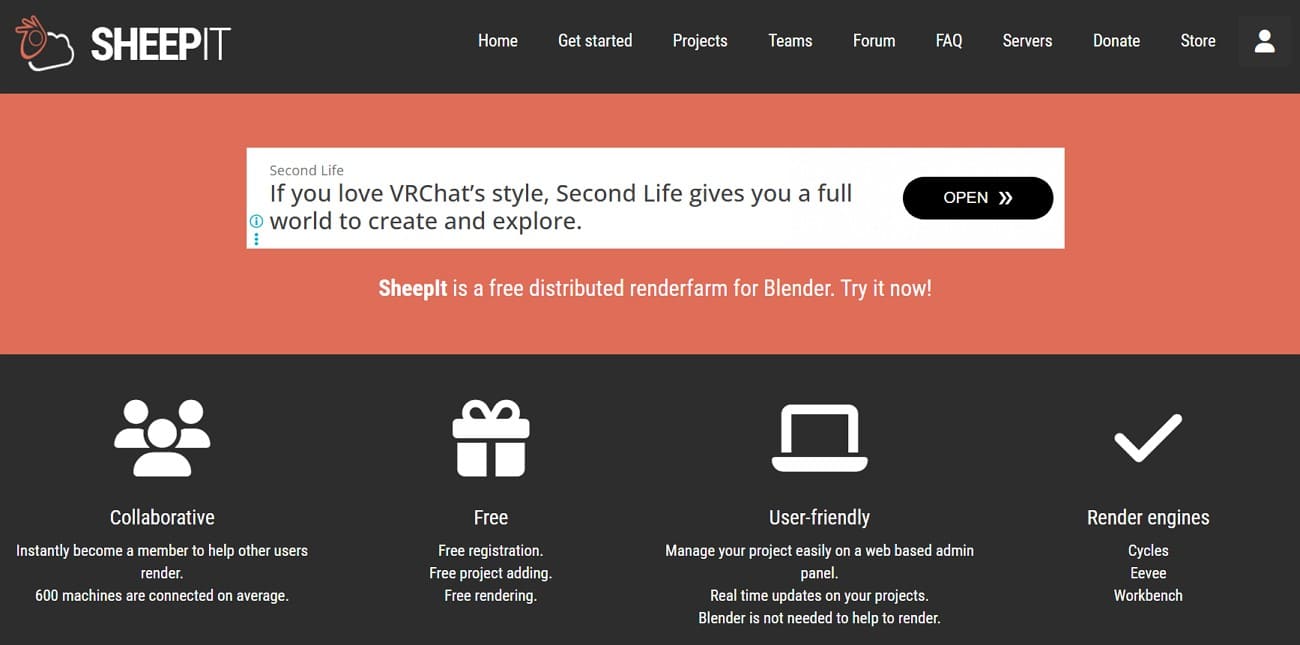
SheepIt is a unique Blender render farm powered entirely by community computers worldwide. Users contribute idle machine time to earn points for their own rendering needs.
Why Recommend
- Completely Free: Operates without payments, subscriptions, or limits, relying fully on community contribution points.
- Cooperative Model: Lets users exchange idle computer time for rendering power instead of spending money.
- Blender Focused: Developed strictly to be compatible with Blender users, and therefore makes it light and easy to use.
- Fast Point Gain: Regular contributors usually earn points faster than they spend on personal renders.
- Self-Boosting: Running the client while queued prioritizes your own project automatically.
Compatibility: Built exclusively for Blender, supporting Cycles rendering and official .blend submissions with packed assets.
Billing Methods: Uses a points-based system where users earn credits by rendering for others.
Access (App/Plugin/Online)
- Web Interface: Let users upload .blend files, set frame ranges, and monitor project progress easily.
- Client Software: Runs on any machine, downloads frames, renders them, and automatically uploads complete results.
- Parallel Use: Supports multiple instances for CPU and GPU, allowing controlled resource sharing while working.
Pros
- Completely free rendering solution ideal for students and budget-limited creators.
- Simple setup process requires only account creation and client installation.
- A fair reward system encourages contribution while enabling large personal projects.
Cons
- Hardware inconsistency may cause slight frame differences across renders.
- Render speed depends heavily on active users and available community hardware.
- Scene files are shared across community nodes, which raises privacy concerns.
5. RenderStreet
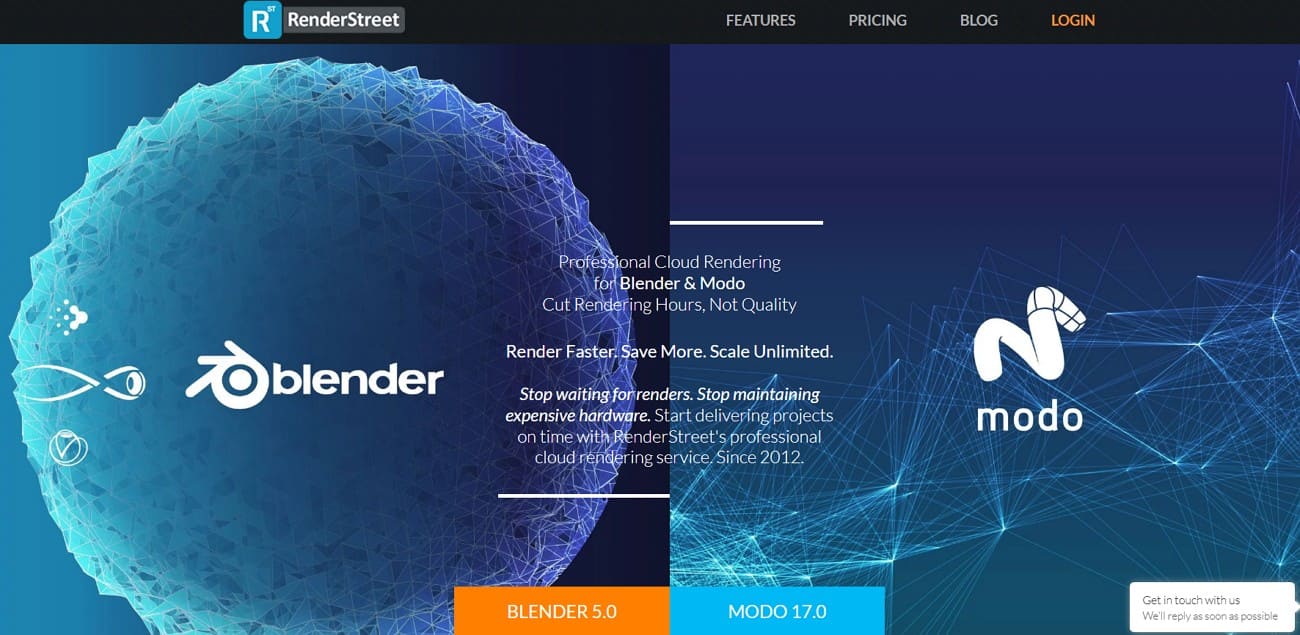
RenderStreet is another reliable Blender render server designed for freelancers and small studios. Freelancers and small studios value its consistent performance and easy scalability.
Why Recommend
- Blender Focused: Designed specifically for Blender and Modo users with an excellent reliability record.
- Simple Workflow: Offers an intuitive interface, automatic scene analysis, and smooth job submission without technical setup.
- Multi‑Cloud Power: Uses AWS, Google Cloud, and Azure for optimal scalability and continuous uptime reliability.
- Affordable Plan: Includes “RenderStreet One,” an unlimited monthly CPU render plan ideal for steady workloads.
- Studio Ready: Provides advanced options for teams needing multi‑user access and collaborative job management.
Compatibility: Supports Blender versions from 2.7x up to the latest 4.x with Eevee and Cycles.
Billing Methods: Offers pay-per-hour rendering, a flat-rate monthly CPU plan, and custom studio pricing.
Access (app/plugin/online)
- Web Dashboard: Browser‑based platform for uploading files, managing settings, and tracking progress in real time.
- Application Integration: Supports direct submission from Blender and Modo without manual file packaging.
- Team Access: Studio dashboard enables multi‑user management with shared roles and account‑level project control.
Pros
- Strong Blender orientation ensures smooth compatibility and wide user support within Blender communities.
- Flexible payment structure suits both frequent daily users and occasional large animation projects.
- The Unlimited CPU plan offers great value for consistent render needs with flexible scheduling freedom.
Cons
- Shared resources in the unlimited plan can lead to variable queue speeds during peak times.
- Per‑hour billing makes exact cost prediction tricky without prior job tests or experience.
Part 3. FAQs about Blender Render Farm
Q1. Which is the best Blender render farm?
Fox Renderfarm is commonly regarded as one of the best Blender render farms especially for large or complex projects that require stable performance and reliable support. However, the best option still depends on your project size, workflow requirements, and budget constraints.
Q2. How much does a Blender render farm cost?
Costs of a blender render farm are generally between $0.02 and $0.05 per CPU/GPU-hour, with consideration of priority. However, Fox Renderfarm has fair prices that begin at $0.0306 per core per hour, with free test credits to estimate the prices properly. Small projects can be done for a few dollars, and big animations can cost hundreds of dollars.
Q3. Is my Blender project safe on a cloud render farm?
Blender project safety depends on choosing reputable cloud render farms with strong security measures. Top providers use encryption for uploads and strict access controls for protection. You should choose a platform that implements ISO 27001 standards and an NDA Available to safeguard your work.
Conclusion
Choosing the right Blender render farm can save you time and ensure high-quality 3D output. Each cloud rendering service has its strengths, from free community-based farms to powerful commercial platforms.
For both beginners and professionals, dedicated render farms with flexible pricing and reliable cloud support offer the best efficiency. Fox Renderfarm offers fast rendering and responsive support, making it suitable for a wide range of Blender project types.


 RyanThompson.png