Blender
 Cinema 4D
 Arnold
 3ds Max
 Houdini
 V-Ray
V-Ray Maya
Maya Unreal Engine
 Nuke
NukeTop 9 3D Modeling Software Recommended 2026
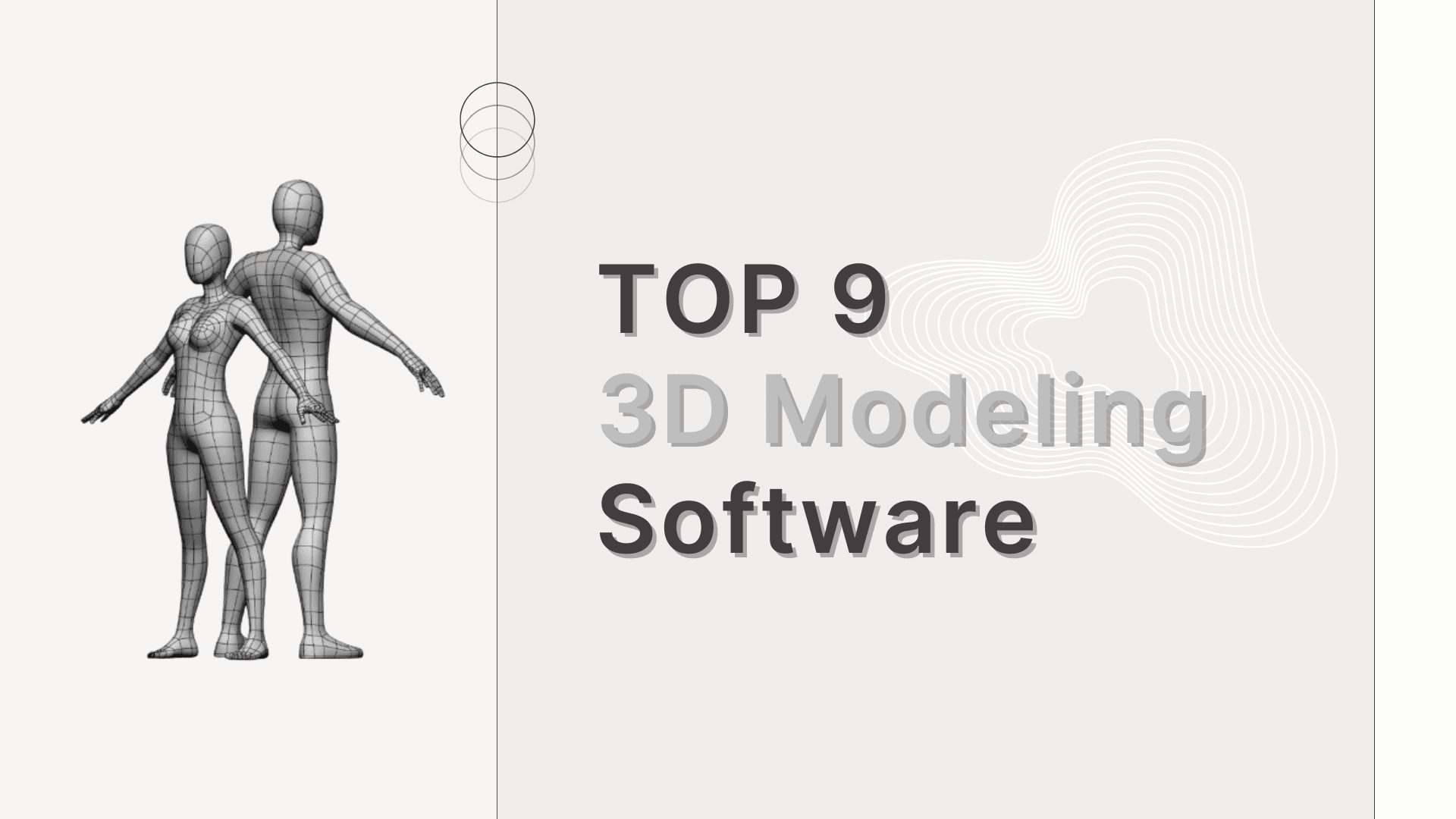
To be a good 3D artist, it is helpful to use suitable 3D modeling software. Depending on your creative style, skill level and budget, how should you choose the appropriate 3D modeling software?
First, in general, any 3D work requires about 16GB or more of memory. Most of the 3D software applications here require about 5GB of disk space to install, but you also need to take rendering into account. Also, it is recommended to buy one of the best graphics cards that has a fast processor and lots of memory to display complex 3D scenes without easily encountering lag.
Not sure which 3D modeling software to use? The best GPU & CPU render farm, Fox Renderfarm will share with you top 9 3D modeling software, with clear comparisons on features, usability, and who each one is for.
1. Maya
In the eyes of some 3D artists, the best 3D modeling software is Autodesk Maya. Autodesk Maya is considered the CG industry standard, with an unparalleled set of tools and features. Its toolkit is very complex and takes time to learn. However, if you want to get a job in the animation or VFX industry, it's better for you to use the software used by companies like ILM, Pixar, DNEG and Framestore.
Maya specializes in modeling, texturing, lighting, and rendering. Its features include particles, hair, solid physics, fabrics, fluid simulation and character animation. You may never need to use some of its functions, so you need to determine if this software is right for you based on your demands.
Before installing or upgrading your setup, review the Maya computer requirements to make sure your hardware can handle modeling, animation, simulation, and rendering tasks smoothly.
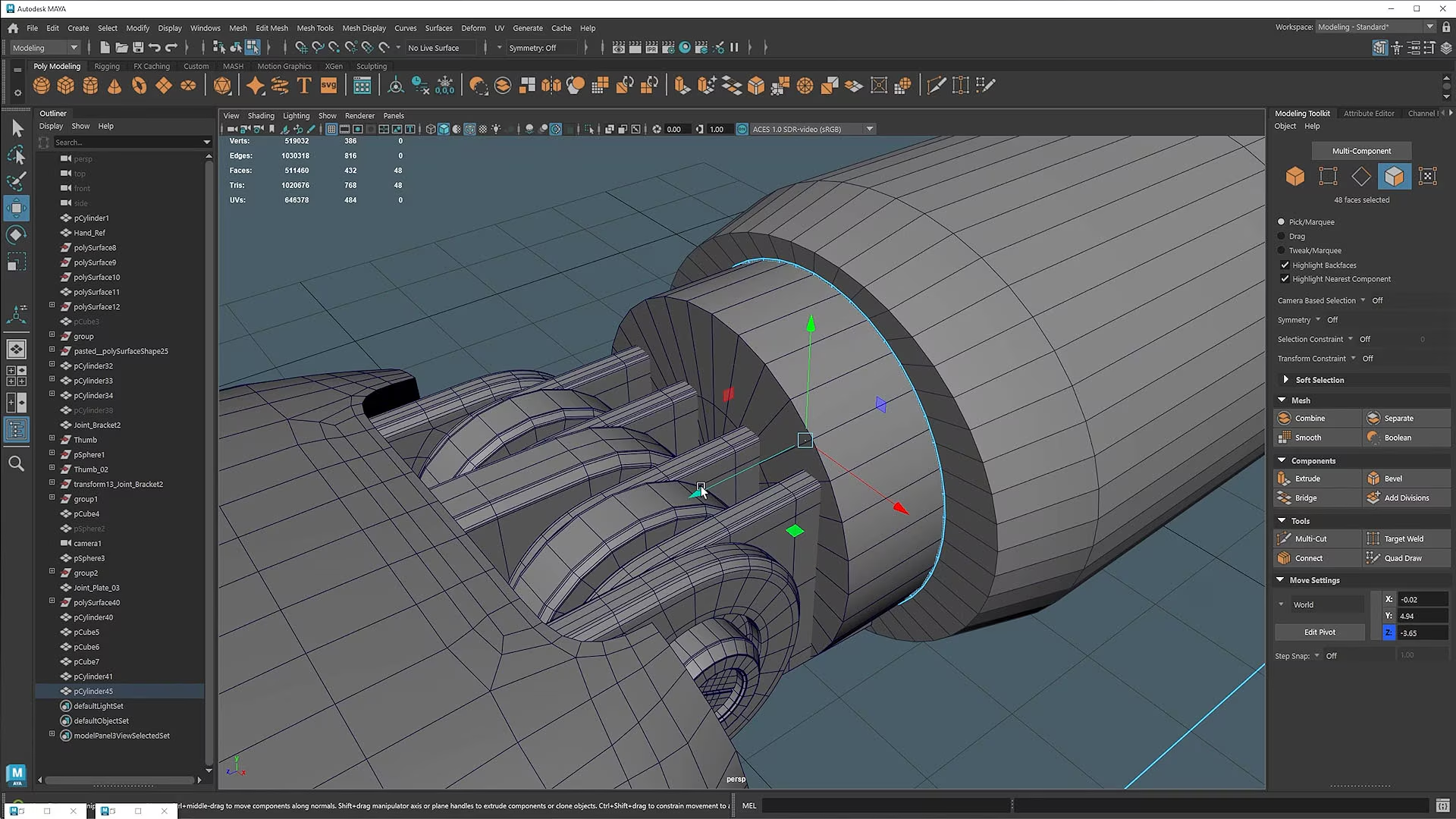
However, subscribing to Maya is not cheap. But for those who have the time, skills and patience to master it, Maya has some of the best 3D tools available and is a good investment.
But Autodesk has released an easy version of Maya, Maya Creative, so you can see if it's better for you.
2. Houdini
In second place in our guide to the best 3D modeling software is SideFX's Houdini.
It is widely used in the visual effects industry to create a stunning array of 3D images. Houdini's node-based procedural approach offers digital artists unprecedented flexibility and control. Not everyone likes this node workflow, but Houdini also has more traditional tools for interacting directly with on-screen polygons.
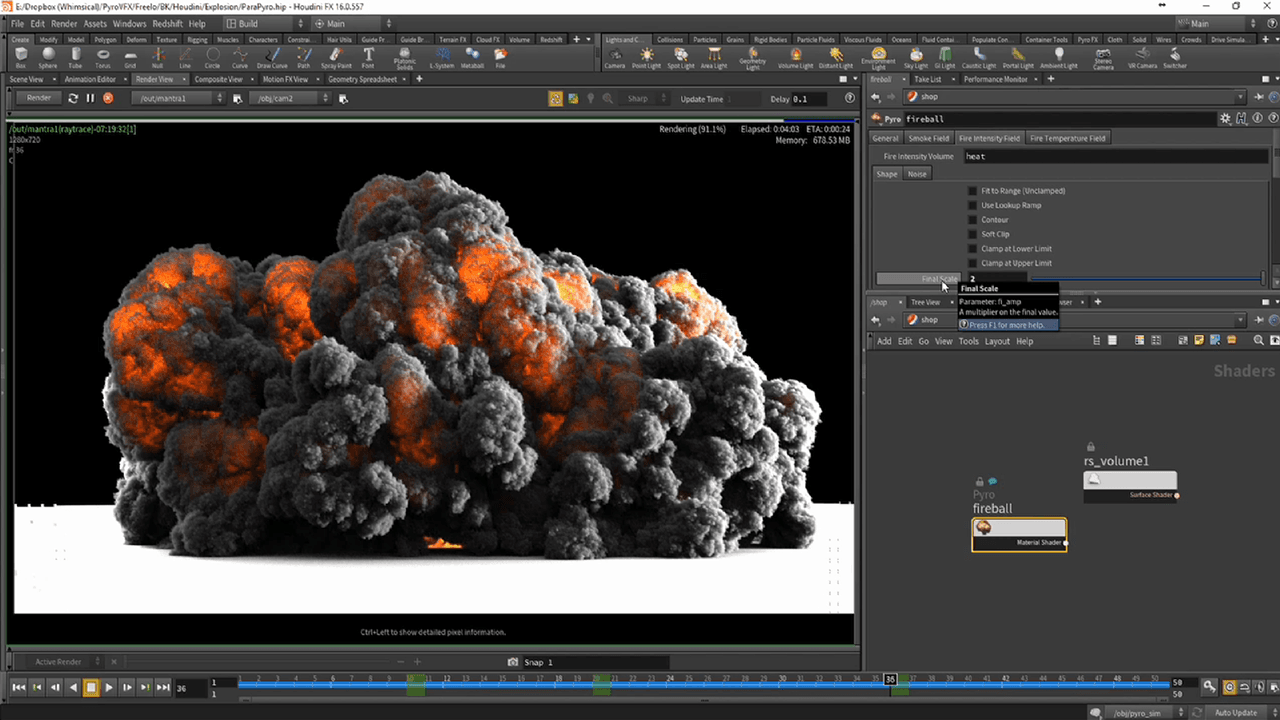
As with Maya, this level of functionality and non-standard workflow can be difficult to master. Fortunately, SideFX offers Houdini Apprentice, a free version of Houdini FX that students, artists and hobbyists can use for their personal, non-commercial projects. The free version gives you access to almost all of Houdini FX's features to develop your skills and work on personal projects. The full-featured Houdini Indie also offers an affordable commercial option for small studios.
3. Cinema 4D
Maxon's Cinema 4D has been around for many years and has a great reputation in the field of motion graphics, visualization and illustration. It's a professional, sophisticated software that is known for its overall stability and ease of use.
Cinema 4D has a community with a huge online library of tutorials and you can become a member of the Cineversity website for free when you purchase the program or pay for an annual Maxon Service Agreement (MSA).
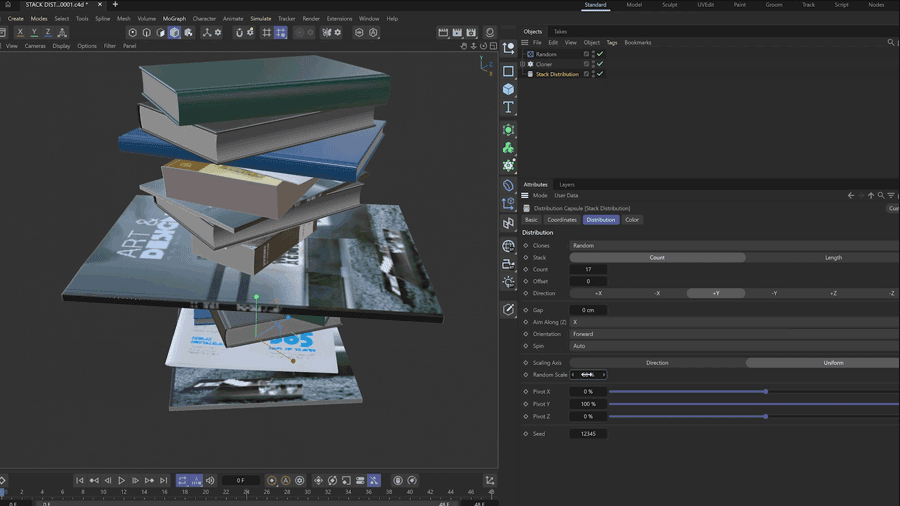
C4D's parametric modeling tools are usually very good, and you can add even more functionality with a range of inexpensive plugins. The latest version also introduces volumetric modeling.
Permanent licenses for C4D are not cheap, but you can always use Prime and upgrade over time. Maxon also offers short-term and student licenses at a lower cost.
4. 3ds Max
3ds Max is Autodesk's PC-specific 3D computer graphics program for television and film production, as well as architectural and product visualization. Like its sister software Maya, 3ds Max has a very powerful toolset for 3D modeling, not to mention fluid simulation, hair, and character manipulation and animation.

It uses direct manipulation and procedural modeling techniques, and the large library of different modifiers makes the modeling process easier for new or intermediate 3D artists.
3ds Max offers a professional tool that no doubt also comes with a professional price tag. However, students can get the software for free and the trial version is also available for 30 days.
5. Modo
As the development team behind LightWave 3D, Modo has evolved from a basic subdivision surface modeling system to the full-featured digital content creation program we know today. Its tools are well thought out and well implemented, making it very user-friendly, and when you add in a very reliable rendering system, it's easy to see why Modo is growing in popularity.

With modeling at its core, Modo is one of the best applications for creating polygonal forms, using direct tools and process techniques. Adding the best MeshFusion Boolean system simply extends its modeling capabilities.
Modo may lack the high-end dynamics and simulation tools you might find in a program like Maya, but it holds its own when it comes to creating stunning artwork that produces good 3D rendering.
6. Blender
Blender is a must-have if you're on a budget. Blender has a revamped user interface that's clean and consistent, making it easier to use tools, joysticks and other features. For 3D modeling, Blender offers a robust set of polygon, subdivision, and sculpting tools suitable for everything from hard-surface assets to organic characters. You can also customize your own workspace to make your work more efficient.
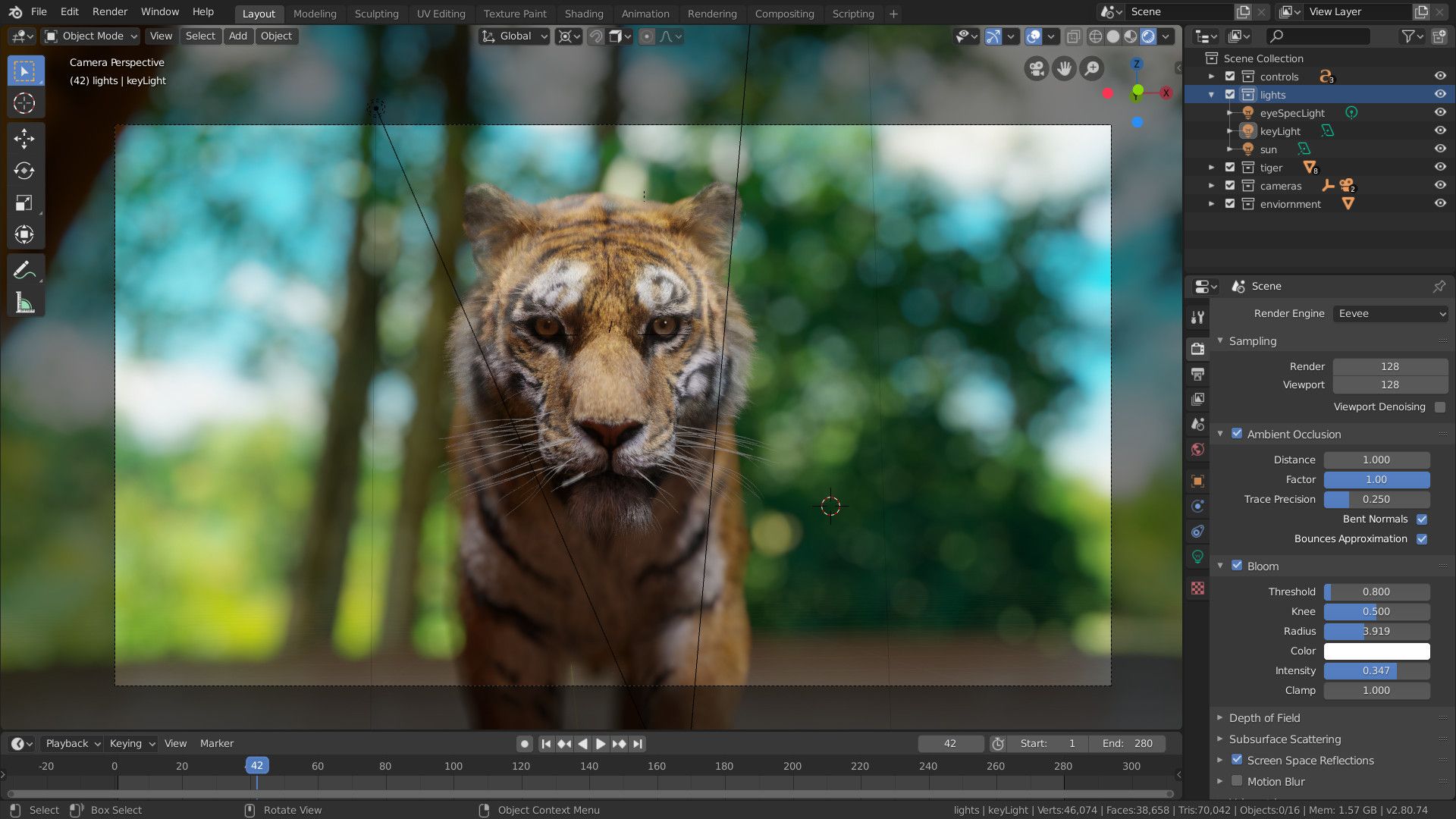
Blender’s viewport and rendering systems are another major advantage. EEVEE provides real-time, PBR-based viewport rendering that closely matches final output, making it ideal for look development and fast iteration. For final-quality results, Cycles delivers physically accurate rendering with advanced lighting, materials, and volumetrics, capable of producing film-level visuals.
>> If you are interested in EEVEE and Cycles, check Eevee vs Cycles: Which Blender Render Engine is Right for You?
Blender greatly enhances 2D drawing capabilities. The new Grease Pencil interface is much more user-friendly for 2D artists, and you can have the ability to collaborate in both 3D and 2D, making your creations much easier. Grease Pencil is no longer just a line drawing tool, it has become a Blender object with powerful brushes and tools. The limit of 20 layers in a single scene is now history. Blender introduces a new way of managing Collections and view layers, and the outline view management is also enhanced a lot, allowing you to manage, edit and filter more intuitively.
Despite being free and open-source, Blender continues to evolve rapidly, with frequent updates and strong community and industry support. For artists looking for a powerful, modern 3D modeling solution, Blender earns its place among the best 3D modeling software available today.
7. Lightwave 3D
LightWave 3D is a professional 3D modeling and rendering software that has long been used in television, film, and broadcast production. It is best known for its strong polygon modeling tools and fast, reliable rendering performance, making it suitable for asset creation, product visualization, and visual effects work.
Lightwave 3D runs as two applications, Modeler (for building materials) and Layout for texturing, lighting, animation and rendering. Many of the underlying toolsets are old (although it has added many new features over the last few years), but that doesn't stop it from being a solid digital content creation suite with many features and a fast interactive PBR renderer.
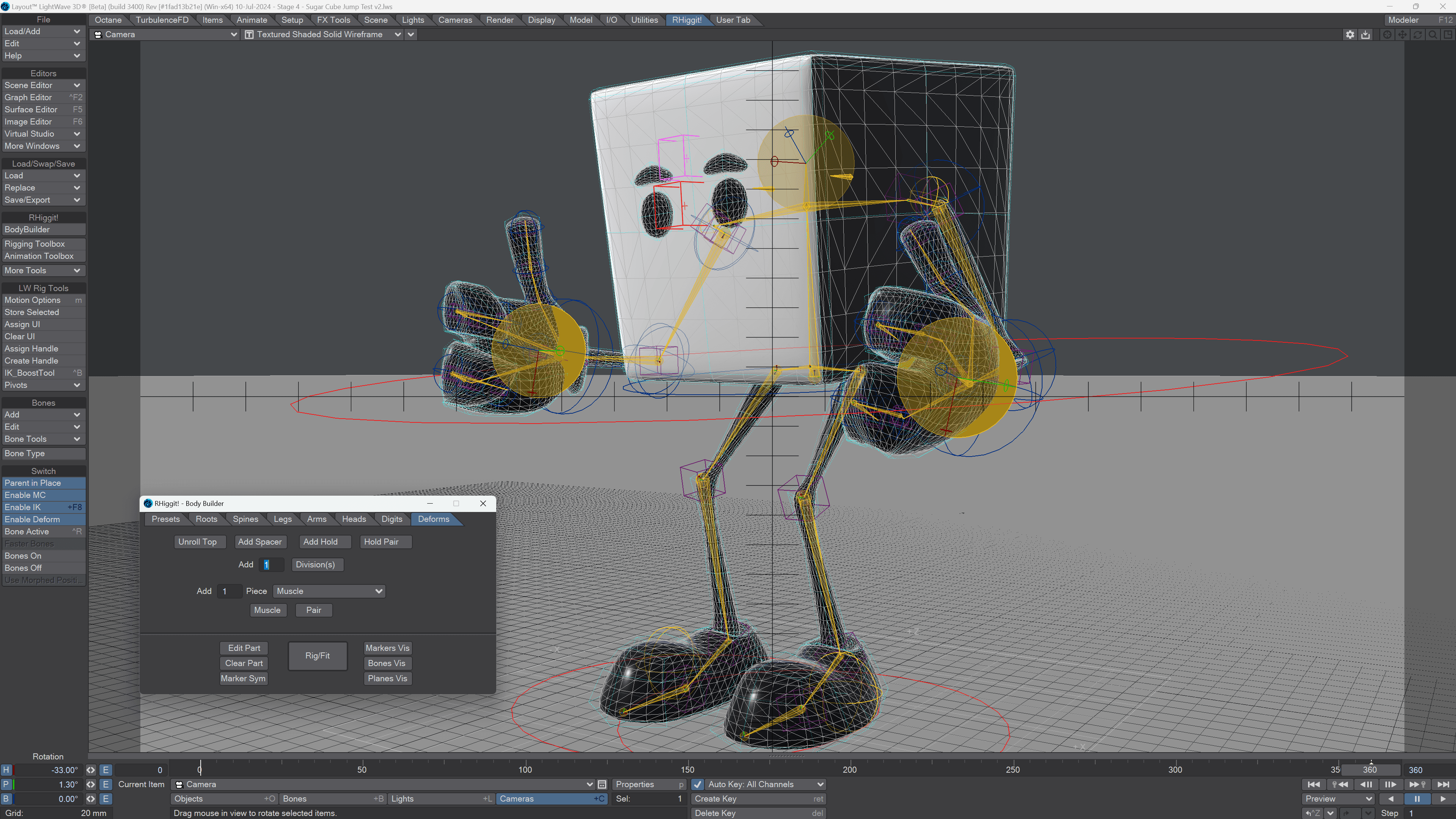
So ignoring other factors, Lightwave 3D is a great 3D modeling application for learning the basics. The software has a 30-day free trial.
8. ZBrush
ZBrush is a standalone sculpting and modeling application best suited for creating organic forms. Although recent updates have gradually improved its hard surface capabilities. It works in a non-standard way, and its workflow and user interface are initially difficult to learn, so you really need to get ZBrush and use it every day to become proficient.

However, ZBrush isn't just for sculpting and modeling: it can also be used to create UV mapping and draw textures, allowing experienced artists to create entire figures with costumes and props ready for rendering. ZBrush is a popular choice for artists who want to 3D print toys and figures, and there are also tools specifically for 3D printing.
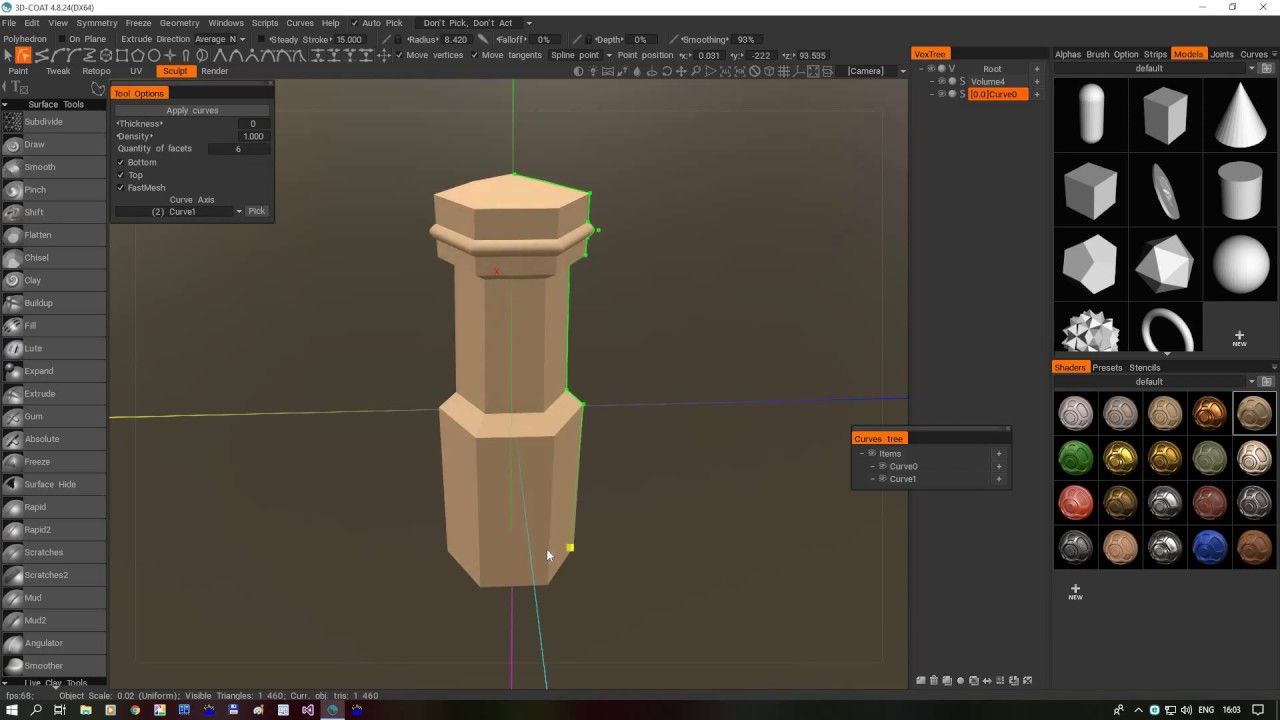
9. 3D Coat
3DCoat is a voxel-based digital sculpting application that has grown into a full-featured 3D modeling software, adding UV mapping, texture painting, visual topology tools, smart materials similar to those in Substance Painter, PBR rendering, and more. It excels in creating highly detailed models efficiently, making it popular among game developers, concept artists, and 3D asset creators.
Its voxel and surface sculpting systems allow you to shape complex forms without worrying about topology early in the process. After sculpting, 3DCoat provides advanced retopology tools to generate clean, animation-ready meshes quickly. You can then paint textures directly onto the model, using PBR materials, multiple UV sets, and seamless workflow across texture maps.
Conclusion
Choosing the right 3D modeling software depends on your skill level, project type, and workflow requirements. Whether you’re creating assets for games, films, animation, or product visualization, each tool on this list offers unique strengths to support your creative goals.
Once your 3D models are ready, efficient rendering becomes the next critical step. For complex scenes and high-resolution outputs, a cloud render farm like Fox Renderfarm can help speed up production and reduce hardware limitations, allowing you to focus more on design and creativity.