Top 6 Cloud Rendering Services for ArchViz to Use in 2026
 Ryan Thompson
Architectural studios today face immense pressure to deliver photorealistic visuals under very tight deadlines. Modern 8K resolutions and complex lighting require more power than a standard workstation provides. Consequently, many professional firms now utilize cloud rendering for archviz to accelerate their pipelines.
This advanced technology allows artists to offload heavy computation to massive remote server clusters. Studios can process several high-resolution frames simultaneously without slowing down their local design work. In this article, we review the top 6 cloud rendering services for ArchViz to help you find the right solution for your projects.
Part 1. Why Render Farms Matter for ArchViz Studios?
Finding the best cloud render farm for Archviz 2026 ensures your architectural studio remains competitive. A distributed render farm can reduce rendering time by 20x–50x compared to single workstations. Below, you will find a few specific capabilities to see how these distributed systems transform complex 3D production workflows:
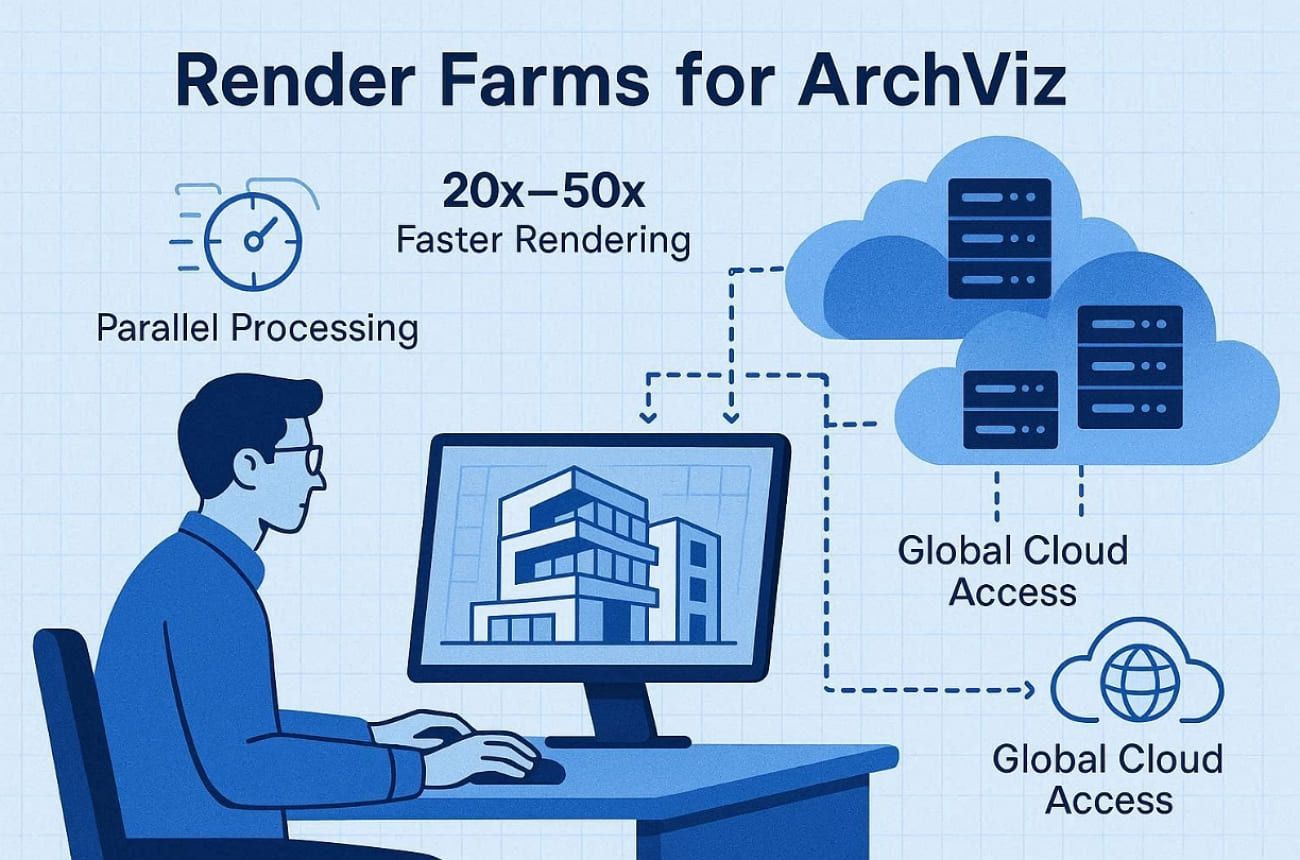
- Farms render thousands of high-resolution frames across multiple nodes, helping studios meet tight deadlines without compromising visual quality.
- Extra computing power can be added during peak workloads, preventing delays in large-scale or complex ArchViz projects.
- Multiple camera angles render simultaneously, ensuring complete project presentations are ready faster for client review.
- Teams can submit and monitor jobs remotely, improving collaboration across locations and time zones.
- Advanced processors handle complex lighting and materials, delivering photorealistic outputs for premium real estate visuals.
Besides that, one report even shows that visualization technology adoption is accelerating. They also state that nearly 45.7% of architects report that faster rendering tools significantly reduce design decision time.
Part 2. Top 6 Best Cloud Render Farms for ArchViz 2026
Understanding what cloud rendering is in Archviz helps studios select the most effective platform. Hence, this section explores the top 6 services designed specifically for modern architectural visualization:
1. Fox Renderfarm
Best For: ArchViz studios delivering large 8K portfolios using V-Ray and Corona with strict security.
As a professional render farm for ArchViz, Fox Renderfarm supports almost all famous softwares, including 3ds Max and Blender, for full ArchViz pipelines. Moreover, high-performance RTX 3090 and 4090 GPU nodes accelerate interior and exterior animations significantly. Its massive CPU clusters process high-polygon urban master plans without introducing stability issues. In addition, each node provides 64–256 GB RAM to handle dense vegetation and furniture libraries.
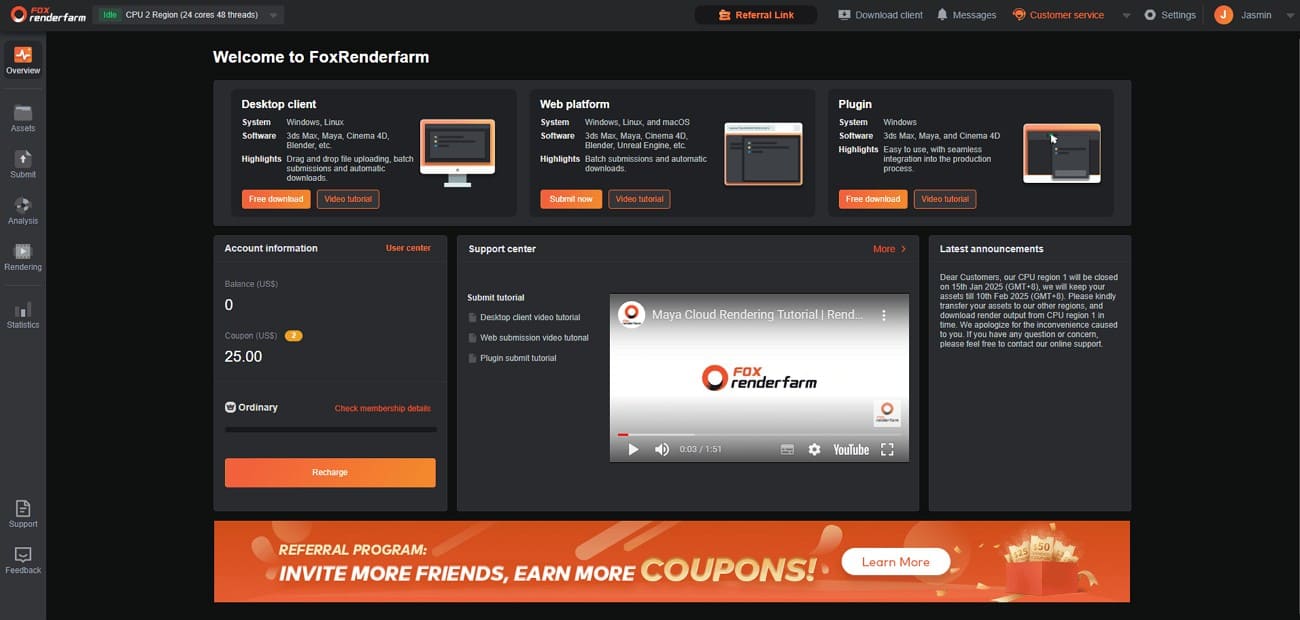
Moreover, high-throughput SSD storage eliminates I/O bottlenecks when loading multi-gigabyte architectural scenes. Besides that, technical experts offer 24/7 support with response times averaging around 15 minutes via chat. Apart from that, Fox Renderfarm has powered high-end films like “Ne Zha” and “White Snake,” proving reliability under extreme VFX loads. These large-scale productions demonstrate the capacity to handle equally demanding ArchViz cityscapes.
Key Features
- Reduces scene mismatch issues by ensuring complex ArchViz setups render consistently across distributed nodes without unexpected farm-side failures.
- Detects missing textures and assets early, preventing costly re-renders during high-resolution architectural output.
- Supports large-scale urban scenes with realistic crowd movement for public spaces and commercial environments.
- Handles multiple villa renders or floor plans in organized batch workflows for faster project delivery.
- Processes complex water features and environmental simulations smoothly for high-end architectural visualizations.
Pros & Cons
|
Pros |
Cons |
|
Huge node counts handle big still and animation batches |
Environmental complexity may challenge solo beginners initially |
|
Strong TPN and ISO 27001 security posture |
Overkill for very small, occasional single-villa projects |
Pricing Model
- CPU pricing uses tiered core-hour billing between roughly 0.051 and 0.0306 USD.
- GPU pricing follows node-hour billing around 1.8 to 0.9 USD typical tiers.
- New accounts receive 25 USD credits to test realistic ArchViz building scenes.
2. Chaos Cloud
Best For: V-Ray studios needing seamless cloud integration for iterative ArchViz scene revisions.
This platform integrates directly into the V-Ray interface for an intuitive architectural workflow. Its Smart Sync technology only uploads modified assets to save time during project revisions. In addition, the Smart Vault system caches large scene files to prevent repeated data transfers. Moreover, cloud rendering for archviz workflows spans various tools and plugins, like Rhino and Revit, natively.
Key Features
- Tweak specific job settings from any device without resubmitting your architectural scene files.
- The system checks your scene for compatibility issues before initiating the cloud render.
- Reuse existing assets in the cloud vault to accelerate the next rendering phase.
Pros & Cons
|
Pros |
Cons |
|
Seamless V-Ray UI integration |
V-Ray only, no Corona/Octane support |
|
Smart asset caching saves upload time |
Mixed renderer studios need alternatives |
Pricing Model
- Credit-based system covers compute, V-Ray licenses, and transfers completely.
- 20 free credits available for 30 days to test ArchViz scene performance.
3. Render4You
Best For: Redshift/Octane studios needing dedicated GPU nodes without queue delays.
Render4You's professional service provides access to over 250 high-end GPU units. Each server node features up to 10 graphics cards for rapid architectural output. Furthermore, studios can utilize ultra-fast processors equipped with 512 GB of system memory. This cloud render farm for architectural visualization supports multiple engines, including Redshift and Octane, for diverse ArchViz pipelines. Plus, dedicated application plugins allow for a straightforward upload process without major pipeline changes.
Key Features
- 24 GB per GPU processes glossy interiors without texture resolution reduction.
- NVIDIA iRay renders photorealistic concrete and stone textures with flawless results.
- In-app plugins submit Revit exports without intermediate file conversions.
Pros & Cons
|
Pros |
Cons |
|
No-queue reserved option |
North America's latency for global studios |
|
24/7 phone/email/Skype support |
Requires pipeline testing for optimal use |
Pricing Model
- Credit-based pricing maps directly to GPU and CPU usage time consumed.
- On-Demand pays only during active rendering without capacity commitments.
- New users receive 25 EUR free credits for realistic scene performance tests.
4. VSOCloud
Best For: ArchViz studios needing one secure CPU/GPU farm for multi-DCC stills and animations.
The VSOCloud platform offers dedicated CPU and GPU nodes tailored to different architectural rendering workloads. Large node pools handle full building flythroughs and big batches of marketing stills. Along with that, this service offers broad DCC coverage, including 3ds Max and Houdini. Plus, integrated desktop clients simplify the upload and job submission process for architectural visualizers.

Key Features
- V-Ray cloud rendering archviz scenes coexist alongside other engines in one account.
- Track every frame of your architectural project through the dedicated desktop client app.
- Encrypted data protocols protect all unreleased architectural designs during the entire upload.
Pros & Cons
|
Pros |
Cons |
|
Scales well for large animations |
Exact plugin versions require direct confirmation |
|
TPN security is suitable for sensitive clients |
Overkill for very small, occasional still projects |
Pricing Model
- Charges follow common core-hour and node-hour usage patterns for CPU and GPU.
- Exact rates are provided after registration or direct contact with the sales team.
5. SuperRenders Farm
Best For: Best cloud render farm for archviz 2026 handling Forest Pack and V-Ray interiors.
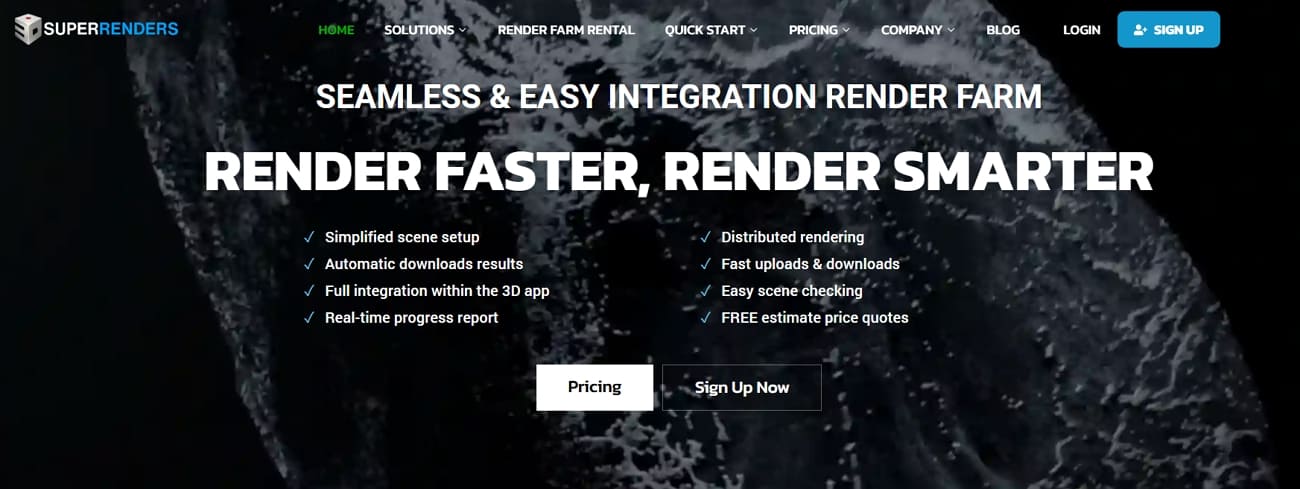
SuperRenders Farm utilizes dual Intel Xeon processors to handle high-poly architectural interior scene geometry. Its RTX 5090 GPU nodes provide 32 gigabytes of VRAM for rendering massive building textures. Besides, the platform officially supports essential ArchViz plugins, including Forest Pack and RailClone natively. Users can submit projects through a simplified web client that manages all software licensing automatically. Integrated scene checking tools also identify missing external assets before cloud rendering.
Key Features
- Native compatibility allows rendering realistic 3D crowds in large public walkways.
- Effortlessly distribute complex vegetation across expansive outdoor landscapes for realistic garden environments.
- High-end architectural studios can utilize Pixar’s engine for cinematic-quality lighting results.
Pros & Cons
|
Pros |
Cons |
|
Fully managed, zero IT overhead |
Requires proper scene packaging |
|
40% volume discounts available |
GHz-hour pricing is less intuitive |
Pricing Model
- CPU rendering starts at 0.004 USD per GHz-hour for architectural workloads.
- GPU pricing begins 0.003 USD per Octanebench-hour across RTX 5090 nodes.
- Dual Xeon servers cost approximately 2 USD per server-hour for CPU renders.
6. Ranch Computing
Best For: ArchViz teams requiring reliable parallel processing and automated frame downloading for urgent deliverables.
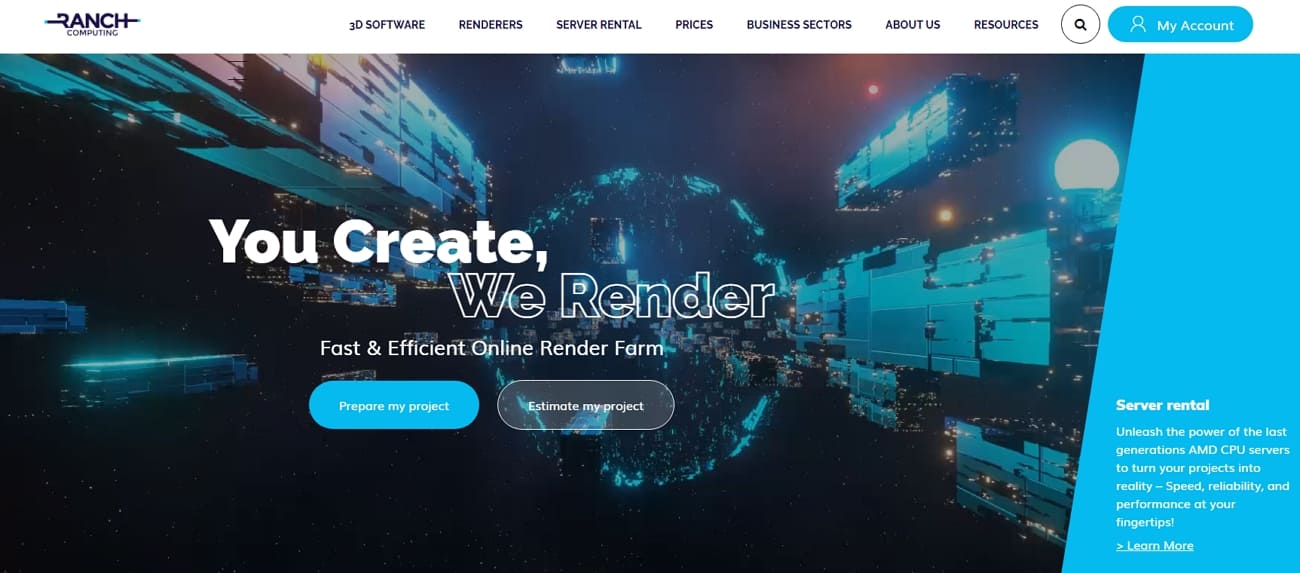
Ranch Computing utilizes powerful AMD CPU servers to accelerate complex architectural lighting calculations. The RANCHecker plugin identifies scene errors before you upload your 3D building files. Plus, this farm provides all necessary software licenses for various architectural render engines natively. Alongside that, automated RANCHSync tools download finished frames to your local workstation in real time. So, it helps designers understand what cloud rendering in Archviz is through simple tools.
Key Features
- Advanced teams can render procedural landscapes and complex fluid simulations for parks.
- Render photorealistic architectural lighting using the physically accurate Maxwell spectral engine nodes.
- Seamlessly process high-resolution V-Ray scenes using the latest stable software builds.
Pros & Cons
|
Pros |
Cons |
|
RANCHecker simplifies scene uploads |
Requires careful asset packaging |
|
30-40x speedup proven in case studies |
Not ArchViz-exclusive marketing focus |
Pricing Model
- Pay-as-you-go model charges only the actual compute time consumed per job.
- CPU pricing uses GHz-hour units, tracking precise processor utilization rates.
- GPU pricing follows the OctaneBench-hour standard for normalized performance billing.
Part 3. Real-World Applications of Cloud Rendering in Architecture
Modern architectural teams utilize Lumion cloud rendering archviz to deliver immersive and highly detailed environments. The following applications demonstrate how distributed computing enhances every stage of the professional design process:
- Design Exploration: Architects use remote clusters to test multiple building layouts and facade materials in parallel. Rapid conceptual renders help teams experiment with different lighting scenarios during early project stages.
- Detailed Marketing: Cloud farms process high-poly models and 8K stills for luxury real estate marketing materials. Walkthrough animations that once took days are now completed in just a few hours.
- BIM Synchronization: Revit models are sent directly to the cloud for high-resolution visualization without manual exports. This integration ensures that every design change remains perfectly synchronized across all project documents.
- Client Collaboration: Teams share realistic panoramas via web viewers to allow for remote real-time client reviews. Confident approvals are achieved faster when clients clearly understand the scale and material behavior.
- Operational Scalability: Small firms access virtually unlimited compute power without making massive upfront local hardware investments. Paying only for active rendering time helps studios manage their project budgets more effectively.
FAQs about Cloud Rendering Services for ArchViz
Q1. Is cloud rendering safe for confidential architectural projects?
Professional render farms use encrypted transfers and isolated nodes to protect sensitive architectural project data. Studios can control user permissions, ensuring only known team members have access to uploaded scenes. Moreover, security certifications like ISO standards further strengthen trust for commercial architectural visualization workloads.
Q2. How fast is cloud rendering compared to local workstations?
Cloud rendering distributes frames across hundreds of nodes, dramatically reducing total project render time. In some architectural projects, tasks that previously required 12 hours of rendering were completed in about 30 minutes using parallel processing clusters, according to urdesign. This acceleration helps studios deliver urgent client presentations without sacrificing architectural image quality.
Q3. Which cloud rendering service works best for high-resolution ArchViz scenes?
Different farms specialize in certain render engines and architectural production workflows. Studios often test multiple services using trial credits to evaluate speed and reliability. For heavy ArchViz workloads, Fox Renderfarm becomes a practical option after evaluation.
Conclusion
Architectural visualization often requires high-resolution renders, complex lighting, and large-scale scenes that can strain local workstations. Cloud rendering helps studios process these tasks faster and more efficiently.
As project demands continue to grow, choosing a reliable render farm becomes increasingly important. Among the available render farm, Fox Renderfarm stands out for its ability to handle demanding ArchViz workloads efficiently.