Top 8 Render Farms for Product Visualization Tools
 Ryan Thompson
Creating high-quality product visuals often involves complex materials, precise lighting, and high-resolution outputs. Rendering these images on a single workstation can be time-consuming, especially when handling multiple product variations.
A render farm for product visualization speeds up this process by distributing rendering tasks across powerful servers, allowing studios to produce detailed images faster and more efficiently. In this guide, we review the top 8 render farms for product visualization to help you find the right solution for your workflow.
Part 1. Why Product Visualization Demands Massive Rendering Power
Modern studios utilize a cloud rendering service for product rendering to handle extreme details. These specific technical requirements explain why distributed computing power is essential for commercial success:
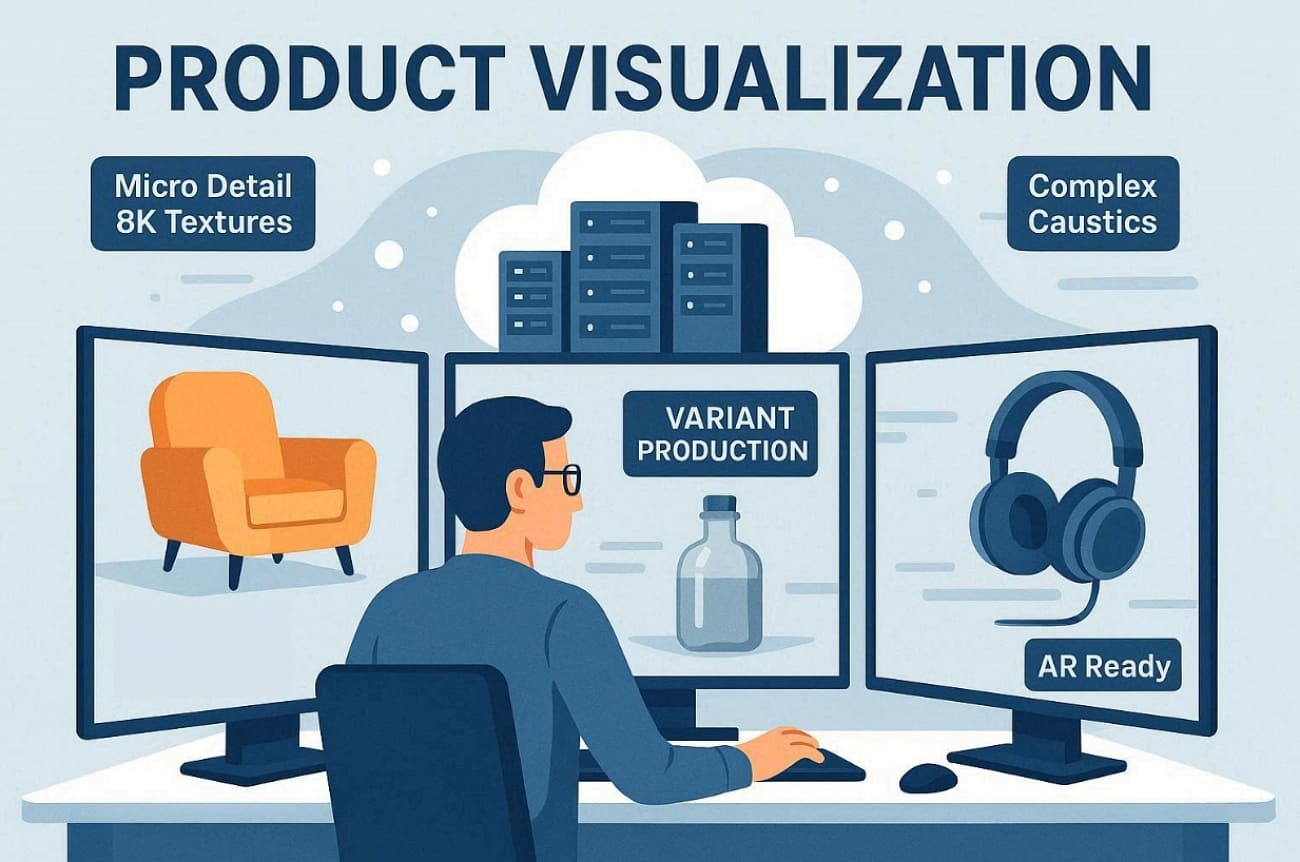
- Micro Detail: HD, 8K displacement maps require massive memory to render leather and fabric textures. Remote server clusters provide the necessary RAM to prevent system crashes during export.
- Complex Caustics: Realistic light refraction in glass bottles demands thousands of samples for clean results. Distributed nodes calculate these intricate light paths much faster than a single workstation.
- Macro Closeups: Extreme zoom levels on small electronic components reveal every tiny surface imperfection clearly. Heavy processing power ensures that thin edges and small text remain perfectly sharp.
- Variant Production: Brands often require hundreds of different colors and material variations for one project. Parallel processing allows studios to render all these variants simultaneously across multiple nodes.
- AR Integration: Creating assets for augmented reality necessitates high-fidelity baking of complex lighting and shadows. Powerful hardware ensures that mobile-ready models maintain a photorealistic look in real environments.
Part 2. 5 Rendering Challenges in Product Visualization
Even with a powerful Redshift render farm product rendering pipeline, creative teams still face difficult bottlenecks. Below, you will explore primary difficulties artists face during the visualization process:
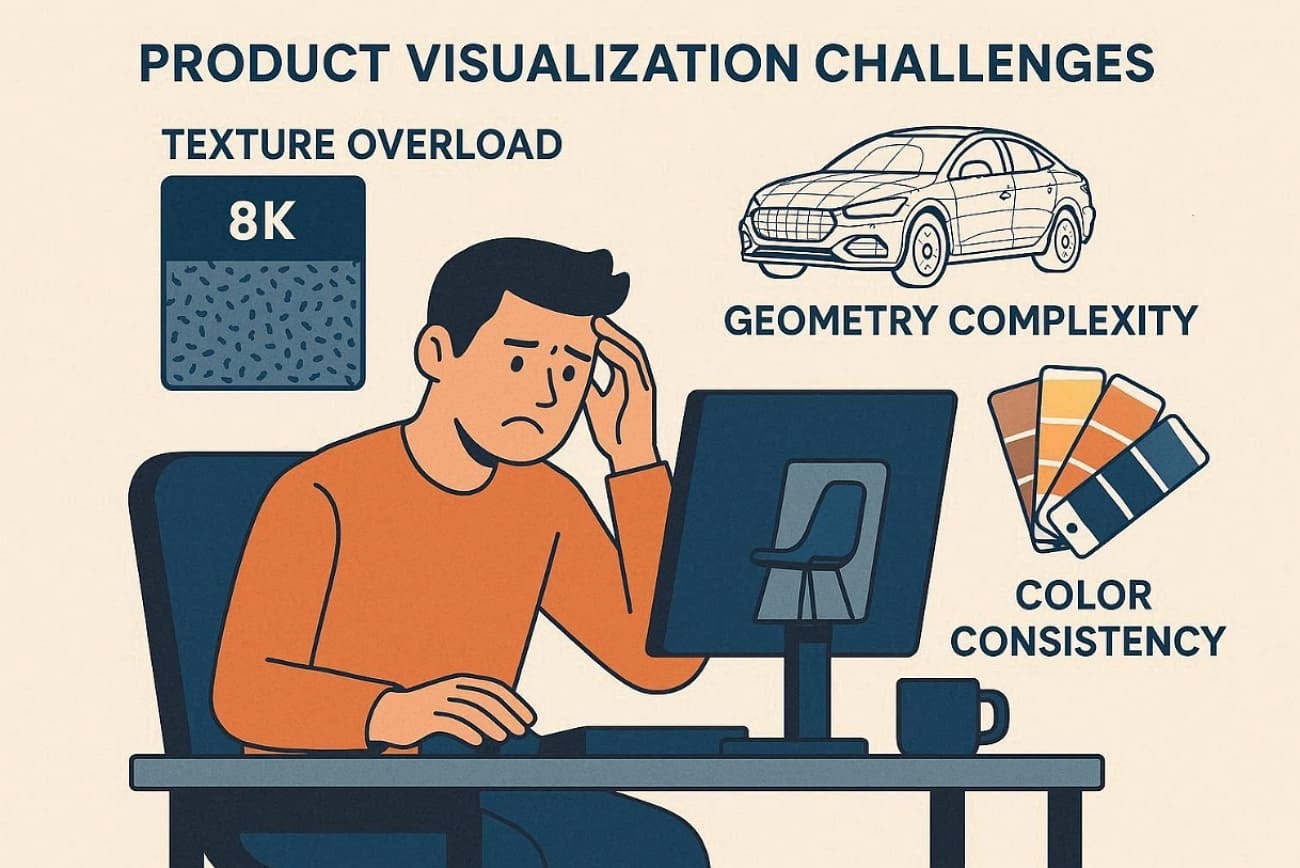
- Texture Overload: Multiple 8K UDIMs quickly exceed available GPU memory for hero products. Compressed textures sometimes introduce artifacts that ruin close-up packaging shots.
- Geometry Complexity: CAD imports generate millions of unnecessary polygons in hidden mechanical details. Decimation workflows risk damaging bevels and chamfers critical for product readability.
- Engine Fragmentation: Studios manage Blender, Cinema 4D, and custom pipelines for different clients. Thus, maintaining consistent looks across engines requires thorough AOV and LUT management.
- Color Consistency: Brand color libraries must match Pantone references across different display devices. Moreover, small gamma differences between render engines cause visible hue shifts on packaging.
- Animation Volume: Long assembly animations multiply render time across hundreds of intricate frames. Alongside that, camera movements for multiple platforms demand separate aspect ratios and framing.
To overcome these challenges efficiently, the next part introduces the top 8 cloud render farms designed to streamline product visualization workflows.
Part 3. Top 8 Render Farms for Product Visualization 2026
Selecting the best Blender render farm product visualization platform is vital for high-end studio success. So, the following section explores 8 professional services designed to accelerate your modern product pipelines:
1. Fox Renderfarm
Best For: Studios rendering large SKU batches and marketing campaigns requiring scalable cloud rendering infrastructure.
Fox Renderfarm provides an AI render farm for product visualization in 2026 with deep neural denoising. This platform also supports a massive cluster of thousands of nodes for simultaneous variant rendering. Each node offers 16+ cores with scalable RAM configurations for heavy texture stacks. Alongside this, users can even access specialized GPU nodes featuring high VRAM for complex 8K macro textures.
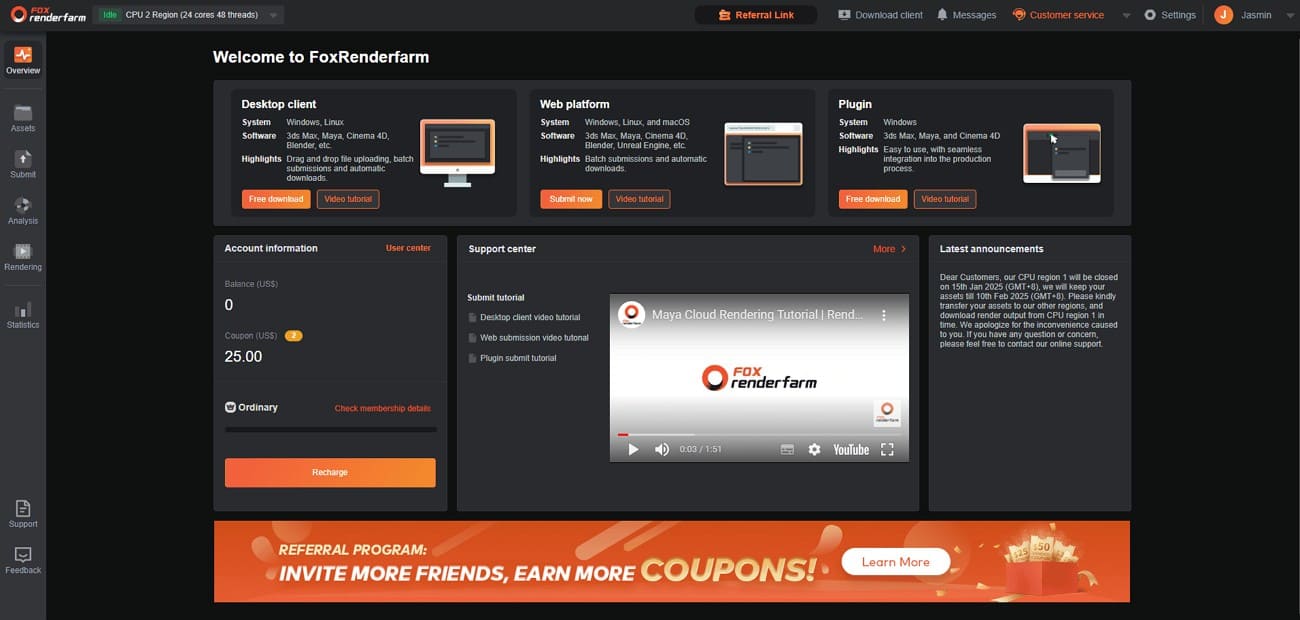
Furthermore, its high-performance SSD storage eliminates input bottlenecks when loading multi-GB product asset libraries. The system also integrates an automated scene checker to verify textures before the rendering starts. Even more, artists utilize a dedicated web console to monitor frame progress and manage job priorities. Moreover, Fox Renderfarm powered the stunning visual effects in major films like "Ne Zha." These productions also prove the cloud render farm can handle the most demanding product animations.
Key Features
- Official compatibility with Forest Pack and RailClone ensures dense geometry renders perfectly.
- RenderMan support allows Pixar’s engine to handle cinematic perfume bottle caustics and glass refractions efficiently.
- TPN-accredited data centers protect project assets using encrypted storage and network security.
- Supports multiple production tools, including Blender, Maya, Cinema4D, 3ds Max, and Unreal Engine.
- Utilize integrated ultra-fast transmission technology, such as Raysync, to move massive asset libraries to the cloud.
Pros & Cons
|
Pros |
Cons |
|
CPU+GPU for all render engines |
Queue priority varies by membership |
|
Massive software compatibility |
Occasional jobs favor simpler farms |
Pricing Model
- CPU rendering costs 0.051 USD per core-hour at the Ordinary membership tier.
- GPU nodes are priced 0.9 to 1.8 USD per node-hour based on configuration.
- New accounts receive 25 USD credits to test realistic product visualization scenes.
2. iRender
Best For: Teams needing high-performance remote GPU workstations for interactive look-dev and complex material adjustments.
It provides powerful remote desktop access to dedicated servers with multiple graphics cards. Users install their own specialized 3D software and custom plugins for maximum pipeline control. Plus, this render farm for product visualization supports up to 8 RTX 4090 GPUs per node. In addition, iRender’s physical hardware resources are never shared to ensure 100% performance for your product shots. Its green data centers, powered by Solar Energy, support sustainable rendering infrastructure.
Key Features
- Access officially supported Cinema 4D and Redshift configurations for high-end luxury product renders.
- Benefit from Tier III data centers with high-speed connections up to 10 Gb/s.
- Connect multiple server nodes to achieve incredible parallel processing for long product animations.
Pros & Cons
|
Pros |
Cons |
|
Full GPU performance without sharing |
Higher technical overhead for manual OS management |
|
Large discounts for daily or weekly rental commitments |
No automatic scene checking for missing textures |
Pricing Model
- On-demand GPU rental for a single RTX 4090 starts at 8.2 USD.
- Dual RTX 4090 server configurations cost approximately 15 USD per active hour.
- Four RTX 4090 nodes are priced at 30 USD for high-speed product visualization tasks.
- Daily and weekly rental options provide discounts of between 8% and 12%.
3. Ranch Computing
Best For: Professional agencies needing an automated, high-speed workflow for complex packaging and luxury jewelry renders.
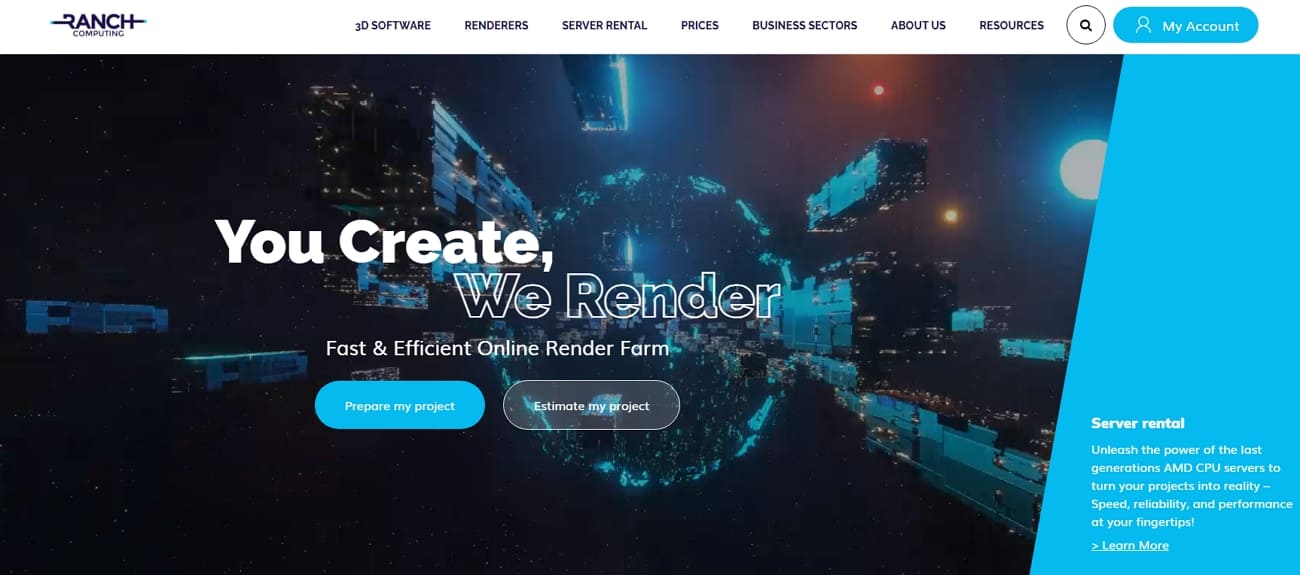
This cloud render farm for product rendering utilizes the RANCHecker plugin to validate scenes. The system automatically allocates multiple server nodes to handle high-resolution product still images. Alongside that, artists benefit from specialized CPU and GPU farms tailored to specific render engine requirements. Its modern AMD EPYC and NVIDIA RTX 5090 hardware provide massive memory for 8K textures. Moreover, the integrated RANCHSync tool manages all file transfers and frame synchronization.
Key Features
- Modern GPU nodes feature 32 GB VRAM for rendering complex displacement maps flawlessly.
- Avoid the technical complexity of remote desktops with a simplified upload system.
- Native compatibility for Houdini, Cinema 4D, and all major product render engines.
Pros & Cons
|
Pros |
Cons |
|
High total capacity with 2 million available GPU cores |
Hardware pool includes some older GPU generations, like the 2080 Ti |
|
Automated asset checking reduces the risk of failed renders |
Priority credit systems require initial learning for new studio users |
Pricing Model
- A credit-based system requires purchasing rendering credit packs without subscriptions.
- GPU rendering costs 0.005 to 0.010 EUR per OctaneBench-hour by priority.
- New users receive 30 EUR free credits to test product visualization scenes.
4. Super Renders Farm
Best For: Budget-conscious studios requiring a Redshift render farm product rendering solution for marketing catalogs.
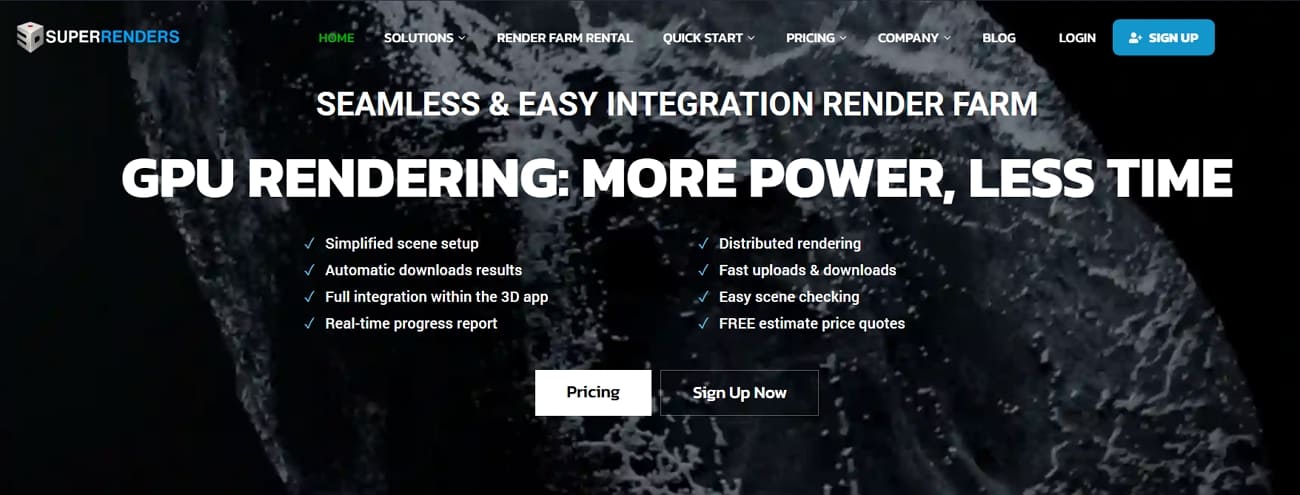
Super Renders Farm supports tools, like 3ds Max and Cinema 4D, that provide a managed workflow for product visualization projects. Artists utilize RTX 5090 GPU nodes featuring 32GB of VRAM for complex textures. Along with that, the platform supports over 250 software and renders combinations for diverse workflows. Plus, its integrated desktop applications simplify the upload process by automatically collecting all necessary project assets.
Key Features
- 3000+ servers process catalog variants simultaneously without capacity constraints.
- Upload project files directly through the integrated Dropbox and Google Drive cloud storage.
- High-speed internet infrastructure ensures rapid data transfer for large multi-gigabyte asset libraries.
Pros & Cons
|
Pros |
Cons |
|
Xeon + RTX 5090 hardware prevents VRAM-related render failures |
Priority tiers can increase the cost for urgent jobs |
|
Managed workflow reduces manual server allocation stress |
Custom pipelines or rare plugins may require additional support |
Pricing Model
- Super Renders Farm uses a credit-based, pay-per-use system with no subscriptions required.
- CPU rendering rates range from $0.004 to $0.016 per GHz-hour, depending on priority.
- GPU pricing starts at $0.003 per OctaneBench-hour plus GPU-hour component costs.
- New accounts receive 25 USD in free credits to test their scenes.
5. RebusFarm
Best For: Artists needing a seamless Blender render farm product visualization experience via an integrated plugin.
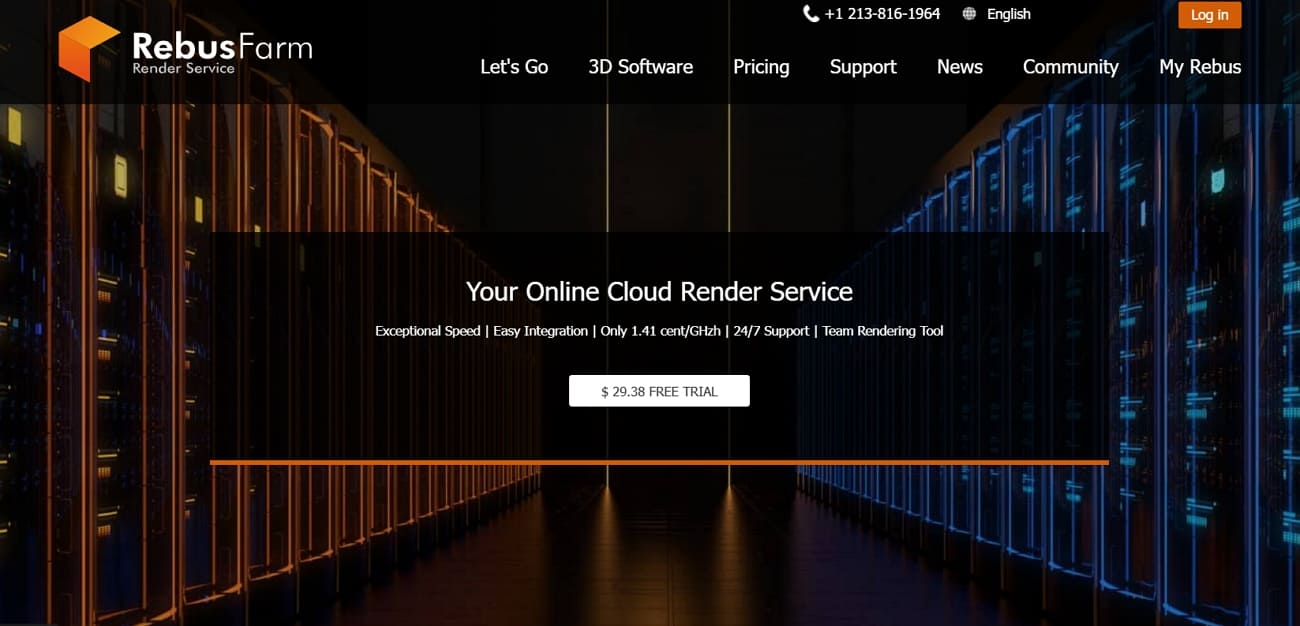
RebusFarm integrates Farminizer plugins that allow users to submit product scenes directly from their 3D application. Besides, this automated system packages all textures and assets to ensure error-free cloud rendering results. CPU and GPU rendering support covers almost all famous tools, including Redshift and Cycles, for effortless product visualization. In addition, its centralized web dashboard offers real-time monitoring and frame previews for every active project.
Key Features
- Dedicated support for MaxScript and Python automation improves efficiency for complex product pipelines.
- Access high-speed Xeon processors to handle the most demanding lighting and shadow calculations.
- Data remains protected using industry-standard SSL encryption during the entire file upload process.
Pros & Cons
|
Pros |
Cons |
|
Simple automated asset collection and upload |
Custom pipelines may require manual verification |
|
Non-expiring credits for future launch cycles |
Limited visibility on older node specifications |
Pricing Model
- CPU rendering starts around 0.014 USD per GHz-hour, often lower effectively.
- GPU rendering begins near 0.0053 USD per OctaneBench-hour for supported engines.
- Free 25 RenderPoints trial lets you measure cost on real product scenes.
6. TurboRender
Best For: Smaller studios needing a simple web-based workflow and flat-rate pricing for e-commerce assets.
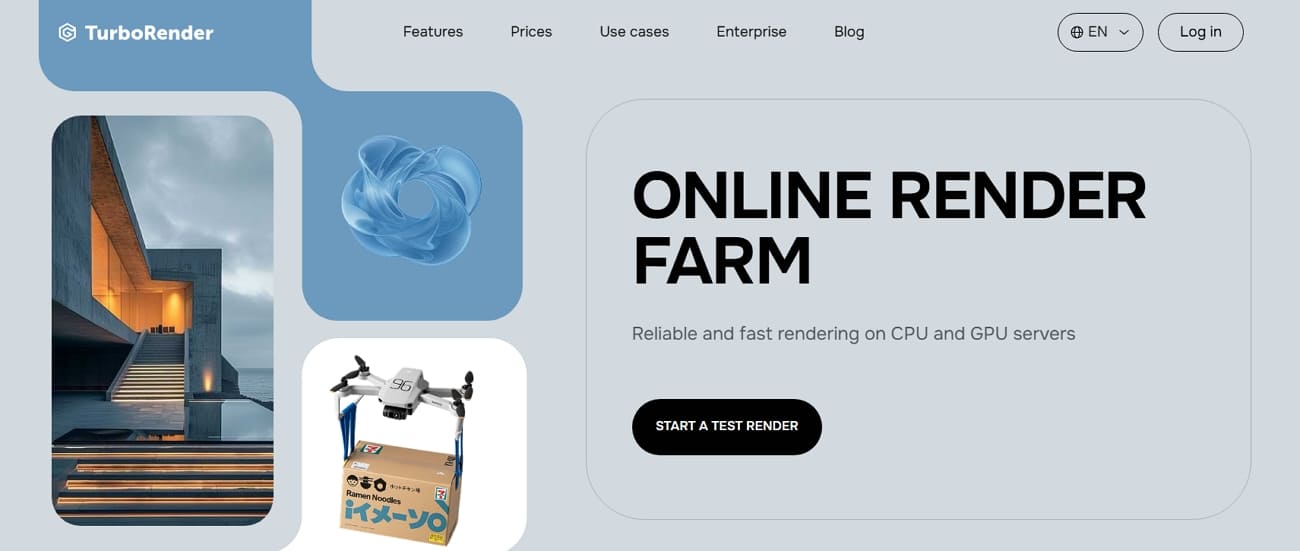
This cloud render farm for product rendering provides an OS-agnostic, browser-based submission interface. TurboRender's texture fidelity focuses on preserving realistic material colors and fine surface micro-details. Alongside that, the platform supports parallel processing to handle multiple product color variants at once. Plus, automated notifications alert the team immediately when high-resolution product animations are finished rendering.
Key Features
- Advanced Houdini supports complex procedural product geometry and liquid simulation rendering.
- Native compatibility with mainstream engines, such as Arnold and Cycles, ensures high-quality visual results.
- Direct cloud storage upload, like Google Drive, bypasses traditional FTP configuration complexity.
Pros & Cons
|
Pros |
Cons |
|
Parallel rendering speeds up product shot production |
VRAM and hardware specs are not fully advertised |
|
Supports collaboration across multiple platforms |
Large scenes may also require testing for performance |
Pricing Model
- Pricing follows a transparent flat-rate model per hour or per GPU minute.
- CPU rendering is priced around 0.87 USD per render-hour for production.
- GPU rendering starts near 0.03 USD per GPU-minute for Octane workflows.
- New users receive 4 free render-hours to test product visualization scenes.
7. Drop & Render
Best For: Cinema 4D studios rendering product variations and high-res stills via streamlined plugins.
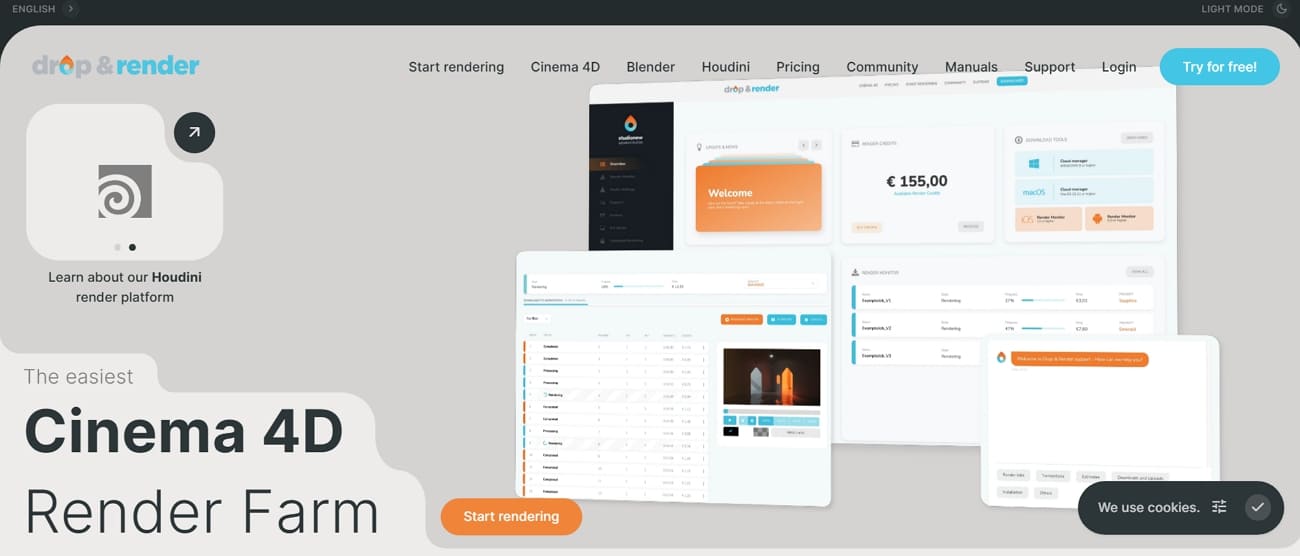
It also offers one-click Cinema 4D project submission through dedicated plugin integration. The service fully supports the C4D Take System for multiple product variations. While rendering, it also auto-checks 150+ project issues, including missing textures and unsupported settings. This render farm for product visualization even offers custom frame lists, letting rendering selected frames be done efficiently.
Key Features
- Access modern RTX GPUs that provide the memory needed for complex 8K textures.
- The advanced and dedicated cloud farm maintains every version of Cinema 4D from R17 to 2026.
- Hash-based file comparison avoids re-uploading identical textures to save significant project time.
Pros & Cons
|
Pros |
Cons |
|
Deepest Cinema 4D and Redshift integration available |
Limited features for artists not using C4D or Blender |
|
Excellent for high-resolution stills via parallel tile rendering |
Lacks full remote desktop control for custom pipelines |
Pricing Model
- Uses a credit-based system with three distinct priority levels available.
- Quartz Priority offers the best value for solo artists with flexible deadlines.
- The Sapphire tier provides a balanced speed boost for professional studio production teams.
- Emerald Priority allocates nodes instantly for projects with critical delivery requirements.
8. GarageFarm
Best For: Studios seeking a flexible, plug-and-play solution for HD product stills and long animations.
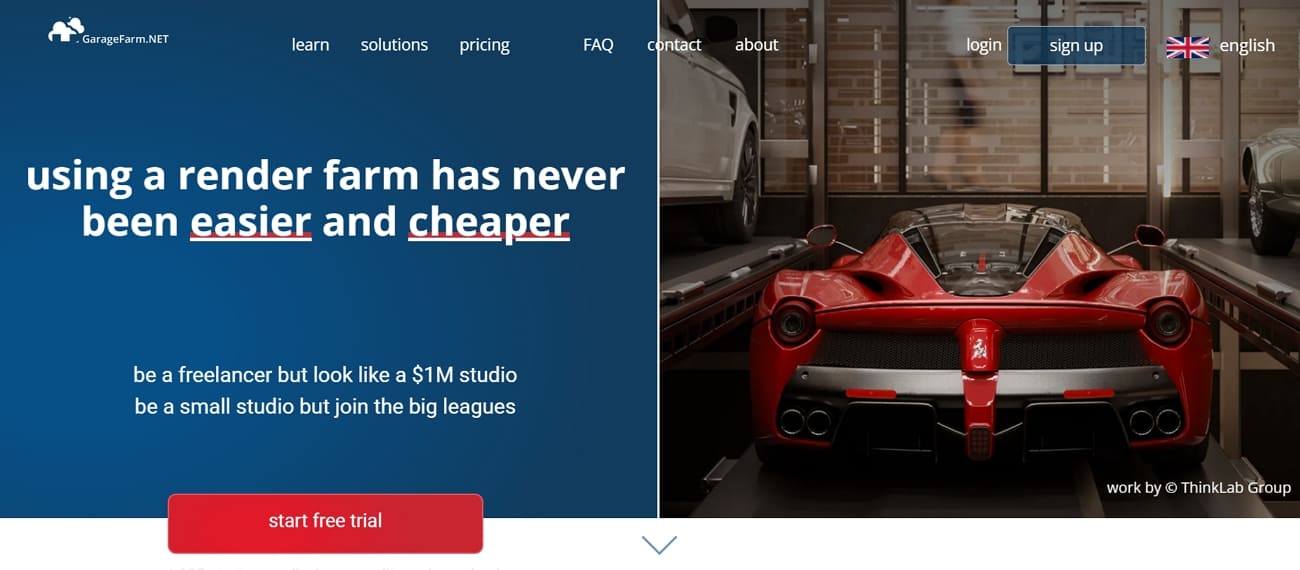
GarageFarm utilizes the renderBeamer app to automate asset collection and relink missing textures. This Redshift render farm product rendering service supports both high-performance CPU and GPU nodes. Along with that, it collects and relinks all project assets automatically before submission. The system even performs native error checking to prevent failed product renders. Native support for mainstream engines ensures consistent visual fidelity across all product marketing assets.
Key Features
- Compatible with niche software like LightWave, Modo, Rhino, and even Terragen environments.
- Distribute multiple camera angles across hundreds of nodes to save production time.
- Your project files remain protected in a secure environment during the render via ISO 27001 certification.
Pros & Cons
|
Pros |
Cons |
|
No minimum fees make it perfect for quick product previews |
Managed farm system lacks full remote desktop access |
|
Supports a massive range of 3D software |
Queue wait times vary significantly depending on the chosen priority level |
Pricing Model
- GPU low priority costs 0.004 USD per OctaneBench-hour for supported GPU workflows.
- CPU rendering ranges from 0.024 to 0.072 USD per GHz-hour by priority level.
- High-priority GPU reaches 0.012 USD per OBh for urgent product deadlines.
- Node-hour rates fall between 0.66 and 3.16 USD with maximum discounts applied.
Part 4. The Future of Render Farms in Product Visualization Workflows
The future of product visualization workflows relies heavily on cloud-based render farms. According to Research and Markets, cloud render farms will grow from 2.74 billion USD in 2026 to 6.61 billion by 2030. This 24.6% CAGR reflects surging e-commerce demands for 3D configurators and AR shopping. Alongside, the AI render farm for product visualization 2026 introduces neural denoising with 4-5x speed gains.
Frame generation and upscaling eliminate traditional render time constraints completely. Moreover, 3Devision states that adopting 3D visualization results in 20-40% higher conversion rates. Plus, some case studies show 200% conversion boosts from interactive product page experiences. Distributed computing ensures that brands can meet the rising demand for digital assets. So, future workflows will rely on these platforms to generate thousands of product variants.
FAQs about Render Farms for Product Visualization
Q1. Is it possible to preview my product lighting before committing to full rendering?
Most platforms allow you to render a single low-resolution test frame for quick verification. This step helps identify potential material errors or lighting glitches without spending many credits. Previewing ensures that the final quality output meets your specific brand aesthetic requirements perfectly.
Q2. What happens if a specific frame fails during a long animation render?
The management system automatically detects failure and reassigns the frame to another. Yet, studios only pay for successful compute time rather than wasting credits on failed nodes. This automated recovery process ensures that your final product animation remains perfectly consistent.
Q3. Are render farms compatible with custom-built shaders for high-end luxury products?
Most cloud services support standard OSL shaders and common third-party plugin material libraries. Still, you must include all custom shader dependencies within your project folder before uploading. Thus, cloud rendering services like Fox Renderfarm provide the extensive technical support needed to configure unique custom shader setups.
Conclusion
Product visualization often requires high-resolution images, realistic materials, and multiple variations of the same product. These tasks can quickly become time-consuming without the right computing resources. A render farm helps streamline this process by handling large batches of renders efficiently and reducing production time.
Among the available options, Fox Renderfarm stands out with its scalable cloud resources, strong software compatibility, and ability to process multiple product renders reliably, making it a practical render farm for product visualization workflows.