What Is Cloud Rendering? A Complete Beginner’s Guide for 2026
 Ryan Thompson
High-quality 3D animations and visual effects often take days or weeks on a single computer. Cloud rendering uses remote servers to render 3D scenes instead of a local workstation. Artists, studios, and freelancers can upload scenes, have servers handle the heavy work, and download finished results.
Cloud rendering saves time, avoids the need for expensive hardware, and allows multiple projects to run simultaneously. This guide explains what cloud rendering is, how it works, how it compares to local rendering, and when it makes sense to use it in real production workflows.
Part 1. What Is Cloud Rendering?
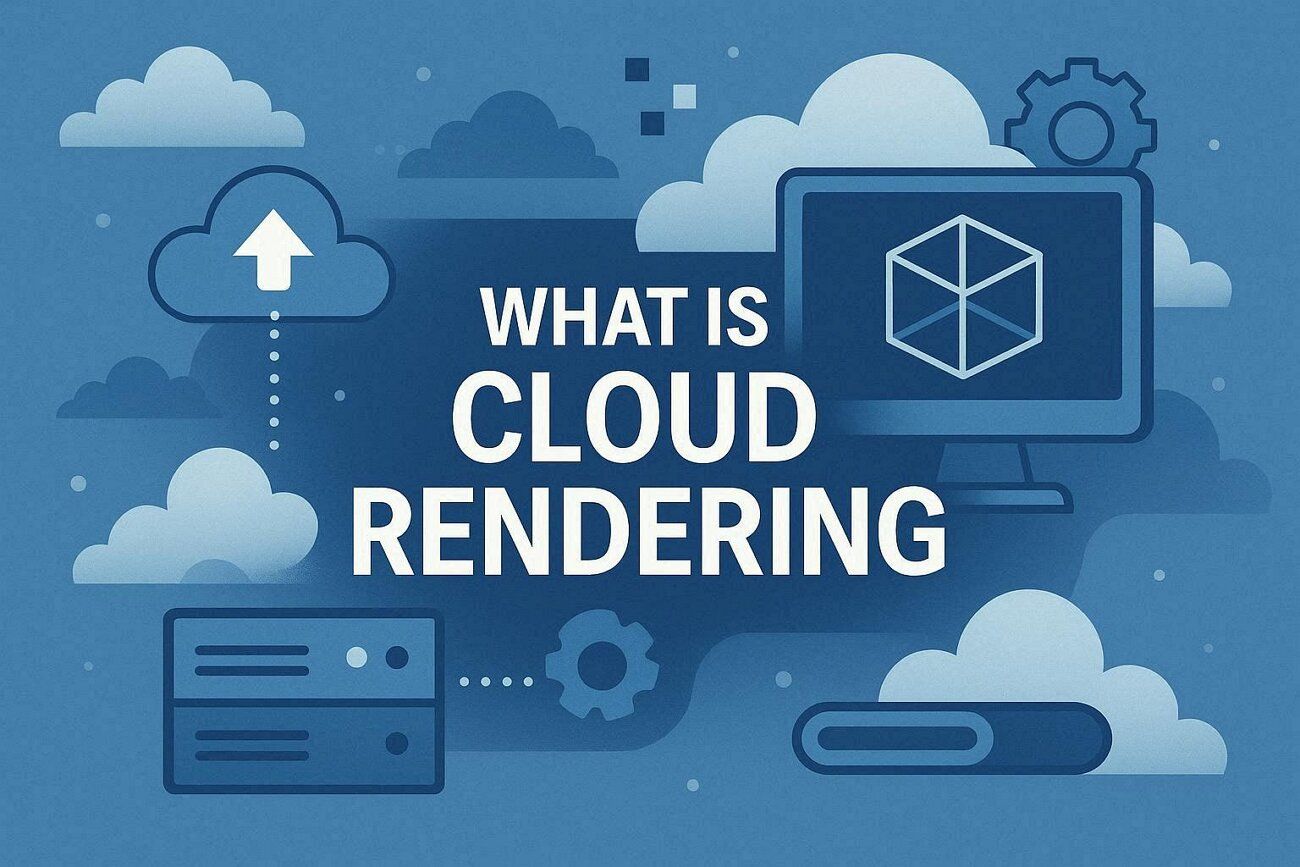
Cloud rendering refers to the process of performing 3D rendering tasks on remote servers instead of on a local workstation. By uploading 3D scenes, animation files, or visual effects projects to cloud-based computing resources, artists can offload computationally intensive rendering workloads to external CPU and GPU clusters rather than relying solely on their own hardware.
In practice, you send your project to the cloud, and servers process each frame quickly, processing frames or image tiles in parallel. Once the rendering process is complete, the final frames or videos are downloaded back to you for post-production or delivery.
According to the Cloud Rendering Software Market, the global cloud rendering software market is set to grow from $3.34B to $16.75B by 2034 at a 17.5% CAGR. This report also says that cloud-based rendering will develop rapidly, driven by the demand for scalable computing resources and remote production pipelines.
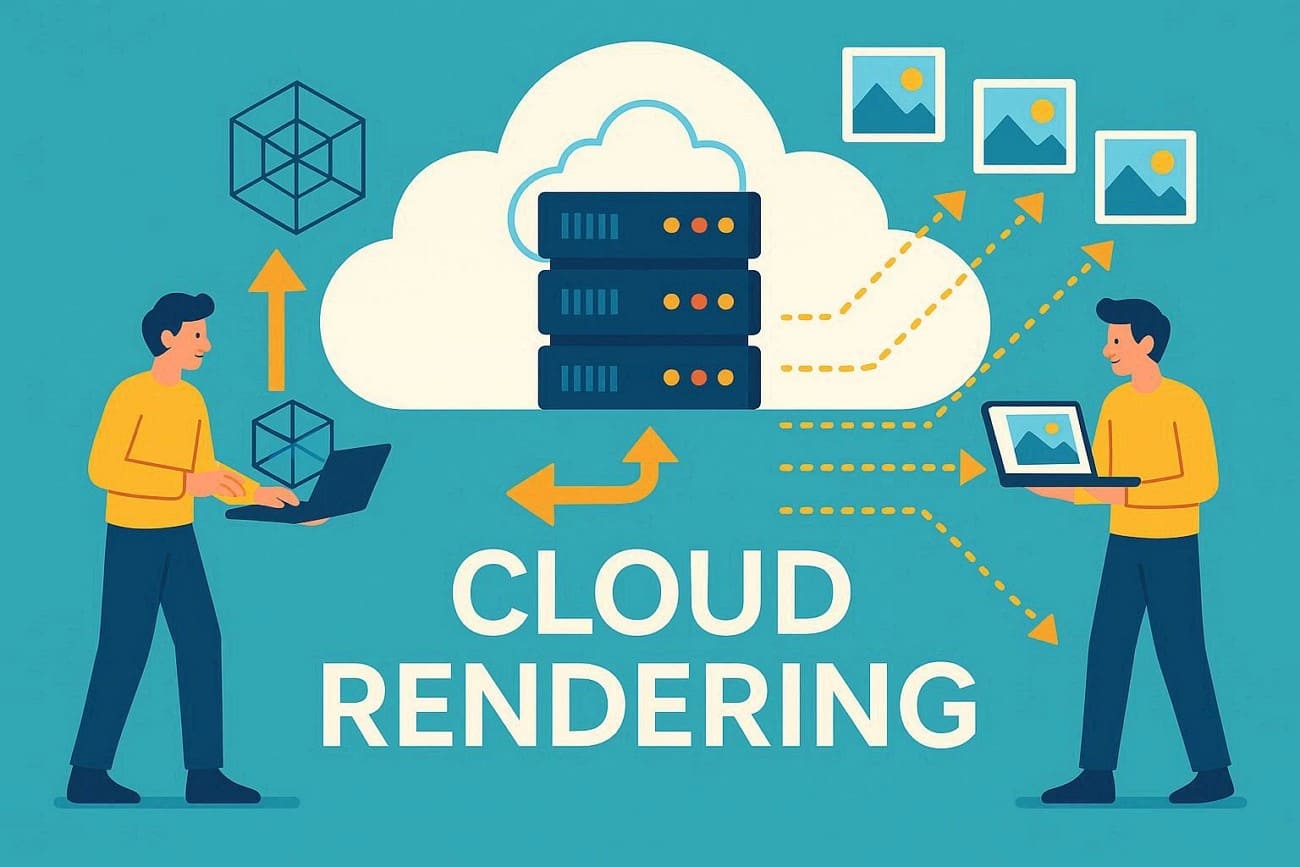
Cloud rendering offers fast results, scalable resources, and the ability to handle complex, high-resolution projects without the need for expensive hardware. This makes it ideal for studios, freelancers, and anyone needing reliable, efficient rendering power.
Part 2. How Does Cloud Rendering Work?
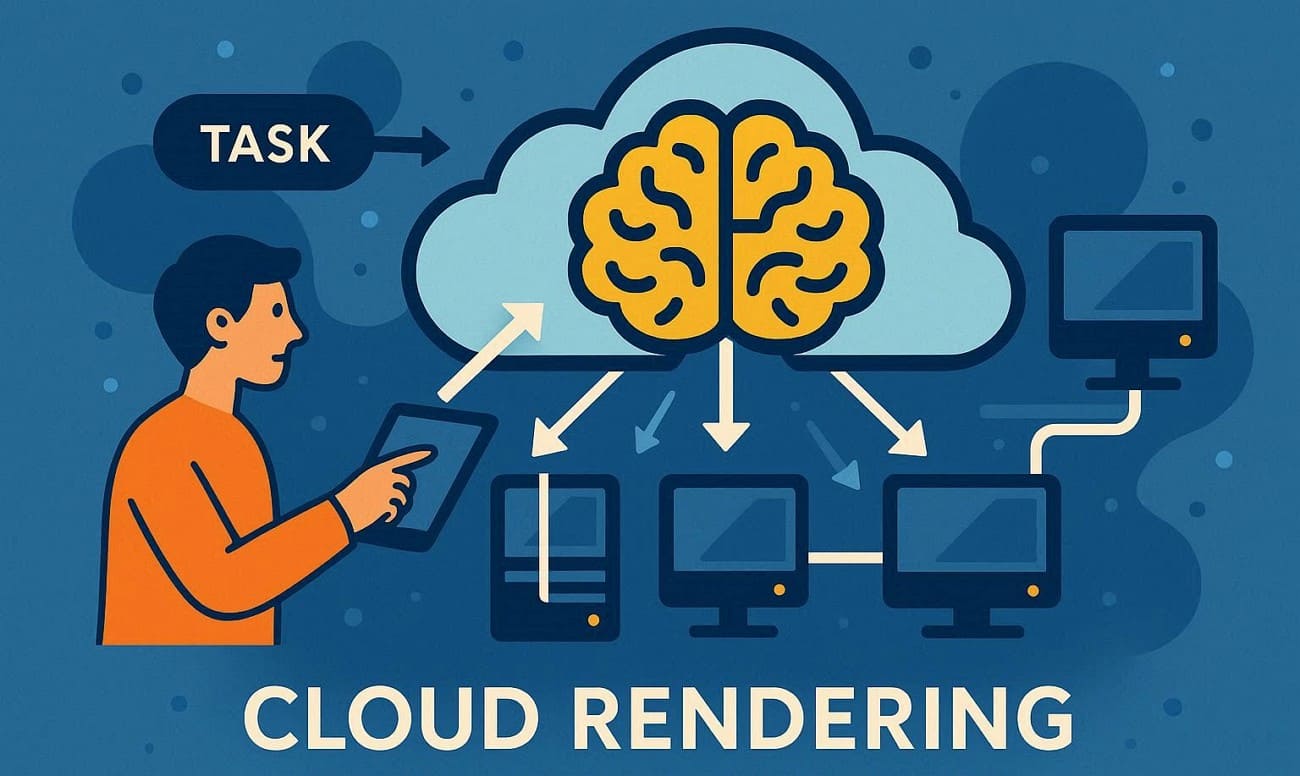
Instead of one computer working through a long to-do list, cloud rendering breaks that list into tiny pieces and gives each piece to a different expert simultaneously. Here is the detailed stepwise breakdown to help you understand how the cloud render farm works:
The Core Architecture: Parallelism
Know that the secret to cloud rendering is Parallel Processing. In a traditional “Local” setup, your CPU or GPU renders frames one after another. Hence, if frame 1 takes 5 minutes, and you have 100 frames, you are waiting 500 minutes.
Alternatively, in the “Cloud,” the Management Server looks at your 100-frame projects. It assigns Frame 1 to Server A, Frame 2 to Server B, and so on. Since all these servers work at the exact same time, your 100 frames are rendered concurrently on 100 nodes in ~5 minutes.
The 5-Step Workflow
Using a professional cloud rendering service typically follows this automated pipeline:
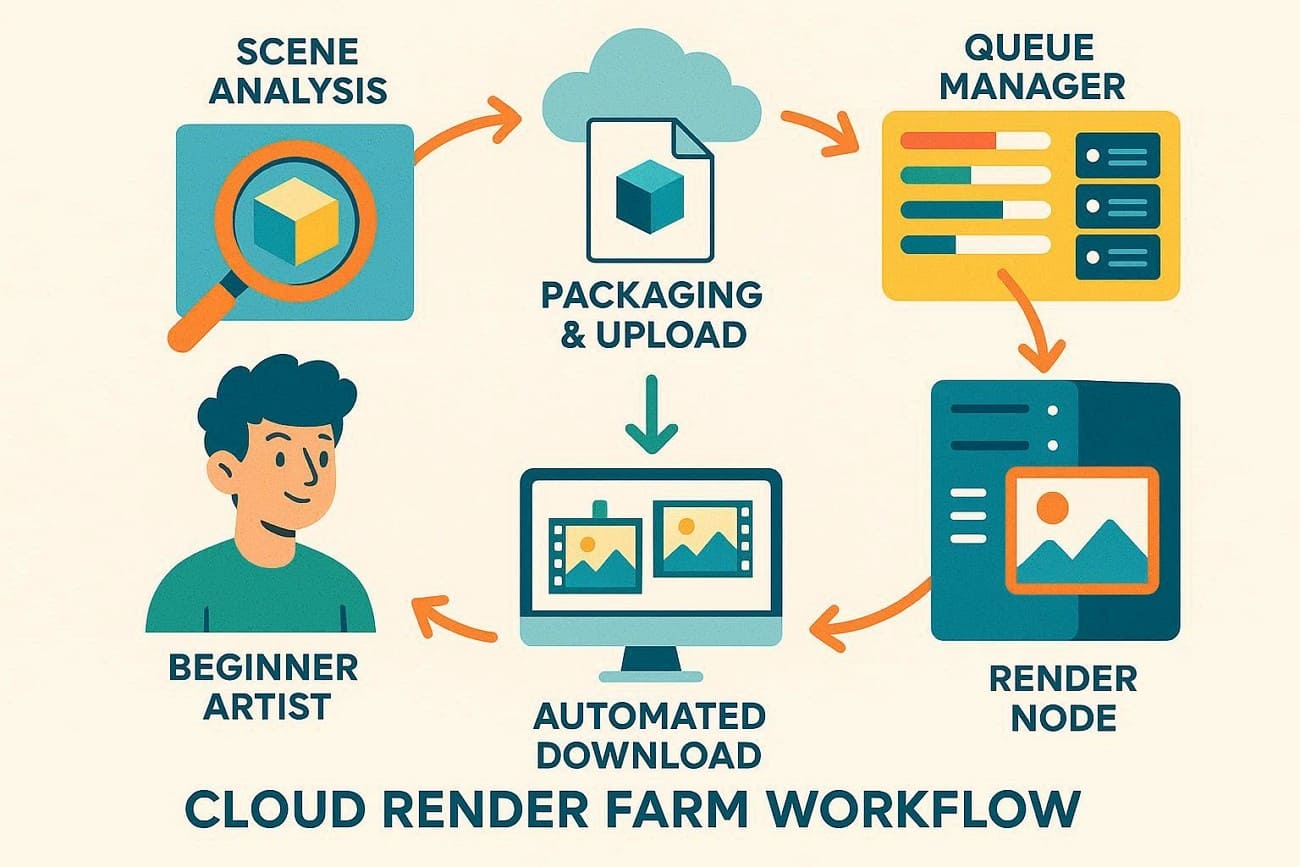
- Scene Analysis: You use a plugin or desktop client that scans your 3D file. It checks for missing textures, caches, or incompatible plugins before you even upload.
- Packaging & Upload: Later, the software bundles your project into a single, encrypted package. As the 3D files can be massive, farms use proprietary protocols to tunnel the data into their data centers faster than a standard browser upload.
- The Queue Manager: Once your files arrive, they enter the “Queue,” and the farm’s management server looks for available hardware (Nodes). Then it assigns your frames to them based on the priority level.
- The Render Node: Each node is a high-performance server stripped for everything except raw power. It loads your file, renders the assigned frame, and saves it to the farm’s central storage.
- Automated Download: As each frame finishes, the farm sends it back to your local output folder. You don’t have to wait for the whole project to finish; you can often see Frame 1 appear on your desktop while the farm is still working on Frame 50.
Part 3. What’s the Difference Between Cloud Rendering and Local Rendering?
The choice between local and cloud rendering depends on what matters more: Control or Speed. Fenestra says that cloud rendering is much faster and more scalable than local rendering. Their 2025 data shows that 8-12-hour local tasks can be completed in 10-30 minutes in the cloud. So, here is the main difference between local and cloud computing rendering:
|
Feature |
Local Rendering |
Cloud Rendering |
|
Hardware |
Your personal workstation (CPU/GPU) |
Hundreds of high-end server nodes |
|
Speed |
Linear: One frame at a time |
Parallel: Many frames render at once |
|
Scalability |
Fixed; limited by your physical RAM/VRAM |
Virtually unlimited; can handle massive scenes |
|
Productivity |
Low: PC is usually unusable during render |
High: Workstation remains free for other tasks |
|
Upfront Cost |
High: Requires expensive hardware upgrades |
Zero: No need to buy new hardware |
|
Ongoing Cost |
Electricity and maintenance |
Pay-as-you-go: Only pay for active render time |
|
Security |
Internal (Local Network) |
High (TPN-accredited farms like Fox Renderfarm) |
|
Ideal For |
Quick tests, stills, and low-budget hobbies |
Tight deadlines, long animations, and 4K+ video |
Which One Should You Choose?
If you are a student or hobbyist with a single image, local rendering is best. However, if you have deadlines and hundreds of frames, cloud rendering saves time.
Part 4. When Should You Use Cloud Rendering?
Local rendering suits small jobs, but cloud rendering helps professionals handle heavy projects. Knowing when to switch can save time, stress, and money. Therefore, below are some situations where you will need a cloud rendering farm:
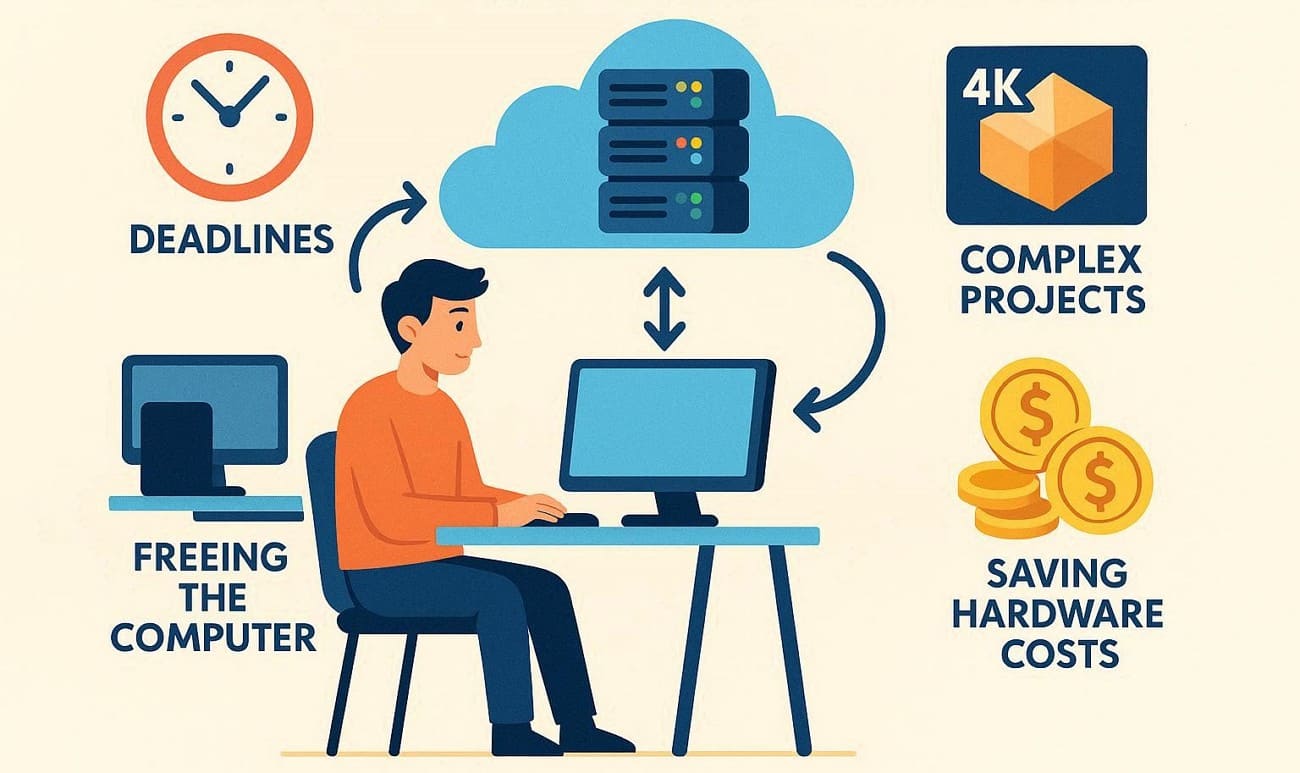
- Deadlines are Looming: If one frame takes 30 minutes on your computer, a 10-second animation (300 frames) would take 150 hours. Hence, a cloud rendering service like Fox Renderfarm can use 300 servers to render all frames in about 30 minutes.
- You Need Your Computer for Work: Local rendering ties up your computer, making other tasks slow or impossible. On the contrary, cloud rendering runs off-site and keeps your workstation free for other work.
- Complex, High-Resolution Projects: Heavy simulations, 4K resolution, and complex lightning often need more power than normal computers. So, cloud rendering farms use high-end hardware to handle large projects safely.
- To Save on Hardware Costs: Instead of spending $5,000+ every two years on a local render rig, you can pay for cloud hardware only when needed. To try cloud rendering, several established render farm services are available, such as Fox Renderfarm.
Part 5. How Much Does Cloud Rendering Cost?
One of the biggest concerns for artists moving to the cloud is the budget. Cloud rendering charges per frame, unlike local rendering, where costs hide in electricity and hardware.
Understanding the Pricing Structure
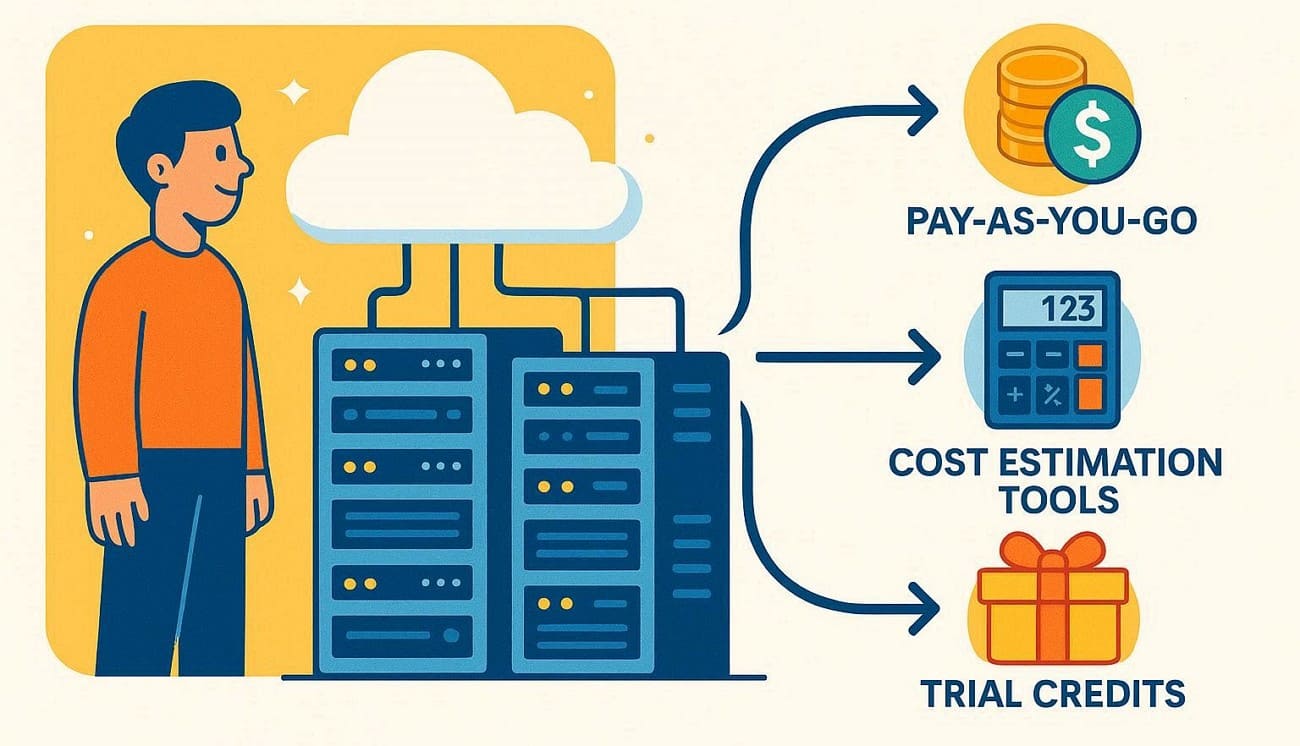
Cloud rendering costs aren’t fixed; they depend on the complexity of the scenes. Generally, render frames utilize three main pillars to keep things affordable:
- Pay-As-You-Go: You are billed only for the machine time you actually use, often down to the seconds. If a frame takes 5 minutes to render, you only pay for 5 minutes of server time.
- Cost Estimation Tools: Most render farms offer a calculator to estimate cloud costs using your hardware specs and local render times.
- Trial Credits: Many services give free credits to new users, letting you test frames and check quality without cost.
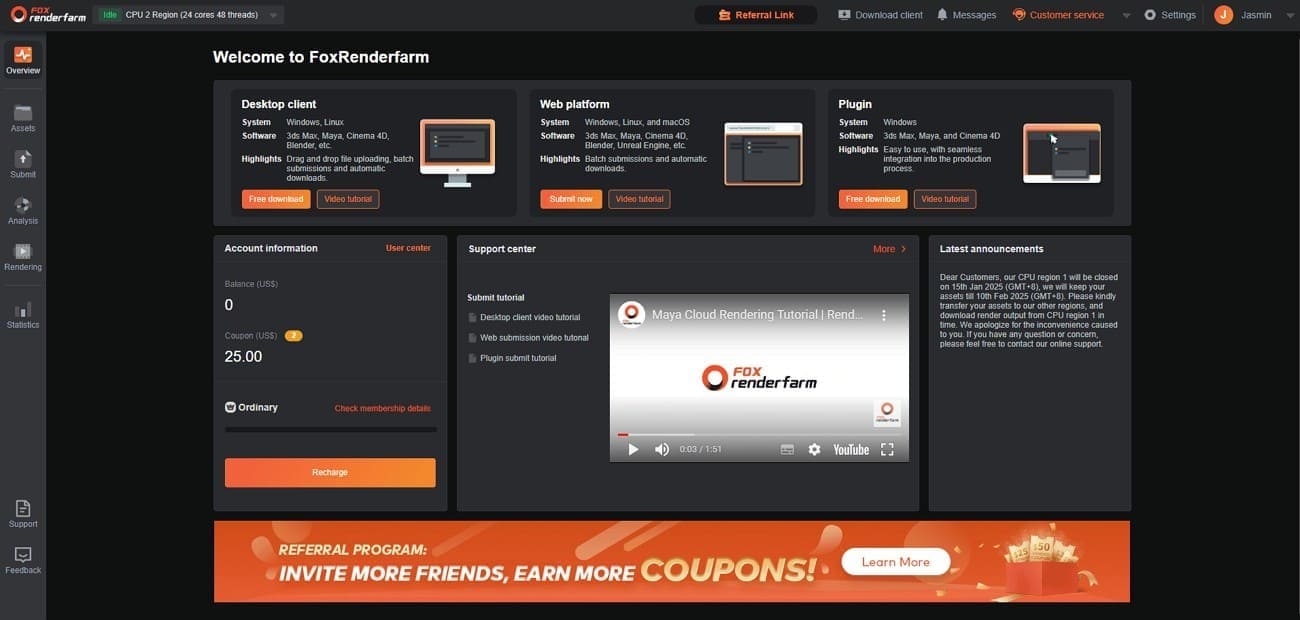
For example, Fox Renderfarm provides all of these features, including a $25 free trial and a online cost estimator. Thus, this ensures you know exactly what you're spending before the full render begins.
Factors That Influence Your Bill
While every project is different, three main variables will drive your final cost:
|
Factors |
Impact on Cost |
|
Node Priority |
Economy tiers are cheaper and slower. Premium tiers are faster, costlier. |
|
Hardware Choice |
GPU rendering is faster, costlier. |
|
Scene Complexity |
Complex scenes need more power. |
Pro Tip: Always render a test step, like every 10th frame, to check for errors and estimate cost before full rendering.
Part 6. Is Cloud Rendering Safe for Client Work?
When handling sensitive work, security matters as much as speed. Cloud rendering is safe if you choose a provider with industry-standard security measures.
Big studios like Disney and Warner Bros use cloud rendering services, which often offer stronger security than home or small-office setups. So, here are some factors that you need to look for in a farm to ensure safety, speed, and reliability:
Look for TPN Accreditation
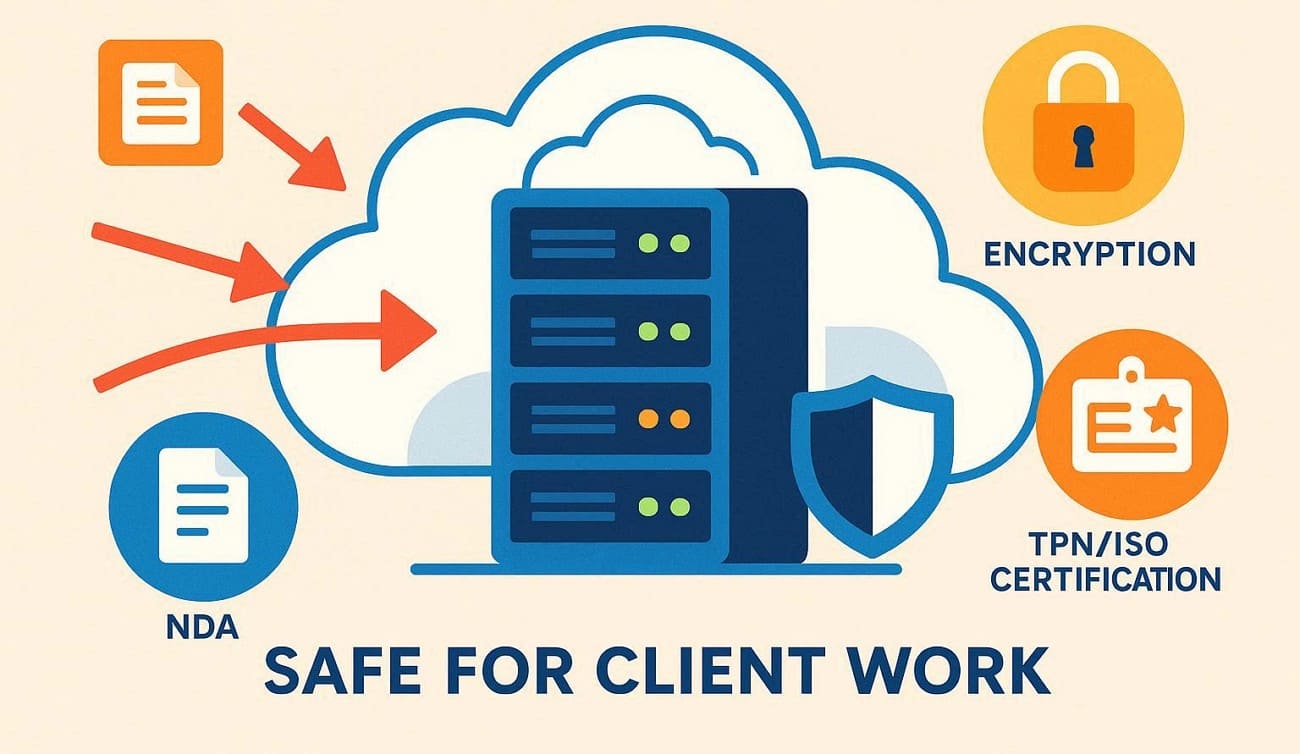
The film and animation industry’s top security benchmark is the Trusted Partner Network (TPN).
- TPN Owner: TPN is a global initiative owned and managed by the Motion Picture Association (MPA).
- TPN Scope: Film/TV content protection; physical, network, and data-handling controls.
If a cloud rendering service has it, it means the provider passes strict audits of physical security, network firewalls, and data handling to protect client content.
Provider Example: Fox Renderfarm, which is not only TPN-accredited but also ISO 27001-certified. This international standard for information security management enables them to work with high-profile film studios globally.
Encryption and NDAs
Professional cloud rendering farms treat your data like a bank treats its money. This is because they feature high-end encryption and NDAs to keep your files safe from leaks or theft.
- Encryption: Your files are usually encrypted both during upload (in-transit) and while stored on servers (at-rest).
- NDAs: Reputable services offer ready-to-sign NDAs that legally ensure your work stays confidential, and Fox Renderfarm is no exception.
Part 7. What Software Supports Cloud Rendering?
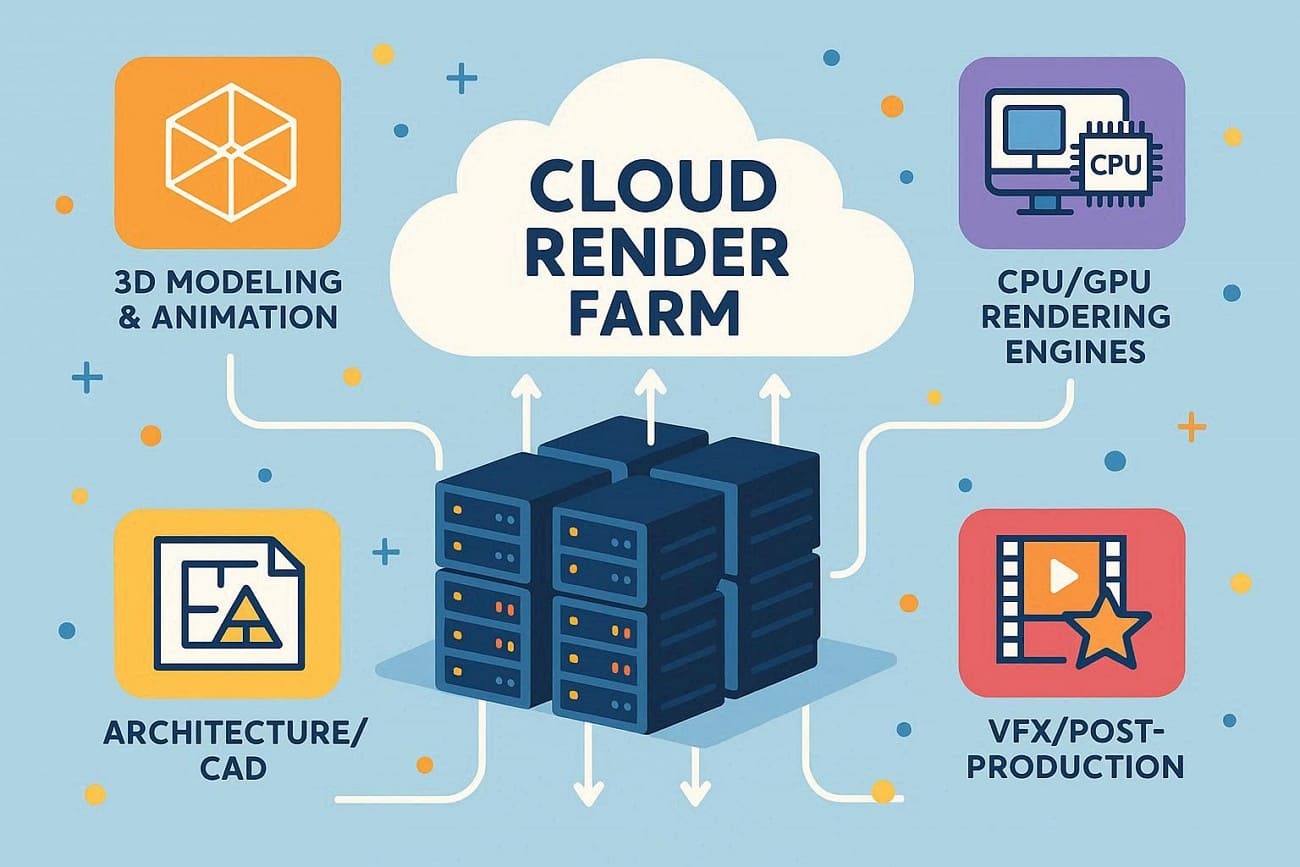
Cloud rendering works with many 3D modeling, animation, and architectural software via specialized third-party rendering farms. Here is the breakdown of software and services that support cloud rendering:
General 3D Modeling & Animation
These are the industry standards hub where most 3D scenes are built:
- Autodesk Maya: Suitable for films and character animation.
- Autodesk 3ds Max: Heavily used in architectural visualization and game assets.
- Blender: The famous open-source suite, supporting Cycles and Eevee.
- Cinema 4D: Commonly used in motion graphics and broadcast designs.
- Houdini: Used for high-end procedural effects and simulations, like fire, water, and destruction.
Rendering Engines
A render farm must support the specific rendering engine used to calculate lighting, shading, and textures.
|
Engine Type |
Engine |
Farm Hardware Used |
|
CPU |
Arnold |
High core count Xeon or EPYC server CPUs |
|
CPU |
V-Ray CPU |
High core count Xeon or EPYC server CPUs |
|
CPU |
Corona |
High core count Xeon or EPYC server CPUs |
|
GPU |
Redshift |
NVIDIA RTX professional GPUs or data center GPUs |
|
GPU |
Octane |
NVIDIA RTX GPUs with CUDA support |
|
CPU or GPU |
Cycles |
CPU servers or NVIDIA RTX GPUs, depending on configuration |
Architecture & CAD (BIM)
Specialized tools for buildings and engineering that often require cloud power for high-res stills.
- Autodesk Revit: The tool for BIM (Building Information Modeling).
- SketchUp: Used for rapid architectural prototyping.
- Rhinoceros 3D (Rhino): Suitable for complex geometric and jewelry design.
Visual Effects & Post-Production
Cloud-based rendering isn't just for 3D; it’s also used for compositing heavy video layers.
- Foundry Nuke: The industry-standard for professional compositing.
- After Effects: Often offloaded to the cloud for complex motion graphics.
If you are looking for a cloud rendering service that covers almost all of these, Fox Renderfarm supports all of them. It also provides plugins and client tools to simplify project submission and rendering management.
Part 8. FAQs about Cloud Rendering
1. Is cloud rendering good for beginners?
Yes, cloud rendering is simple and flexible, so beginners can start without extra hardware. Additionally, many services offer guides and support, making learning and creating projects faster.
2. Do I need a powerful PC to use cloud rendering?
No, cloud rendering runs on remote servers, so even low-spec PCs can submit projects. Therefore, you can save money and time while servers handle heavy calculations and complex scenes.
3. Can I use cloud rendering for animation sequences?
Yes, cloud rendering can render each frame quickly, so the animation finishes faster than locally. Moreover, farms allow multiple frames to run at once, reducing long project delays.
Conclusion
To wrap up, this article has explained what cloud rendering is and how it works. Additionally, it is guided on when one can use it and which famous software supports cloud rendering. Knowing when to use cloud rendering and which software is supported ensures smooth workflows.
For reliable results, render farm like Fox Renderfarm are recommended due to wide software compatibility, secure infrastructure, and convenient pay-as-you-go pricing. Overall, cloud rendering makes high-quality 3D and animation projects accessible, scalable, and efficient for any creative professional.