Blender
 Cinema 4D
 Arnold
 3ds Max
 Houdini
 V-Ray
V-Ray Maya
Maya Unreal Engine
 Nuke
Nuke10 Best Cloud Rendering Services in 2026 With Free Trials
 Ryan Thompson
Choosing a cloud rendering service sounds simple until you compare real workflows. Some farms are easier for Blender, some are built for large studios, and some look attractive mainly because of trial credits rather than long-term value.
In this guide, we compare 10 cloud rendering services in 2026, including free-trial and community-based options, so you can quickly see which one fits your software, budget, and project scale.
Before the list, one quick note: not every option below is fully free. Some offer free trial credits, some offer educational access, and some are only free in a limited community model. That distinction matters if you are comparing real production costs. If you want a clearer foundation first, this guide on what cloud rendering is and how it works is worth reading.

What to Look for in a Cloud Rendering Service
A good cloud render farm is not just about raw speed. In practice, most artists compare five things first:
- software and render-engine support
- CPU vs GPU availability
- upload workflow and job management
- pricing transparency or free trial access
- technical support and security
If you are unsure which hardware path matters more for your scenes, this breakdown of CPU vs GPU rendering will help. And if you are still working on a modest machine, you may also want to check whether cloud rendering has strict computer requirements.
Quick Comparison
|
Service |
Best For |
Free Option |
Notes |
|
Fox Renderfarm |
Balanced CPU/GPU workflows |
Free trial |
Broad DCC support and strong production features |
|
RebusFarm |
Artists who want easy app integration |
Free trial |
Mature service with wide software support |
|
Chaos Cloud |
V-Ray users |
Trial / credits depend on Chaos setup |
Best fit if you already use the Chaos ecosystem |
|
GarageFarm.NET |
Artists who want strong human support |
Free trial |
Good CPU/GPU balance and 24/7 support |
|
iRender |
Users who want full remote GPU control |
No fully free tier, promotions available |
More like GPU server rental than classic SaaS farming |
|
Ranch Computing |
Archviz and animation workflows |
Free credits |
Long-running farm with broad renderer support |
|
3D Off The Page |
KeyShot users |
No real free tier |
Specialized service for KeyShot rendering |
|
Conductor |
Studio-scale pipelines |
Demo / enterprise onboarding |
Strong for integrated production workflows |
|
GridMarkets |
Flexible 3D and simulation workloads |
Free signup / trial access |
Good support for Houdini, Blender, Maya, and more |
|
SheepIt |
Blender users on a tight budget |
Free |
Community-powered and Blender-only |
1. Fox Renderfarm
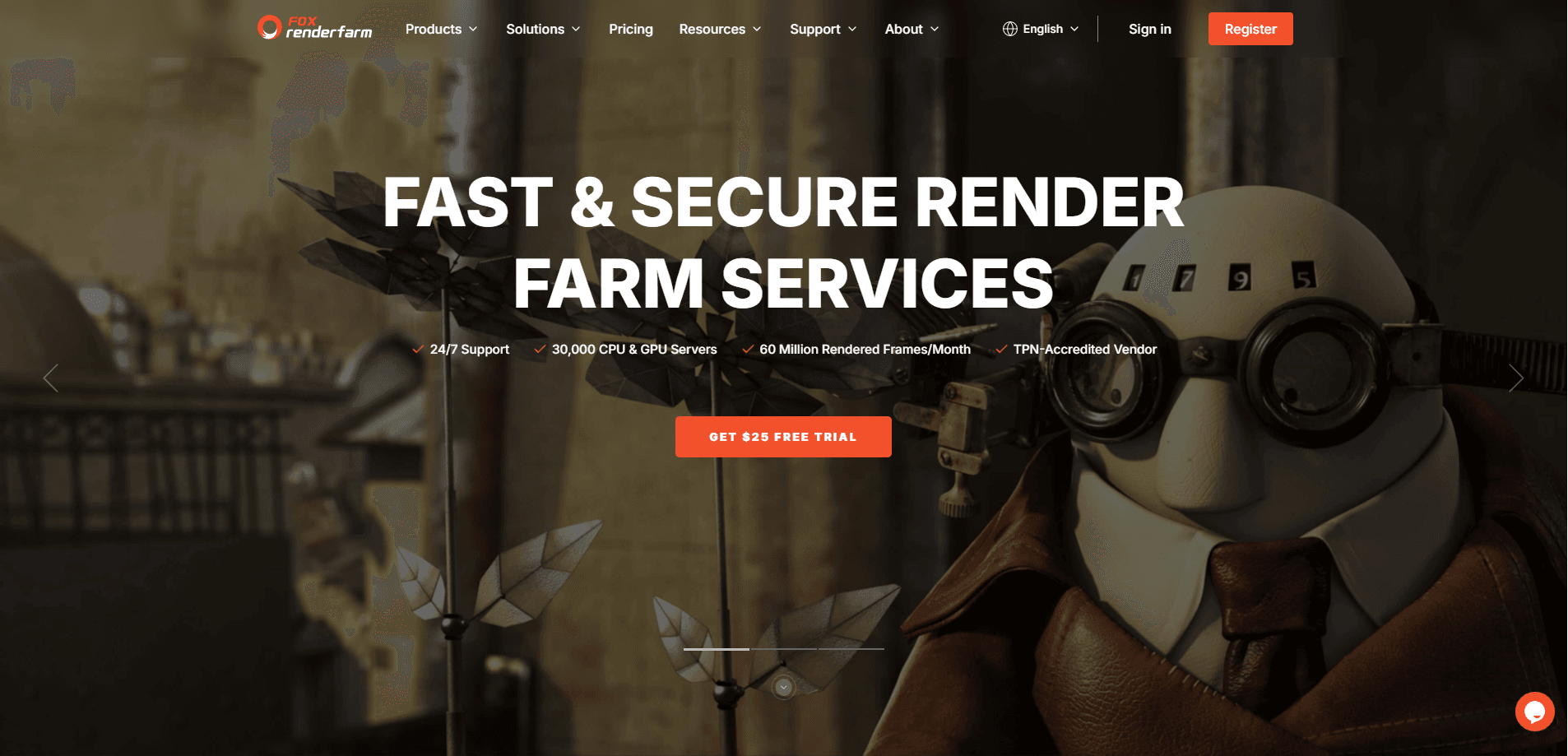
Fox Renderfarm is one of the most balanced choices on this list if you want a classic cloud render farm rather than a DIY server rental setup. It supports both CPU and GPU rendering, works with major tools such as Blender, Maya, Houdini, 3ds Max, Cinema 4D, Arnold, V-Ray, Redshift, and more, and offers both web and desktop submission workflows.
What makes Fox Renderfarm practical for many users is that it can serve both small teams and larger production pipelines. It also emphasizes security, API integration, and broad plugin support, which matters more once projects get heavier. If you are comparing providers in more detail, this related guide on how to choose a cloud rendering service is a useful next step.
Best for: freelancers, 3D artists and studios who want a general-purpose render farm
Why it stands out: CPU and GPU support, broad software compatibility, TPN and ISO-focused positioning
Free access: $25 free trial
2. RebusFarm

RebusFarm has been around for a long time and is still a familiar name in cloud rendering. It supports a wide range of 3D software and renderers, including Blender, Maya, Cinema 4D, V-Ray, Corona, Arnold, Octane, and more. That makes it a solid choice for artists who want familiar submission tools without rebuilding their workflow from scratch.
It is especially appealing to freelancers and smaller studios that want a mature render-farm interface, cost-calculation tools, and direct software integration.
Best for: artists who want broad compatibility and a well-established farm
Why it stands out: wide DCC support, integrated workflow, ISO 27001 messaging
Free access: free trial credit available
3. Chaos Cloud

Chaos Cloud makes the most sense if you already work inside the Chaos ecosystem, especially with V-Ray. Instead of behaving like a general render farm for every kind of pipeline, it focuses on making cloud submission feel native for users already working in Chaos tools.
That makes it a strong option for architects, designers, and visualization teams that want to send V-Ray jobs to the cloud without switching platforms. It is less of an all-purpose render-farm comparison pick and more of a “best fit if you already use Chaos” option.
Best for: V-Ray and Chaos ecosystem users
Why it stands out: direct V-Ray submission, cloud-based reviews, security framework messaging
Free access: depends on Chaos credits and account setup
4. Garagefarm

GarageFarm.NET is a good middle-ground choice for users who care about support almost as much as speed. Its current positioning leans heavily on 24/7 human support, CPU and GPU scale, and an onboarding experience that feels friendlier than some more technical competitors.
It also supports a wide range of 3D workflows across animation, archviz, VFX, and product rendering. If you are new to cloud rendering and want a service that feels more guided, GarageFarm is one of the easier names to shortlist.
Best for: artists who value support and straightforward onboarding
Why it stands out: 24/7 human support, free starter credit, automated render workflow
Free access: free trial credit available
5. iRender

iRender is a different kind of option. It is less of a traditional upload-submit-render farm and more of a remote GPU server rental platform. You get full control of a remote machine, which means you can install your own software, plugins, and versions instead of depending on a fixed farm template.
That flexibility is useful if your project setup is hard to standardize or if you need more direct control. It is especially relevant for GPU-heavy workflows in Blender, Redshift, Octane, V-Ray GPU, Houdini, Unreal Engine, and similar tools.
Best for: users who want full remote desktop control of GPU servers
Why it stands out: flexible server setup, multi-GPU options, custom software freedom
Free access: promotions available, but not a fully free service
6. Ranch Computing
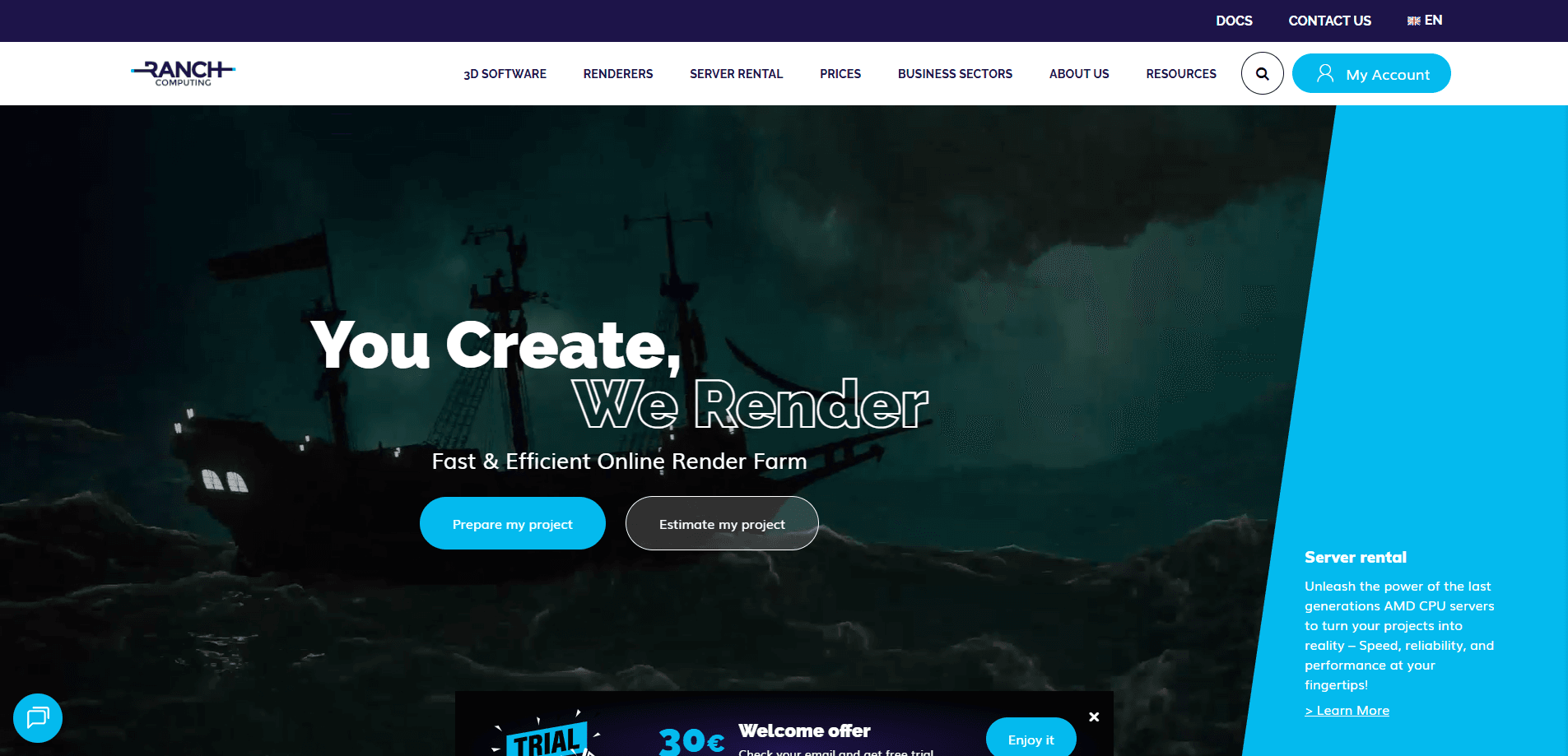
Ranch Computing is still a credible option for users who want a more traditional online render-farm experience with broad software and renderer support. It supports Blender, Maya, Houdini, Cinema 4D, 3ds Max, V-Ray, Arnold, Redshift, Corona, Octane, RenderMan, and more.
Its positioning feels especially relevant for archviz, animation, and product visualization users who want a tested workflow without jumping into a more enterprise-heavy platform.
Best for: archviz, animation, and mixed rendering workflows
Why it stands out: long-running service, broad renderer support, free credit for new users
Free access: free registration credit offered
7. 3D Off The Page
3D Off The Page is much more specialized than most services on this list. It is built around KeyShot cloud rendering, which makes it more relevant to product designers, industrial designers, and visualization teams already committed to KeyShot workflows.
That specialization is useful if KeyShot is your main tool, but it also makes this a narrower recommendation. It is not the best match for artists who need a broad software ecosystem.
Best for: KeyShot users
Why it stands out: focused workflow for KeyShot rendering
Free access: no major free tier highlighted
8. Conductor Cloud Rendering

Conductor is aimed more at serious studio pipelines than casual one-off users. Its positioning is built around scalable cloud rendering, production automation, security, and integrations across AWS, GCP, CoreWeave, Autodesk, Blender, Houdini, and more.
That makes it a strong candidate for teams that think in terms of pipeline efficiency rather than just “where can I render this one scene?” For solo artists, it may feel like more platform than they need. For larger productions, it can make much more sense.
Best for: studios and teams with larger pipeline needs
Why it stands out: cloud-scale workflow, strong integrations, enterprise-friendly positioning
Free access: onboarding rather than simple consumer-style free trial
9. GridMarkets

GridMarkets is one of the stronger options if you want flexible support across Houdini, Blender, Maya, Cinema 4D, 3ds Max, Unreal Engine, and multiple renderers including Redshift, Arnold, Karma, V-Ray, and RenderMan. Its positioning feels especially friendly to artists who work across both rendering and simulation-heavy jobs.
It is also one of the services that presents itself as fast to start, with free signup and no credit card required at the first step, which can help reduce friction for first-time users.
Best for: flexible 3D rendering and simulation workloads
Why it stands out: broad app support, free signup, 24/7 support
Free access: free account setup and trial-style onboarding
10. SheeIpt

If your main goal is to find a truly free cloud rendering service, SheepIt is still the one that stands out. It is a distributed Blender render farm, not a commercial render-farm platform in the usual sense. It relies on a community of shared machines, and it supports Blender render engines such as Cycles and Eevee.
That makes it a good fit for Blender users, students, hobbyists, or anyone experimenting without budget. The trade-off is obvious: it is more limited, less predictable, and much narrower in scope than paid render farms. But if “free” is your top filter, it deserves to be here.
Best for: Blender users and hobbyists
Why it stands out: genuinely free, community-driven, easy to try
Free access: fully free
Which Cloud Rendering Service Is Best for You?
The answer depends less on hype and more on how you actually work.
If you want a straightforward render farm with broad software support, Fox Renderfarm, RebusFarm, GarageFarm.NET, and Ranch Computing are the easiest places to start. If you are already deep in the Chaos ecosystem, Chaos Cloud will usually make more sense than switching to a broader provider. If you need full machine control, iRender is a better fit than a standard SaaS farm. And if you only need Blender rendering with no budget, SheepIt is still the obvious free option.
For Blender users specifically, these guides on how to render faster in Blender and how to render an animation in Blender can help you decide whether you need a render farm yet or just a better local workflow.
A Quick Note on Google Cloud Rendering
If you are still searching for Google cloud rendering services because of older articles about Zync, that information is outdated. Google shut down Zync Render years ago, so it no longer belongs in current “best cloud rendering service” comparisons.
Summary
Fox Renderfarm hopes it will be of some help to you. It is well known that Fox Renderfarm is an excellent cloud rendering services provider in the CG world, so if you need to find a render farm, why not try Fox Renderfarm, which is offering a free $25 trial for new users? Thanks for reading!


 Ryan Thompson