


Computer Animation: Step-by-Step Techniques for Creators
 Ryan Thompson
You want to create digital scenes or characters, but you feel lost about where to start. It is obvious that computer animation appears to be complicated, but a clear guide can simplify the entire process.
This article discusses the nature of computer animation, how it works, and the key ways in which practitioners employ it. So, watch how artists create motion on the screen, step-by-step, using tools that anyone can master with time.
Part 1. What is Computer Animation?
Computer animation is a method of bringing motion to a screen using software. It is also called digital animation, wherein artists can come up with digital characters, objects, or scenes and animate them frame by frame or use special tools to assist in motion. It enables creators to capture ideas that real cameras cannot, from fantasy worlds to small product demos.
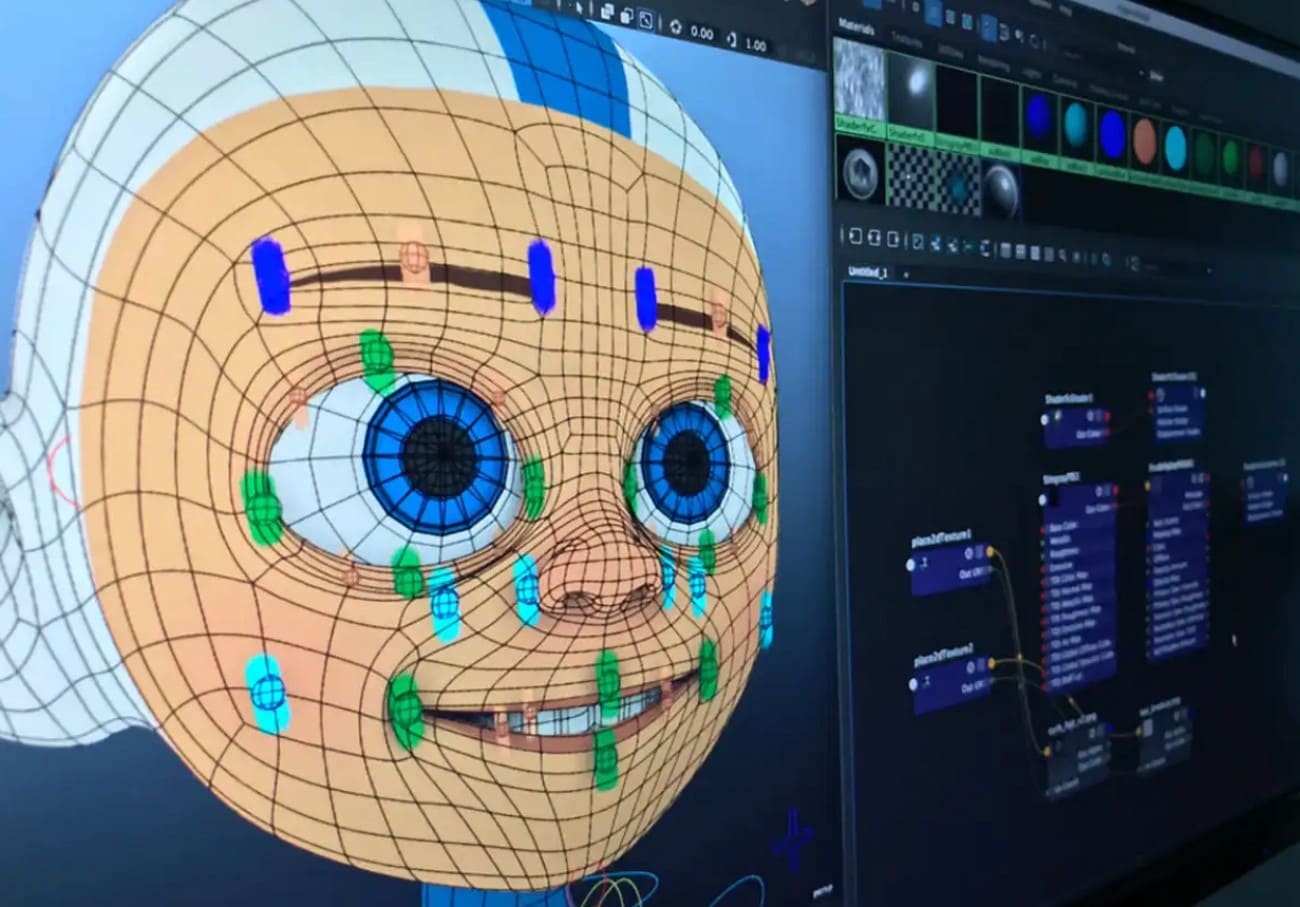
So, since you know what computer animation is, review the listed table and determine how it differs from traditional animation:
|
Aspect |
Computer Animation |
Traditional Animation |
|
Tools |
Uses computers, software, and digital tablets. |
Uses physical materials like paper, pencils, and cels. |
|
Creation Process |
Assets are created digitally and can be reused or edited easily. |
Each frame is drawn or painted by hand, usually frame by frame. |
|
Time And Efficiency |
Generally faster, with options like rigging and automated in-betweens. |
More time-consuming due to the manual drawing of many frames. |
|
Cost |
It can be more cost-effective over time despite software/hardware costs. |
Often more expensive because of intensive manual labor. |
|
Visual Style |
Clean, precise, and easily supports complex effects and 3D looks. |
Organic, handcrafted feel with visible artistic imperfections. |
Part 2. History of Computer Animation
Once you know the computer animation definition, follow the specifications listed and learn where it began and how:
Early Experiments (1950s–1960s)
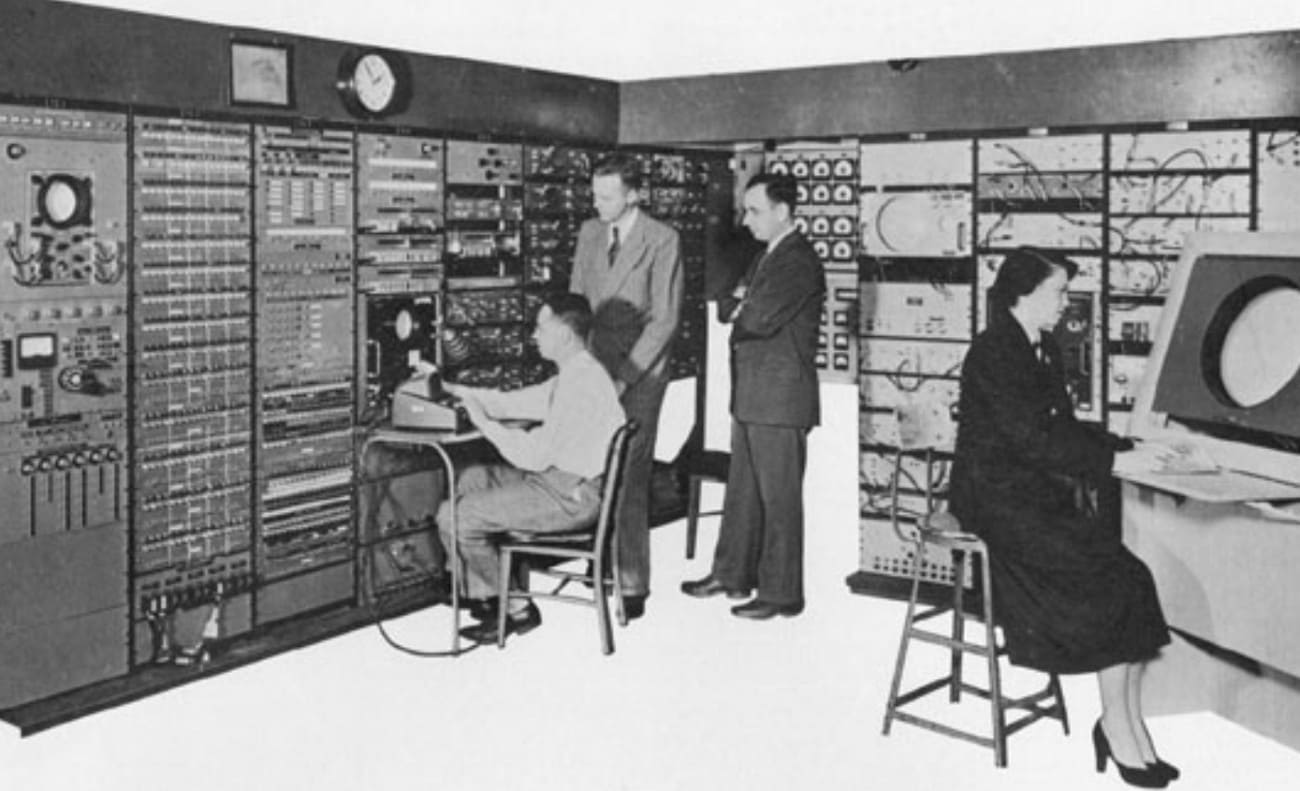
Computer graphics experiments began in the 1940s and 1950s, with John Whitney producing abstract motion graphics with manual tools and primitive computers. In the early 1960s, Edward Zajac, Ivan Sutherland, and Ken Knowlton developed some of the earliest real digital animation and interactive computers, such as Sketchpad.
The Advent of Shorts and Research (1960s–1970s)
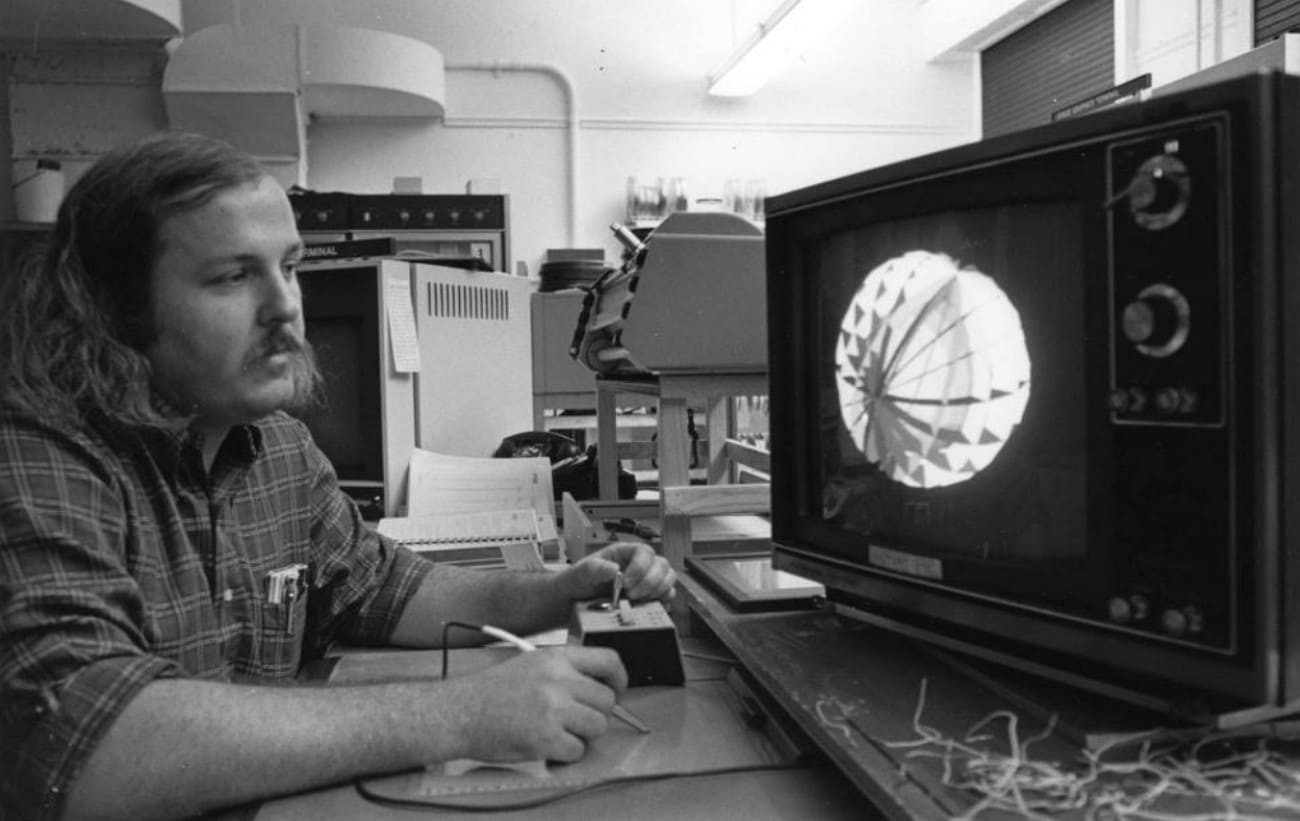
Short computer-animated films were developed in universities and research laboratories in the late 1960s and 1970s. The simple shapes and wireframe models were used, and they formed the foundation of the 3D animation. In addition, early movies mentioned in the histories of SIGGRAPH are used to determine the ways of rendering, motion, and camera movement in the virtual space.
Rise of CGI in Cinema (1970s–1980s)
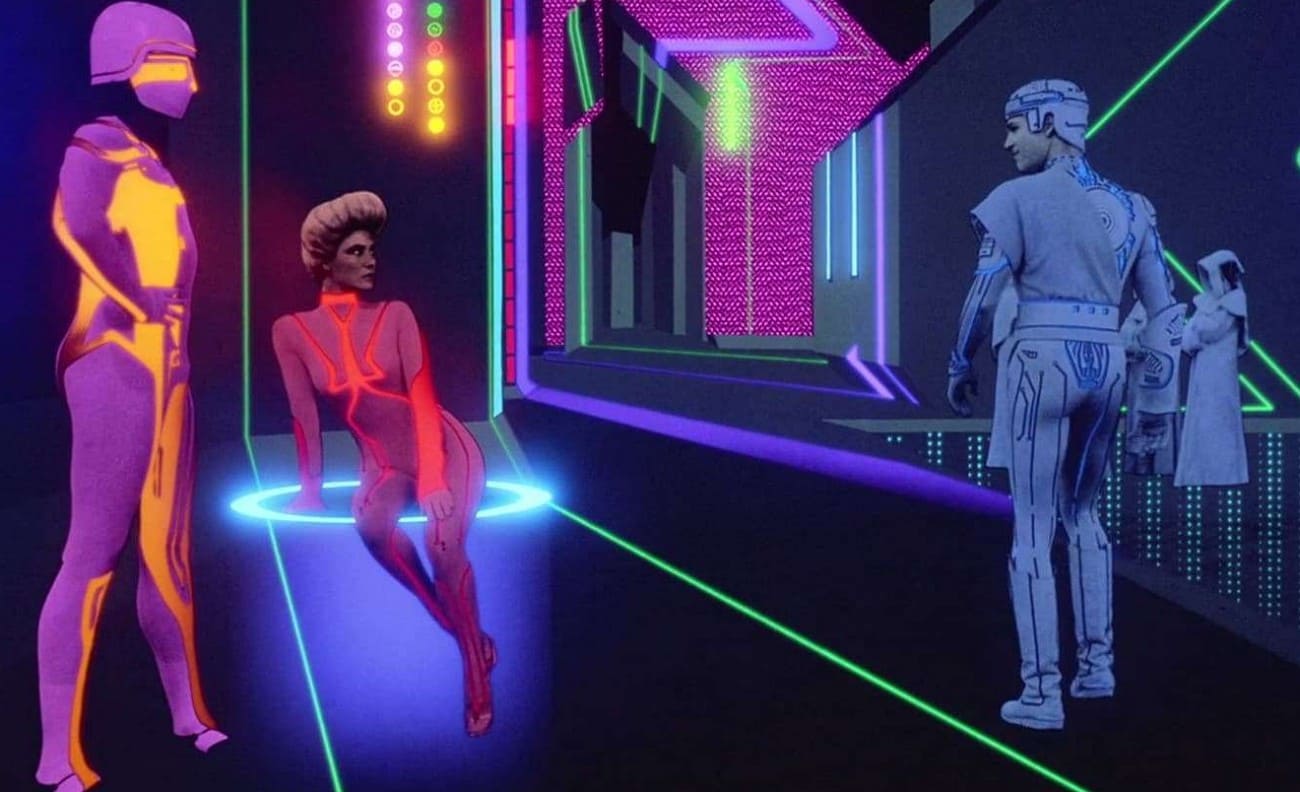
Computer animation began to be employed in the 1970s and 1980s for significant effects in live action films, such as Westworld (1973) and Tron (1982). Through these movies, it has been demonstrated that CGI can create a definite digital space and characters, yet the technology is very expensive when it comes to full-length animated films.
The Vanguarding of Fully CGI Films (1980s- 1990s)
Pixar inspired computer animation with short films such as Luxo Jr. (1986) and Tin Toy (1988). Therefore, this demonstrated that computer characters can contain genuine emotion and a definite plot. Secondly, Toy Story was the first full computer-animated feature film and showed that CGI could triumph in the art and business worlds. Therefore, this advancement set the movement toward digital animation as opposed to traditional animation.

Modern Era and Mainstream Dominance (2000s–Today)
From the 2000s onward, the biggest animated films, many TV shows, games, and effects-heavy movies rely on advanced 3D computer animation. Plus, better computers, new software, and real-time render tools allow more real light, physics, and character motion. Hence, this makes CGI the main method for today's visual media.
Part 3. Types of Computer Animation
Since computer animations have progressed a lot, they come in various kinds, and a few of them are mentioned ahead:
1. 2D Computer Animation
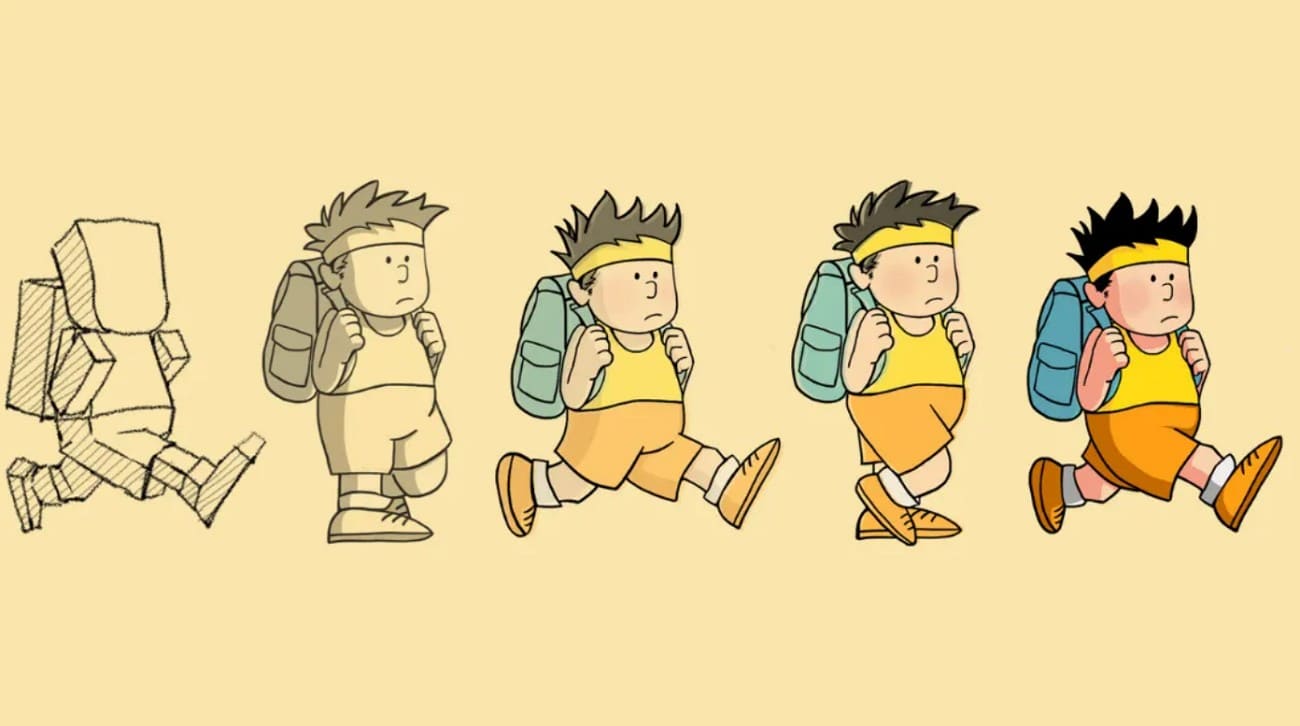
2D computer animation makes movement in a flat space with only height and width. Additionally, it uses a series of slightly different images that appear one after another to show motion. Artists draw or pose characters, objects, and backgrounds on software like Adobe Animate or Toon Boom Harmony. This method builds on old hand cartoons but takes less time and offers more control, while maintaining a flat look due to the lack of depth.
2. 3D Computer Animation
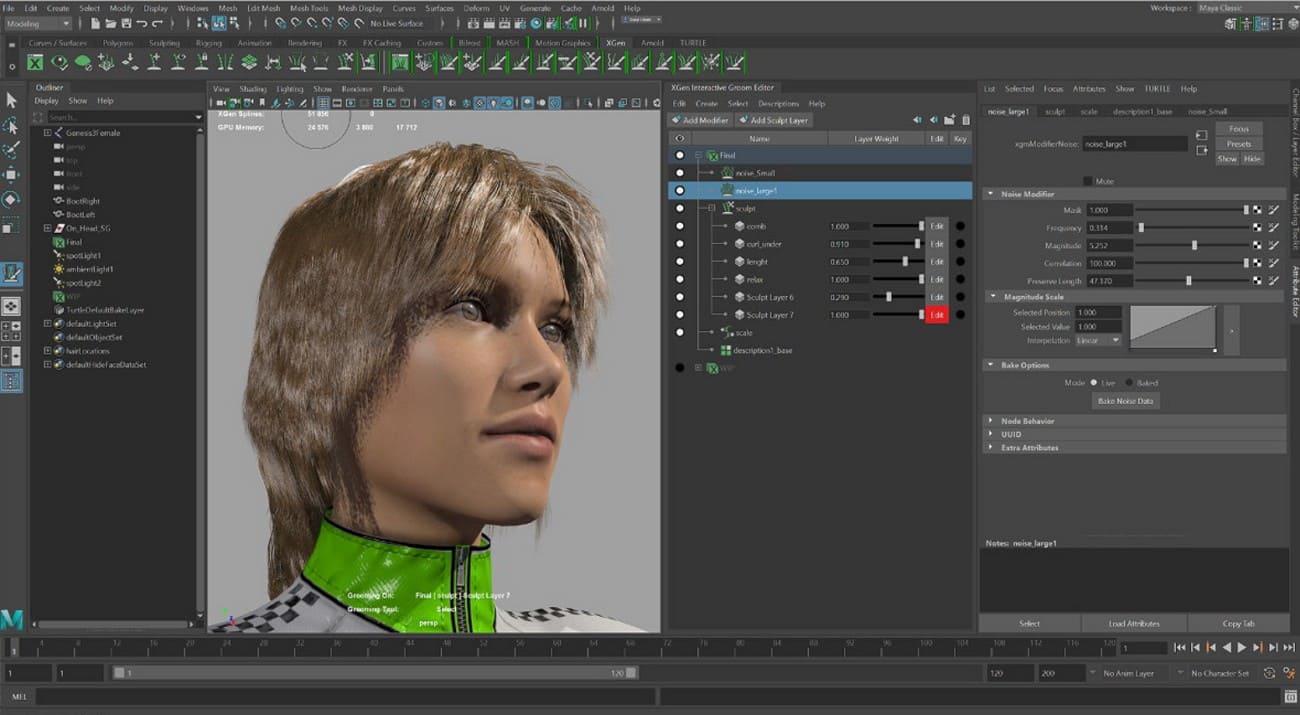
In 3D computer animation, objects and characters move in a three-dimensional space and add depth to height and width. The process uses digital models, virtual skeletons for motion, colors and textures, key poses or motion capture for movement, and lights to produce the final image. Unlike 2D, it adds depth and allows rotation and realistic interaction, as seen in films like Frozen and Ice Age.
3. Motion Graphics
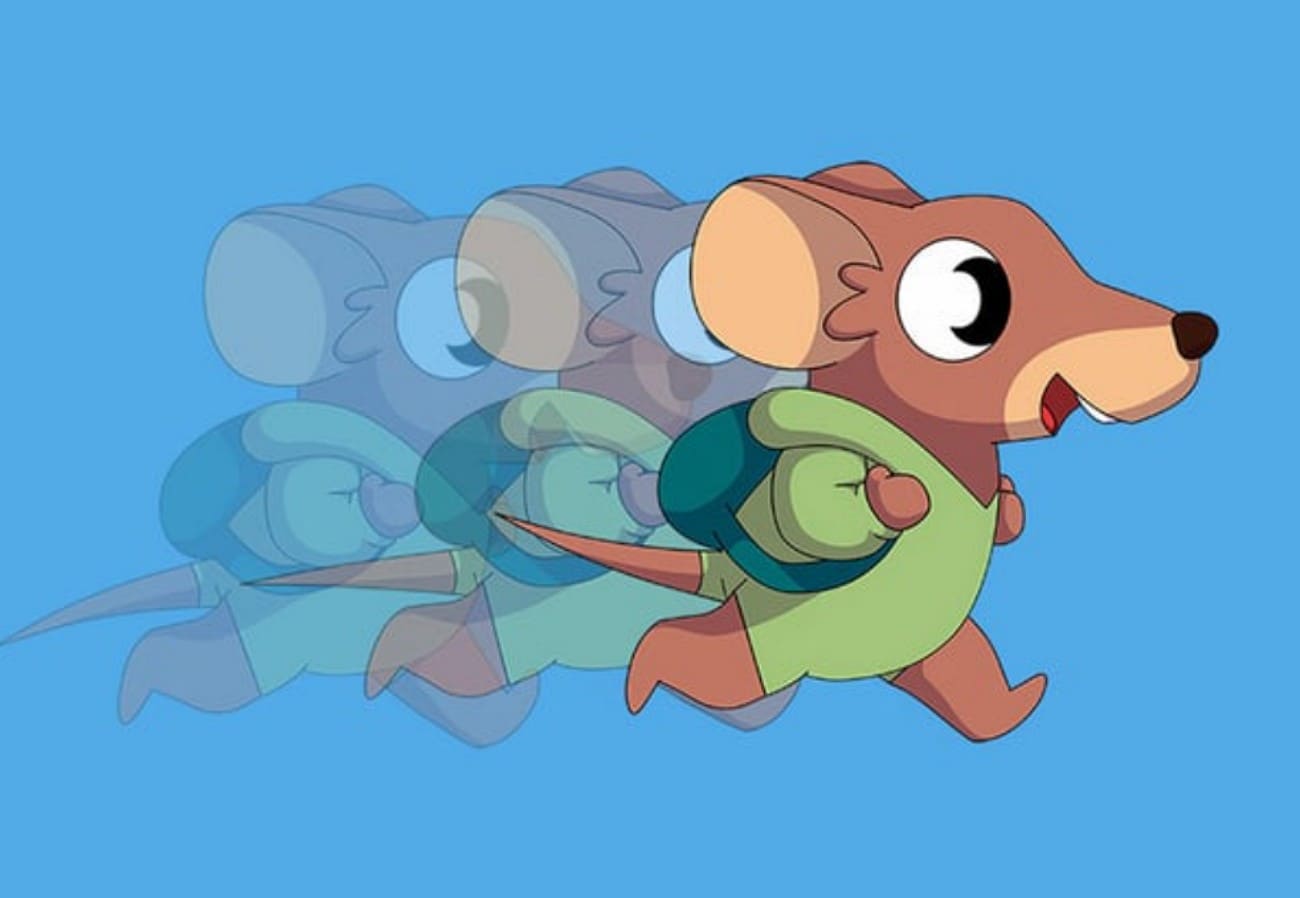
Motion graphics animation gives life to text, shapes, and illustrations, mainly to share information or improve media like ads. It transforms static visuals into clear, engaging experiences through motion, sound, and timing. Additionally, this kind focuses on graphics like logos, icons, and shapes, simplifies complex ideas, and shows data clearly in infographics. Thus, motion graphics animation appears in film and TV intros, ads, apps, websites, and corporate videos.
4. Stop Motion
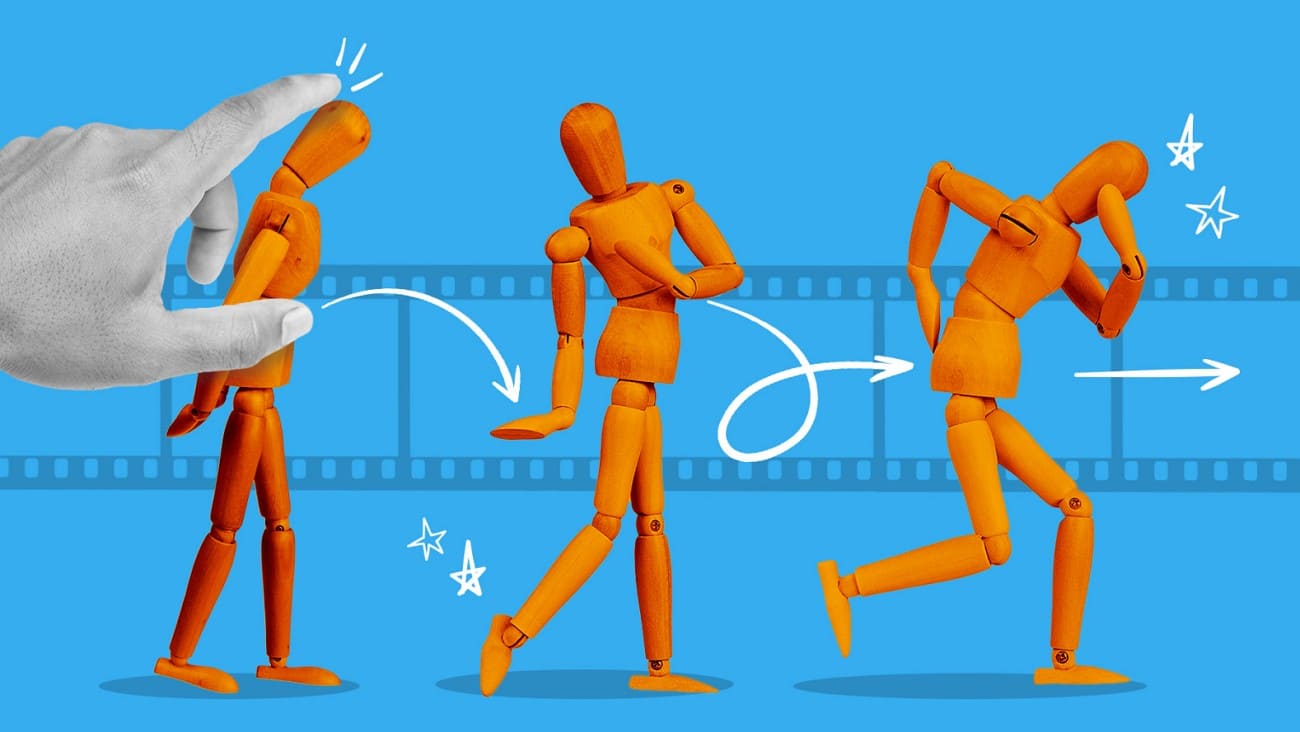
As you are familiar with the computer animation definition, know that stop motion animation is a film technique where real objects, like puppets, move in small steps. Additionally, a photo is taken for each step, and when it is played quickly, the objects appear to move on their own. Here, key elements include physical objects, wire skeletons for puppets, clay for claymation, 2D cutouts for paper animation, and real people for pixilation.
Part 4. Applications of Computer Animation
While understanding the term animation of a computer, learn about its few applications for better clarity:

1. Films & Television: This animation is used to make fully animated movies and TV shows, and adds digital effects or characters to live-action scenes. Moreover, it helps create real or imaginary worlds, show explosions, and mix computer-created scenes or places with filmed footage.
2. Video Games: Current video games in the industry employ 3D animation on characters, scenes, and effects that react to the player's actions. In this case, animation is used to determine character movements, facial expressions, and physics to give the game a sense of real interaction.
3. Advertising & Marketing: Animated ads, explainer videos, and logos are used by the brands to demonstrate products visually and attract attention. Therefore, animation may help to simplify complicated ideas and represent the objects in various angles to maintain a powerful visual style that is easy to memorize.
4. Architecture & Product Design: Architects and designers employ 3D animation to display structures, interior architectural design, and city maps even before they are built. In that, the designers make a prototype to demonstrate how the parts will fit and how people will use them, to help the client understand the design.
5. Education, Training, & Medicine: Animations help teach complex ideas in schools, offices, or workshops. In addition to being helpful in science projects, animation also shows body parts, surgical steps, and how medicine works in the medical field.
Part 5. Key Techniques in Computer Animation
Computer animation is constructed upon techniques that provide digital characters, objects, and scenes with life and movement, as mentioned:
1. Keyframing and Tweening
Keyframing sets the most important positions or states of a character or object at specific frames. The software then creates frames between these key points to smooth the motion. On the contrary, tweening involves filling in the in-between frames automatically, and models like straight or curved paths control how fast or slow the motion feels.

2. Motion Capture
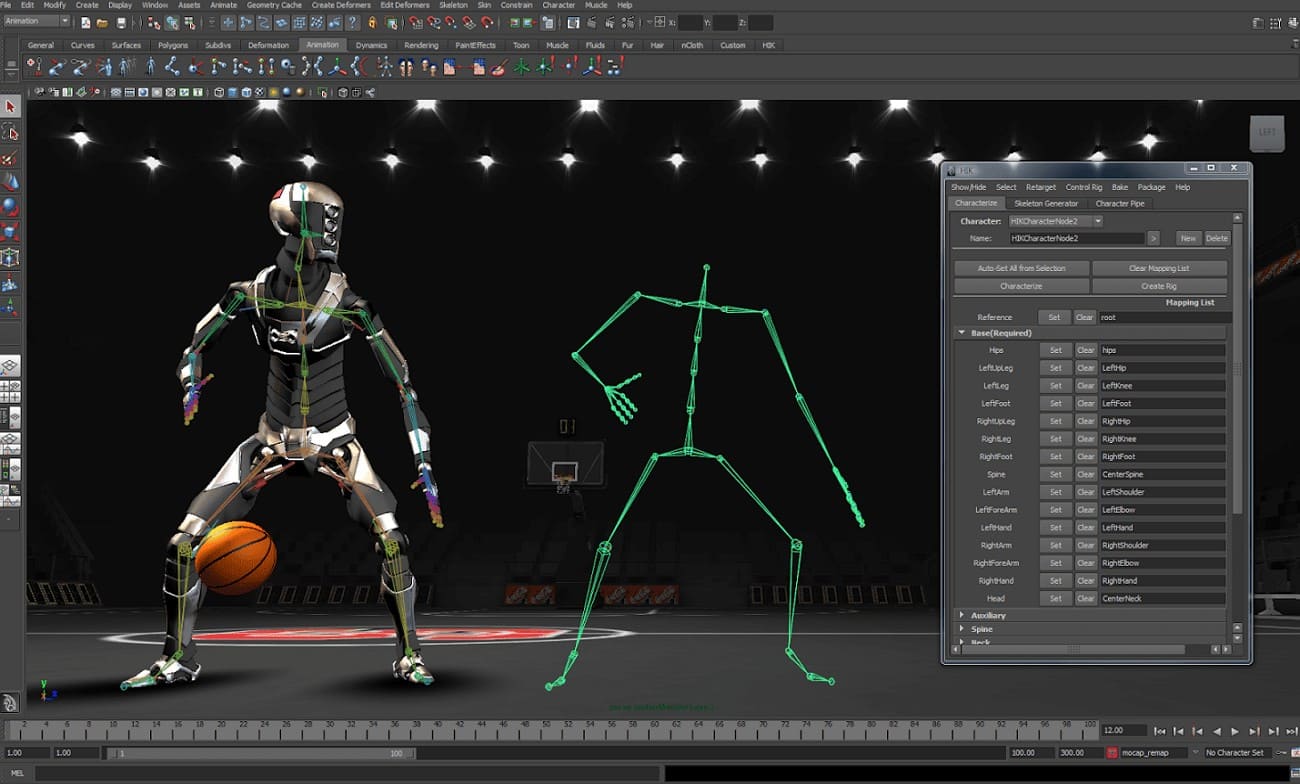
Motion capture records real human movement using cameras or sensors and applies it to digital characters. Hence, it creates realistic body and facial motion, and animators often adjust these movements with keyframes to improve detail in films and games.
3. Procedural and Physics-Based Animation
As the primary technique in computer animation, it uses rules or algorithms to automatically create motion, such as moving crowds, hair, or cloth. Additionally, it follows real-world forces, collisions, and movement to make objects, liquids, and explosions act naturally.
4. Rigging and Skeletal Animation
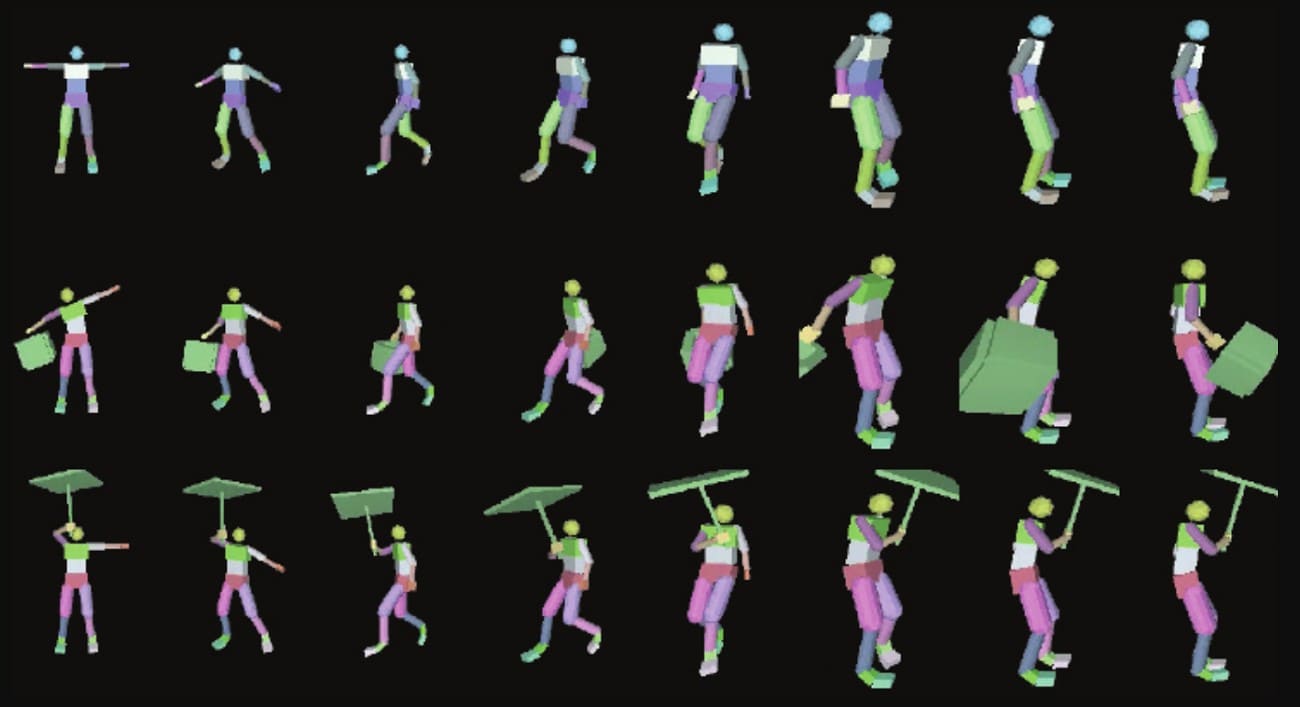
Rigging builds a digital skeleton inside a character, and animators pose and move the character like a puppet using the skeleton. Forward and inverse kinematics help move joints efficiently, and skinning makes sure the character’s surface stretches and bends naturally.
5. Rendering and Camera Animation
This technique produces the final images from 3D scenes by calculating light, shadows, colors, and effects. Moreover, camera animation controls how the virtual camera moves and frames the scene. Thus, it gives the animation a cinematic and clear visual style.
Part 6. How Does Computer Animation Work?
If one questions what computer animation is, know that it creates characters or objects, sets the movement, and produces a fast series of images that appear as motion. This implies that its working involves 3 main stages, like pre-production, production, and post-production:
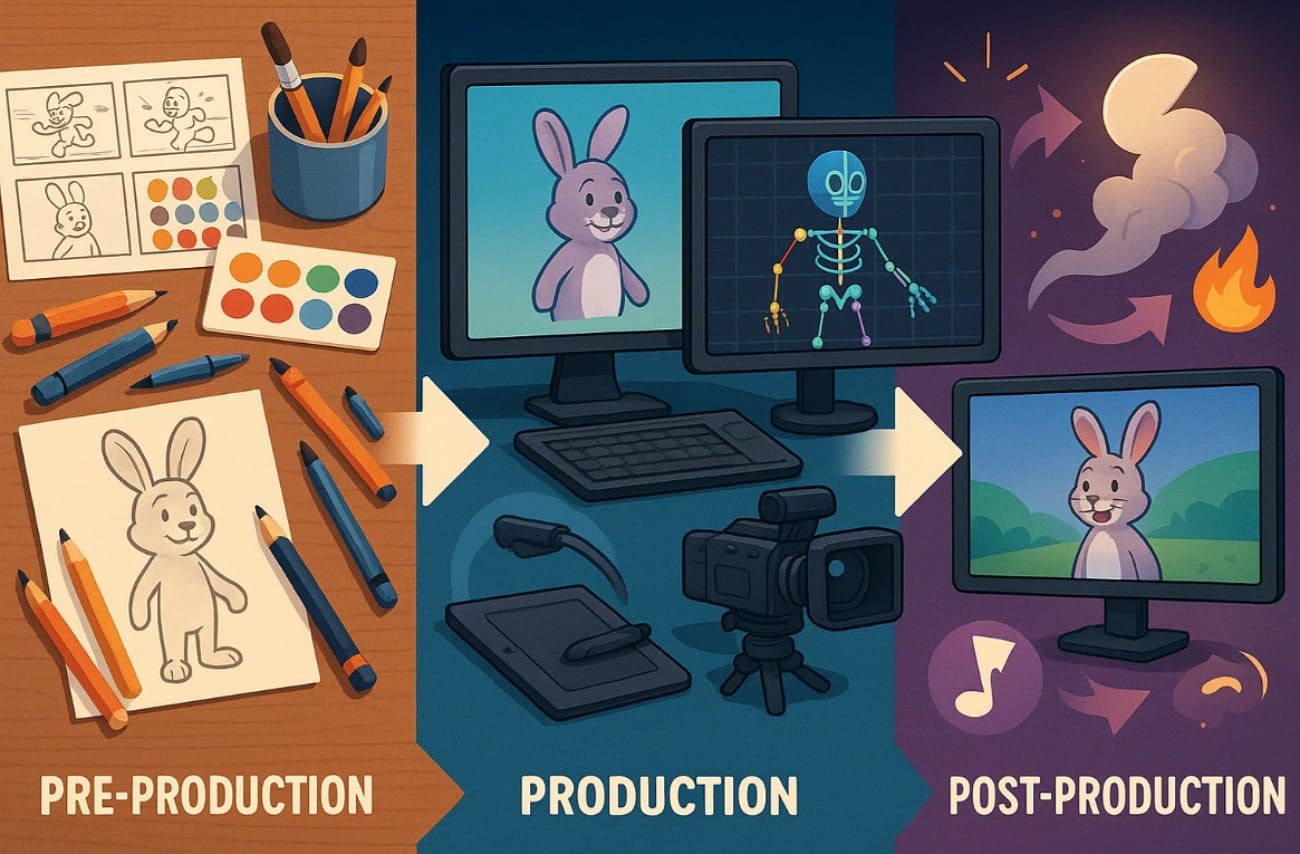
1. Pre-Production: The team plans the story, script, characters, and visual style for the animation.
2. Production: Artists create models or drawings, add textures and skeletons, and define motion and camera angles.
3. Post Production: The computer produces final frames with light and effects, and the shots are edited and combined with sound to finish the animation.
Part 7. Popular Computer Animation Software
Professionals rely on popular computer animation software that provides tools for modeling, motion, and rendering. So, here are 5 of the most common ones, review the use case and details of each software given ahead:
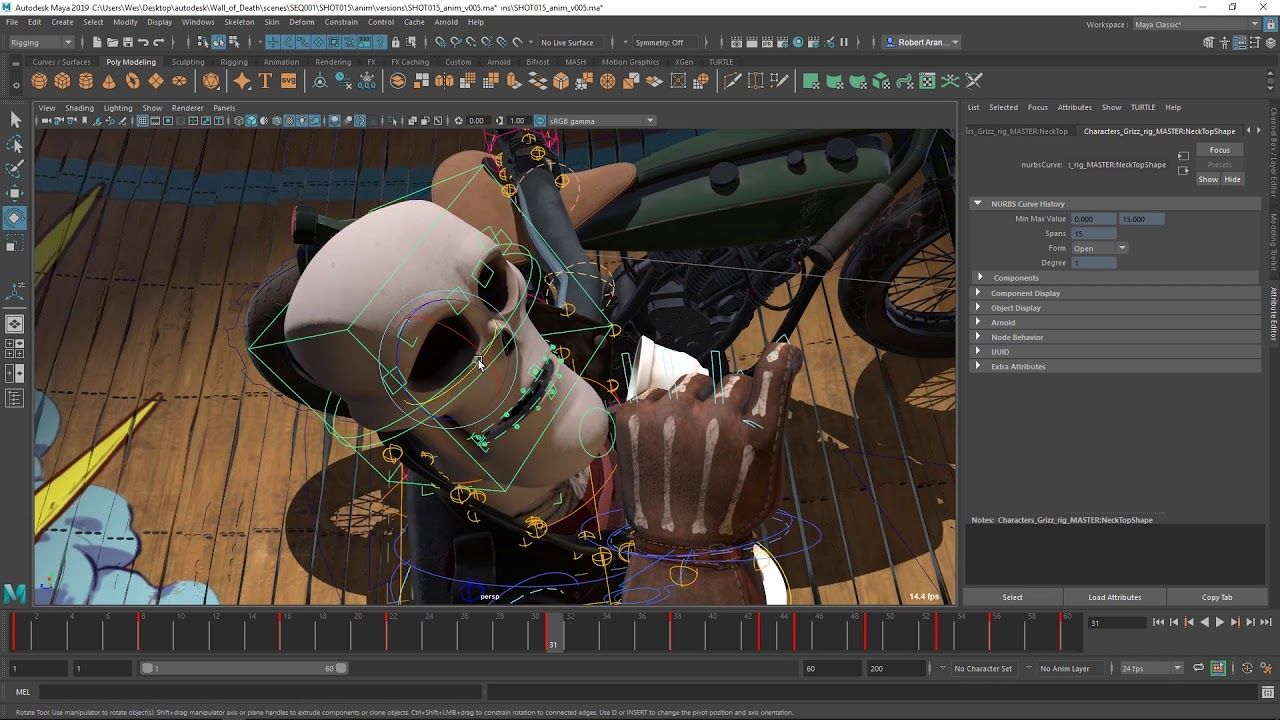
1. Autodesk Maya
Best Use Cases: Professional 3D animation, visual effects, game design, and high-quality film or TV production.
Maya is a professional 3D animation software used in film and television, and in games to produce characters, environments, and effects. It offers the means to construct items with polygons, NURBS, and subdivisions. It also allows creators to model in UVs and textures, keyframe, motion capture, or a nonlinear sequence. Besides, repetitive motion and deformation can be automated with the help of AI to conserve time.
2. Blender
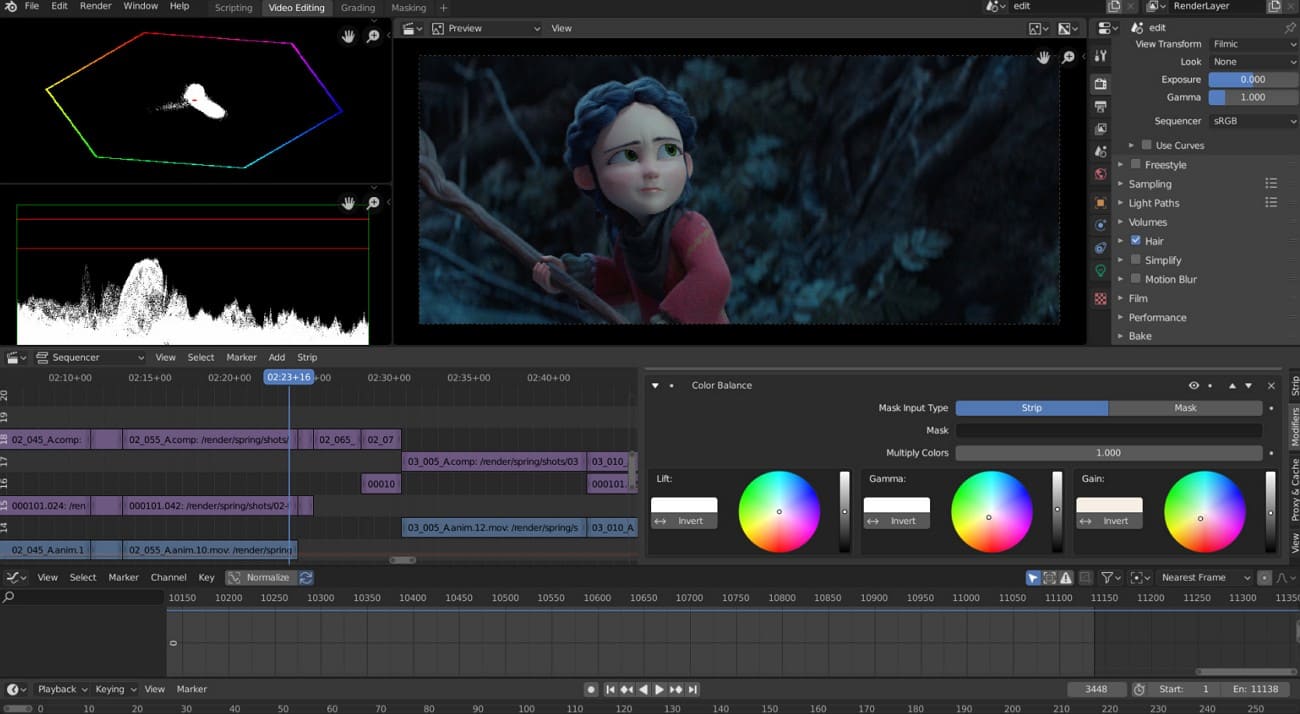
Best Use Cases: Free 3D animation and visual effects for films, games, and 2D/3D hybrid projects.
For the animation of a computer, Blender is an open-source 3D software that handles the full animation process, from model creation to final video. Additionally, the software provides tools to build models with polygons and curves, add textures with UV maps, and paint directly on 3D objects. Animators can also set keyframes, use skeletons, shape keys, and constraints to control movement.
3. Cinema 4D (C4D)
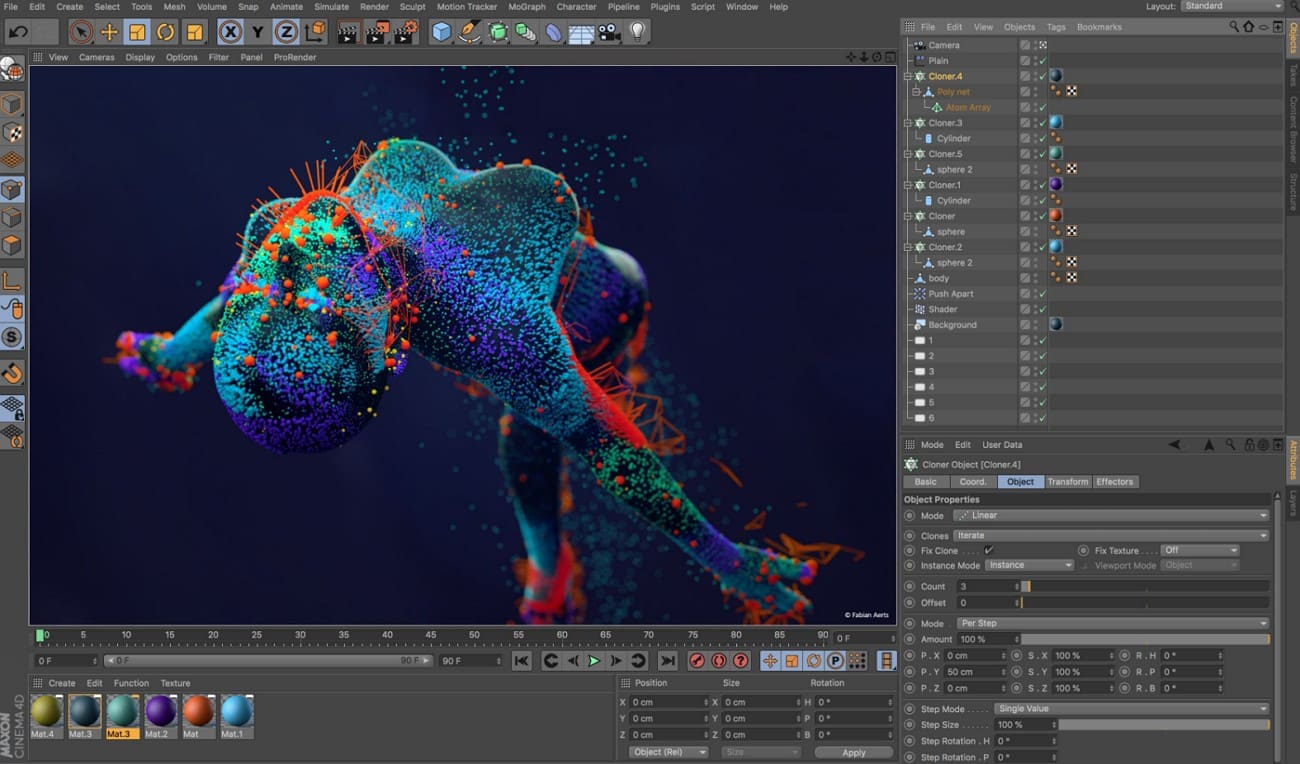
Best Use Cases: Professional 3D animation and motion graphics for VFX, design, and real-time projects.
Cinema 4D is popular with motion graphics artists because of its MoGraph system and tight connection with the Redshift GPU renderer. The software allows artists to build 3D models of characters, props, and environments and to apply layered and procedural materials for realistic surfaces. Additionally, character tools include advanced rigging, pose morphs, and muscle or deformation systems for lifelike movement.
4. Autodesk 3ds Max
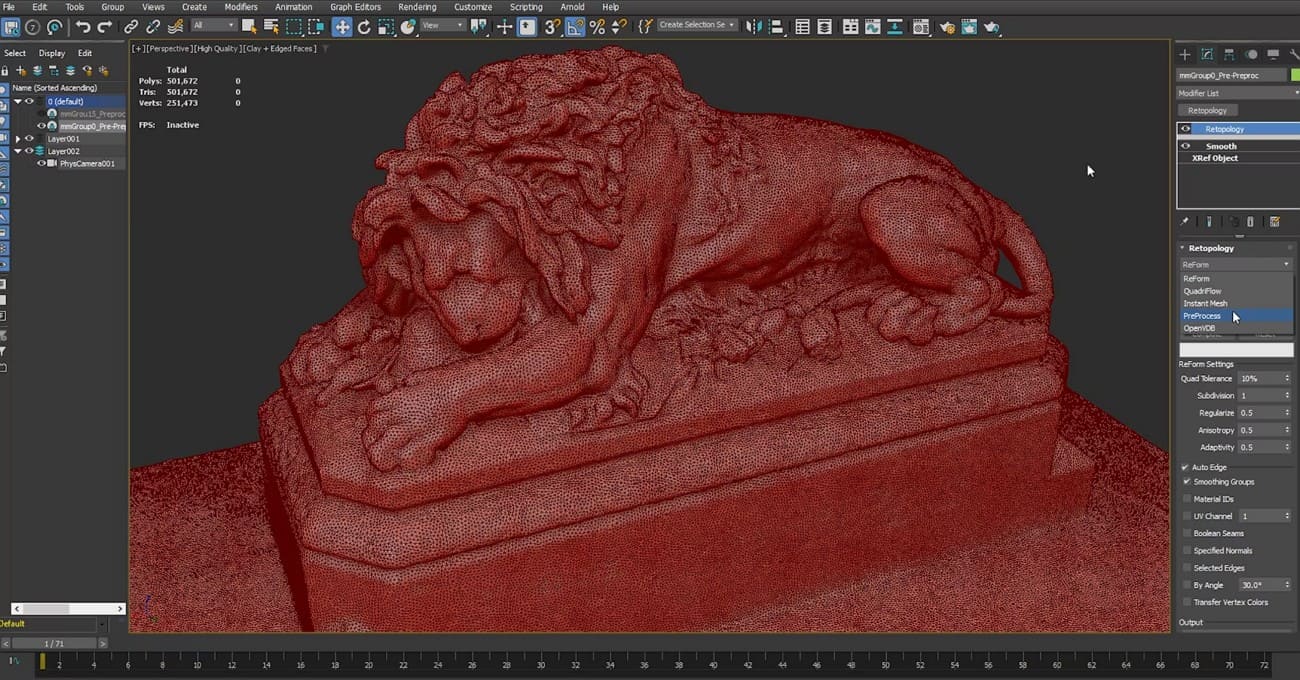
Best Use Cases: 3D modeling, animation, and visual effects for games, films, TV, and design work.
For computer animation, 3ds Max provides strong tools for modeling detailed characters, props, and environments with polygons, splines, and surfaces. Plus, the m1aterial system allows realistic textures and multiple material versions. Animators can set keyframes, use curve editors, and control timing precisely. Also, character tools like Biped, CAT, and Character Studio help with rigging, walk cycles, and crowd animation.
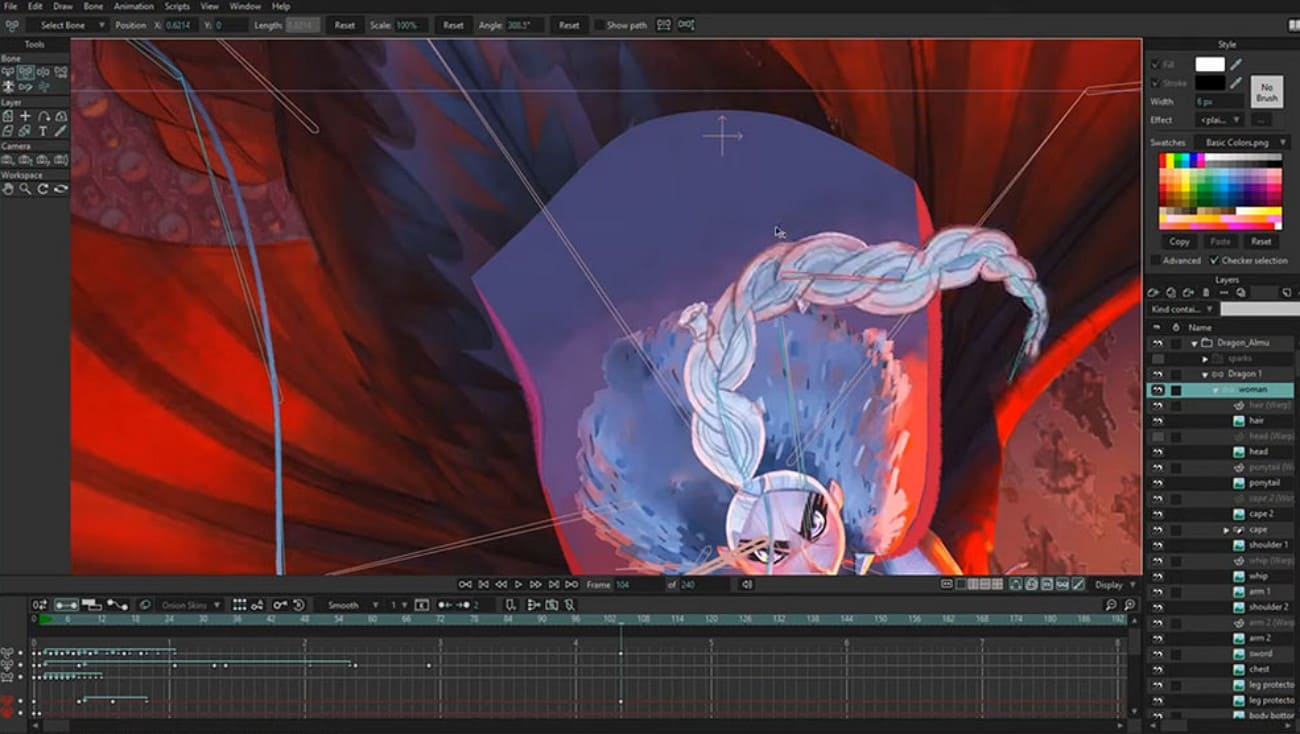
5. Moho (Anime Studio)
Best Use Cases: 2D character animation for TV shows, films, web content, and vector-based projects.
Moho is a 2D animation program that is used in TV shows, movies, and on the internet. It relies on the power of the vector tools to provide clean and smooth shapes and enables the animators to make complicated characters quicker than frame-by-frame. In addition, it includes a powerful rigging structure that includes bones, constraints, and squash-and-stretch controls to produce realistic character movement.
Part 8. FAQs about Computer Animation
1. How to learn computer animation?
Start with free tutorials, online courses, and practice projects to clearly understand basic animation principles. Additionally, join communities, follow stepwise guidelines, and study films or games to improve skills efficiently.
2. Does computer animation pay well?
Professional animators can earn high salaries, especially in film, video games, and the visual effects industry. Moreover, pay depends on experience, skill level, location, and the type of projects handled during a career.
3. Which software is best for beginners?
Blender is free, easy to use, and supports full 2D and 3D animation pipelines. As skills grow, Autodesk Maya is often chosen as a next step, especially for character animation, rigging, and professional studio workflows commonly used in film, TV, and game production. For faster rendering and large projects, beginners can use a render farm like Fox Renderfarm for professional support.
Conclusion
To wrap up, computer animation allows creators to bring digital ideas to life with precision and creativity. Thus, this guide has explained the term in detail with comprehensive guidelines on how to use it and which software to opt for.
For faster rendering and handling large projects, experts suggest the use of Fox Renderfarm to ensure professional results for all animation tasks.




