What Is a Render Farm? A Beginner’s Guide to Cloud Rendering
 Ryan Thompson
High-quality 3D animations and visual effects can take a lot of time to render on a single computer. Therefore, a render farm solves this problem by linking many computers to work together and process frames faster. With cloud rendering, artists and studios can access powerful computing resources online without buying expensive hardware.
This makes big projects easier, faster, and more efficient for both beginners and professionals while saving time and cost. If you want to understand what a render farm is, how it works, and when to use, this guide covers it all.
Part 1. What Is a Render Farm?
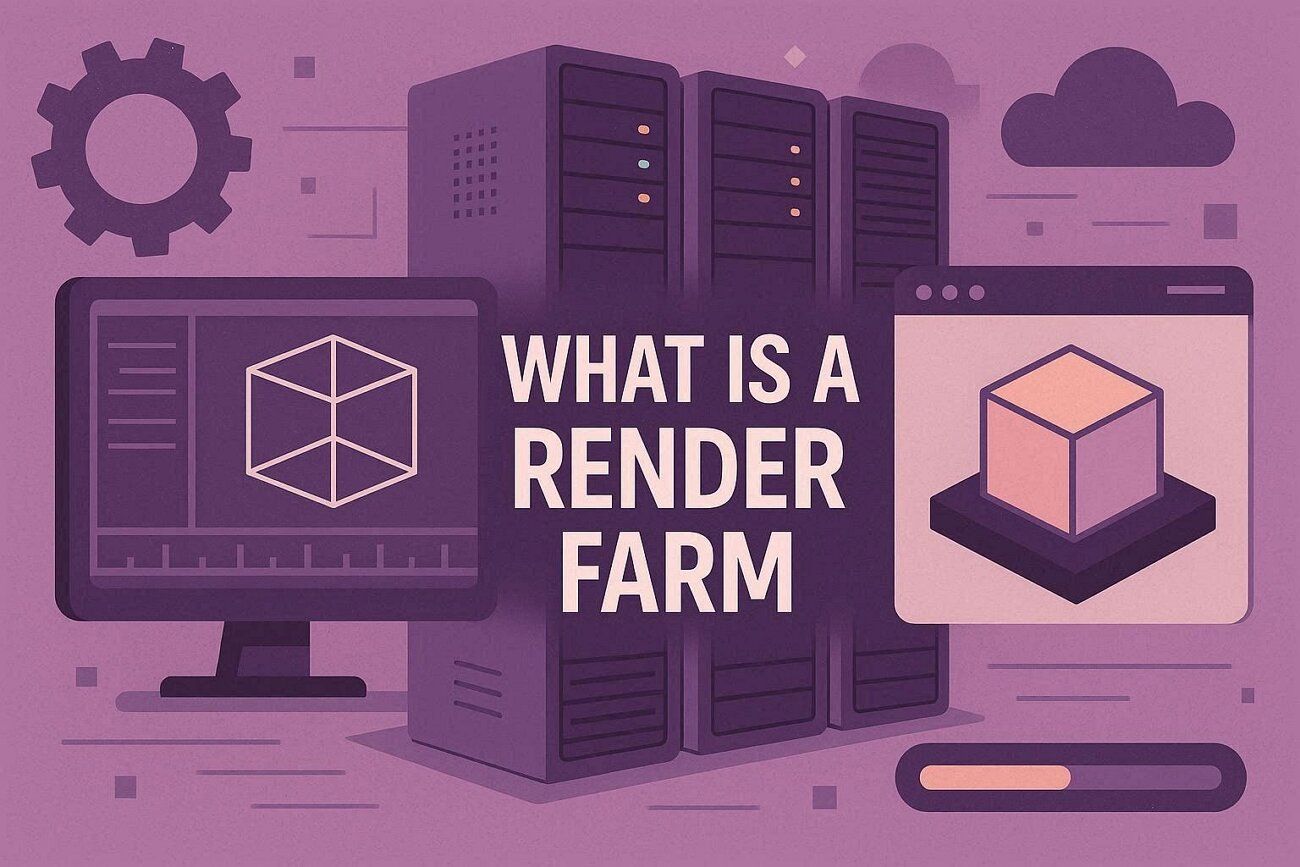
A render farm is a group of computers that work together to render computer graphics, such as 3D images or animations. It splits the work so that many frames or image parts are processed simultaneously. Thus, this makes rendering much faster and reduces the days of work to hours.
Once you understand what a rendering farm is, you can use it for movies, visual effects, 3D animations, and any large project that needs high-quality graphics. In addition, they can be categorized as cloud-based or self-built setups, as well as specialized GPU or CPU render farms. So, to know about these types in detail, review the listed points:
1. On‑Premise (Local): A local render farm consists of computers that you own and keep in your studio, office, or lab. Here, all machines are under your direct control, so you can manage jobs, software, and settings freely.
2. Cloud Render Farms: A cloud render farm use remote computers hosted in data centers. Hence, you send your scenes to these cloud rendering servers, they process frames, and you download the results.
3. Hybrid Render Farms: A hybrid render farm combines local and cloud resources, and most daily work runs on local computers, while cloud servers are added for large projects or tight deadlines. Thus, this setup allows users to complete work faster without investing in extra permanent hardware.
Part 2. How Does a Render Farm Work?
Now that you know what a render farm is and its types, know that a render farm splits a big render job into smaller parts. Later, it processes them on many computers and combines the results into final images or videos.
According to Market Research Intellect, the render farm market was worth $6.16 billion in 2025 and is expected to grow at a 16.45% annual rate. This will reach $15.36 billion by 2033, driven by rising use in the industrial, commercial, and tech sectors. The workflow below explains how a render farm works for both beginners and professionals:
Main Components
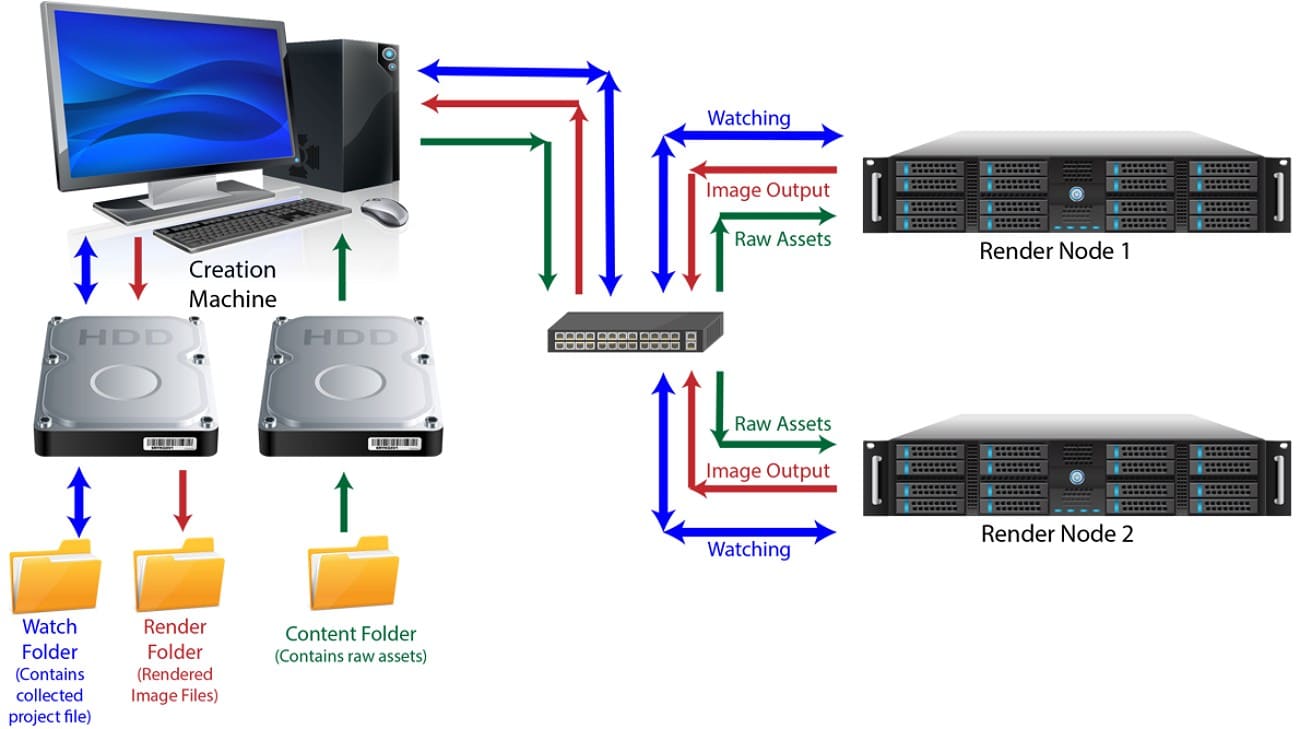
- Controller/Manager: A central server called the render manager handles jobs. Hence, it breaks a project into tasks, assigns them to worker machines, tracks completed frames, and manages priorities and queues.
- Render Nodes (Workers): Many computers, each with the same 3D software and plugins, render the assigned frame or parts. Additionally, nodes can range from a few PCs to thousands of servers.
- Shared Storage: It's a central system that stores project files, textures, caches, and output frames. As a result, all nodes read and write from this location.
Basic Workflow
Regarding render farm workflow, you create a scene in software like Blender, Maya, or Cinema 4D, then submit a render job with settings, resolution, and frame range. Later, these scenes and assets are moved to shared storage, and the manager splits the job into frames or parts. It gives them free nodes based on priority.
Consequently, each node renders its frame and saves it back to the shared storage. When all frames finish, you get the complete image sequence or animation, much faster than using a single computer.
Part 3. When Do You Need a Render Farm?
A render farm can help a lot when your project is too big or complex for a single computer. As you are clear on render farm meaning, review the given situation creating the need to use it:
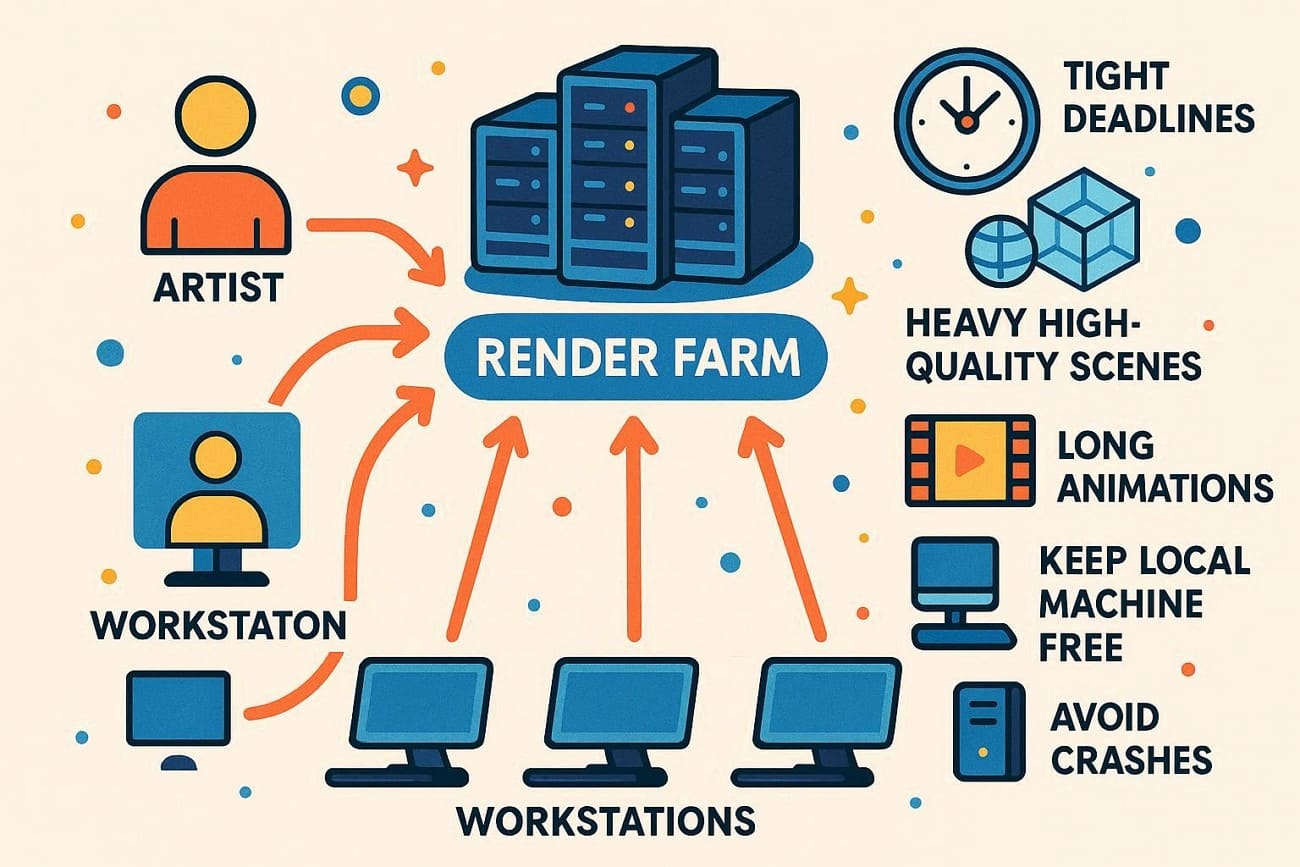
- Tight Deadlines: Large animations or high-resolution images that take many hours or days require a render farm to finish quickly. For example, a TV commercial or short film with 4K frames needs a fast turnaround to meet the client's or broadcast schedules.
- Heavy, High-Quality Scenes: Scenes with non-trivial lighting, global illumination, high-resolution textures, volumetric, motion blur, or large sample counts may be too intensive to render on a single machine. Therefore, 2 million polygons and 8K textures in a single frame can take 2 hours on a workstation, but dozens can be processed at once by a render farm.
- Long Animation and a High Number of Shots: Huge movies or walk-throughs containing hundreds or thousands of frames would saturate one workstation, which increases the necessity of a render farm. For example, an animation of 10 minutes at 24 fps contains 14400 frames; dividing this across 100 nodes reduces total render time to slightly under one day.
- Keeping Your Workstation Free: Rendering on a farm allows the host workstation to be dedicated to modeling, texturing, or compositing. This way, it does not saturate the CPU/GPU, allowing artists to continue their work without halting other processes.
- Regarding Hardware/Avoiding Crashes: Local renders can crash due to RAM/VRAM constraints, overheating, or software issues. Moreover, complex particle systems, high poly models, or volumetric simulations are usually out of workstation memory. Therefore, server-grade hardware with 128-512 GB RAM per node is used in farms to be stable.
Part 4. Is a Render Farm Expensive?
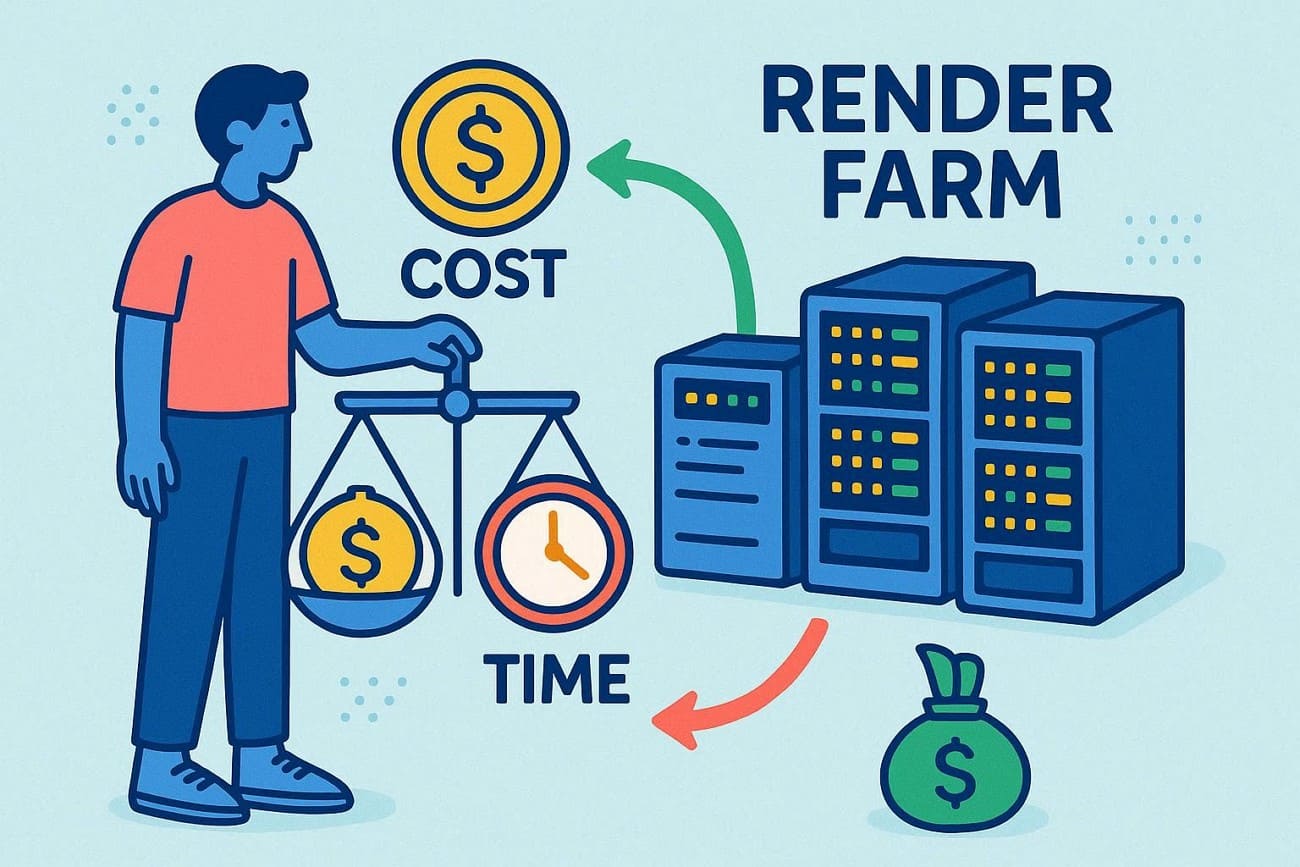
Once you know what a render farm is, its price is another factor to consider. A render farm can be cheap or expensive depending on your scene complexity, frame count, and how quickly you need the result.
In a 3D world, $50 is worth it if it saves 48 hours of slow, hot computer work. Still, here is the breakdown of the overall render farm cost as of 2026:
Using a Commercial Cloud Farm (The “Rental” Model)
Several cloud render farms, such as Fox Renderfarm and GarageFarm, offer pay-as-you-go pricing and trial credits, which can be cost-effective for beginners. According to industry research, the global cloud render farm services market is expanding rapidly, growing from about $2.19 billion in 2025 to $2.74 billion in 2026.
Studios are increasingly adopting scalable cloud rendering workflows to handle complex production demands. Solutions like Fox Renderfarm are TPN accredited, meaning they meet strict security and content protection standards required for projects handled under non-disclosure agreements.
|
Priority Level |
Estimated Cost (Per Node/Hour) |
Best For |
|
Low |
$0.60 – $1.50 |
Personal projects with no rush. |
|
Medium |
$1.50 – $4.00 |
Standard client work with a 2-3 day deadline. |
|
High |
$4.00 – $15.00+ |
Emergencies. |
Building Your Own Farm (The “Ownership” Model)
If you are rendering 24/7, building a “mini farm” (3-5 dedicated machines) can save money in the long run. However, the upfront cost is steep, and is further explained below in detail:
- Small Setup (3-4 Nodes): Expect to spend $8,000-$12,000.
- Infrastructure: You aren't just buying PCs; you need high-speed networking, cooling, and, potentially, additional power circuits.
- Electricity: In 2026, running a 10-node farm can easily add $100–$300/month to your utility bill.
Which One is Right for You?
Choosing between a cloud render farm and a self-built farm depends mainly on project frequency and workload.
- Occasional Projects: Cloud rendering is more practical because you only pay when you need rendering power, and avoid hardware investment.
- Regular Freelance Work: Cloud farms remain flexible and scalable, especially when deadlines vary across projects.
- Daily Production Work: Building your own farm may become cost-efficient if machines run continuously and jobs are constant.
- Large Studio Pipelines: Many studios use hybrid setups, rendering daily tasks locally while sending heavy scenes to cloud farms.
Part 5. Is Using a Render Farm Safe for Client Work?
Using a render farm for client work is generally very safe, provided you choose a provider that treats data security as a core part of its business. If you are looking for a recommendation that balances security with performance, Fox Renderfarm is a top-tier render farm for professional-grade safety.
Security Certifications to Look For
- TPN (Trusted Partner Network): This is the ultimate benchmark, owned and managed by the Motion Picture Association (MPA). So, TPN accreditation means the farm has passed rigorous audits to ensure it can handle sensitive Hollywood-level content.
- ISO 27001: This is a global standard for information security management, and ensures the company has a systematic approach to protecting sensitive data.
Legal Protections (The NDA)
When choosing a 3D render farm, never choose one that uploads client work without a legal safety net. Besides, it must come with the listed agreements to ensure legal and ethical data usage:
- Non-Disclosure Agreements (NDAs): Reliable farms like Fox Renderfarm provide standard NDA documents that you can download, sign, and have countersigned. This creates a legally binding contract that your data will not be shared, leaked, or used for any purpose other than rendering.
- Data Ownership: Ensure the terms of service explicitly state that you (the user) retain 100% ownership of all uploaded assets and output frames.
Technical Safeguards
- Data stays protected during upload and storage using strong encryption and secure transfer tools.
- Render jobs run in separate environments, so users cannot access or view other project data.
- Finished projects get removed from servers automatically after a set time to protect user privacy.
Part 6. Practical Choice for Beginners: Using a Cloud Render Farm
For a beginner, the decision to use a render farm usually comes down to one question: Will this save me enough time to justify the cost?
In 2026, the answer is “Yes” for animations, and to understand why, you have to look at the difference between Sequential and Parallel rendering.
Speed Comparison: Local vs Render Farm
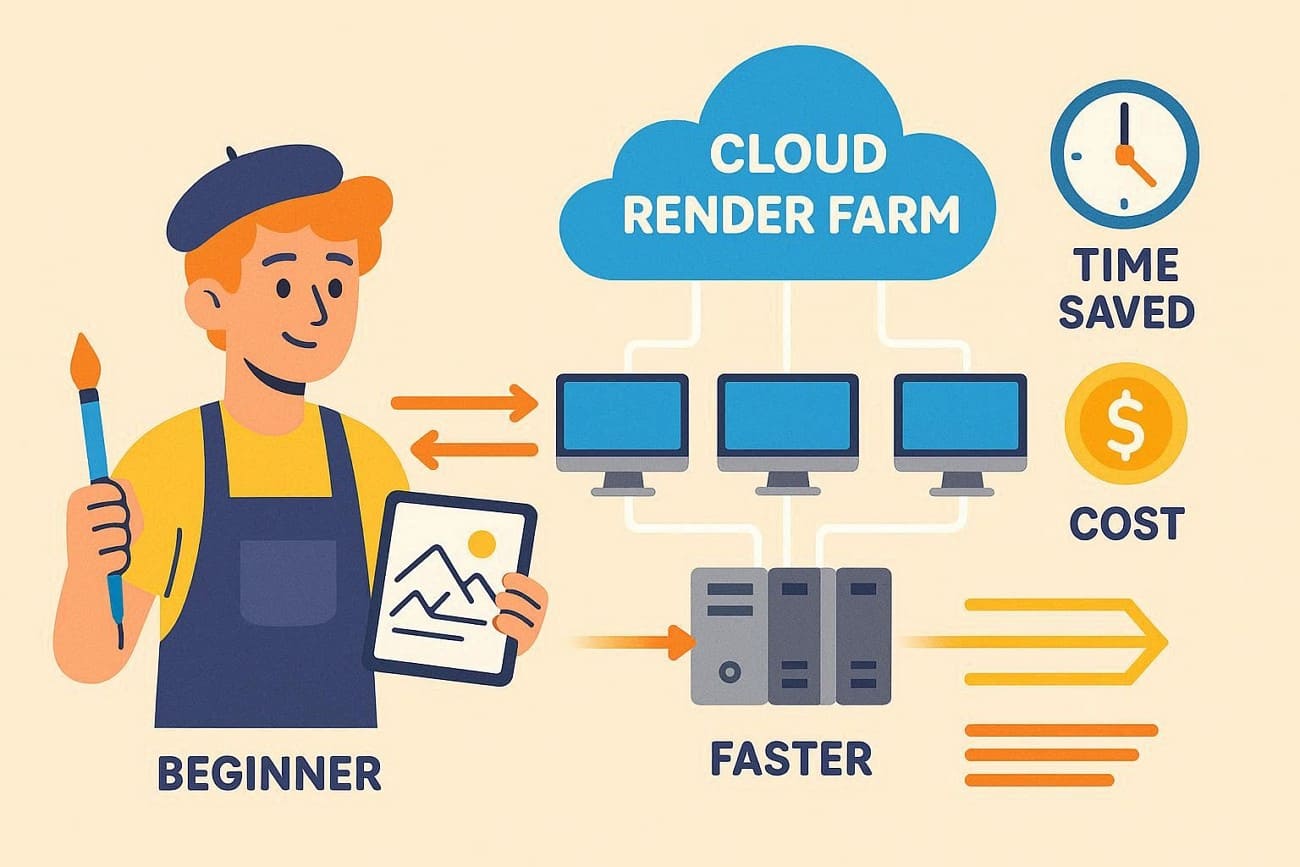
When you render locally, your computer finishes Frame 1, then starts Frame 2. So, if the frame takes 10 minutes, a 10-second animation of 300 frames will take 50 hours of continuous processing.
On the contrary, a render farm doesn't render sequentially. It deploys 300 frames to different nodes simultaneously, running on Windows, Mac, and Linux with 99.99% uptime.
>> Related: Key Differences Between Cloud Rendering and Local Rendering
The 2026 Benchmark: 300-Frame Animation
Scene: High-detail 3D interior, 4K resolution, modern render engine.
|
Machine Type |
Render Time Per Frame |
Total Project Time |
Status of Your PC |
|
Mid-Range Laptop (RTX 4060) |
15 Minutes |
75 Hours (3.1 Days) |
Unusable / Constant Heat |
|
Pro Workstation (RTX 5090) |
4 Minutes |
20 Hours |
Loud / Heavy Power Draw |
|
Fox Renderfarm (100 Nodes) |
4 Minutes |
~12–20 Minutes |
Free to keep working |
For cloud rendering, beginners often choose Fox Renderfarm because it is a popular and easy-to-use option for first-time users. It supports professional projects and small jobs while remaining affordable enough for a beginner’s budget.
Why It Can Be the Best Choice
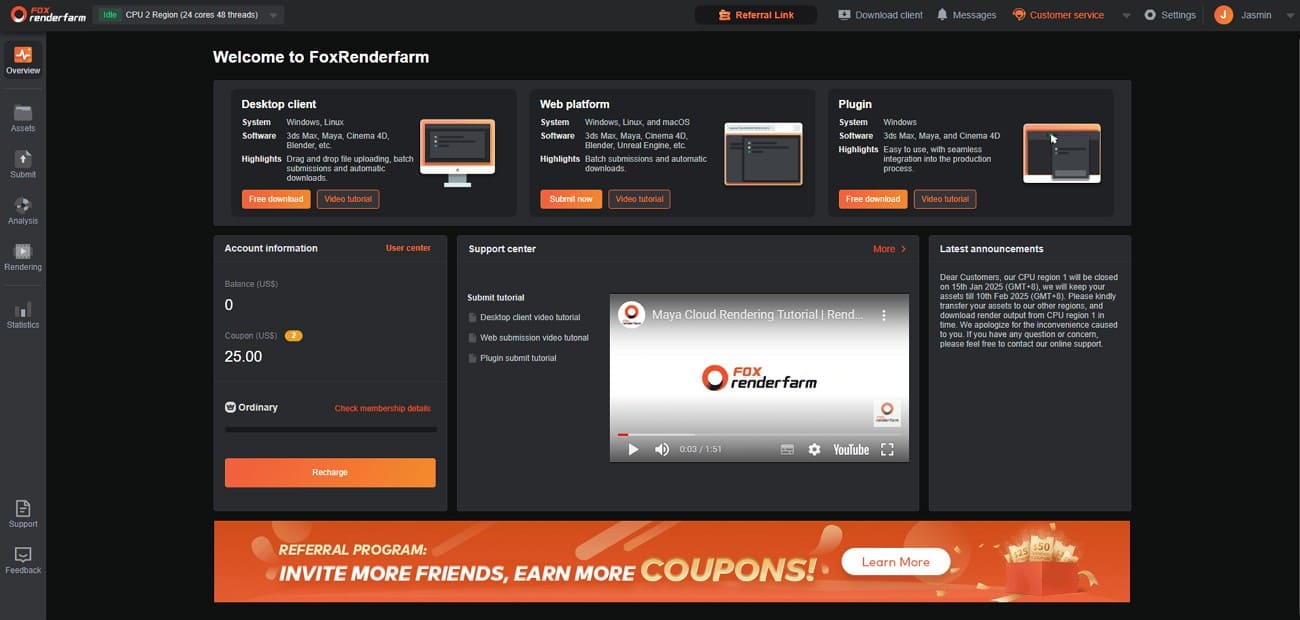
The “Free” Start: They currently offer a $25 free-trial credit to new users. For many beginner projects, this credit can actually cover your entire first 5-10 second animation for free. Aside from this offer, all their CPU and GPU rendering plans are cost-effective and easy for beginners to use.
|
CPU Rendering |
|
|
GPU Rendering |
|
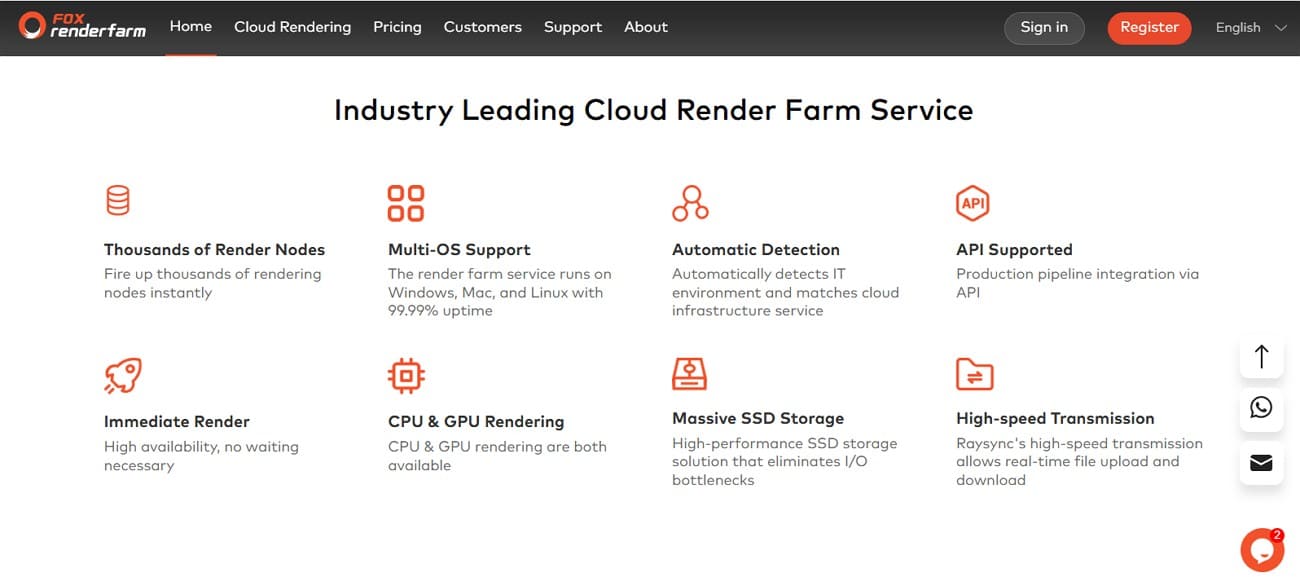
Massive Infrastructure
- Supports both CPU and GPU rendering for faster, more flexible processing.
- Owns over 60,000 nodes, so jobs start quickly without long waiting queues.
- Integrates smoothly into production pipelines using a flexible API.
- Massive, high-speed SSD storage reduces delays and prevents data bottlenecks during rendering.
The “Analysis” Feature
- It automatically detects your IT setup and connects it with the right cloud infrastructure service.
- Fox Renderfarm’s Raysync enables fast, real-time file uploads and downloads, improving rendering workflows. The desktop client even checks missing textures and wrong paths before rendering, saving beginners time and money.
Practical Data: The Cost of Your “Life”
Let's look at the financial math for a beginner freelancer to determine what type of render farm is best:
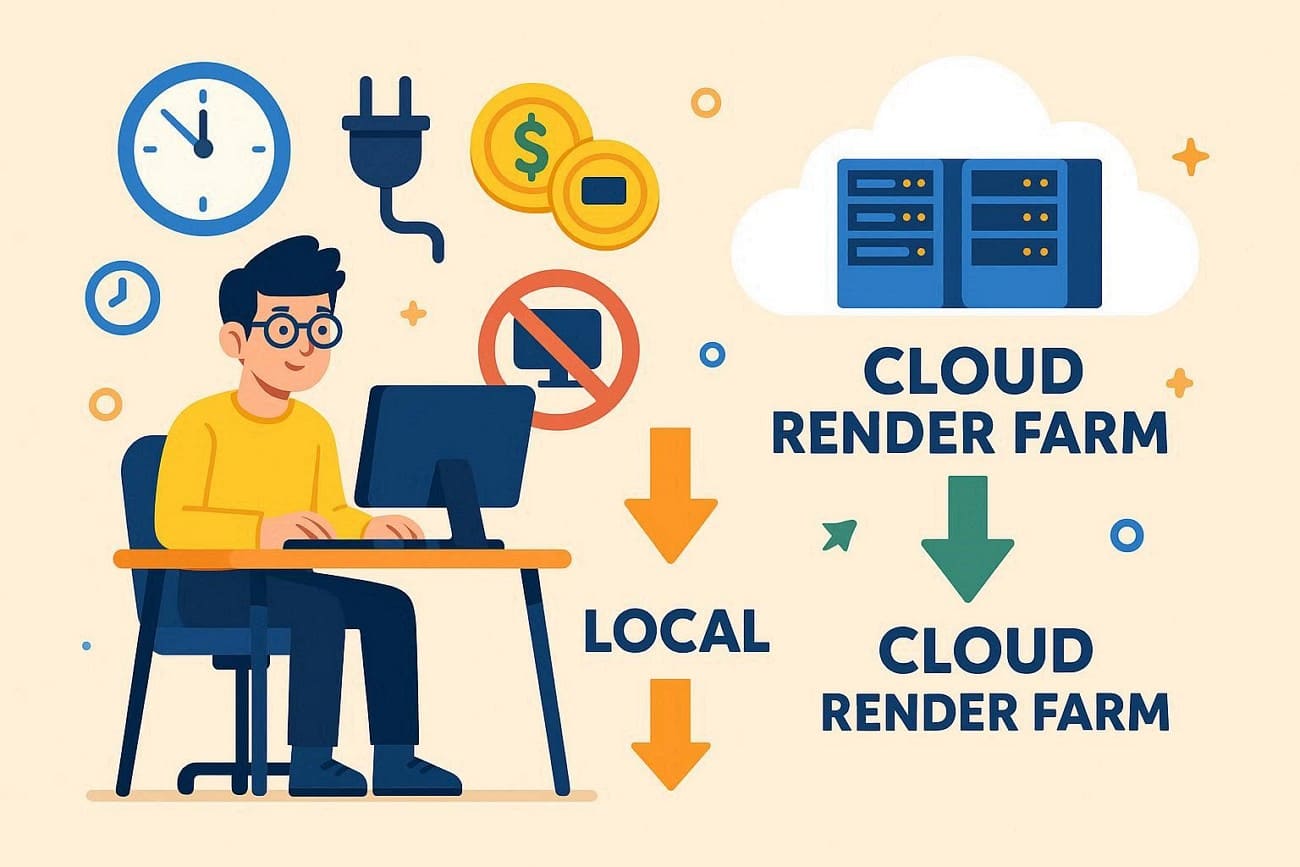
- Local Cost: ~75 hours of electricity + 3 days where you cannot use your computer to take other jobs, study, or even watch Netflix.
- Fox Renderfarm Cost: Using their “Ordinary” tier for CPU or GPU rendering will cost roughly $0.051 or $1.8 per node per hour. Alternatively, the same 300-frame project might cost between $20 and $45 on other farms.
Part 7. FAQs about Render Farm
1. Is cloud rendering faster than my local GPU?
Yes, cloud rendering is much faster than a single local GPU because many powerful machines work together. However, speed also depends on internet quality, file size, and the server type that you choose.
2. Can I use a render farm for animations?
Yes, artists use render farms for films, advertisements, and animation projects that require fast output. You send scenes to the farm, and the computers render frames while your local resources remain free.
3. Are render farms worth it?
Yes, render farms are worth it for studios with projects, tight deadlines, or high quality. However, small creators may prefer local hardware or cloud credits, because costs can rise fast.
Conclusion
To sum up, this guide has covered what a render farm is, how it works, and the key differences between local and cloud-based rendering. Understanding these options can help you choose a solution that fits your budget, workload, and production needs in 2026.
If you are looking for a practical cloud rendering option, Fox Renderfarm is the suggested choice, featuring ISO 27001 certification and multi-platform support for CPU and GPU rendering.