The rhythm is set, the templates are live, and Pwnisher’s 12th community challenge, DRÆM SEQUENCE, is officially in motion. This isn't just a visual test; it’s a rhythmic one. With a fixed 120 BPM beat, staying in sync is the key to a Top 100 spot.
If you’re feeling a bit lost in the rhythm, check out the livestream replay on YouTube. Clint (Pwnisher) spends over two hours breaking down technical hurdles, reviewing community WIPs, and showing how to block out complex scenes in Blender.
Below are some FAQs to keep your workflow on track.
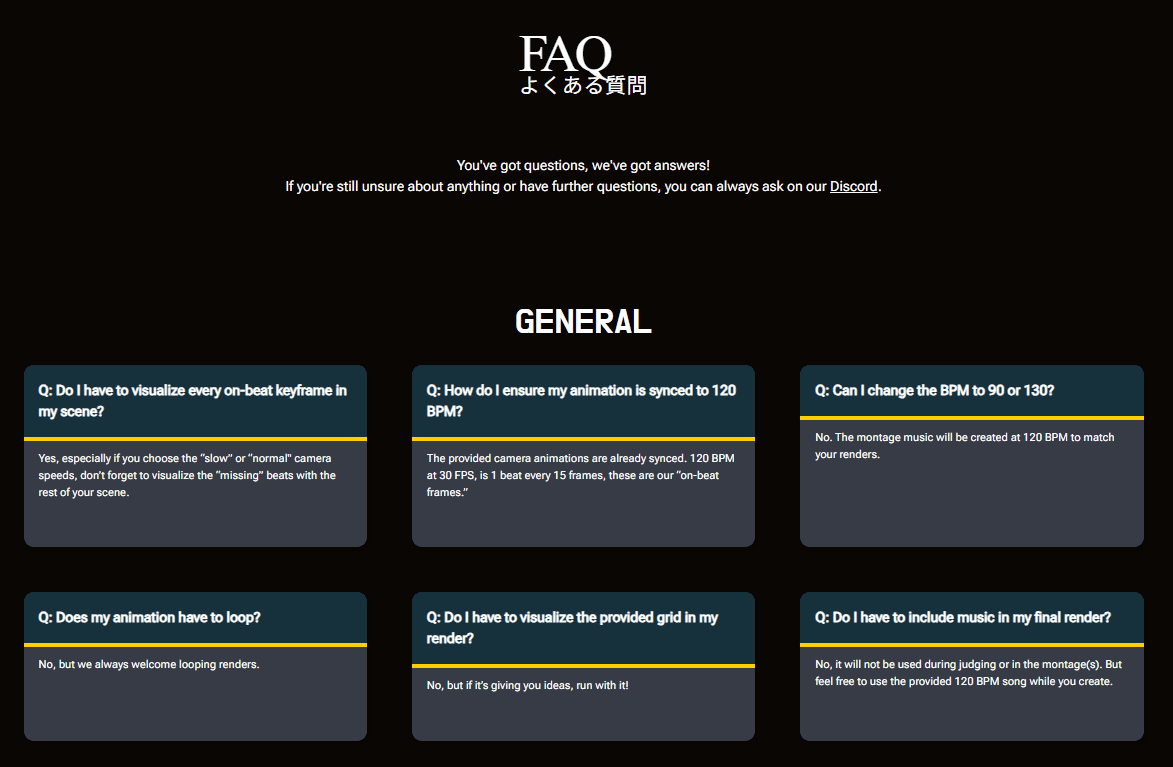
General
Q: Do I have to visualize every on-beat keyframe in my scene?
A: Yes, especially if you choose the “slow” or “normal" camera speeds, don’t forget to visualize the “missing” beats with the rest of your scene.
Q: How do I ensure my animation is synced to 120 BPM?
A: The provided camera animations are already synced. 120 BPM at 30 FPS, is 1 beat every 15 frames; these are our “on-beat frames.”
Q: Can I change the BPM to 90 or 130?
A: No. The montage music will be created at 120 BPM to match your renders.
Q: Does my animation have to loop?
A: No, but we always welcome looping renders.
Q: Do I have to visualize the provided grid in my render?
A: No, but if it’s giving you ideas, run with it!
Q: Do I have to include music in my final render?
A: No, it will not be used during judging or in the montage(s). But feel free to use the provided 120 BPM song while you create.
Camera
Q: Do I have to use all of the on-beat keyframes when animating my camera?
A: No, but if you choose the “slow” or “normal" camera speeds, don’t forget to visualize the “missing” beats with the rest of your scene.
Q: Can I mix and match camera speeds?
A: Yes. If you choose the “slow” or “normal" camera speeds, don’t forget to visualize the “missing” beats with the rest of your scene.
Q: Can I swap between world and local space for each camera transform?
A: Yes. If rotating, be sure to do so in multiples of 90 degrees regardless of transform space.
Q: What camera settings can I change?
A: Focal length, camera starting angle, shutter speed, depth of field.
Q: Can I change the relative scale of my scene?
A: Yes.
Tools
Q: Can I use pre-built or bought assets?
A: Of course. As long as you have the permission to use them, you can use any assets you'd like. Feel free to check the “Free for the Month” section on the website too.
Q: Does my entry have to be a 3D Animation?
A: Though this is a 3D-focused challenge, we welcome any medium as long as you maintain the flow of the montage.
Q: What do the judges consider Generative AI?
A: Image to image, image to video, image to mesh, text to image, text to video, text to mesh, AI render engines, creative upscalers, fully generated animation, Comfy UI workflows or any generative AI tools built into any software.
Q: Can you tell me if a specific tool is considered generative AI or not?
A: We simply don’t have the bandwidth to assess each case. So if you’re unsure, it’s best not to use it for this challenge.
Q: Can I use existing Intellectual Properties?
A: Yes, though we encourage completely original ideas.
Q: Can my submission include NSFW elements such as nudity, blood and gore, and legible swearing?
A: We generally use YouTube's content warnings as our guideline for these challenges. If your submission gets any of the montages flagged, it will be removed.
Q: Can I add sound design and music to my submission?
A: Absolutely! Just know it won’t be used during judging or any of the final montages.
Technical
Q: What happens if I don't follow the rules of the challenge?
A: Your render may be disqualified and removed from the montage(s).
Q: What happens if I don’t follow the tech specs?
A: Your render may be disqualified and removed from the montage(s).
Q: Where is the submission link?
A: The submission link will be made available halfway through the challenge on Friday, February 13th, at 10:45 AM PST.
Q: Can I submit more than once or update my submission?
A: No, only one submission will be accepted per person. Multiple submissions (including versioning) will result in a DQ.
Conduct
Q: I have evidence or a deep suspicion that somebody has stolen or copied my idea. What should I do?
A: We will not be investigating these claims, as it is almost impossible to verify with certainty where an idea came from.
Render with the Best: Fox Renderfarm
If your local workstation is struggling to meet the 120-frame requirement at 4K resolution, let DRÆM SEQUENCE's sponsor, Fox Renderfarm, handle the heavy lifting.
As the leading cloud rendering and render farm service in the industry, Fox Renderfarm provides the massive computing power you need to meet the deadline without sacrificing quality.
-
New Users: Enjoy a $25 free trial just for signing up.
-
Special Bonus: Use the code "Foxrenderfarm" to claim a $55 render coupon, giving you up to $80 in total credits to power your DRÆM SEQUENCE entry!
Best of luck—stay on beat!