 Blender
 Cinema 4D
 Arnold
 3ds Max
 Houdini
 V-Ray
V-Ray Maya
Maya Unreal Engine
 Nuke
Nuke Pricing
 New User Bonus
 Cost Estimator

Desktop Client Trouble and FAQ
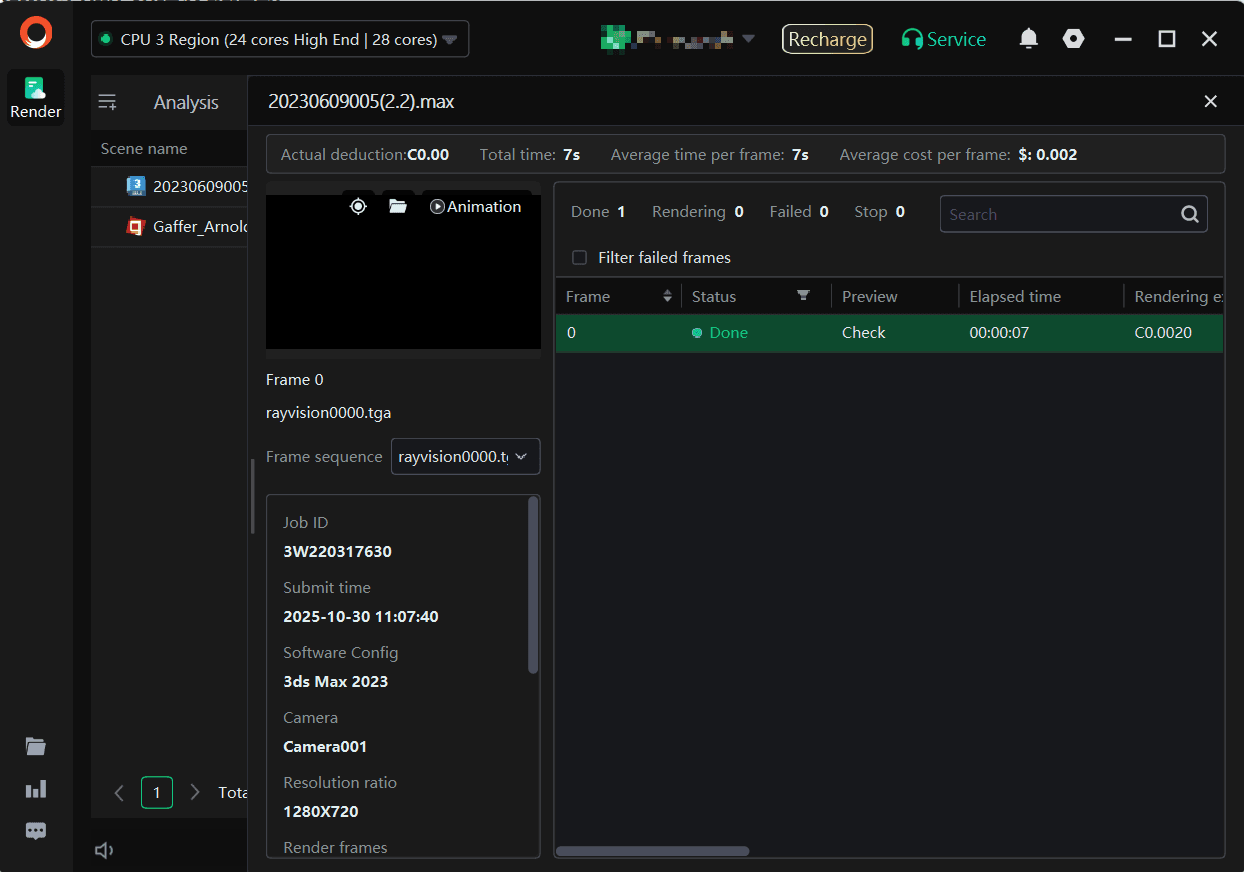
Q: How can we check the rendering sequences of the tasks in the client?
A: Double-click the task for the page with detailed task.
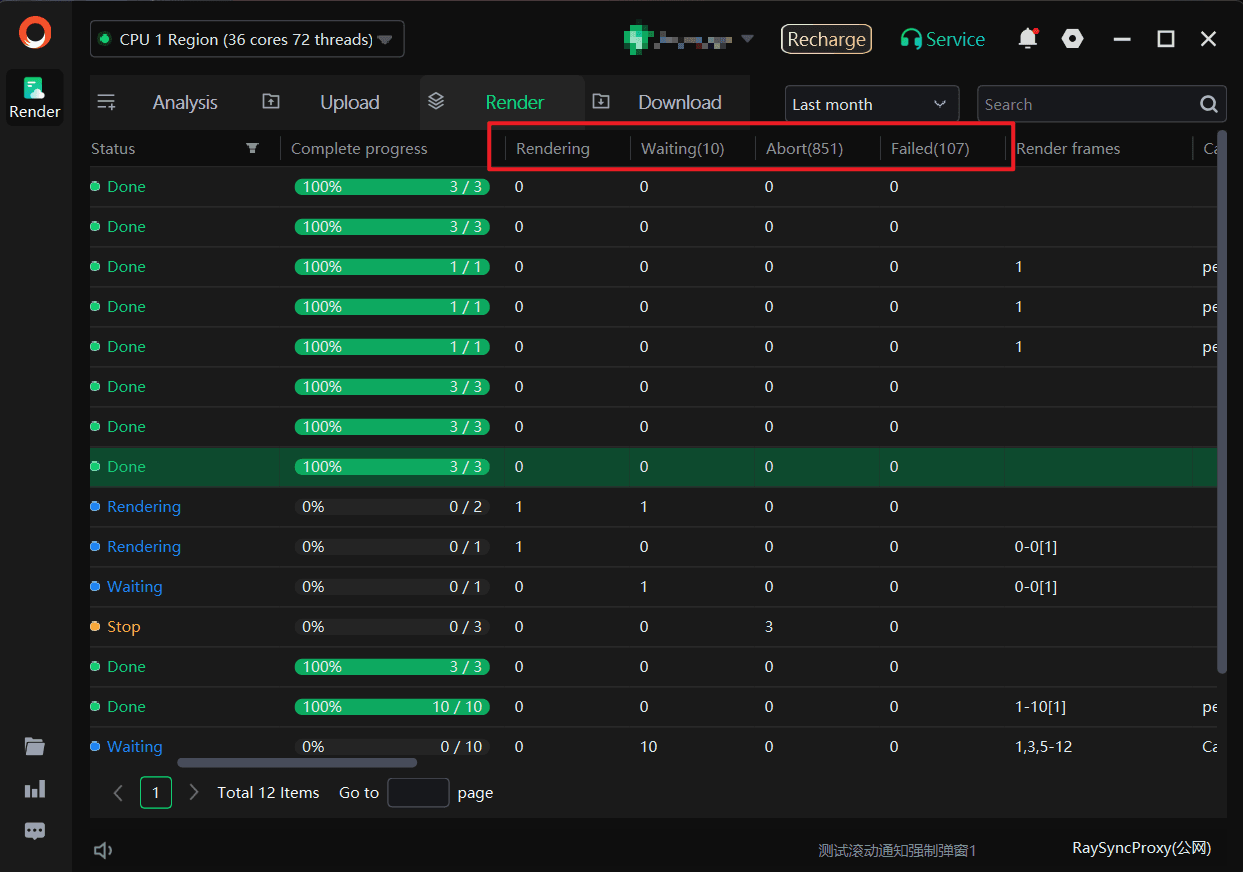
Q: What do the numbers for task status mean?
A: From left to right, they refer to the status of the frames as rendering, waiting, aborted and failed.
Q: Why are there red frames? What should we do?
A: The red frame refers to the frame failed. Generally, you may right click the tasks in the client to retry the failed frame for 3-5 times. Refresh it for each retry. Please contact the customer service if it still fails.
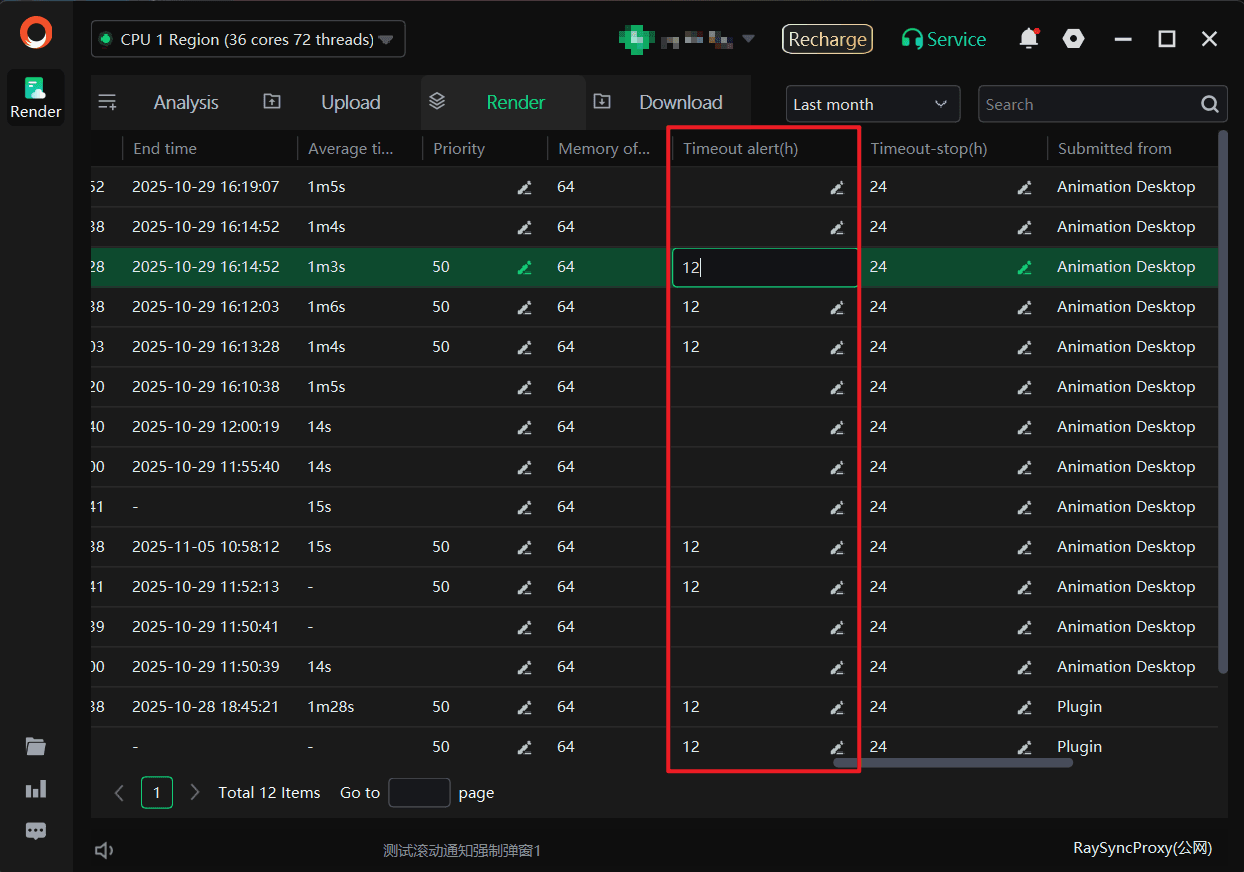
Q: Why did my task turn yellow?
A: It’s a timeout alert. When the time runs out, it turns yellow. Normally, it has no effect. You may pull the bottom bar to the right and double-click the number under the timeout alert to manually change the timeout alert.
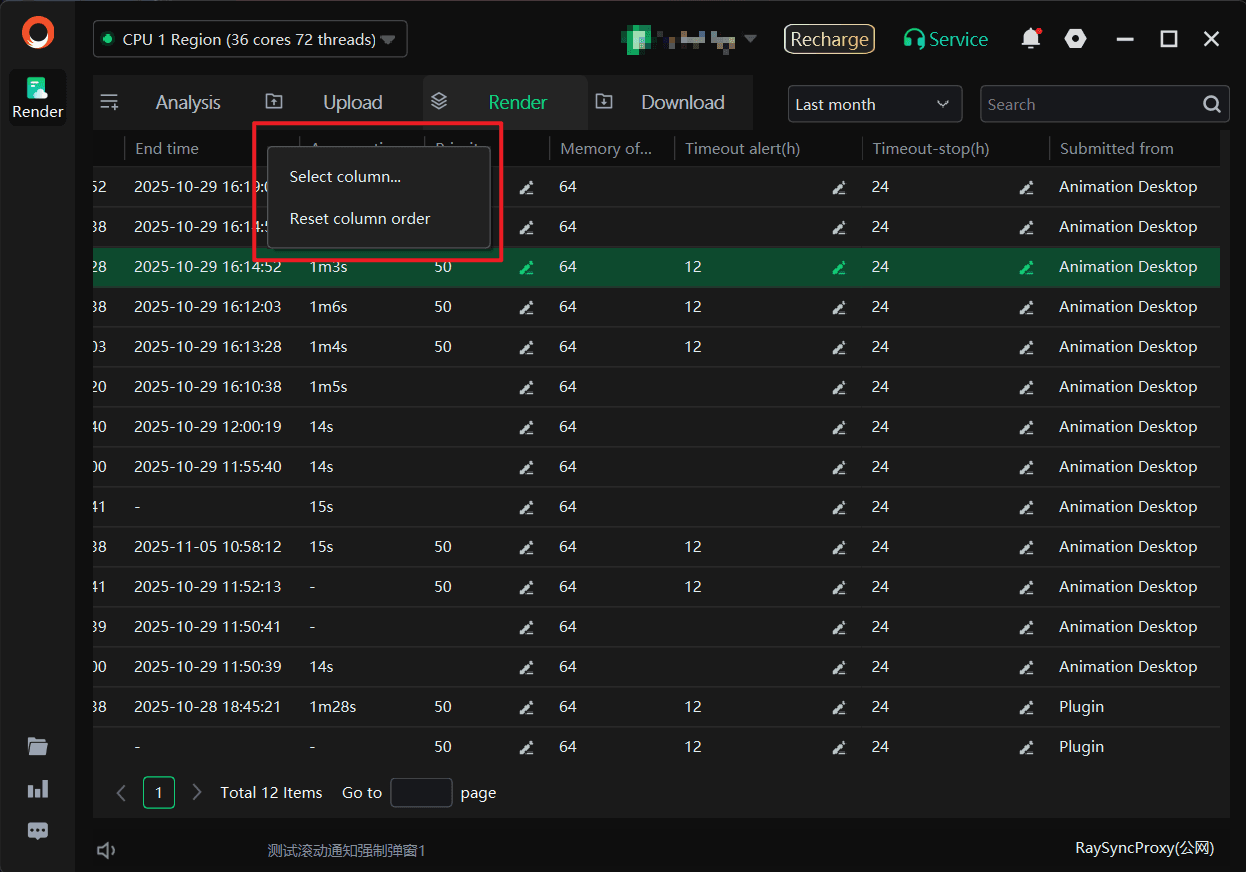
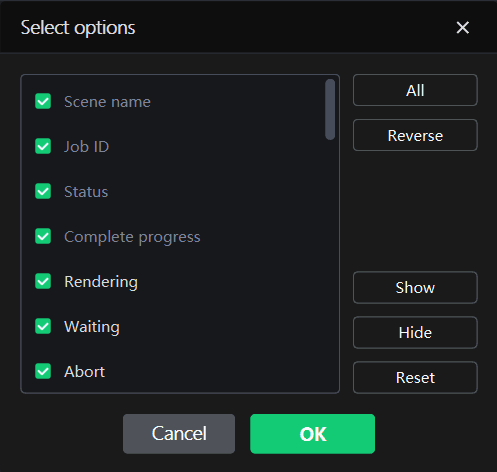
Q: Why is the display column for the “render jobs” on my desktop client different from others?
A: The columns required to be display can be set in the client. Right click the “Select column” in the row of “Scene Name” to tick the displayed column.
Q: How to change the login platform?
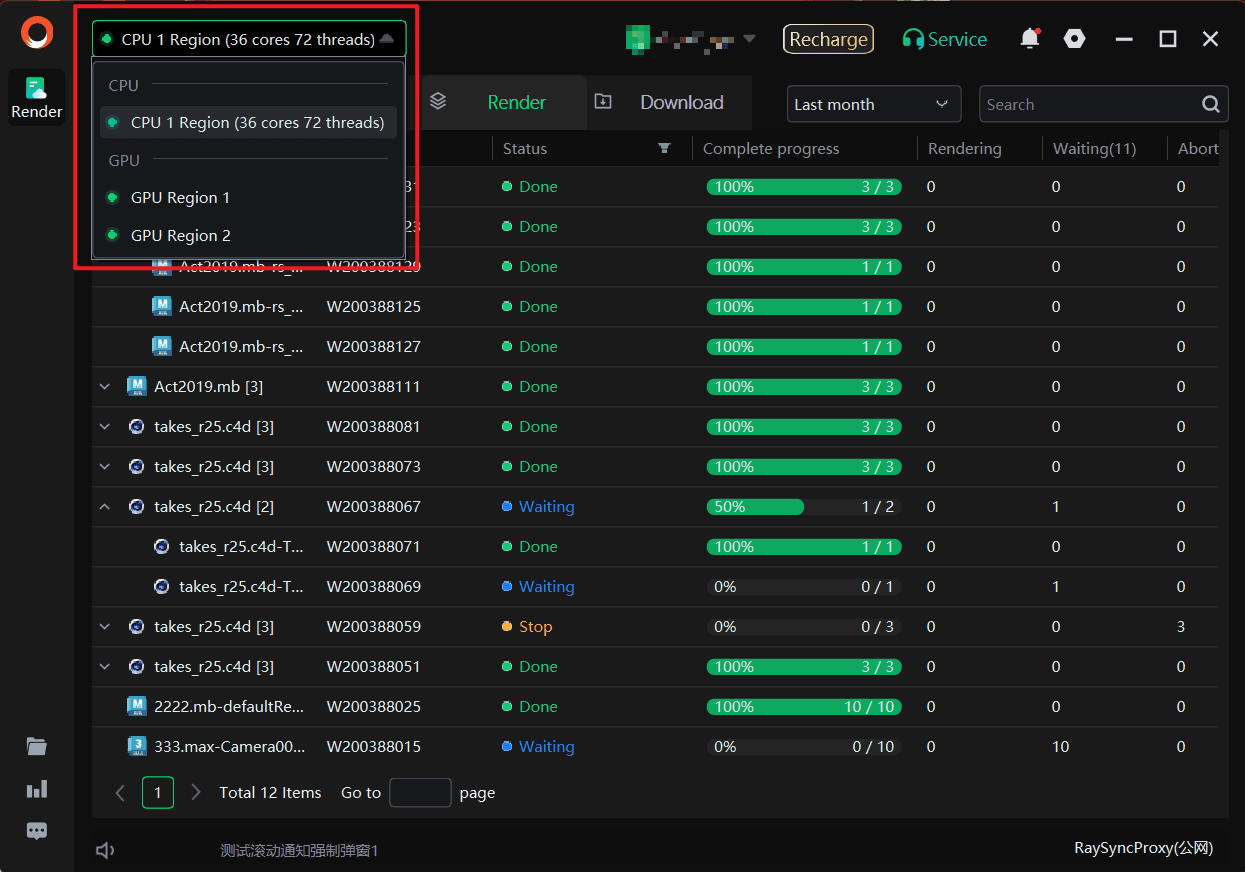
A: Open the client, move the mouse to the platform dropdown menu in the top bar, and select the platform to be changed.