
 Blender
 Cinema 4D
 Arnold
 3ds Max
 Houdini
 V-Ray
V-Ray Maya
Maya Unreal Engine
 Nuke
NukeFrame Grabbers for Virtual Production: How to Choose One
 Ryan Thompson
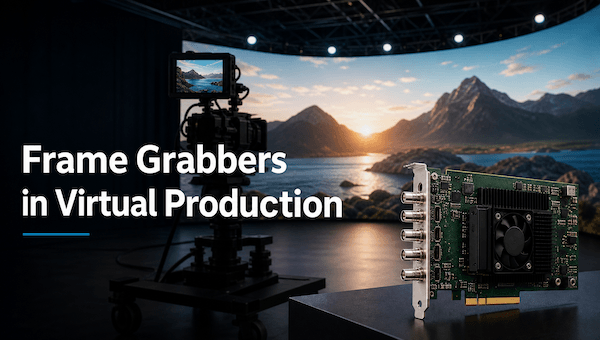
In virtual production, a frame grabber captures live camera or video signals and delivers them to an Unreal Engine workstation with the timing and format required on set. It helps keep the camera feed, tracking data, and LED wall output synchronized. During final offline rendering, the bottleneck shifts from capture hardware to CPU or GPU capacity.
What Is a Frame Grabber in Virtual Production?
A frame grabber is a hardware device or acquisition interface that receives frames from a camera or video source and makes them available to software such as Unreal Engine, a tracking system, a real-time compositor, or a broadcast application.
A professional frame grabber can expose genlock, frame-lock, timecode, trigger, timestamp, color-format, and buffering controls. These help keep the live camera, rendered background, and LED refresh aligned. A consumer capture dongle may record the same signal without providing those controls.
How Does a Frame Grabber Work?
The live-rendering path usually looks like this:
Camera / SDI or HDMI Source → Frame Grabber → Capture SDK → Unreal Engine → LED Wall or Compositor
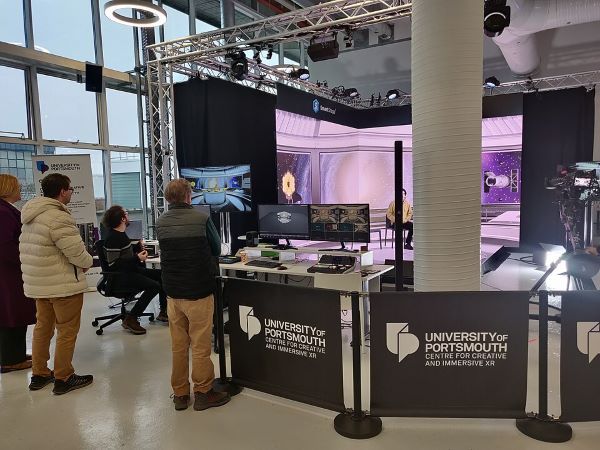
The source sends a video signal through a supported interface. The frame grabber validates its timing and pixel format, then places frames into a buffer that the capture SDK exposes to the application. Depending on the device, it may also handle color conversion, deinterlacing, scaling, or transport to host memory.
Synchronization is the critical part. Genlock gives devices a shared timing reference, timecode identifies a frame in the production timeline, and tracking data keeps the rendered perspective in step with the physical camera. If those signals drift, the background can slide, tear, or lag even when the engine has enough frame rate.
A practical example: LED wall and camera tracking
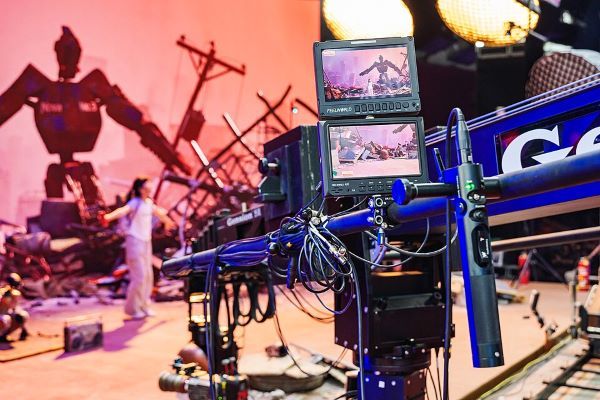
On an LED stage, a cinema camera sends a 12G-SDI feed to the capture hardware while a tracking system reports the camera’s position and lens data. The frame grabber passes the live image to the workstation, Unreal Engine renders the tracked environment, and the LED processor displays the result behind the performer. Genlock and timecode keep the camera exposure, tracking update, Unreal frame, and LED refresh in the same timing system. The result is a live composite that can be reviewed on set rather than rebuilt later from disconnected recordings.
Frame Grabber vs. Capture Card vs. Video Capture Interface
These categories are useful when planning a live-rendering pipeline.
|
Device |
Typical virtual-production use |
What to check |
|
Frame grabber |
Low-latency camera ingest and synchronized capture |
Genlock, timecode, SDK, buffering, and supported formats |
|
Capture card |
SDI or HDMI ingest for broadcast and live production |
Input count, frame rate, driver support, and latency |
|
Video capture interface |
Simple monitoring, streaming, or recording |
Host compatibility and whether timing controls are available |
A capture card may be sufficient for a single-camera stream or monitoring feed. Choose a professional frame grabber when the system must coordinate camera input with tracking, LED processing, multiple sources, or a real-time engine. Documented timing features and measured latency matter more than the product name.
Frame Grabber Interfaces and Industry Standards
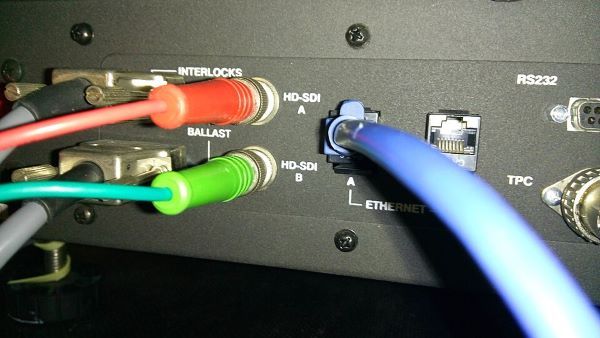
For virtual production and live rendering, SDI and HDMI are usually more relevant than factory-camera interfaces. The choice depends on source, resolution, frame rate, cable distance, synchronization, and compression.
|
Interface or standard |
Typical role |
Key consideration |
|
12G-SDI |
4K camera and broadcast signal transport |
Robust cabling, professional timing, and long-running stability |
|
HDMI 2.1 |
Camera, workstation, or display connection |
High data rates, but cable and device compatibility matter |
|
PCIe |
Internal capture hardware in a render workstation |
Low latency and high throughput, but requires an expansion slot |
|
Thunderbolt or USB4 |
Portable or external capture systems |
Easy deployment, but host-controller sharing can affect performance |
|
CoaXPress 2.0 |
High-speed camera acquisition |
More common with scientific or machine-vision cameras than LED stages |
|
GigE Vision |
Networked camera acquisition |
Flexible distance and routing, but requires careful network design |
SDI 12G is a practical fit for many 4K live-production paths. HDMI 2.1 can work with consumer or workstation hardware, but advertised bandwidth does not guarantee stable end-to-end performance. CoaXPress 2.0 and GigE Vision are relevant mainly to high-speed camera pipelines, not as default LED-volume interfaces.
Representative hardware ecosystem
Teams may encounter products from AJA Video Systems, Blackmagic Design, Deltacast, Matrox Video, Magewell, Euresys, Teledyne DALSA, or Active Silicon. Their combinations of SDI, HDMI, acquisition, synchronization, and SDK support vary. Treat these names as an ecosystem reference, then verify current specifications, drivers, Unreal Engine compatibility, and genlock or timecode support.
Do You Need a Dedicated Frame Grabber?
You may not need a dedicated device for a webcam, simple preview feed, or single HDMI recording workflow. A standard capture interface is enough when latency and timing are not critical.
A dedicated or professional capture device becomes more useful when you need:
- A synchronized SDI or HDMI camera feed for Unreal Engine;
- Genlock, frame-lock, or timecode across camera, tracking, and LED systems;
- Multiple camera inputs or redundant signal paths;
- 4K or higher capture at a fixed production frame rate;
- Consistent latency during a long shooting day;
- An SDK that exposes frame metadata to a custom tool or compositor.
Before adding hardware, map the signal chain. Some cameras, LED processors, and virtual-production systems already include capture, synchronization, or conversion. Ask which device owns each timing stage and where latency remains.
How to Choose a Frame Grabber for Live Rendering
Start with the production specification rather than the brand or interface label. Confirm:
- What input does the camera or source provide: 12G-SDI, HDMI 2.1, or another standard?
- What resolution, color format, bit depth, and frame rate must be captured?
- Does the stage use genlock, tri-level sync, black burst, timecode, or another reference?
- How much glass-to-glass latency can the operator and performer tolerate?
- How many inputs must be captured simultaneously?
- Does the SDK expose timestamps, frame metadata, and the controls required by Unreal Engine or the compositor?
- Is the workstation equipped with enough PCIe bandwidth, cooling, storage, and GPU capacity?
- What happens if the signal drops: does the system fail over, freeze the last frame, or interrupt the take?
Before buying, check four layers: the camera standard, frame-grabber driver, capture SDK or plugin, and host workstation. A board can have enough bandwidth and still fail if the driver, timecode support, or Unreal Engine pixel format is incompatible.
A useful raw-bandwidth estimate is:
Required bandwidth = width × height × bit depth × frame rate × number of channels
This is only a starting point. Protocol overhead, chroma subsampling, buffering, conversion, and bus sharing reduce usable throughput. Test the complete camera-to-Unreal-to-display chain at the intended frame rate.
Common Frame Grabber Problems on Set
Common failures include dropped frames, audio or video drift, tracking misalignment, tearing, and inconsistent latency. Check the reference clock, genlock, timecode, input format, and cable path first. Then inspect drivers, buffers, PCIe or USB/Thunderbolt contention, GPU load, and the Unreal capture plugin.
For a multi-camera stage, test synchronization over a sustained session. Log frame timestamps and dropped-frame events so the technical director can separate a camera problem from a render or display problem.
From Live Capture to Final Offline Rendering
The production path can be divided into two related but different stages:
- Live capture → camera tracking → Unreal Engine real-time rendering → on-set display
- Approved plates or scenes → VFX, animation, and final offline rendering → delivery
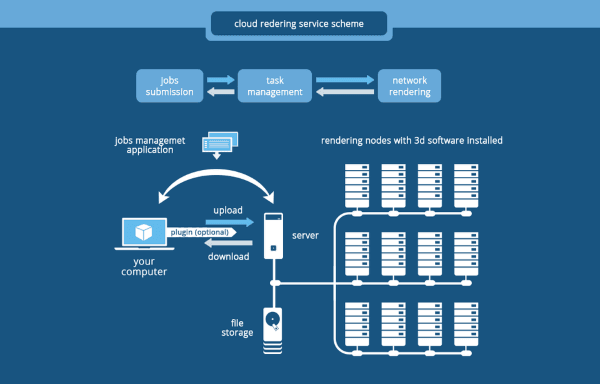
The frame grabber belongs to the first path. Once a project enters final compositing, high-resolution VFX, animation, or photorealistic offline rendering, the main requirement becomes scalable CPU or GPU compute.
That distinction makes the internal workflow natural: frame acquisition solves the input problem, while a render farm solves the final-frame computation problem.
For a deeper explanation of the two rendering modes, see the difference between pre-rendering and real-time rendering. When the project requires additional GPU capacity, what GPU rendering means for 3D production and the choice between GPU or CPU video rendering are useful next steps.
Frequently Asked Questions
What does a frame grabber do in virtual production?
It captures a live camera or video signal and delivers frames to Unreal Engine, a compositor, or another application with the timing and metadata needed for a synchronized stage.
Is a frame grabber the same as an SDI capture card?
Not necessarily. An SDI capture card may provide video ingest, while a professional frame-grabber workflow may also require genlock, timecode, frame metadata, SDK controls, and predictable latency.
Do I need a frame grabber for an LED wall?
It depends on the camera, LED processor, and stage architecture. A simple feed may use an integrated capture interface; a synchronized multi-system stage may need dedicated hardware and reference timing.
Is CoaXPress 2.0 used for LED virtual production?
Usually not as the primary LED-stage interface. CoaXPress 2.0 is more common for high-speed scientific or machine-vision cameras, while SDI and HDMI are more typical for cinematic and broadcast video paths.
Conclusion
In virtual production, a frame grabber is part of the live timing and ingest system, not the render farm itself. Choose it by matching the camera signal, synchronization reference, latency, SDK, Unreal Engine workflow, and host hardware. Then treat final offline rendering as a separate compute problem that may require scalable CPU or GPU capacity.


 Ryan Thompson