Blender
 Cinema 4D
 Arnold
 3ds Max
 Houdini
 V-Ray
V-Ray Maya
Maya Unreal Engine
 Nuke
NukeHow to Create the Animated Water Material with Maya

As a leading cloud rendering service provider and render farm in the CG industry, Fox Renderfarm has organized a Maya tutorial article for you. Next, let's see how to use Maya to create the animated water material.
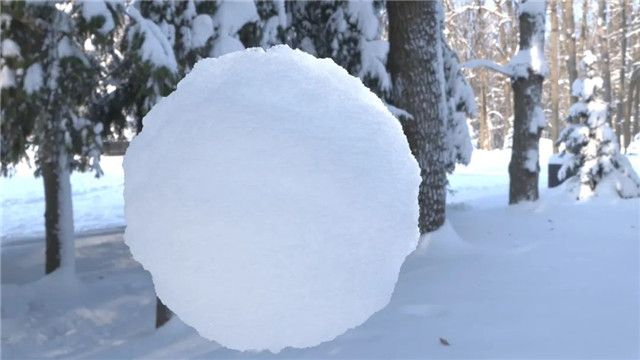
The animated water will look like the following image:

Image from the Internet
Making Process
First, create a plane and assign it Ai Standard Surface.

Add a Noise node to Color.

Replace Noise Type with SpaceTime and adjust the Threshold, Amplitude, Ratio and Frequency Ratio parameters as shown on the screenshot.

Then set the Time parameter to 0 at frame 1 and 1.45 at frame 200. Now play the timeline, which shows a dynamic Noise effect.

Once that's done, adjust Depth Max to 5 and Frequency to 9.5.

Find Effects and click Insert at Color Remap.

Change the color of these two dots separately.

Add another color and adjust the positional spacing of these 3 colors.

For optimization, change the Type to Tartan Ramp, and adjust the U Wave and V Wave values to 0.091 and 0.201 respectively. Finally, adjust the spacing of the 3 colors appropriately and done.

The above is the process of making animated water material in Maya. Now try it yourself.
Author: Jiwei
Source: Thepoly