
 Blender
 Cinema 4D
 Arnold
 3ds Max
 Houdini
 V-Ray
V-Ray Maya
Maya Unreal Engine
 Nuke
NukeBest GPU for Blender in 2026: Benchmarks and VRAM Guide
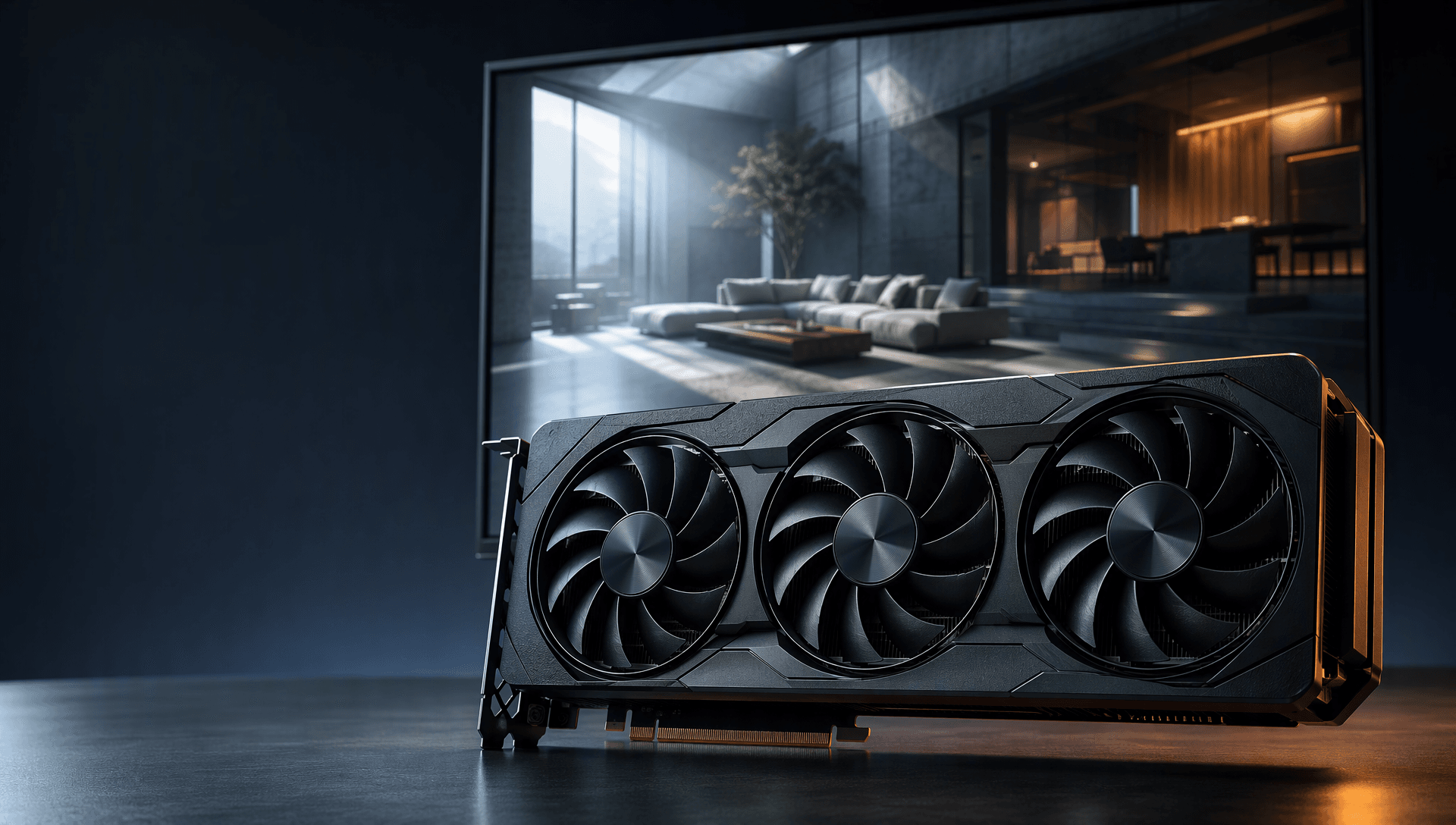
Rendering complex scenes or making detailed edits usually depends on the power of your hardware. You might feel stuck when selecting a suitable graphics option, as they all offer different features. Some can offer different strengths, ranging from ultra-fast performance to strong value for money. Luckily, you don't need the most expensive models if you know what to choose.
This guide compares the best GPU for Blender options in 2026. It covers Cycles performance, viewport work, professional projects, budget builds, and large scenes.
How to Choose the Best Graphics Cards for Blender
Understanding what makes a graphics card suitable for your workflow helps you make a clear and confident choice. Thus, this section will help you know these key factors to opt for the best GPU Blender for consistent performance:
- CUDA and OptiX Support: Blender makes rendering jobs faster by getting help from your graphics card, specifically through CUDA and OptiX. A card that fully supports these frameworks will offer smoother performance and faster processing.
- VRAM Capacity: It directly affects how well your card handles large textures and detailed models. Graphics cards with higher video memory allow users to work on complex projects without crashes or performance drops.
- Viewport and Rendering Speed: A fast process can improve both lifelike previews in the viewport and the final render times. This allows users to make art-related decisions more quickly without waiting too long for updates.
- Driver Compatibility with Blender: Not all of them work smoothly with Blender, leading to glitches or crashes during work. A GPU with well-optimized drivers ensures more stable and reliable performance and reduces the risk of software errors.
- Power Consumption and Cooling: Looking for GPUs with higher performance requires more power and generates significant heat while running. A card with improved cooling and efficient energy use can enable hardware to operate longer than expected.
The broader Fox Renderfarm GPU guide covers graphics cards across several 3D applications. This page stays focused on Blender, especially Cycles, Eevee, viewport work, and Blender specific compute support.
Best GPUs for Blender: Choosing the Right One for You
Now that you are aware of the factors to look for in an effective graphics card, it is time to explore some of the best models mentioned below:
A. High-End GPUs
Follow along to find out the best graphics cards for Blender that can deliver high performance and reliability:
1. NVIDIA RTX 4090
Artists working on large Blender scenes and detailed animations can use the 4090 series with a median score of 12,637.38 and 1,351 benchmarks for faster processing. With up to 24 GB of memory and excellent ray tracing support, it can handle heavy animation workflows without making your system slow. This graphics card stands out as the best GPU for rendering Blender, giving users faster previews and smoother project completion.

2. AMD Radeon RX 7900 XTX
This model stands out as one of the best graphics cards Blender users can choose for animations. With the support of 4K playback and encoding, users can enjoy smoother animation workflows. Its Smart Access Memory feature boosts data flow between the CPU and GPU to increase the speed of rendering heavy tasks and large textures. The AMD Radeon super-resolution enhances image clarity and maintains higher frame rates during real-time Blender viewport previews.

B. Mid-Range GPUs
For artists who need a solid rendering without the extreme price tag, the given options offer an excellent balance and performance:
1. NVIDIA RTX 3070/3080
These processors can handle heavy creative tasks and deliver excellent speed and stability for Blender projects. Its features include ray tracing that helps users create realistic effects in animations, including lighting and reflections. Besides, they both use advanced AI to help reduce rendering time and improve performance during heavy edits. The series balances power and value for creators and stands out as the best graphics card Blender users can trust.

2. AMD Radeon RX 6800
Among the budget models, it offers strong performance for 3D work to support faster previews and smoother workflows. This can handle 4K decoding and encoding, which makes it easier to work with HD projects. It offers tools like Radeon Boost and Anti-Lag that improve response time while working on heavy tasks. Users can use this graphics card with Blender, with Vulkan API and enhanced sync technology, to create heavy animation files with stability.

C. Budget-Friendly GPUs
Below are a few more graphics cards for those with a tighter budget, but they still support faster workflows:
1. NVIDIA GTX 1660 Super
For Blender users looking for a budget option, this GPU gives solid graphics performance without lag. GTX 1660 Super supports Turing architecture, which improves shading and memory use for smoother work. With high frame rates, scenes update faster to help artists complete tasks more quickly. Users can opt for this to handle basic tasks like sculpting, making it the best GPU for Blender.

2. AMD Radeon RX 6600
With this processor in hand, working in Blender can feel smoother as it offers stable performance and clear visual outputs. Its AV1 decoding improves scene previews during edits. Radeon Super Resolution and Image Sharpening enhance the clarity of animations. Its Smart Access Memory moves data more efficiently between the GPU and the CPU. These features help the AMD 6600 series serve as the best Blender GPU for users creating detailed visual projects on a limited budget.

Pro Tip: Improve Blender Rendering Efficiency
A local GPU is a good investment when you render often, need fast previews, and can keep the hardware busy for several years. Cloud rendering fits burst demand. A long animation or late client revision can occupy one workstation for days, while a large scene may exceed local memory.
In those cases, you can keep working locally and send final frames to a Blender render farm. This adds capacity without rebuilding your workstation around the largest job of the year.
Run a small test first. Check textures, linked assets, add ons, Blender version, output, color management, and estimated cost. The step by step Blender render farm guide covers project preparation and submission.

Conclusion
In short, choosing the best Blender GPU depends on your workflow and future project needs. A well-matched graphics card can boost speed and overall output quality for rendering animations. Whether working on simple models or advanced animations, the right hardware makes a clear difference. For faster results without upgrading your system, try Fox Renderfarm and take advantage of powerful cloud-based rendering services with ease.