
 Blender
 Cinema 4D
 Arnold
 3ds Max
 Houdini
 V-Ray
V-Ray Maya
Maya Unreal Engine
 Nuke
NukeBest GPU for Rendering in 2026: 5 Top Picks for 3D Work

Choosing the best GPU for rendering is not just about buying the most expensive card. The right option depends on your software, scene size, render engine, and how much VRAM you actually need for daily work.
In this guide, we look at 5 strong GPUs for 3D rendering in 2026, along with the most important buying factors. We will also cover when cloud rendering makes more sense than upgrading your local hardware.
Quick Answer
- Best overall GPU for rendering: NVIDIA GeForce RTX 5090
- Best high-end value option: NVIDIA GeForce RTX 5080
- Best workstation GPU: NVIDIA RTX Pro 6000 Blackwell
- Best AMD consumer option: AMD Radeon RX 7900 XTX
- Best AMD professional option: AMD Radeon Pro W7900
Part 1. What Is a GPU and Why Does It Matter for Rendering?
A GPU, or Graphics Processing Unit, is the part of your computer that handles graphics-heavy tasks much faster than a general CPU can. In 3D rendering, that matters because modern render engines often rely on GPU acceleration to process lighting, textures, geometry, and effects more efficiently.
For artists working in Blender, Redshift, Octane, or other GPU-based workflows, the right graphics card can make a major difference in render speed, viewport responsiveness, and overall productivity.
If you are comparing your broader hardware setup, this guide on the best PC for 3D modeling and rendering is also useful.
Part 2. Factors To Consider When Choosing a GPU
Before choosing a GPU for rendering, it helps to focus on the hardware factors that actually affect daily 3D work. The most important ones are performance, VRAM, cooling, software compatibility, and power requirements.
|
Factor |
Why You Should Consider It |
|
Processing Power |
A faster GPU handles rendering, viewport playback, and heavy scenes more smoothly. Core count and overall architecture matter more than marketing alone. |
|
Memory Capacity (VRAM) |
Larger VRAM helps with big scenes, high-resolution textures, geometry-heavy assets, and multi-layer rendering. For serious 3D work, 16GB is a strong baseline. |
|
Cooling System |
High-end GPUs generate a lot of heat. Better cooling helps maintain stable performance during long renders. |
|
Software Compatibility |
Some render engines and plugins work better with specific GPU ecosystems. This matters a lot if you rely on CUDA-based renderers. |
|
Power Consumption |
More powerful GPUs usually need more power and better cooling support. Always check whether your PSU and case airflow can handle the card properly. |
Part 3. The 5 Best GPUs for 3D Rendering in 2026
Now that you know what matters most, here are five GPUs worth considering for 3D rendering in 2026. Some are better for all-around speed, while others make more sense for high-VRAM professional work.
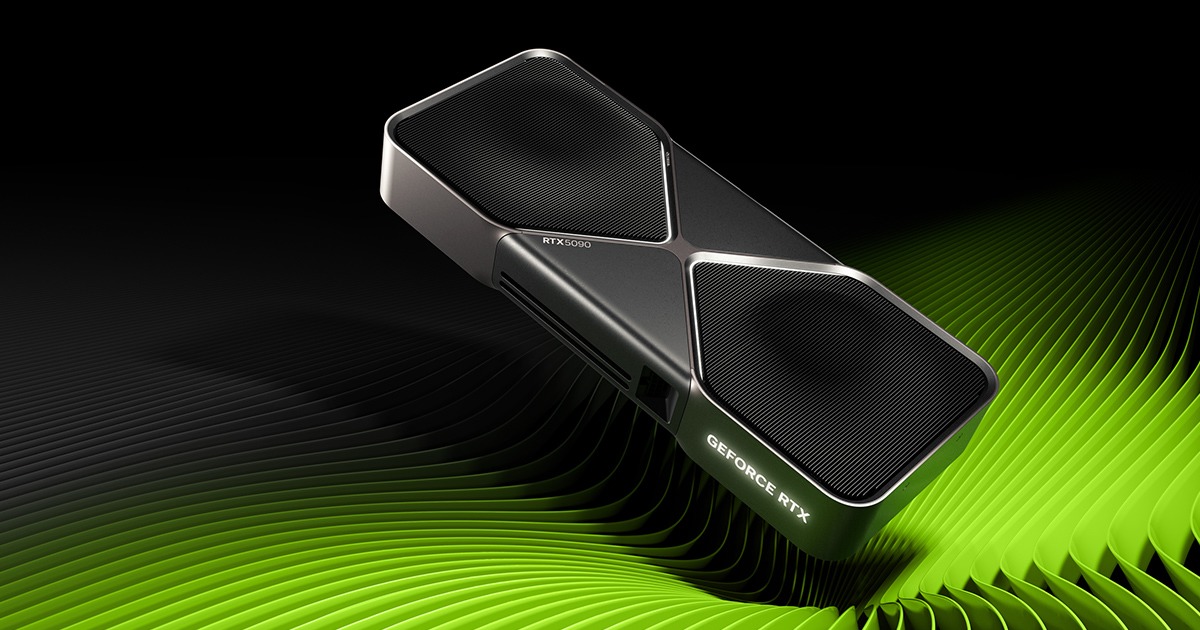
1. NVIDIA GeForce RTX 5090
If you want the strongest overall consumer GPU for rendering, the RTX 5090 is the obvious first choice. It is built for heavy 3D workloads, large scenes, and fast GPU rendering in modern pipelines.
Its biggest strengths are raw rendering speed, high VRAM capacity for complex assets, and strong support across popular CUDA-based render engines. For artists working in Blender, Octane, Redshift, or V-Ray GPU, it is one of the most capable options available.
Key Features
- 32GB of VRAM for larger scenes and heavier textures
- Excellent performance in GPU-accelerated render engines
- Strong fit for artists who want top-tier consumer rendering speed
Price
- Starting at $1999
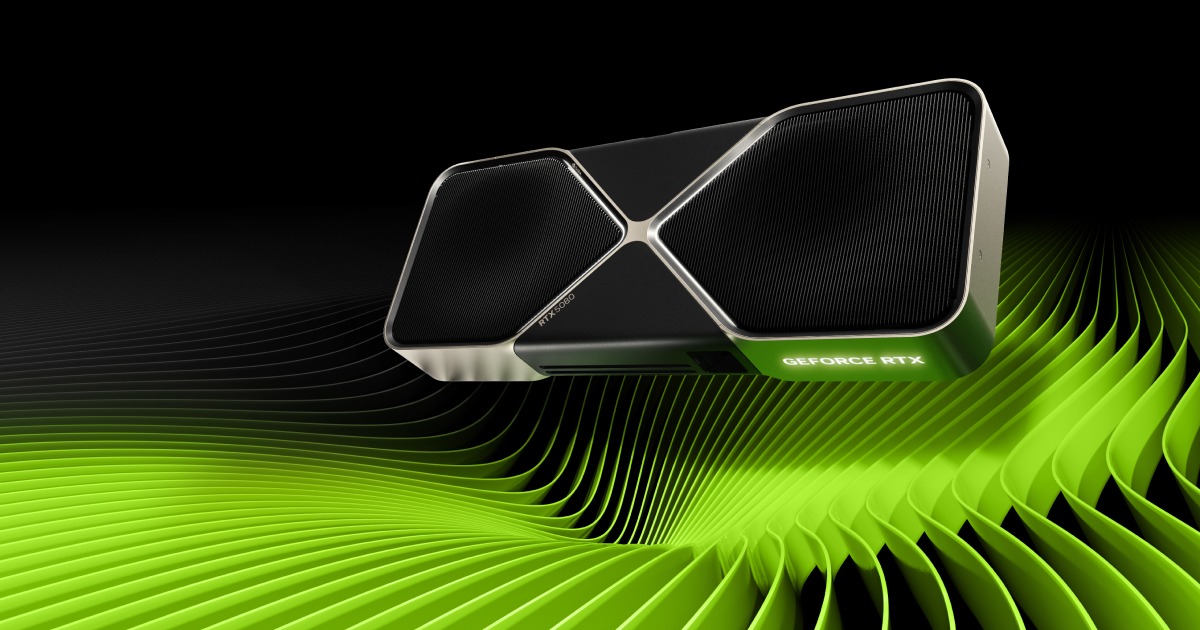
2. NVIDIA GeForce RTX 5080
The RTX 5080 is a more balanced high-end choice for users who want excellent rendering performance without stepping all the way up to flagship pricing and power draw. It still offers serious GPU horsepower and enough headroom for demanding 3D work.
For many freelancers and smaller studios, this is the card that feels more realistic as a daily workstation upgrade. It is especially appealing if you want strong rendering speed while keeping the build more manageable.
Key Feature
- High-end rendering performance with better value than flagship-tier cards
- Well-suited for medium-to-heavy 3D scenes
- Strong balance of speed, efficiency, and practical cost
Price
- Starting at $999
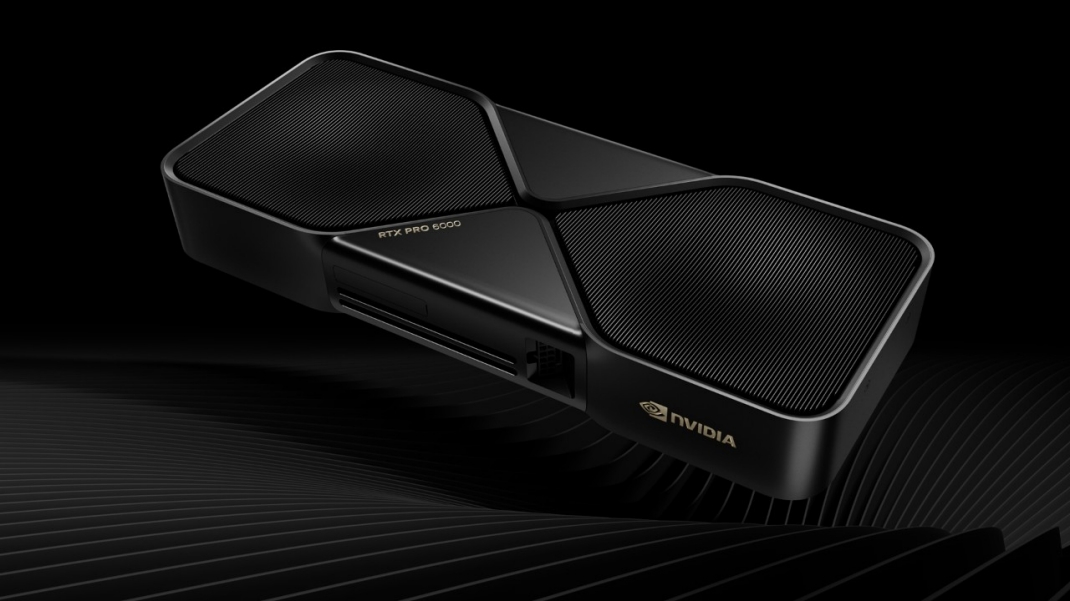
3. NVIDIA RTX Pro 6000 Blackwell
If your work leans more toward large production scenes, enterprise workflows, or VRAM-heavy professional pipelines, the RTX Pro 6000 Blackwell is the standout workstation option. It is built for users who care as much about stability, certification, and memory headroom as they do about raw rendering speed.
This kind of card makes the most sense for professional users handling complex production assets, simulation-heavy scenes, or highly demanding commercial workloads where reliability matters as much as speed.
Key Features
- Workstation-class design for heavy professional use
- Very large VRAM capacity for complex scenes and large datasets
- Better suited to long-running production workloads and specialized pipelines
Price
- Starting at $10,000
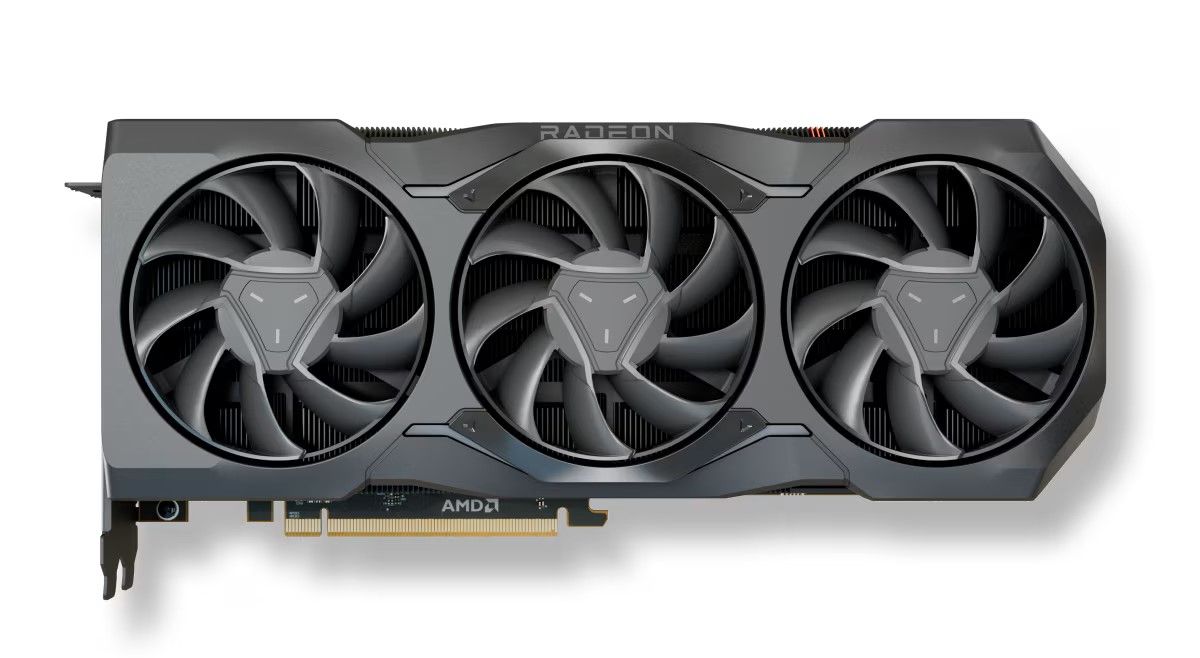
4. AMD Radeon RX 7900 XTX
The Radeon RX 7900 XTX remains one of the stronger AMD consumer options for 3D rendering. While NVIDIA still dominates many CUDA-based rendering workflows, this card is still appealing for users who prefer AMD hardware or work in software that scales well outside the CUDA ecosystem.
It offers strong raw performance, generous VRAM, and a more accessible price position than many top-end NVIDIA options. It is not the best fit for every render engine, but it is still a solid choice in the right workflow.
Key Features
- 24GB of VRAM for demanding 3D scenes
- Strong consumer-level performance for rendering and creation work
- Good AMD-based alternative for users outside CUDA-heavy pipelines
Price
- Starting at $999
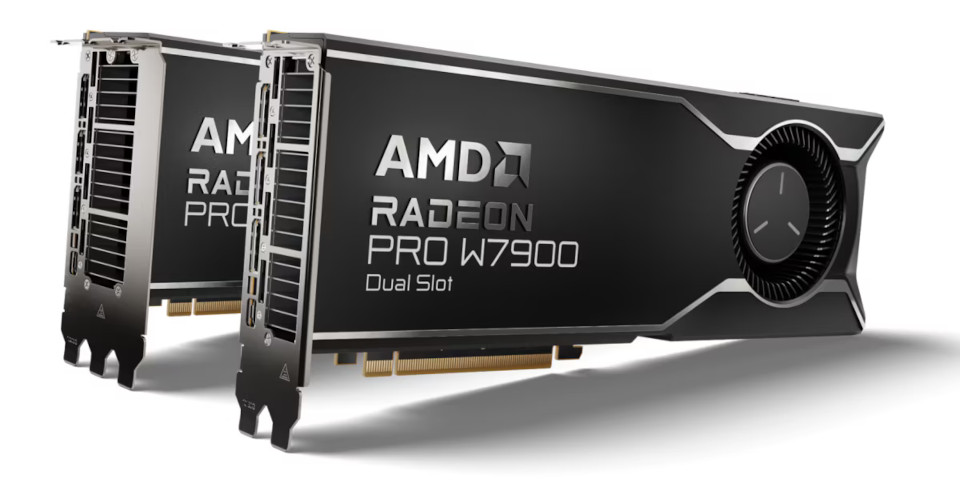
5. AMD Radeon Pro W7900
For users who prefer AMD but need a more professional-oriented GPU, the Radeon Pro W7900 is a better fit than older workstation cards. It is designed for professional graphics workloads and offers stronger memory capacity, better long-session stability, and more workstation-friendly positioning than consumer GPUs.
This is a more practical AMD professional option for users dealing with demanding design, visualization, and rendering tasks while staying in a Radeon Pro ecosystem.
Key Features
- 48GB VRAM for heavier professional workloads
- Workstation-oriented stability for longer rendering sessions
- Better fit for professional AMD users than consumer-focused alternatives
Price
- Starting at $2,669
Pro Tip: When Cloud Rendering Is Smarter Than Buying a Bigger GPU
A stronger GPU can absolutely improve render speed, but it is not always the most cost-effective answer. For beginners, students, or artists who only hit heavy rendering workloads occasionally, buying a top-tier GPU may not be the smartest upgrade.
In many cases, it makes more sense to keep a practical local workstation and offload the heaviest jobs when needed. If you are new to that workflow, this overview of what cloud rendering is and how it works is a good place to start.
Fox Renderfarm helps reduce pressure on local hardware by handling demanding rendering tasks on remote CPU and GPU nodes. That can be especially useful for larger animation projects, heavier still-image scenes, or production work where local rendering would tie up your machine for too long.

Powerful Key Features of Fox Renderfarm
- Transmission Speed: Fast upload and download workflows help reduce delays when sending larger projects to the cloud.
- API Integration: Teams can connect rendering workflows to production pipelines through API access and automation tools.
- Certification: Fox Renderfarm highlights ISO27001-certified security practices to help protect project data.
- NDA Support: Commercial teams can request NDA support when handling confidential client work.
- Plugin Compatibility: The platform supports many popular 3D tools and render software, which makes it easier to fit into existing workflows.
Conclusion
The best GPU for rendering in 2026 depends on your workflow more than raw marketing specs alone. Some users need the fastest consumer GPU available, while others benefit more from higher VRAM, better software stability, or a stronger price-to-performance balance.
A practical approach is to choose the best card your daily work can justify, then use smarter tools when local hardware becomes the bottleneck. For larger scenes, animations, or occasional heavy jobs, render farm can be a more flexible next step than upgrading hardware alone.