Blender
 Cinema 4D
 Arnold
 3ds Max
 Houdini
 V-Ray
V-Ray Maya
Maya Unreal Engine
 Nuke
NukeBest Renderers for Maya: Arnold vs V-Ray vs Redshift Compared
 Ryan Thompson
Choosing the best renderer for Maya can greatly affect your render speed, image quality, and overall workflow. In 2026, popular Maya renderers like Arnold, V-Ray, Redshift, and RenderMan each offer different advantages for animation, VFX, architectural visualization, and motion graphics.
Some Maya renderers focus on photorealistic results, while others prioritize GPU acceleration and faster rendering. In this guide, we compare the best renderers for Maya based on performance, rendering quality, hardware requirements, and real production workflows to help you find the right renderer for your projects.
Quick Comparison: Best Maya Renderers at a Glance
When choosing the best renderer for Maya, there is no single answer that fits every artist or studio. Some render engines are better for physically accurate VFX shots, while others are preferred for fast GPU rendering, animation production, look development, or architectural visualization. The right choice depends on your hardware, project scale, visual style, render deadline, and how much flexibility you need during production.
For most Maya users, Arnold, V-Ray, and Redshift are the three renderers most commonly compared. And here is a quick comparison of them in professional 3D workflows.
|
Maya Renderer |
Rendering Type |
Best For |
Main Strengths |
Things to Consider |
|
Arnold for Maya |
CPU and GPU |
Film, animation, VFX, character rendering, physically accurate lighting |
Native integration with Maya, stable production workflow, excellent ray tracing, strong shading and lighting quality |
Arnold GPU has improved, but many studios still rely on CPU rendering for maximum stability |
|
V-Ray for Maya |
CPU and GPU |
Archviz, product visualization, commercials, animation, studio pipelines |
High-quality photorealism, flexible render settings, strong material and lighting tools, widely used in professional visualization |
More settings to manage, which may feel complex for beginners |
|
Redshift for Maya |
GPU |
Motion graphics, animation, fast look development, stylized and commercial projects |
Very fast GPU rendering, responsive IPR, efficient for iteration-heavy workflows, strong performance on NVIDIA GPUs |
Requires suitable GPU hardware and enough VRAM for large scenes |
In the next sections, we will look more closely at what makes a good renderer for Maya and how each major render engine performs in real-world workflows.
What Makes a Good Renderer for Maya?
A good renderer for Maya should do more than produce a beautiful final image. In real production, artists also care about speed, stability, scene compatibility, hardware requirements, and how easily the renderer fits into an existing Maya workflow. When comparing the best renderers for Maya, these are the key factors to consider:
Rendering Quality
Image quality is usually the first thing artists look at. A strong Maya render engine should handle realistic lighting, global illumination, reflections, motion blur, depth of field, hair, fur, and more.
Rendering Speed
Speed can directly affect deadlines. Some renderers are optimized for CPU rendering, while others focus on GPU rendering. GPU renderers are preferred for fast iterations and look development, while CPU renderers are still widely trusted for heavy production scenes.
Maya Integration
A renderer should feel natural inside Maya. Good integration means stable plug-ins, easy access to render settings, reliable material previews, interactive rendering, AOV support, and compatibility with Maya tools such as XGen, Bifrost, MASH, and USD workflows.
Hardware Compatibility
Before choosing a Maya renderer, check whether it relies mainly on CPU, GPU, or both. GPU renderers can be extremely fast, but they depend on graphics card performance and available VRAM. CPU renderers are often more flexible for complex scenes, but may take longer without enough render nodes or cloud rendering support.
Production Stability
In professional rendering, stability is just as important as speed. A renderer should handle large scenes, long animation sequences, multiple render layers, AOVs, displacement, and simulations without unexpected errors.
Pipeline and Render Farm Support
If you render animations, high-resolution stills, or deadline-driven client projects, render farm compatibility becomes essential. The renderer should support batch rendering, scene submission, asset packaging, plug-in compatibility, and consistent frame output across many machines.
Arnold Renderer for Maya
What Is Arnold?
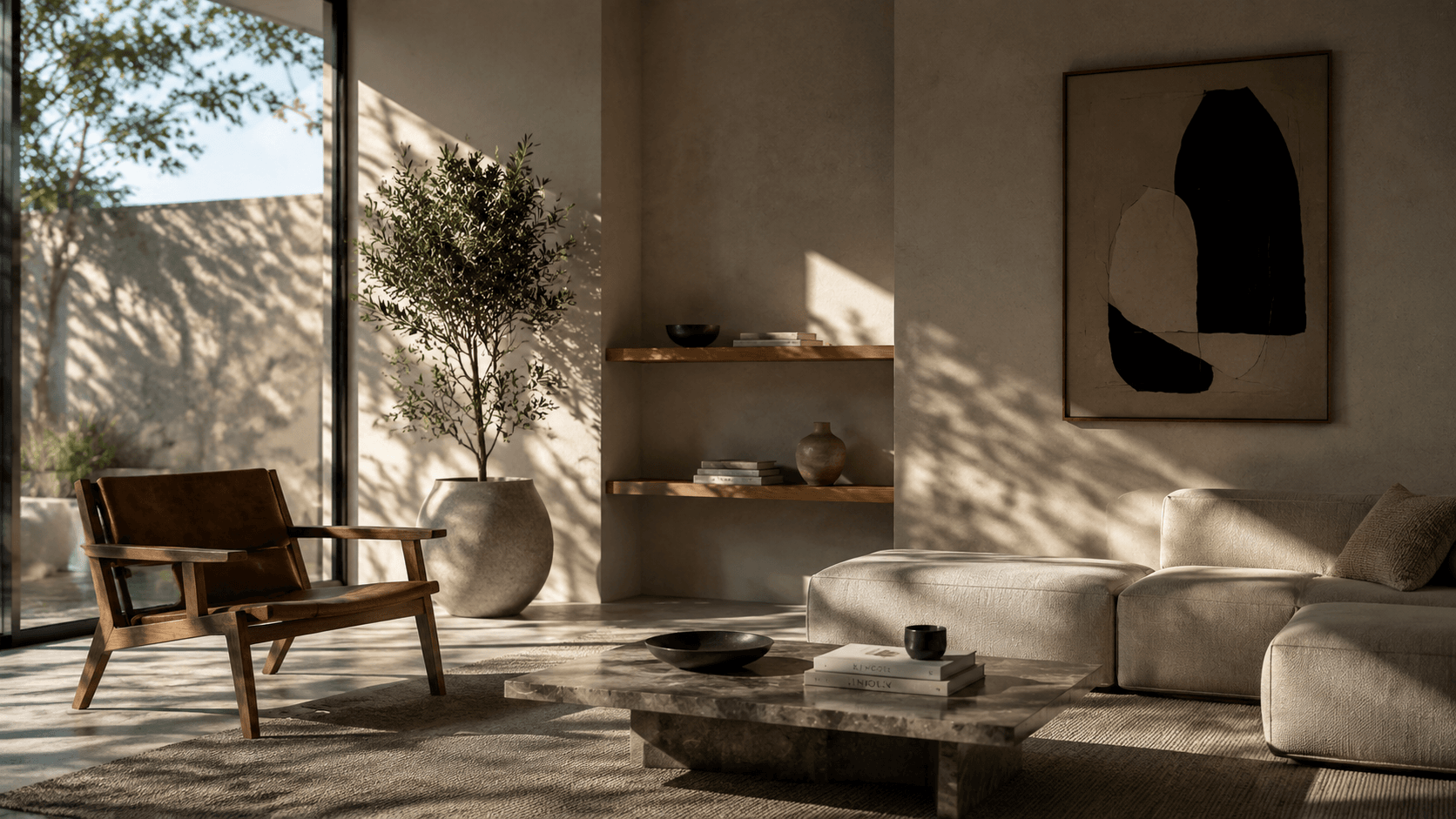
Arnold is the default renderer that comes with Autodesk Maya. It is a physically based ray tracing renderer widely used in film, animation, VFX, and high-end 3D production.
In simple terms, Arnold is designed to create realistic lighting, shadows, materials, and camera effects. Because it is deeply integrated into Maya, artists can start rendering without installing a separate third-party renderer.
Arnold supports both CPU and GPU rendering, although many studios still rely on Arnold CPU for final production because of its stability and predictable results.
|
Pros |
Cons |
|
Built into Maya and easy to access |
CPU rendering can be slow on complex scenes |
|
Excellent image quality and realistic lighting |
Arnold GPU may not support every production feature as fully as CPU |
|
Very stable for film, animation, and VFX workflows |
Noise cleanup may require careful sampling settings |
|
Strong support for hair, skin, volumes, motion blur, and AOVs |
Not always the fastest option for quick iterations |
|
Well documented and widely used in professional studios |
Large animations may still need render farm support |
Best Use Cases
Arnold is one of the best renderers for Maya when quality and reliability matter more than pure speed. It is especially suitable for:
- Character animation
- Feature films and short films
- VFX shots
- Realistic product rendering
- Hair, fur, skin, and creature work
- Scenes with complex lighting and shading
- Projects that need consistent frames across an animation
For example, if a scene has detailed characters, soft cinematic lighting, subsurface skin shading, and motion blur, Arnold is often a reliable choice.
Who Should Use Arnold?
Arnold is a good choice for Maya users who want a renderer that is already built into the software and trusted in professional production. You should consider Arnold if you:
- Are new to Maya rendering and want a standard starting point
- Work on animation, VFX, or cinematic scenes
- Need realistic lighting and physically accurate materials
- Prefer stability over extremely fast render times
- Use Maya tools such as XGen, Bifrost, or complex AOV workflows
- Plan to send heavy scenes to a Maya render farm for final output
V-Ray for Maya
What Is V-Ray?
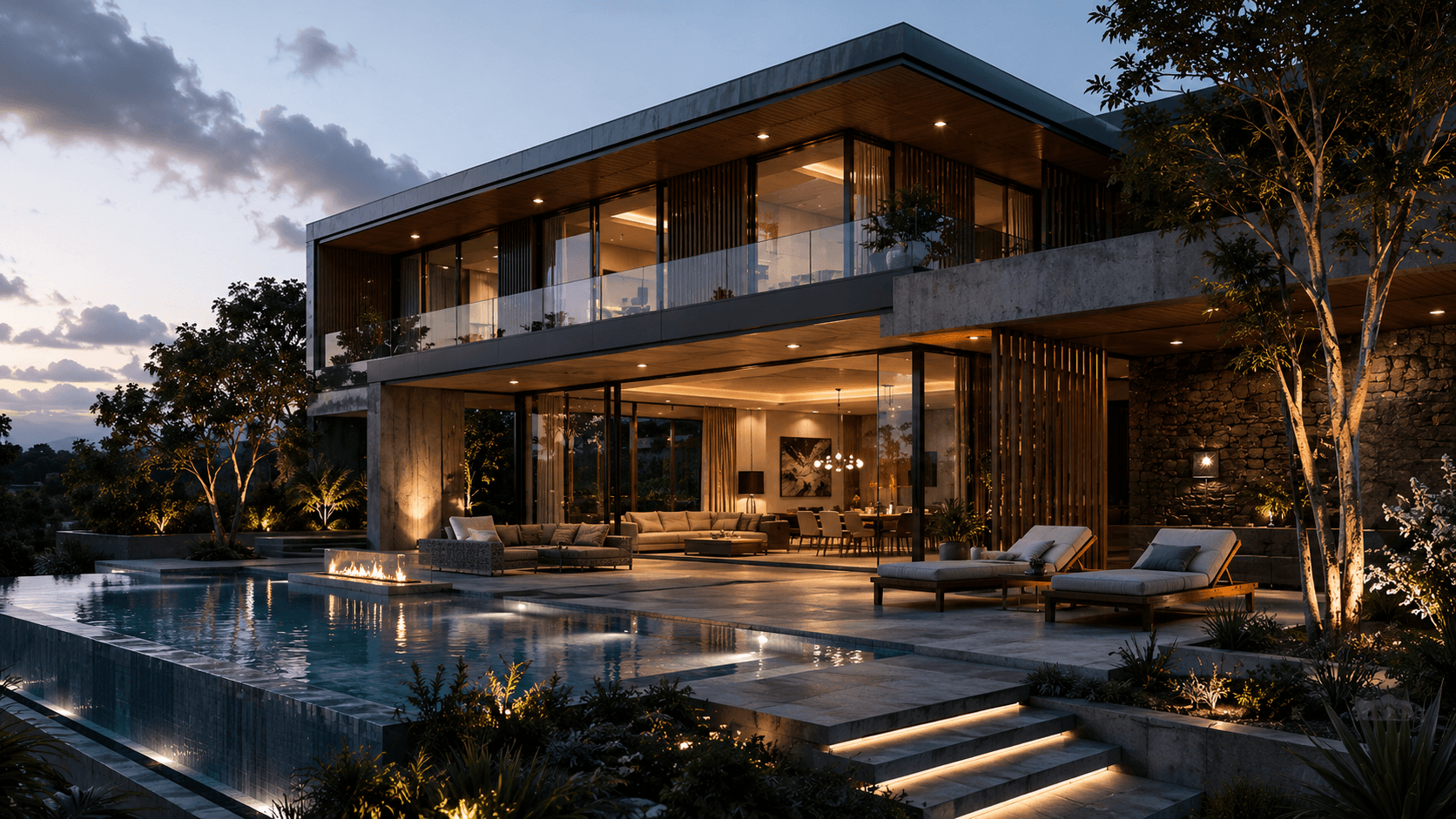
V-Ray for Maya is a professional rendering engine developed by Chaos. It is widely used for photorealistic rendering in architecture, product visualization, commercials, animation, and visual effects.
V-Ray supports both CPU and GPU rendering, and is known for its realistic lighting, accurate materials, and flexible render settings. For Maya users, V-Ray is often seen as a powerful all-round renderer. It can handle still images, animation sequences, complex interiors, large environments, and production-level shading workflows.
|
Pros |
Cons |
|
Excellent photorealistic rendering quality |
More settings to learn than beginner-friendly renderers |
|
Supports both CPU and GPU rendering |
Can feel complex for new Maya users |
|
Strong lighting, global illumination, and material tools |
High-quality results may require careful optimization |
|
Widely used in archviz, product rendering, and commercials |
Heavy scenes may need strong hardware or render farm support |
|
Good support for AOVs, render elements, and production pipelines |
GPU rendering depends on available VRAM |
Best Use Cases
V-Ray is one of the best renderers for Maya when you need clean, realistic, and controllable results. It is especially useful for:
- Architectural visualization
- Interior and exterior rendering
- Product rendering
- Automotive visualization
- Advertising and commercial projects
- Realistic environment shots
- Animation with detailed lighting and materials
Who Should Use V-Ray?
V-Ray is a good choice for Maya artists who want a flexible renderer that works well across many project types. You should consider V-Ray if you:
- Need photorealistic rendering in Maya
- Work in archviz, product design, advertising, or commercials
- Want both CPU and GPU rendering options
- Need detailed control over lighting, materials, and render passes
- Work with a studio pipeline that already uses Chaos tools
- Render large still images or animations that may require a render farm
Redshift for Maya
What Is Redshift?
Redshift for Maya is a GPU-accelerated renderer developed by Maxon. Unlike traditional CPU renderers, Redshift is built to use the power of modern graphics cards, which makes it very fast for many production workflows.
Redshift is a biased renderer, meaning it uses smart optimization techniques to speed up rendering while still producing high-quality images. It is widely used in motion graphics, animation, commercials, product visualization, stylized rendering, and GPU-based 3D production.
|
Pros |
Cons |
|
Very fast GPU rendering in Maya |
Requires a powerful GPU for best performance |
|
Great for quick previews and look development |
Large scenes can be limited by GPU VRAM |
|
Strong balance between speed and image quality |
Not ideal for users with weak or unsupported graphics cards |
|
Good support for animation, motion graphics, and commercial work |
Some advanced scenes may need careful optimization |
|
Efficient for artists who need many revisions |
Hardware setup matters more than with CPU renderers |
Best Use Cases
Redshift is one of the best Maya renderers when speed and iteration are the main priorities. It is especially suitable for:
- Motion graphics
- Commercial animation
- Product rendering
- Stylized 3D visuals
- Fast look development
- GPU-based animation workflows
- Projects with tight deadlines and many revisions
Who Should Use Redshift?
Redshift is a strong choice for Maya users who want fast rendering and already have suitable GPU hardware. You should consider Redshift if you:
- Need faster render times in Maya
- Prefer GPU rendering over CPU rendering
- Work on animation, commercials, motion graphics, or product visuals
- Need quick feedback while adjusting lights and materials
- Have NVIDIA GPUs with enough VRAM for your scene size
- Want a renderer that balances speed, quality, and production control
Arnold vs V-Ray vs Redshift: Which Renderer Is Best?
When comparing Arnold vs V-Ray vs Redshift for Maya , the best choice depends on your project type and rendering priority.
Arnold is the best choice for most Maya users who need stability and production reliability. It is built into Maya, easy to start with, and widely used in animation, VFX, and film workflows. If you are rendering characters, cinematic lighting, hair, fur, volumes, or complex scenes, Arnold is usually the safest option.
V-Ray is the best choice for photorealistic rendering in Maya. It is especially strong for architectural visualization, interiors, product rendering, automotive work, and commercial visuals. If your goal is realistic glass, metal, fabric, natural light, or detailed material control, V-Ray gives you more flexibility.
Redshift is the best choice for fast GPU rendering in Maya. It is ideal for artists who need quick previews, fast look development, and shorter render times. If you work on motion graphics, animation, stylized visuals, or deadline-heavy commercial projects, Redshift can save a lot of production time.
For beginners, Arnold is often the easiest renderer to start with because it already comes with Maya. For artists focused on realism, V-Ray may be the better long-term choice. For users with powerful GPUs, Redshift is often the fastest and most efficient option.
In short, choose Arnold for stability, V-Ray for photorealism, and Redshift for speed. The best Maya renderer is the one that matches your scene type, hardware, deadline, and production workflow.
CPU vs GPU Rendering in Maya
In Maya, CPU rendering uses the computer’s processor, while GPU rendering uses the graphics card. Both can produce high-quality results, but they behave differently in real production.
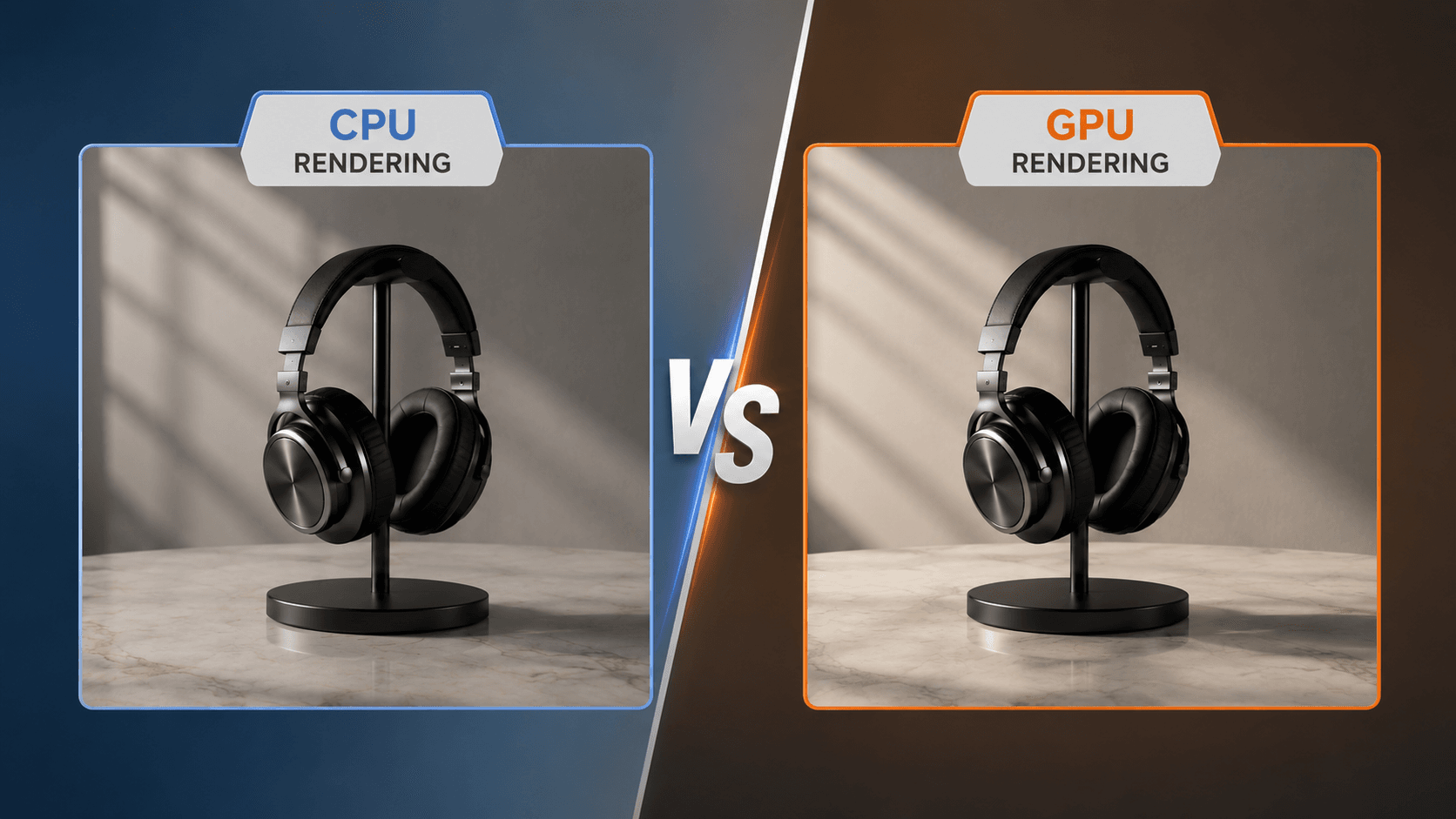
CPU rendering is often preferred for very complex scenes. It can handle large assets, heavy geometry, simulations, hair, volumes, and high-resolution textures more flexibly. Renderers like Arnold CPU are still trusted in many film, animation, and VFX pipelines because they are stable and predictable.
GPU rendering is usually faster for previews, look development, and many final renders. Renderers such as Redshift, V-Ray GPU, and Arnold GPU can give artists quick feedback when adjusting lights, materials, and cameras. The main limitation is GPU memory. If a scene is too large for the available VRAM, performance may drop or the render may fail.
In simple terms, choose CPU rendering when stability and large-scene handling matter most. Choose GPU rendering when speed and fast iteration are more important. For many Maya artists, the best workflow is not CPU or GPU only, but using both depending on the project.
>> If you want to learn more about CPU and GPU rendering, please refer to: CPU vs GPU Rendering: Which Is Better for Your Projects?
How Render Farms Improve Maya Rendering Workflows
Even with a strong workstation, Maya rendering can become slow when a project includes long animations, high samples, complex lighting, or heavy simulations. This is where a Maya render farm can help.
A render farm splits rendering tasks across many machines, so artists do not need to wait for one local computer to finish every frame. This is especially useful for animation sequences, tight deadlines, 4K or 8K output, and scenes created with Arnold, V-Ray, Redshift, RenderMan, or Octane.
For studios and freelancers, render farms also reduce the risk of blocking daily work. Instead of tying up your main workstation overnight, you can upload the scene, render in the cloud, and continue working on revisions or other shots.
If you need cloud rendering for Maya, Fox Renderfarm is a practical option to consider. It supports major Maya renderers and is designed for artists who need stable, scalable rendering without building an in-house farm. For heavy scenes or urgent deadlines, using a render farm can make the whole Maya rendering workflow much easier to manage.

FAQs about Best Renderers for Maya
Which renderer comes with Maya?
Arnold comes with Autodesk Maya as the default renderer. Maya includes the Arnold plug-in, also known as MtoA, so you can render directly inside Maya without installing a separate third-party render engine.
Is Arnold free with Maya?
Arnold is included with Maya, but usage depends on the license. If you have an active Maya subscription, you can use Arnold inside Maya for interactive rendering and local rendering. For larger batch rendering or network rendering, additional Arnold licensing may be required depending on your setup.
Which Maya renderer is fastest?
Redshift is often one of the fastest renderers for Maya because it is built for GPU rendering. It is especially fast for previews, look development, animation, and deadline-heavy production. However, the actual speed depends on your GPU, scene size, render settings, and available VRAM.
Is Redshift better than Arnold?
Redshift is better than Arnold for speed, while Arnold is better for stability and deep Maya integration. The better choice depends on whether your priority is render speed, image consistency, hardware, or production reliability. Redshift is a strong choice for fast GPU rendering and quick iterations. Arnold is often preferred for film, VFX, character work, hair, volumes, and complex production scenes.
What is the best GPU renderer for Maya?
Redshift is one of the best GPU renderers for Maya , especially for artists who need fast rendering, interactive previews, and efficient animation workflows. V-Ray GPU and Arnold GPU are also good options, depending on your project type.
Conclusion
This article compared the best renderers for Maya, including Arnold, V-Ray, and Redshift, and explained how to choose between CPU rendering, GPU rendering, and render farm workflows. In short, Arnold is best for stability, V-Ray is best for photorealism, and Redshift is best for speed. If you need extra rendering power for heavy Maya scenes or tight deadlines, Fox Renderfarm is a reliable cloud render farm to consider.